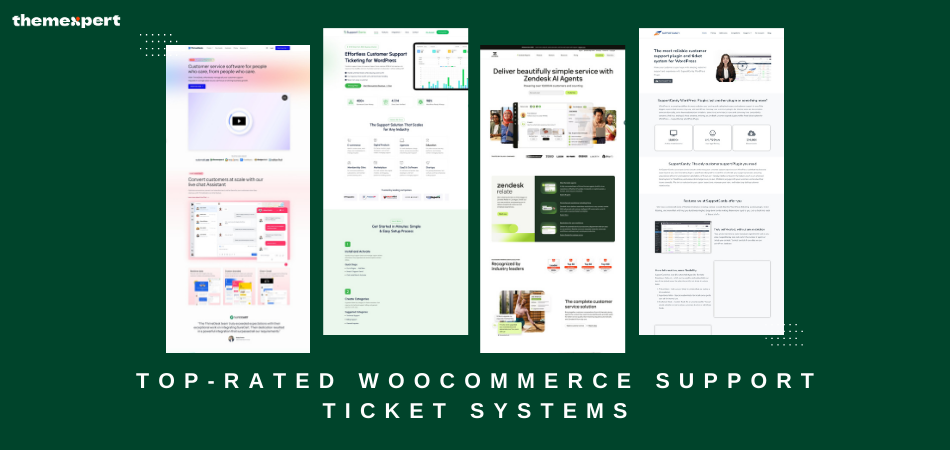
Running a WooCommerce store is exciting, but let’s be honest, customer support can get overwhelming really fast. Emails start piling up. Messages come in from every direction. You try your best to keep track, but some questions slip through the cracks.
That’s when customers get frustrated, and you risk losing sales. Sound familiar?
That’s exactly why a WooCommerce support ticket system makes such a big difference. It helps you stay organized, respond faster, and keep your customers happy. And when your customers are happy, your business grows.
If you’ve been thinking about upgrading how you manage support, this guide is for you. We’ve gathered the top WooCommerce helpdesk plugin options and support ticket systems for 2025 and broken them down to help you figure out what’s best for your store, your team, and your goals.
Why Your WooCommerce Store Needs a Support Ticket System?
Imagine this: a customer reaches out asking about their recent order. You can’t find their email, you're not sure who on your team last replied, and now the customer is frustrated. Sound familiar?
That’s exactly what a support ticket system solves.
Instead of juggling messages across different platforms, everything comes into one place. Tickets are tracked, assigned, prioritized, and organized, all in a way that helps your team stay on top of every request.
Here’s why smart WooCommerce store owners are using support ticket systems:
-
Keep everything organized so nothing gets missed
-
Save time with automation and canned replies
-
Track performance and find areas to improve
-
Give customers peace of mind with fast, reliable responses
-
Scale your support team without chaos
Whether you use a full-featured WooCommerce support plugin or a lightweight WooCommerce customer support plugin, the right tool makes life easier for you and better for your customers.
Quick Comparison of Top WooCommerce Support Ticket Systems
| Plugin Name | Key Features | Starting Pricing | Best For |
|---|---|---|---|
| ThriveDesk | WooCommerce integration, live chat, automation, AI replies, analytics | $29/month | Growing stores that need all-in-one support |
| WSDesk | Unlimited agents, ChatGPT help, automation, email piping, local data | $99/year | Stores focused on data privacy and automation |
| Support Candy | WooCommerce sync, custom fields, frontend forms, email piping | $59.99/year | Businesses scaling their support |
| SupportGenix | Simple dashboard, WooCommerce sync, unlimited agents, email templates | $59/year | Store owners who want easy setup and use |
| Awesome Support | Add-on support, SLAs, order linking, private notes | Free + Addons | Users who want custom workflows |
| Help Scout | Email support, WooCommerce customer view, reports, team inbox | $20/user/month | Teams that work mostly via email |
| Zendesk | Multichannel support, automation, analytics, integrations | $19/user/month | Larger businesses with high-volume support |
| Plugify | Order and general ticket handling, dashboard, alerts | $59/year | Smaller stores with straightforward needs |
Top 8 WooCommerce Support Ticket Systems
1. ThriveDesk
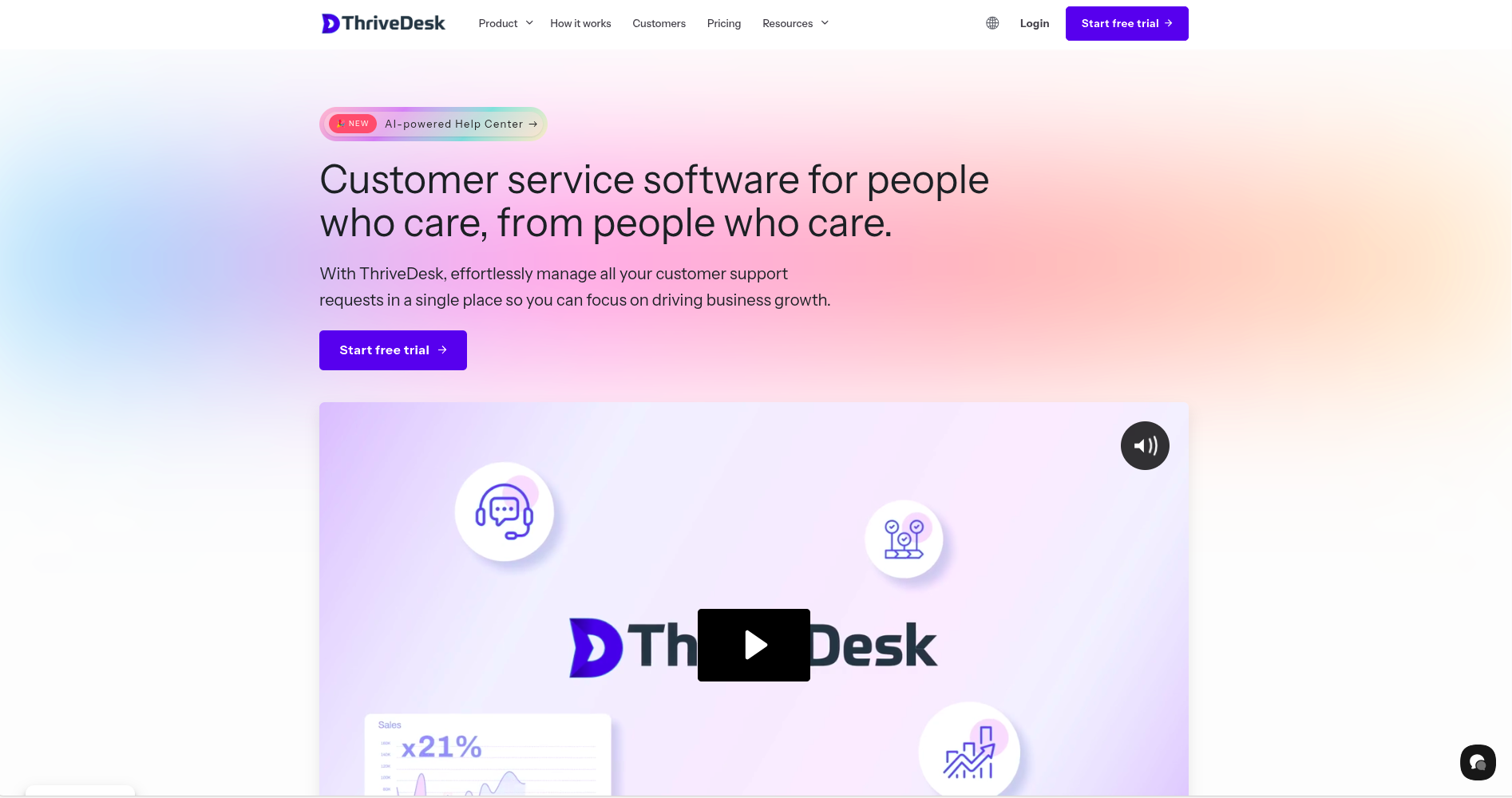
ThriveDesk feels like customer support was made simple just for WooCommerce. Its smooth integration pulls in customer order details automatically, saving your team from having to dig for info.
ThriveDesk WooCommerce integration makes support fast, personal, and effective.
Top Features
-
Live chat
-
Shared inbox
-
WooCommerce order syncing
-
Smart automations
-
AI-generated replies
Pros
-
Beautiful and intuitive interface
-
Easy setup even if you're not technical
-
Outstanding value for growing stores
Cons
- Mobile app has some limitations compared to the web version
Best For Store owners who want a complete, modern support solution
Start free trial
2. WSDesk
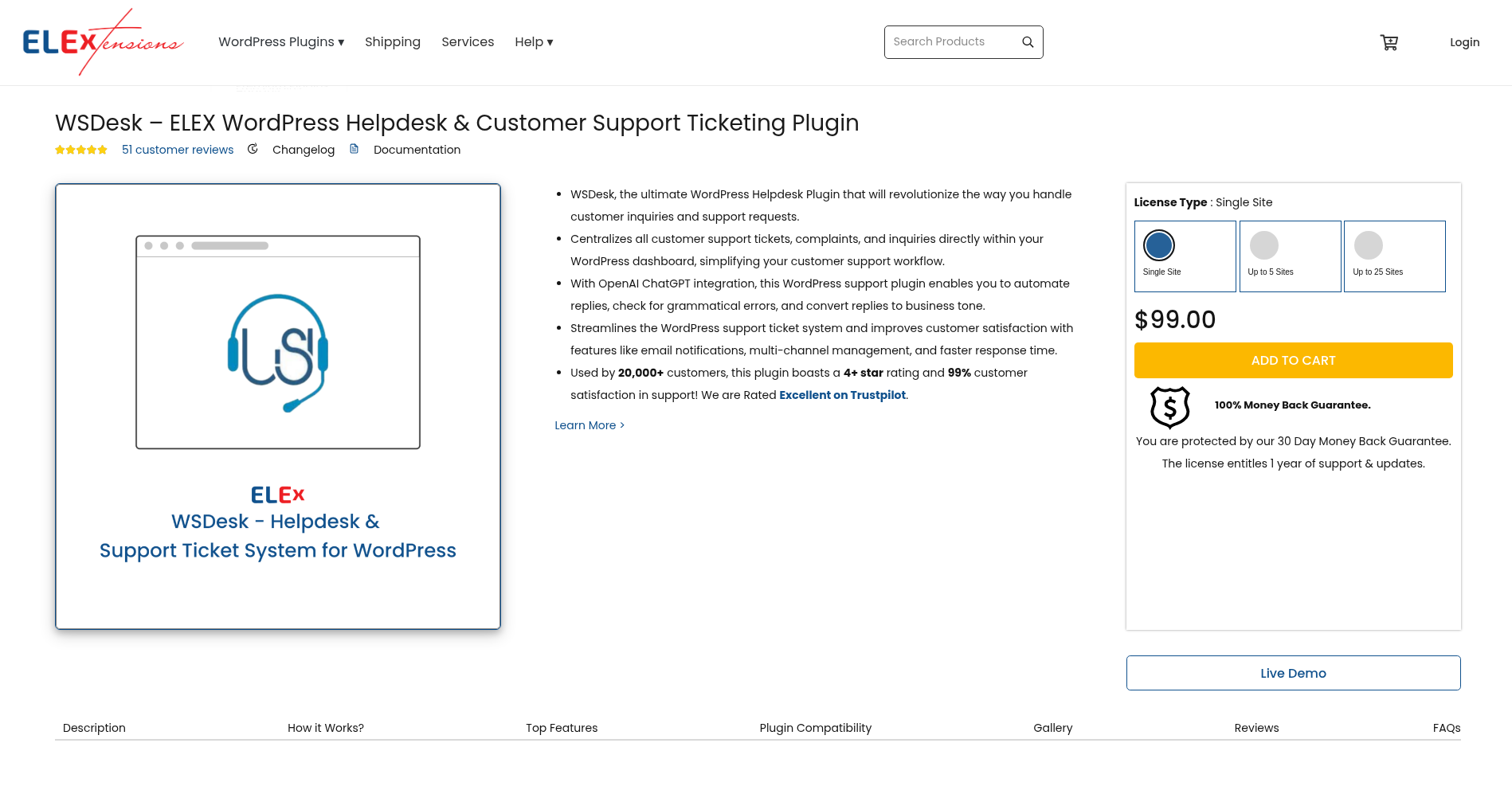
WSDesk gives you full control of your support data, everything is stored on your own server. It’s packed with automation and even uses ChatGPT to help draft replies.
Top Features
-
Unlimited tickets and agents
-
Email piping
-
WooCommerce sync
-
Automation rules
-
ChatGPT assistant
Pros
-
Advanced automation out of the box
-
You keep all customer data
-
Great for developers and tech-savvy teams
Cons
-
Interface could use a refresh
-
Requires a bit more setup
Best For Teams that want maximum control and security
3. Support Candy
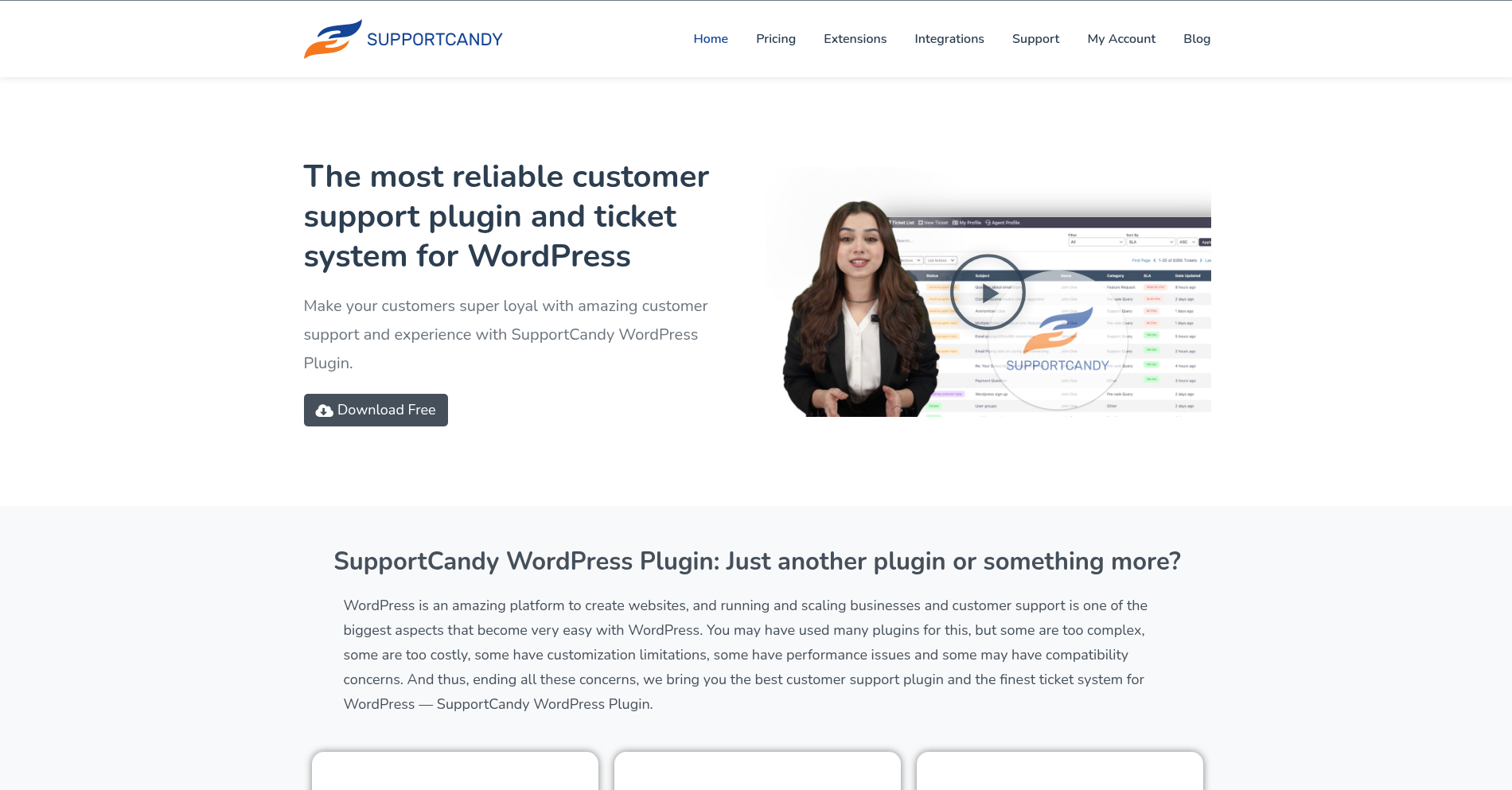
Support Candy is clean, capable, and cost-effective. With frontend ticket submission and WooCommerce sync, it’s ideal for growing support needs.
Top Features
-
Custom fields
-
Frontend ticket forms
-
Email piping
-
Agent assignment
-
WooCommerce integration
Pros
-
Very customizable
-
Solid features without high pricing
-
Works well for larger teams
Cons
-
Advanced features require add-ons
-
Lacks live chat
Best For Mid-sized stores looking to streamline support
4. SupportGenix
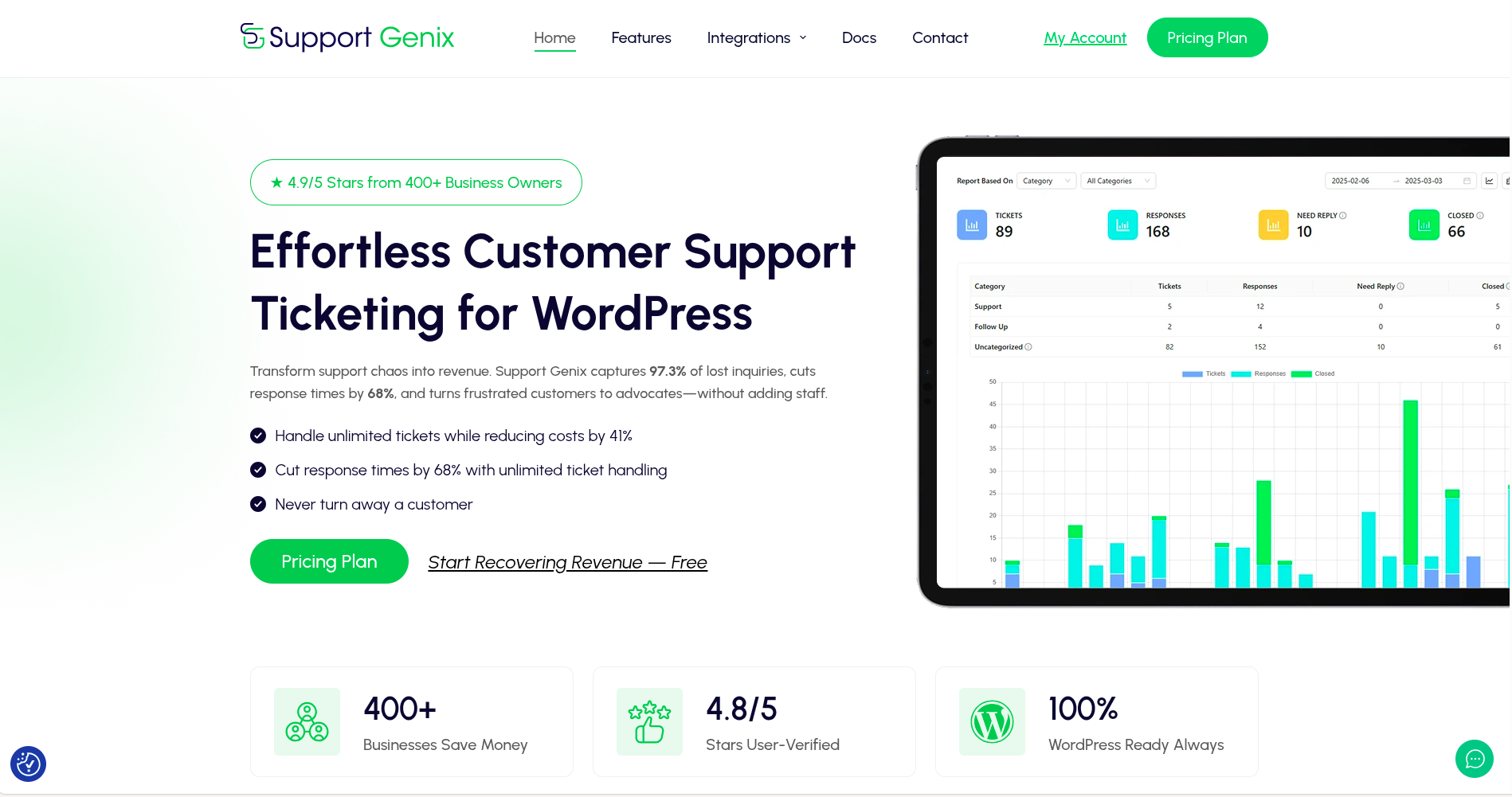
SupportGenix focuses on simplicity without skipping key features. It’s designed to get you up and running quickly, especially if you’re new to support plugins.
Top Features
-
WooCommerce order sync
-
File attachments
-
Email templates
-
Clean interface
-
Unlimited agents
Pros
-
Very beginner-friendly
-
Affordable
-
Handles the basics well
Cons
-
No automation tools
-
Missing real-time chat
Best For New store owners or solo entrepreneurs
5. Awesome Support
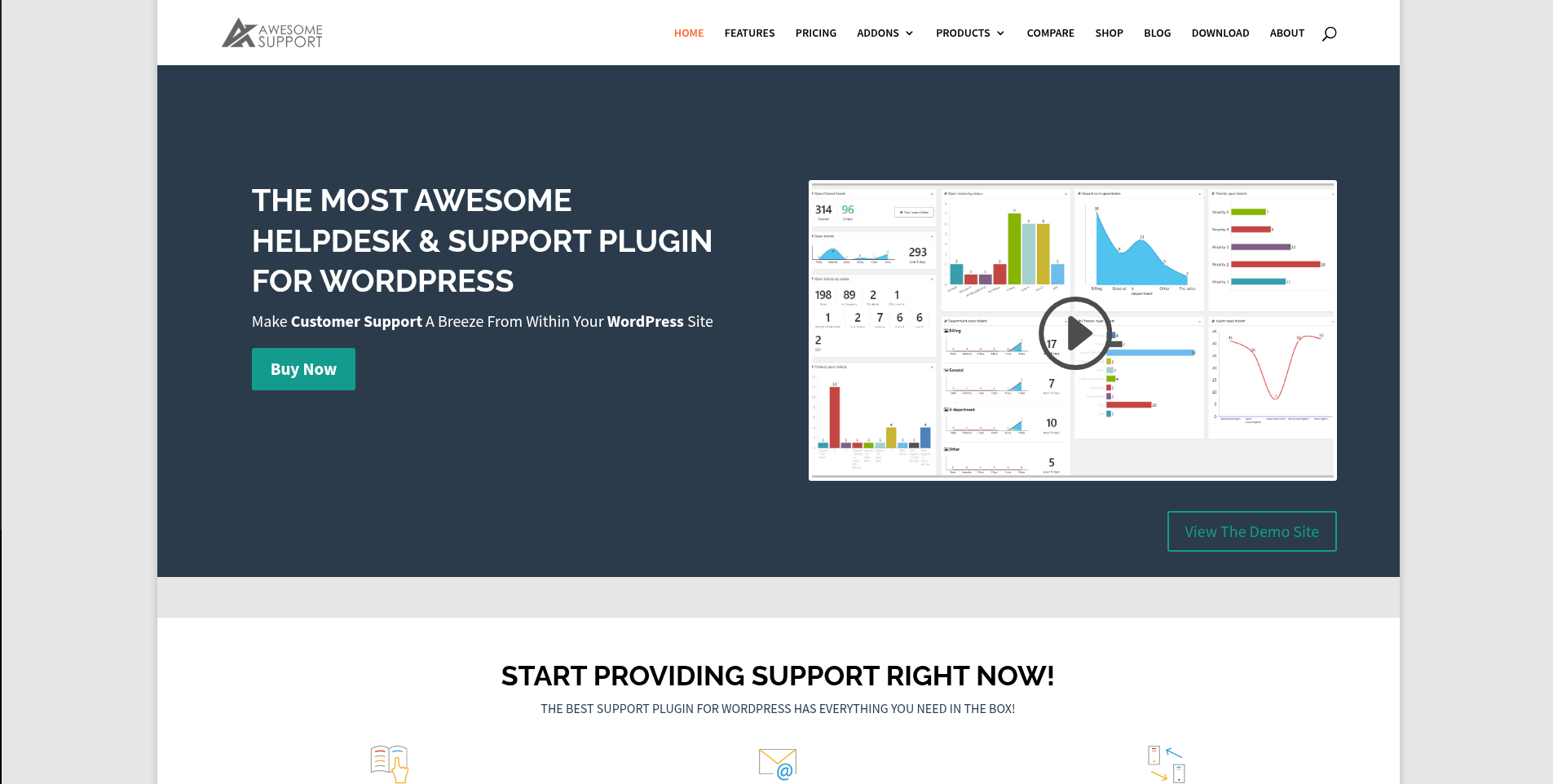
Awesome Support is highly customizable and works great if you want full control over your support workflow. It’s a favorite among developers and agencies.
Top Features
-
Add-on library
-
SLA tracking
-
Private notes
-
Custom ticket fields
-
WooCommerce product linking
Pros
-
Lots of add-ons for advanced features
-
Free version is usable
-
Great support community
Cons
-
Interface feels outdated
-
Premium features can add up
Best For Teams that need flexible and customizable support
6. Help Scout

Help Scout makes email support feel modern and team-friendly. It syncs with WooCommerce and gives you customer info right next to every message.
Top Features
-
Team inbox
-
WooCommerce integration
-
Satisfaction ratings
-
Workflows
-
Knowledge base
Pros
-
Fantastic for email-centric teams
-
Easy to use and clean UI
-
Solid reporting
Cons
-
Charges per user
-
No built-in chat
Best For Support teams that handle most issues via email
7. Zendesk
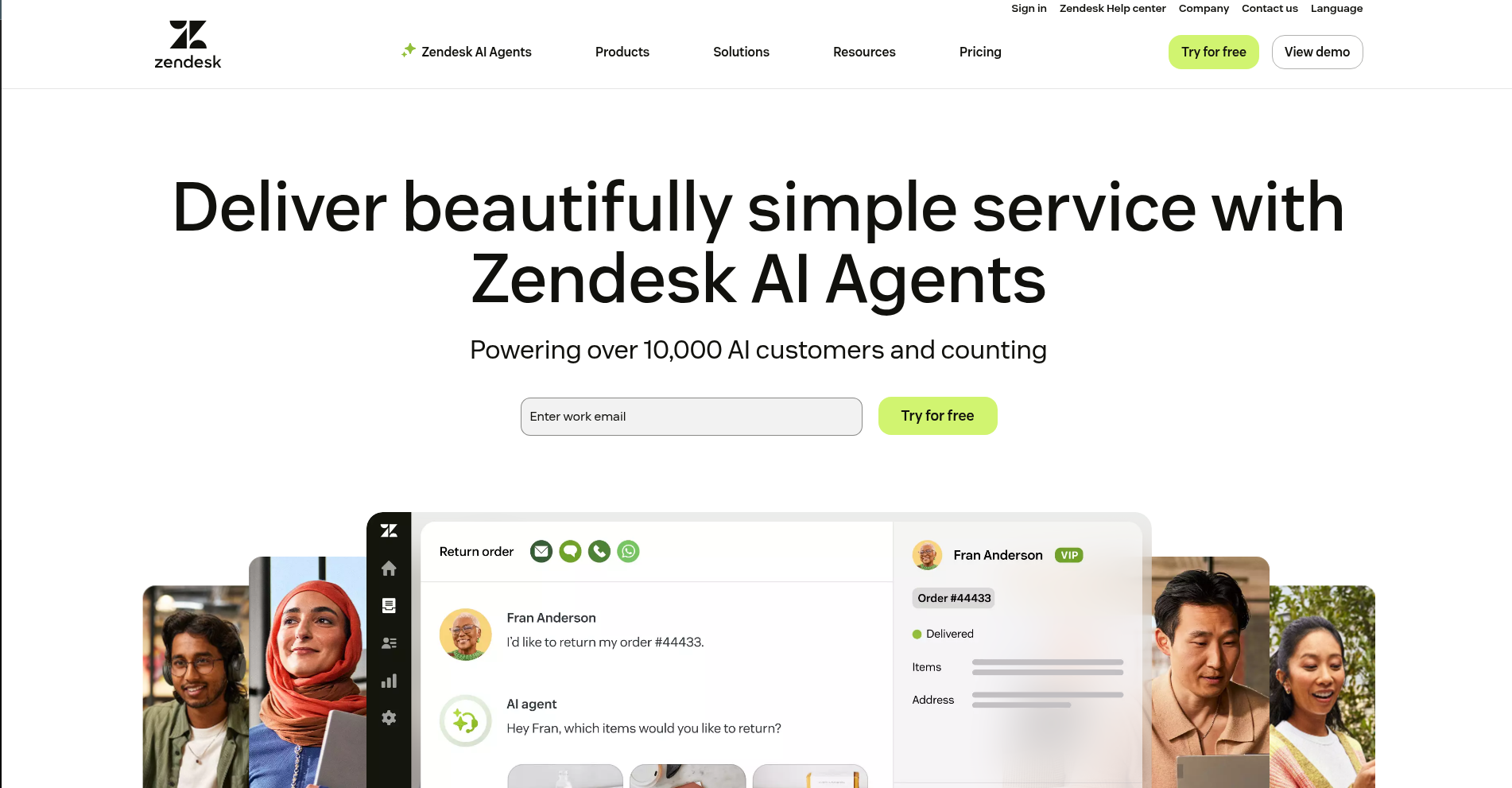
Zendesk is the big player in customer support. If you have a large team and want every feature imaginable, Zendesk can do it.
Top Features
-
Multichannel support
-
Automation tools
-
Reporting dashboards
-
App integrations
-
WooCommerce sync
Pros
-
Enterprise level features
-
Huge ecosystem
-
Extremely scalable
Cons
-
Can be overwhelming
-
Pricey for small teams
Best For Large eCommerce operations with multiple support agents
8. Plugify Support System
Plugify is perfect if you want a simple, straightforward ticket system. It’s clean, functional, and ideal for smaller teams.
Top Features
-
Customer dashboard
-
Order ticketing
-
Email notifications
-
File upload
-
Form customization
Pros
-
Lightweight and efficient
-
Quick to set up
-
Great for WooCommerce newbies
Cons
-
No automation features
-
Basic reporting
Best For Small stores or local brands just getting started
Feature Comparison Table
| Plugin Name | WooCommerce Integration | Live Chat | Automation | AI Replies | Custom Fields | Email Notifications | WooCommerce Order Sync |
|---|---|---|---|---|---|---|---|
| ThriveDesk | ✅ | ✅ | ✅ | ✅ | ✅ | ✅ | ✅ |
| WSDesk | ✅ | ❌ | ✅ | ✅ | ✅ | ✅ | ✅ |
| Support Candy | ✅ | ❌ | ✅ | ❌ | ✅ | ✅ | ✅ |
| SupportGenix | ✅ | ❌ | ❌ | ❌ | ✅ | ✅ | ✅ |
| Awesome Support | ✅ | ❌ | ✅ | ❌ | ✅ | ✅ | ✅ |
| Help Scout | ✅ | ❌ | ✅ | ❌ | ✅ | ✅ | ✅ |
| Zendesk | ✅ | ✅ | ✅ | ❌ | ✅ | ✅ | ✅ |
| Plugify | ✅ | ❌ | ❌ | ❌ | ✅ | ✅ | ✅ |
Which WooCommerce Support Ticket System Is Right for You?
Let’s be real for a second. You’re not just picking a plugin. You’re choosing how your customers experience support from your brand.
If you want something that feels modern, works beautifully with WooCommerce, and gives you everything from live chat software to AI powered replies, go with ThriveDesk.
If control and privacy matter most to you, WSDesk is a great choice. And if you’re all about customizing every piece of your workflow, Awesome Support might be your best friend.
No matter which you pick, just know this. Having a proper WooCommerce support ticket system will save you time, make your life easier, and leave your customers feeling cared for.
And that’s how you grow a store people love.