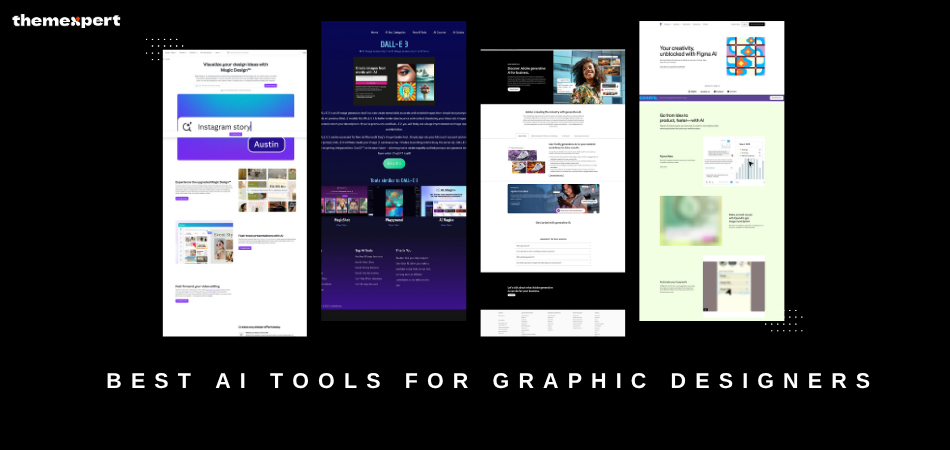
Creating art, making logos, and crafting posters is like playing with colors or toy blocks. Yet, it can be a bit hard. You might not know what to create, or how to make it look really cool.
That's fine, because by 2026, we will have some great help. These helpers aren't people; they're smart machines.
We call these AI tools. AI stands for Artificial Intelligence. That sounds complex, but it just means a computer that can think and lend a hand.
These tools act like robot pals who adore making art. They assist in drawing, fixing photos, adding color, and even creating fresh designs on their own.
Some AI tools can set up posters with images, forms, and text. Some can design logos that look awesome.
Others can fix your art if there's a small slip. You can even share them with friends, like toys.
These clever aids are quick, kind, and enjoyable. Now, let’s find out the top AI tools for graphic creators. These are the tools aiding folks everywhere to make stunning art.
How to Choose the Right AI Graphic Design Tools
Picking the right AI tool is like choosing the best color for your drawing. Some tools excel in drawing, some in fixing photos, and others in creating posters with text and shapes.
Think about what you aim to create. Want to sketch animals? Craft a logo? Or mend a photo? Choose the tool that offers that help. The right AI tool will make your crafting fun and simple!
Here are some hints to pick:
What are you creating?
- If fixing images or tweaking designs is your need, try Adobe Sensei.
- For a speedy design, Canva's Magic Design is top choice!
- If you’re part of a team, pick Figma to collaborate in real, time.
- What support do you need?
- For creative images, DALL·E 3 is amazing, it crafts pictures from words.
- To edit photos and videos, give Runway ML a go.
How much can you spend?
- Tools like Figma and Canva are free (though with some limits).
- For full features, you might have to pay for Adobe Sensei, Runway ML, or DALL·E 3.
Top 7 AI Tools for Graphic Designers
1. Adobe Sensei
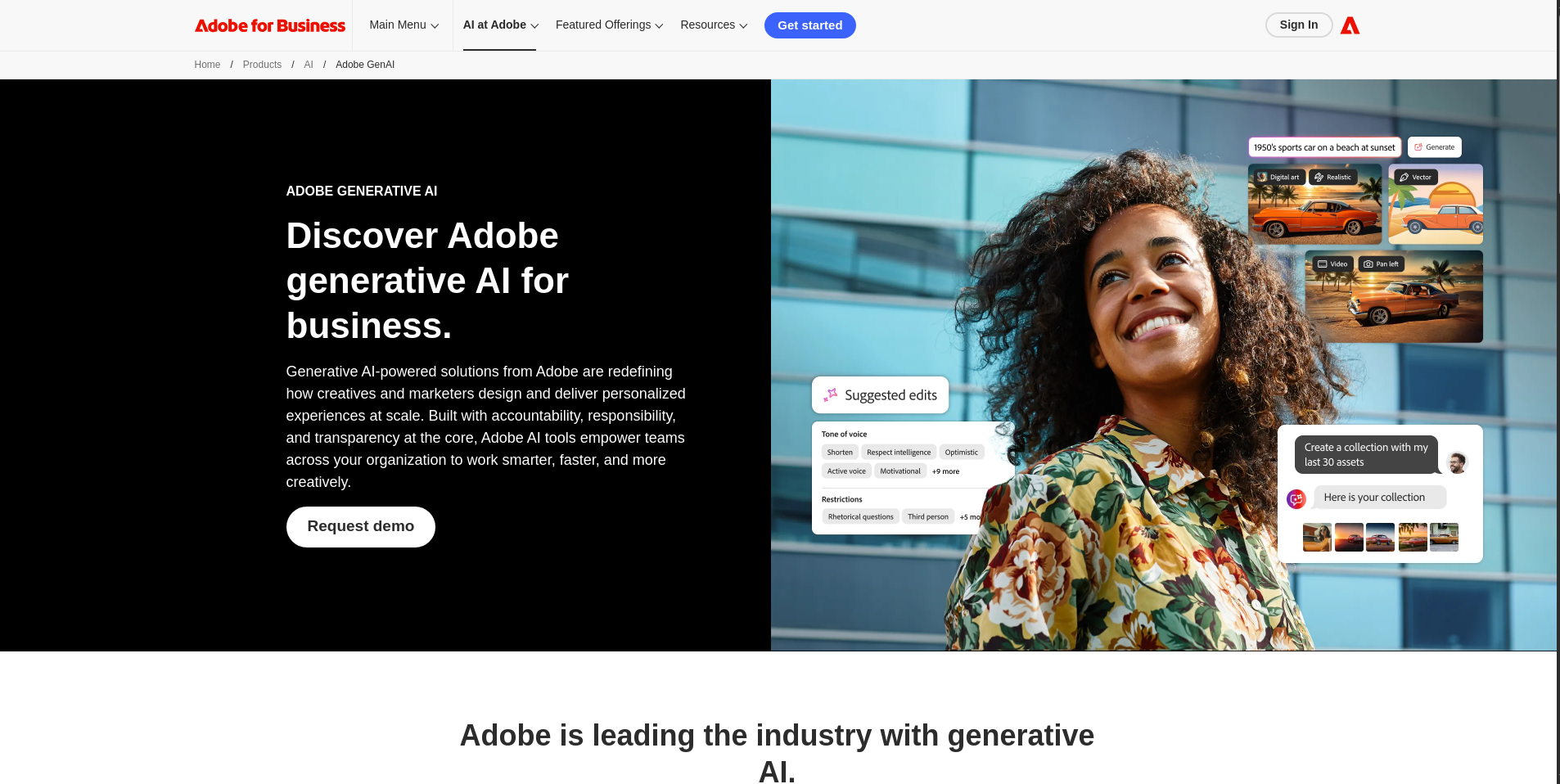
Adobe Sensei is a very smart tool that works inside Adobe apps like Photoshop and Illustrator. It aids designers in doing tasks quickly, such as fixing images or making new designs, through AI.
Main Features:
-
Helps edit images automatically.
-
Suggests new designs.
-
Organizes images for you.
| Pros | Cons |
|---|---|
| Works with popular Adobe tools | You need to pay for Adobe Creative Cloud |
| Saves time by automating tasks | Takes time to learn for beginners |
| Smart AI helps make better designs | Some tools might be hard to use |
Starting Price: Adobe Creative Cloud subscription required (around $20/month for individual apps).
Best For: Designers who use Adobe tools and want to save time on editing and organizing images.
2. Canva's Magic Design
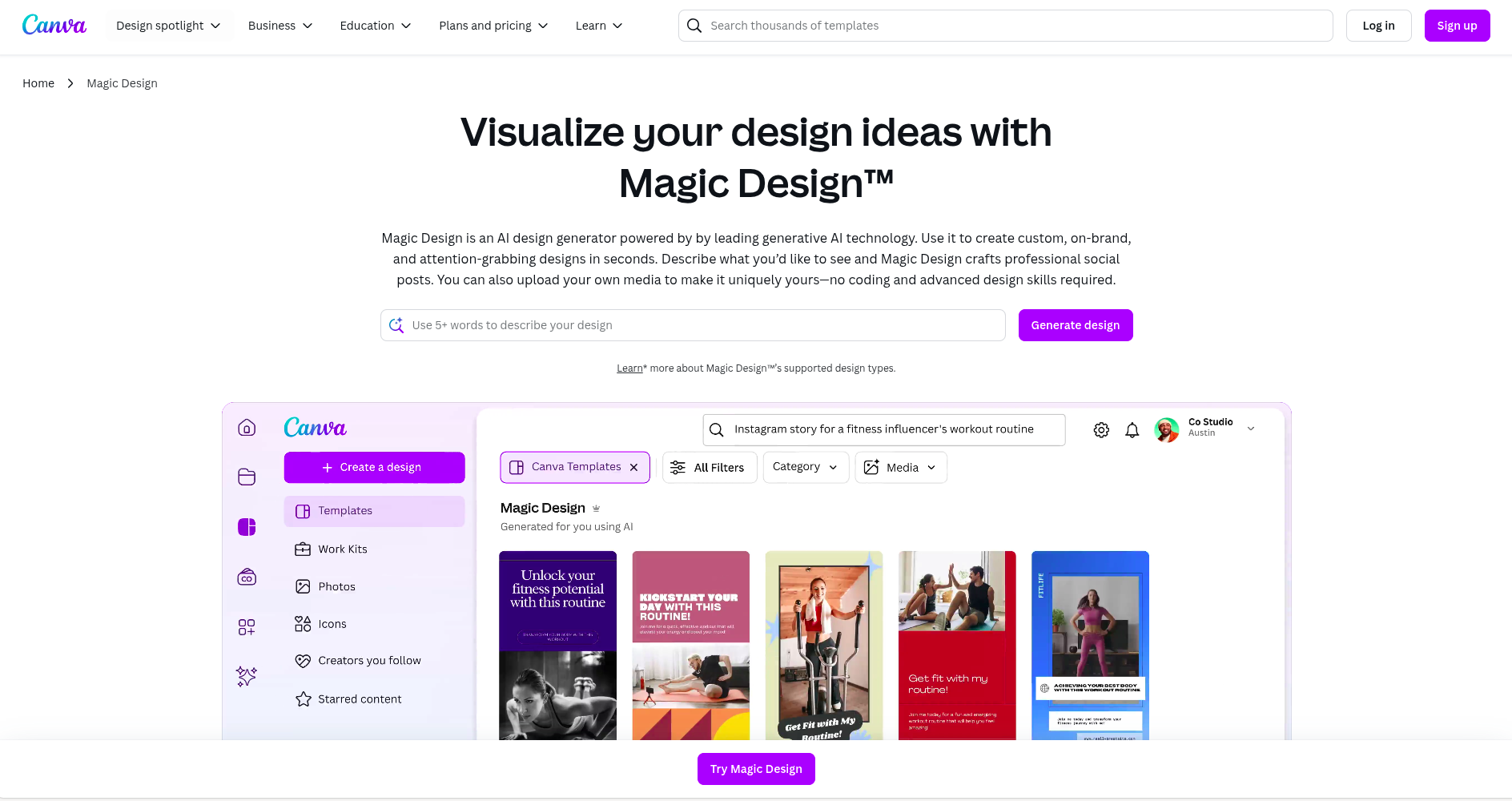
Canva is a cool, simple way to make designs. Canva's Magic Design uses AI to offer cool design ideas and setups for stuff like flyers or social media posts. It's great for fast designs!
Main Features:
-
Suggests design layouts based on what you need.
-
Huge library of templates.
-
Drag-and-drop feature to add elements to your design.
| Pros | Cons |
|---|---|
| Easy to use, even for beginners | Limited customization compared to other tools |
| Great for quick designs | Some features are only for paid users |
| Has lots of ready-made templates |
Starting Price: Free with basic features. Paid plans start at $12.99/month.
Best For: Beginners and people who want to create designs quickly without much hassle.
3. Design.com

Design.com is the #1 logo maker in the world, and it is easy to see why. With over 400,000 exclusive logo templates created by professional designers and a full suite of AI-powered tools, anyone can create stunning, professional branding in minutes.
Main Features:
- AI logo generator, AI website builder, AI flyers, AI posters, and more.
- Advanced AI logo editing via a simple chat interface.
- Over 750+ fonts, 62K+ custom vector shapes, and 618,000+ design templates.
- Templates automatically use your logo's colors for seamless branding.
|
Pros |
Cons |
|
World's largest logo library with 400K+ exclusive templates |
Geared toward simplicity, so seasoned designers may find it less hands-on |
|
AI chat interface makes editing logos quick and easy |
Accessible entirely through a browser with no dedicated desktop app |
|
All designs are 100% commercially safe to use |
Collaboration features are kept lightweight, making it best for solo users or small teams |
Starting Price: $3/month (billed annually). Free plan available.
Best For: Graphic designers and business owners who want professional, AI-powered branding tools with the biggest logo library in the world.
4. BrandCrowd

BrandCrowd is the most trusted logo generator on the web, boasting a 4.8 Trustpilot rating from over 9,000 reviews. It combines a massive library of 380,000+ exclusive, professionally designed logos with powerful AI tools that make creating and editing your brand identity fast and fun.
Main Features:
- AI logo generator, AI business name generator, and AI background remover.
- Chat-based AI logo editing that keeps all changes copyright-safe.
- Over 750+ fonts, 62K+ custom vector shapes, and 618,000+ design templates.
- 50+ branding tools, including websites, business cards, flyers, and social media posts.
|
Pros |
Cons |
|
Highest-rated logo maker with 9K+ verified Trustpilot reviews |
Focused on ease of use, which may feel limiting for designers who want more technical control |
|
Logos are exclusive to BrandCrowd and not sold anywhere else |
Not built with developer-heavy workflows in mind, though great for non-technical users |
|
Free plan includes a website builder, link-in-bio, and 50+ design tools |
Team-based features are fairly streamlined, suiting smaller groups over large organizations |
Starting Price: $3/month (billed annually). Free plan available.
Best For: Designers and entrepreneurs who want a highly trusted platform with exclusive, high-quality logo designs and smart AI editing tools.
Comparison Table: AI Tools for Graphic Designers
|
Tool |
Main Features |
Starting Price |
Best For |
|
Design.com |
AI logo generator, 400K+ templates, branding tools |
Free / $3/month |
Designers wanting a large, exclusive logo library |
|
BrandCrowd |
AI logo editing, 380K+ templates, 50+ design tools |
Free / $3/month |
Designers wanting a trusted, highly rated logo maker |
5. Figma's AI Features
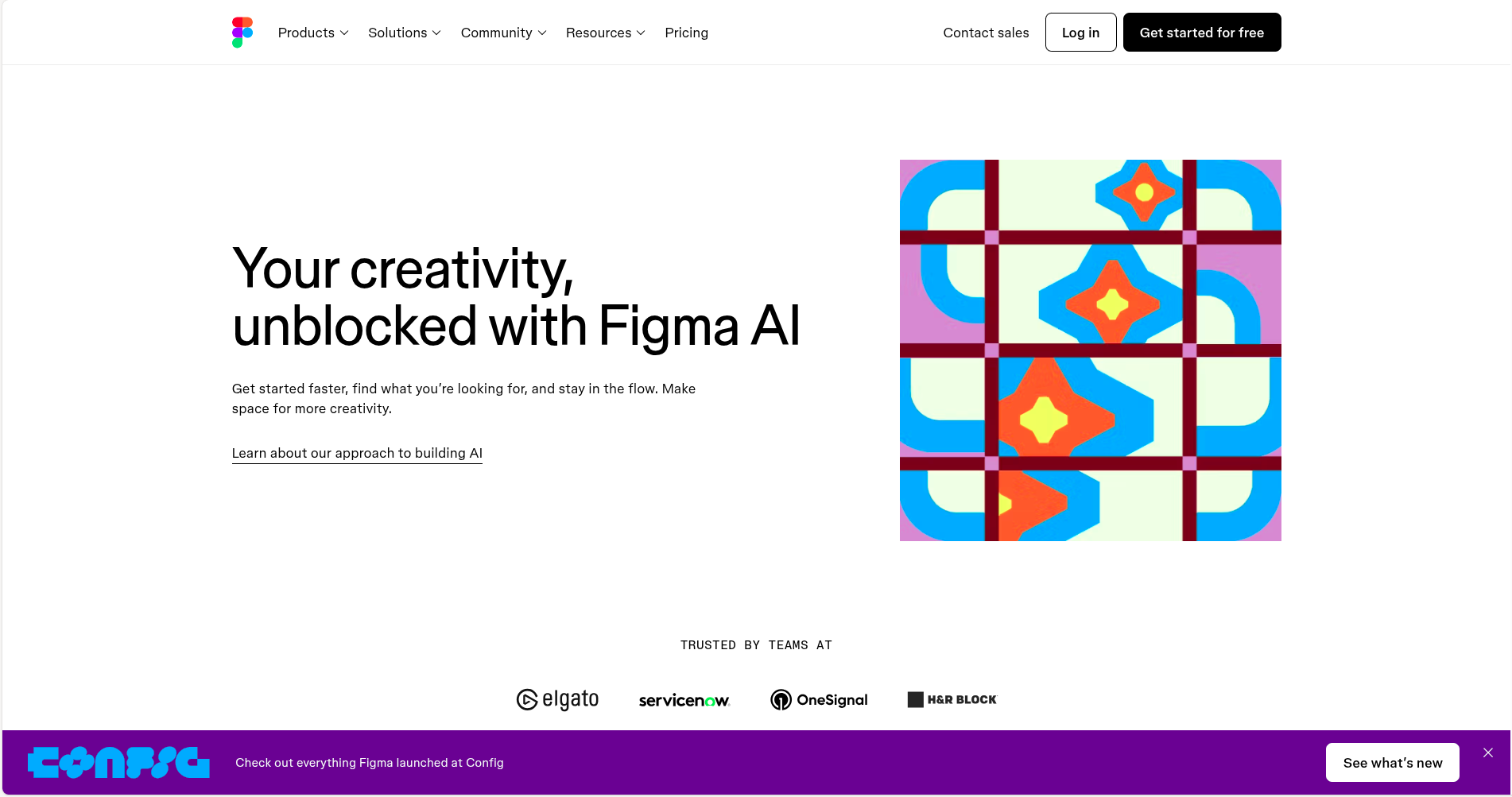
Figma is a fun tool that lets people team up and work on designs at once. With Figma's AI, it offers design tips and can even change designs into computer code!
Main Features:
-
AI gives suggestions to improve designs.
-
Lets teams work on designs together.
-
Can turn designs into website code.
| Pros | Cons |
|---|---|
| Great for teamwork and collaboration | Takes time to learn all the features |
| Turns designs into code easily | Needs an internet connection to use |
| Helps make website designs |
Starting Price: Free plan available. Paid plans start at $12/month.
Best For: Design teams and people who want to create websites or apps with designs.
6. DALL·E 3
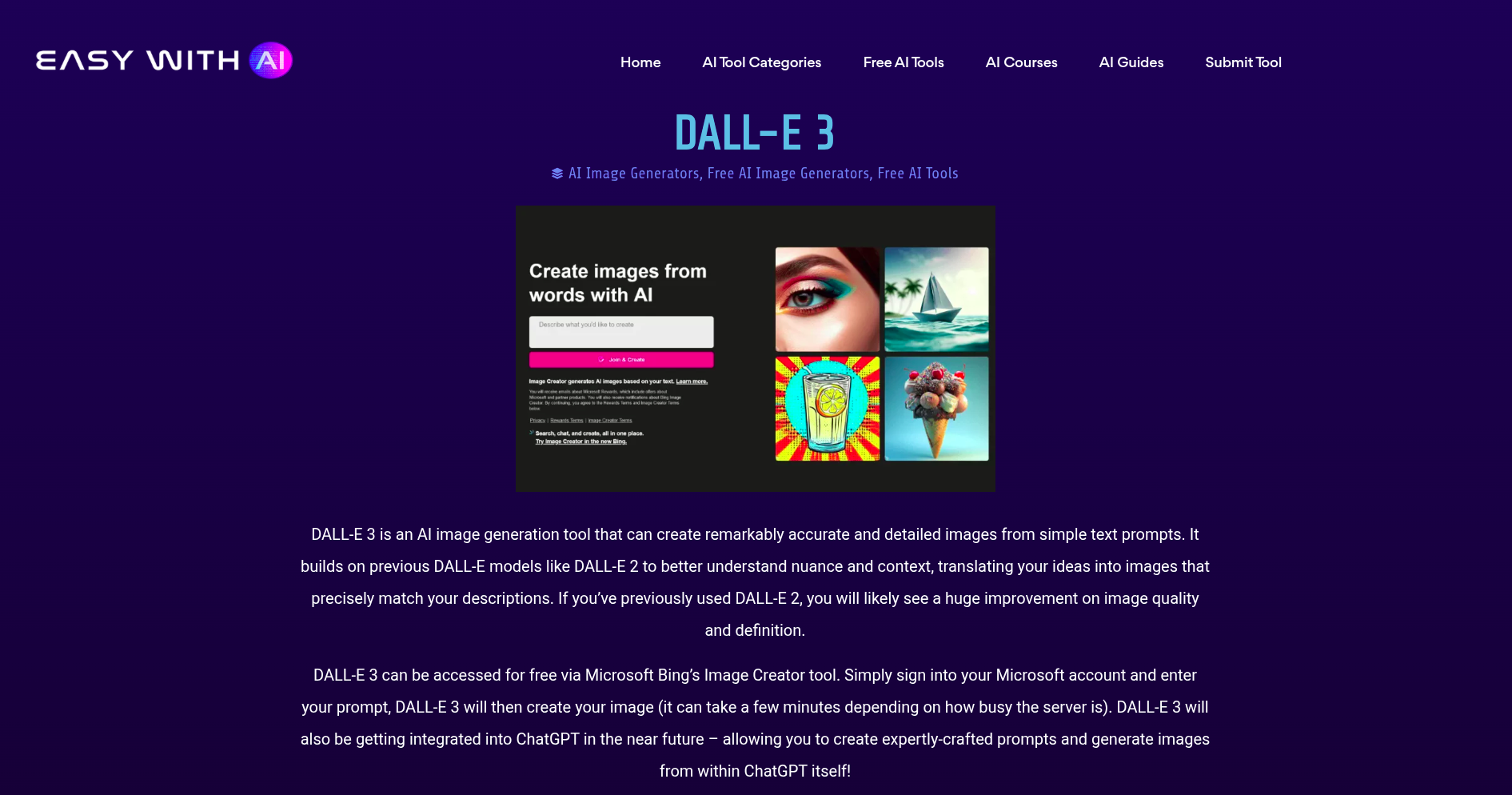
DALL·E 3 is a cool tool that makes pics from the words you write! Want a pic of a rainbow unicorn? DALL·E 3 can do that. It's great for putting fun and one, of, a, kind pics in your work.
Main Features:
-
Turns words into pictures (text-to-image).
-
Creates high-quality, creative images.
-
Allows style customization for images.
| Pros | Cons |
|---|---|
| Makes unique and creative images | Needs a few tries for perfect results |
| Saves time on drawing ideas | Some pictures might not look right at first |
| Great for adding fun images | Ethical questions about AI-generated art |
Starting Price: Paid plans start at $15/month.
Best For: Designers who need creative images quickly without drawing them.
7. Runway ML
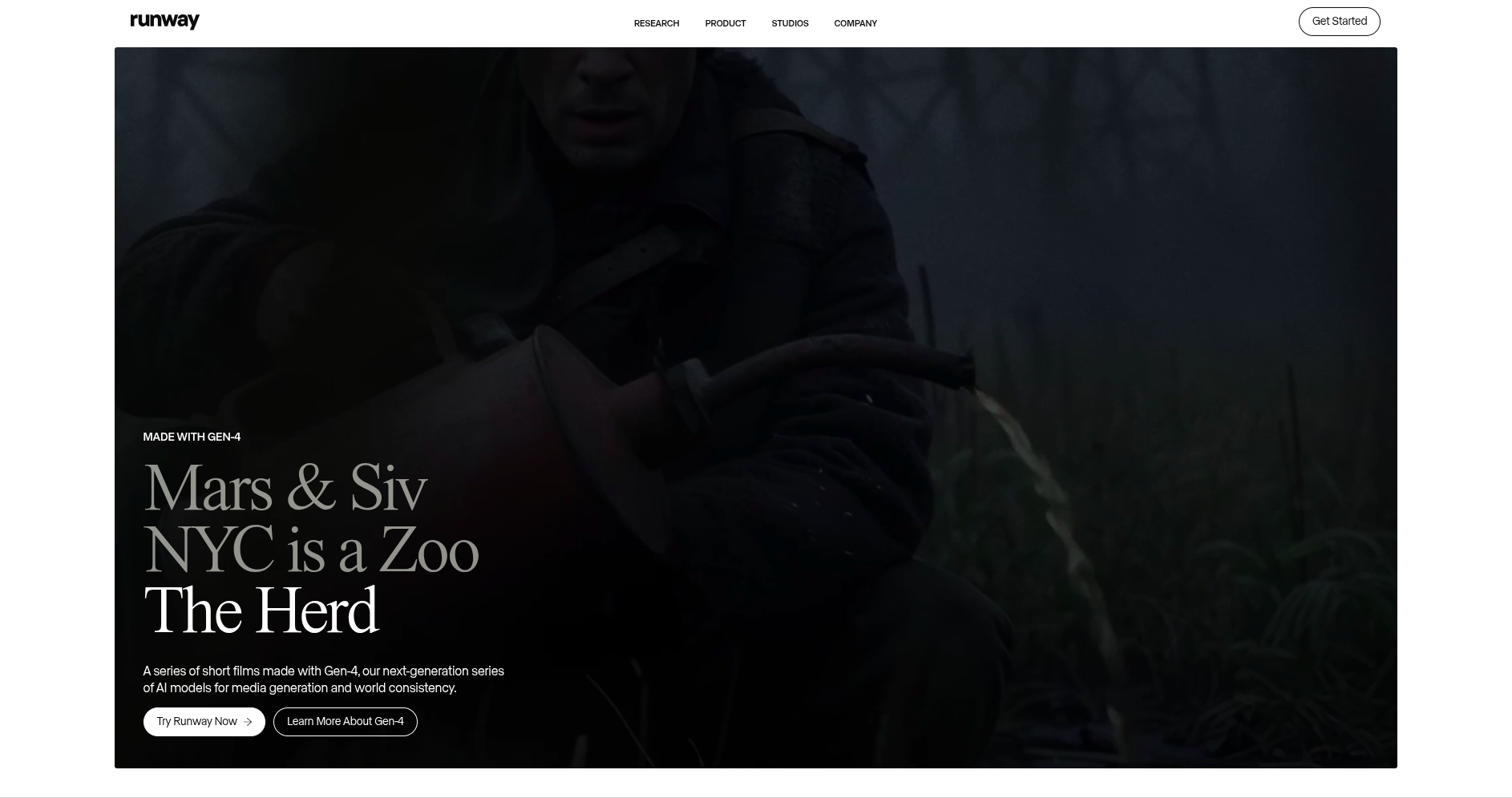
Runway ML is a cool tool for people who like to design stuff with photos and videos. It can do many fun things, like taking the back off pictures or putting neat effects in videos, making it great for all kinds of fun work!
Main Features:
-
AI-powered video editing and photo manipulation.
-
Real-time video editing.
-
Integrates with other design software.
| Pros | Cons |
|---|---|
| Can edit photos and videos | Might use a lot of your computer’s power |
| Easy to use and fun to play with | Some features need a paid subscription |
| Lots of creative options |
Starting Price: Paid plans start at $12/month.
Best For: Designers who need to work with both photos and videos and want easy-to-use tools.
Comparison Table: AI Tools for Graphic Designers
| Tool | Main Features | Starting Price | Best For |
|---|---|---|---|
| Adobe Sensei | Smart editing, automatic tagging, design suggestions | $20/month (Creative Cloud) | Designers using Adobe programs |
| Canva’s Magic Design | Design suggestions, templates, drag-and-drop | Free / $12.99/month | Beginners and quick design makers |
| Design.com | AI logo generator, AI website builder, AI flyers, AI posters, and more. | $3/month (billed annually) | Graphic designers and business owners who want professional |
| BrandCrowd | AI logo generator, AI business name generator, and AI background remover. | $3/month (billed annually). Free plan available. | |
| Figma | Collaboration, AI design suggestions, turns designs to code | Free / $12/month | Teams and website/app designers |
| DALL·E 3 | Text-to-image creation, style customization | $15/month | Creative designers needing unique images |
| Runway ML | Video and photo editing, real-time editing | $12/month | Designers working with videos and images |
Conclusion
By 2026, AI tools for graphic artists will make your tasks simple and more enjoyable. Fix photos, create new designs, or work with others; there is an AI tool for each job.
Pick the best tool for what you need, and you'll save time, get more creative, and create great designs.
Try them and enjoy!
Want to Learn More About AI Tools? Check These Out
Top 10 AI Video Generators You Need to Try in 2025
Top 12 AI Landing Page Builders for High-Converting Websites
Unlocking Success: The 15 Must-Have AI Marketing Tools for 2025
10 Stunning Framer Templates for Innovative AI Startups
Top AI Tools for Business Automation in 2025: Streamlining Operations for Maximum Efficiency
Top AI Productivity Tools in 2025: Supercharge Your Workflow
Top AI Tools in Healthcare for 2025: Revolutionizing Patient Care and Medical Operations