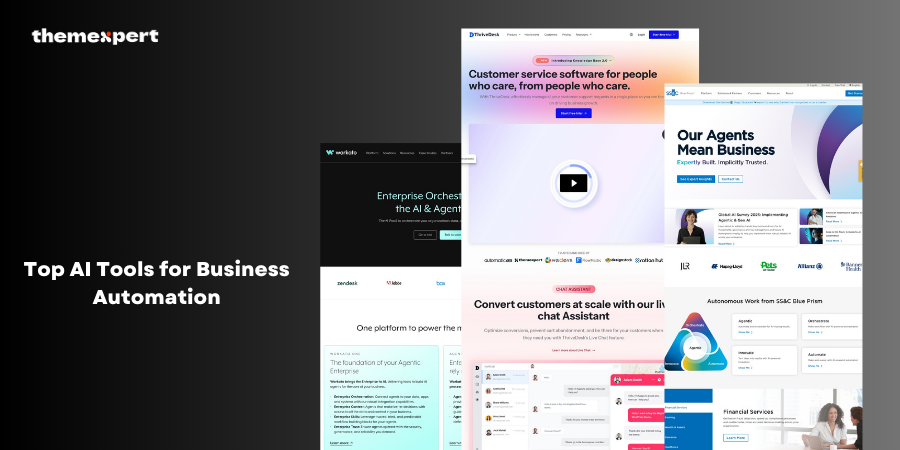
In order to maintain competitiveness and performance, businesses have no choice but to work smarter and leverage the numerous AI Tools for Business Automation available today at all levels of business.
AI Tools for Business Automation can be viewed like super-smart robot assistants that help people by performing repetitive and boring work, such as checking numbers or sorting email.
Instead of spending an entire day on (and usually with errors), the AI tools will do the boring work quickly and efficiently, 24/7.
However, AI special tools do assist with boring tasks, they also assist individuals in making better decisions. They analyze countless data points/information and assist companies on how to sell, save money, or support a client.
Organizations of all sizes implement these AI tools, great and small, to realize results through speed, time saving, and becoming more competitive than their competition.
By 2026, AI Tools for Business Automation will not be an extra nice to have, if companies want to perform well, business automation will need to be part of every company’s strategy!
We should use AI Tools for Business Automation
We want to have AI Tools for Business Automation because they make work easier, faster, and smarter. Think of it like having a robot buddy that helps you clean your room, do your homework and tells you when it is snack time.
How cool is that? That is what AI Tools for Business Automation do for businesses.
Here are some reasons why they are so helpful:
- They save time - Rather than people doing the same job over and over again, the AI tools do it in a flash. This creates more time for people to spend on bigger and more enjoyable problems.
- They don't get tired - People need to take breaks and go to sleep, but AI Tools can work all the time with out stopping.
- They make fewer mistakes - People can make mistakes if they are tired or in a hurry. AI tools follow instructions to the letter, so they are mostly right.
- They help people make quality decisions - AI tools can process a huge amount of information very quickly. They identify trends and make recommendations to help people make better decisions.
- They allow businesses to scale - By working faster and smarter, businesses can increase their revenues, service more customers and become more robust.
Thus, using AI Tools for Business Automation is like having your own team of smart robots that help your business be better every single day.
Top AI Tools for Business Automation in 2026
1. UiPath
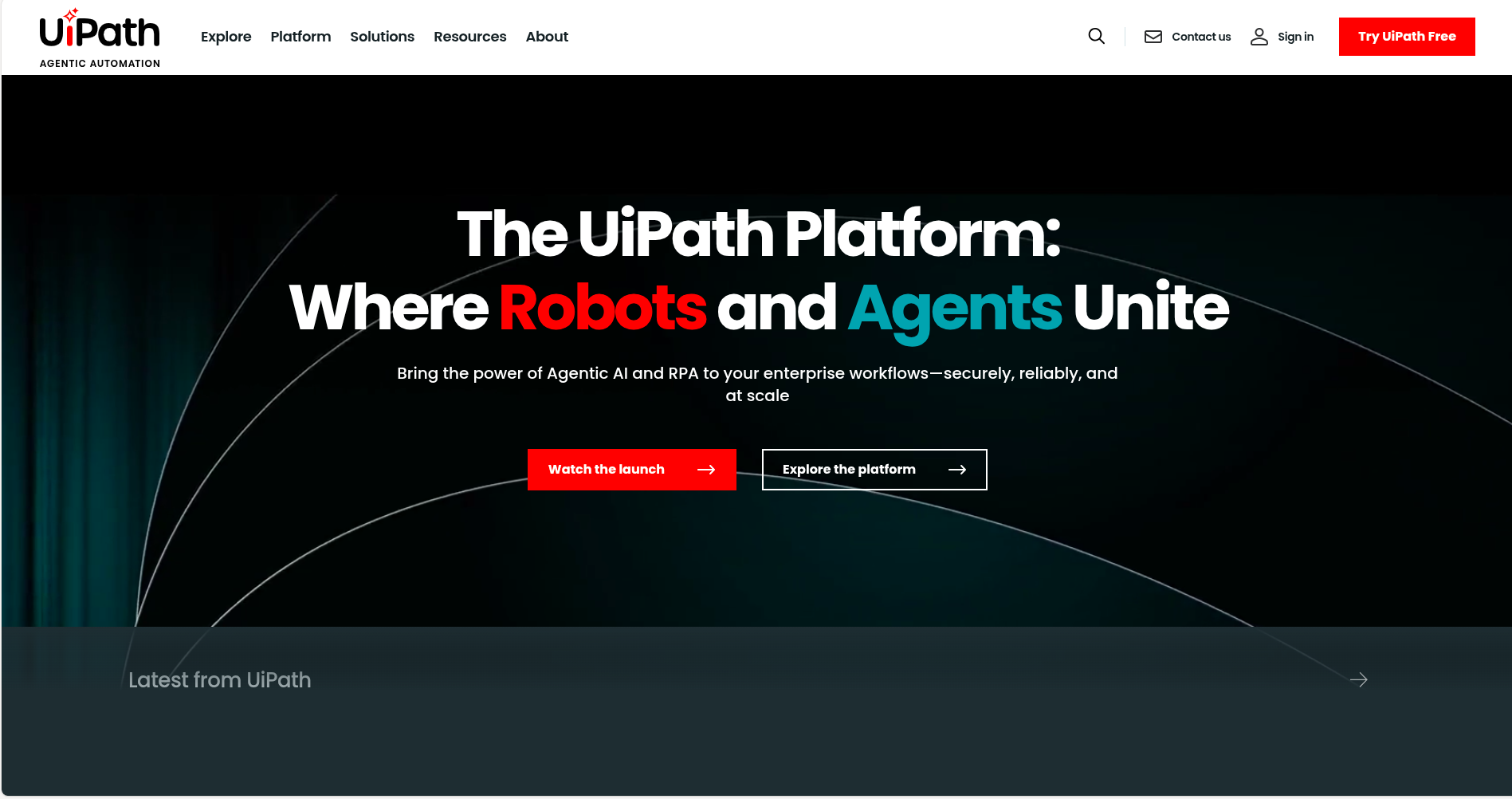
UiPath is an extremely intelligent piece of software that enables companies to automate mundane work. More specifically, it is a Robotic Process Automation platform (RPA).
That is a fancy way of saying that it utilizes software robots to do work that people typically do not want to do. You can think of it like a robot on a computer that can click buttons, fill out forms, read emails, and move files around.
All without needing a human being to perform the work. That is what UiPath enables companies to do. These robots live inside the computer (not like a walking robot), and they are very good at following instructions and jamming through tasks at a very fast speed
Key Features:
-
Drag-and-drop automation builder
-
AI-powered task mining
-
Integration with various applications
-
Real-time analytics and reporting
Pros and Cons:
| Pros | Cons |
|---|---|
| User-friendly interface | High initial setup cost |
| Scalable automation solutions | Requires training for complex tasks |
| Strong community support | May need ongoing maintenance |
| Extensive integration options | Licensing can be expensive |
Starting Price: Custom pricing based on business needs
2. Automation Anywhere
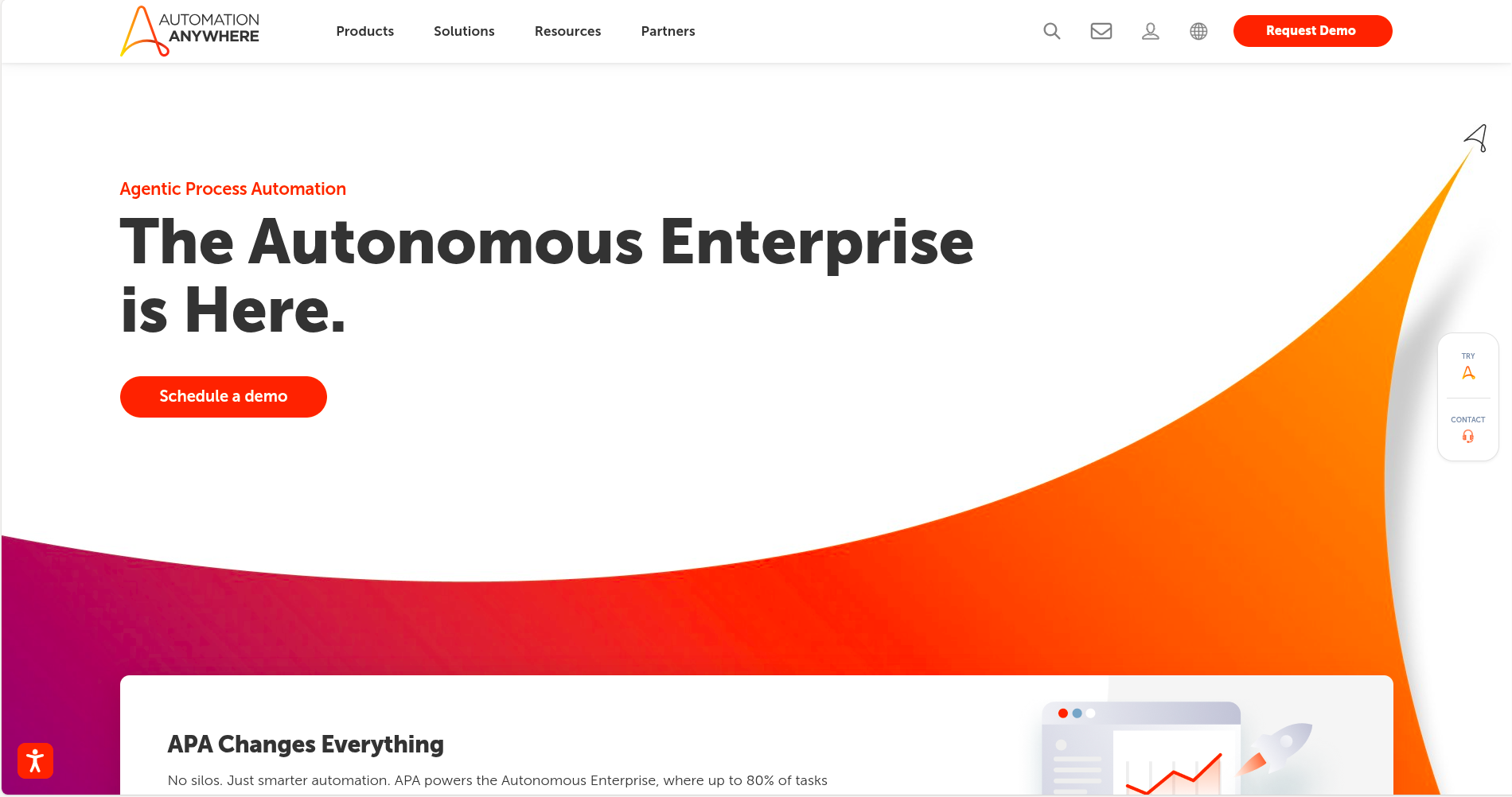
Automation Anywhere is a smart technology that allows companies to work sooner and smarter through Robotic Process Automation, or RPA, which uses software robots that live in the computer to do manual work normally done by a human.
What makes Automation Anywhere special is that it is cloud-based. This means companies use Automation Anywhere over the internet without having to set it up on every computer.
Think of it as being able to log directly into a website where the robots are always waiting to help them with business processes.
Key Features:
-
Intelligent document processing
-
Bot store with pre-built automations
-
Real-time performance analytics
-
AI-powered decision-making
Pros and Cons:
| Pros | Cons |
|---|---|
| Cloud-native platform | Steeper learning curve |
| Extensive bot library | Pricing may be high for SMEs |
| Real-time analytics | Limited offline capabilities |
| AI-driven insights | Requires robust IT infrastructure |
Starting Price: Custom pricing based on business requirements
3. ThriveDesk
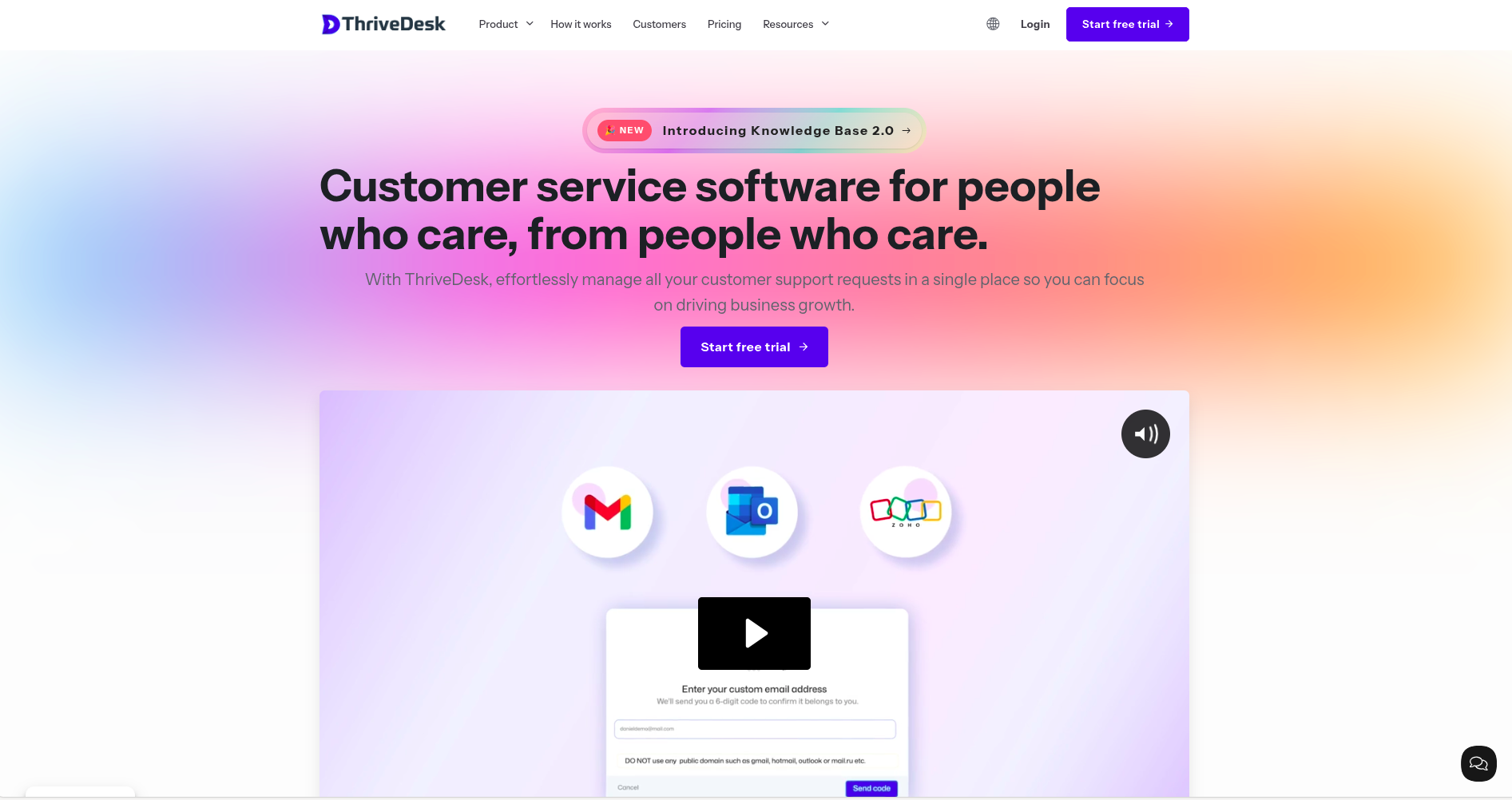
ThriveDesk helps customer support be more efficient by automating repetitive actions like ticket routing, categorizing tickets, and responding with the right template.
Automation decreases the overall manual work of the team, provides timely responses, and allows customer support teams to focus on more complex support needs.
Plus, it integrates with countless applications to help automate data movement and manage workflows, which helps overall productivity.
Key Features:
-
Workflow Automation
-
Shared Inbox
-
Knowledge Base
-
Live Chat
Pros and Cons:
| Pros | Cons |
|---|---|
| User-friendly interface | Community forum features are still developing |
| Affordable pricing | |
| Efficient automation capabilities | |
| Responsive customer support team |
Starting Price: $29/month
4. Jotform AI
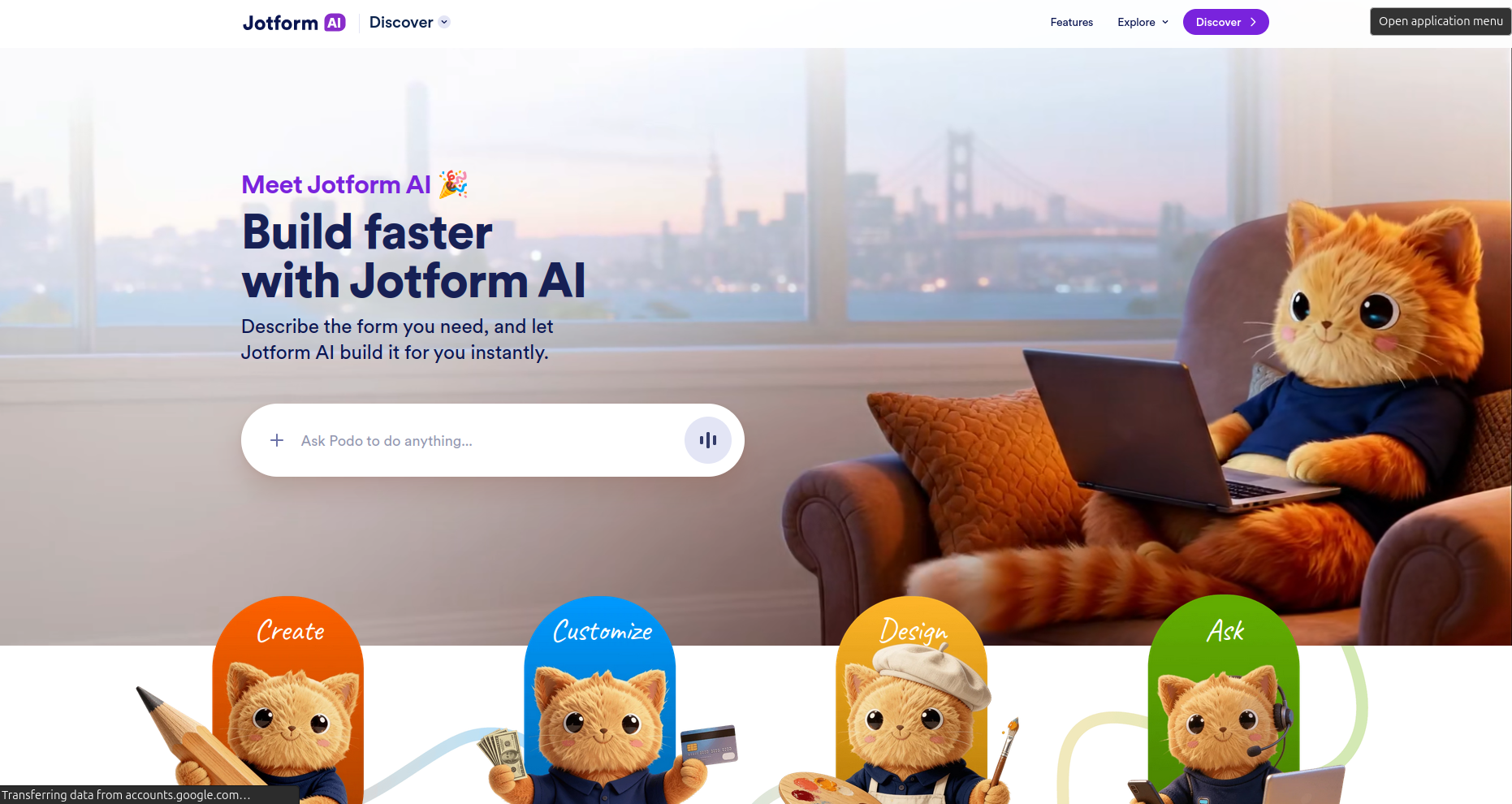
Jotform AI is a smart automation tool that helps businesses create forms and streamline workflows without manual setup. Instead of building forms step by step, users can simply describe what they need by text or voice, and the platform generates a ready-to-use form instantly.
You can think of it as a form assistant that handles the repetitive setup work for you. It can create forms, adjust them through a conversational interface, and help collect structured data without requiring technical knowledge.
This makes it especially useful for teams that deal with onboarding, requests, or data collection processes.
Jotform AI also supports more advanced use cases like surveys, quizzes, and forms with conditional logic.
By automating how forms are created and managed, it helps teams save time, reduce manual effort, and keep workflows consistent across different tasks.
Key Features:
- AI-powered form generation from text prompts
- Conversational interface for editing and customization
- Supports conditional logic and structured workflows
- Works across forms, surveys, and quizzes
- Automatic optimization for mobile and desktop
Pros and Cons:
| Pros | Cons | ||||||
|---|---|---|---|---|---|---|---|
|
|
Starting Price: Free plan available. Paid plans start at $34/month, with higher tiers available for advanced usage.
5. Zapier
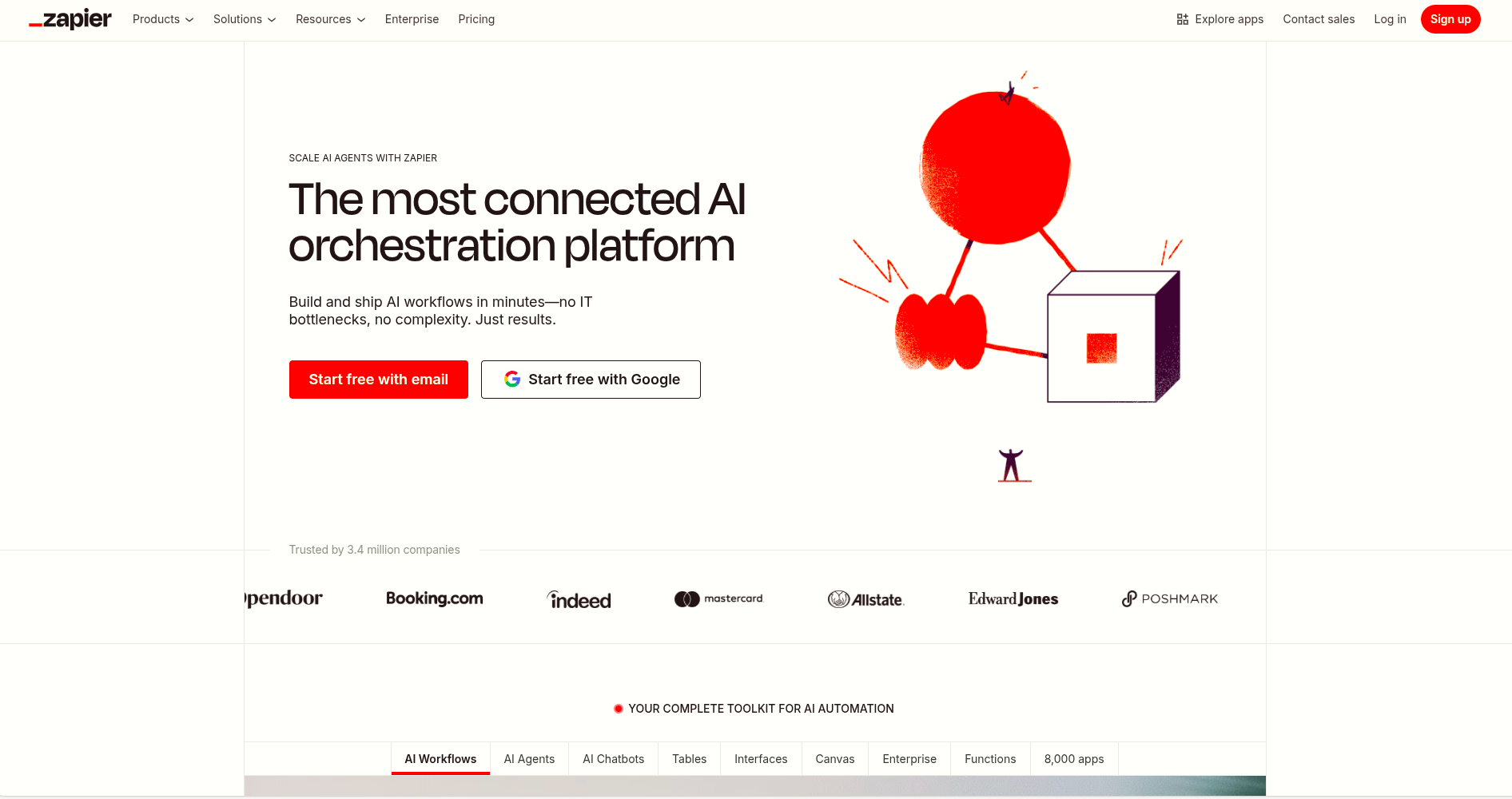
Zapier is a useful application that allows people to connect apps and have them work together automatically. It is one of the simplest AI Tools for Business Automation since, as a user, you don’t have to know how to code or be a tech genius.
You can configure a process called a workflow in Zapier. This just means you are telling the computer, “when this happens, do that.” For example, if someone fills out a form on your website, Zapier could send you an email, add the person to a spreadsheet, and email a message in your team chat automatically.
Key Features:
-
Easy-to-use interface
-
Supports thousands of apps
-
Multi-step workflows
-
Conditional logic and filters
Pros and Cons:
| Pros | Cons |
|---|---|
| No coding required | Limited functionality in free plan |
| Wide app integration | Can become costly with scale |
| Quick setup and deployment | May have latency issues |
| Flexible workflow customization | Complex workflows can be challenging |
Starting Price: Free plan available; paid plans start at $19.99/month
6. Workato
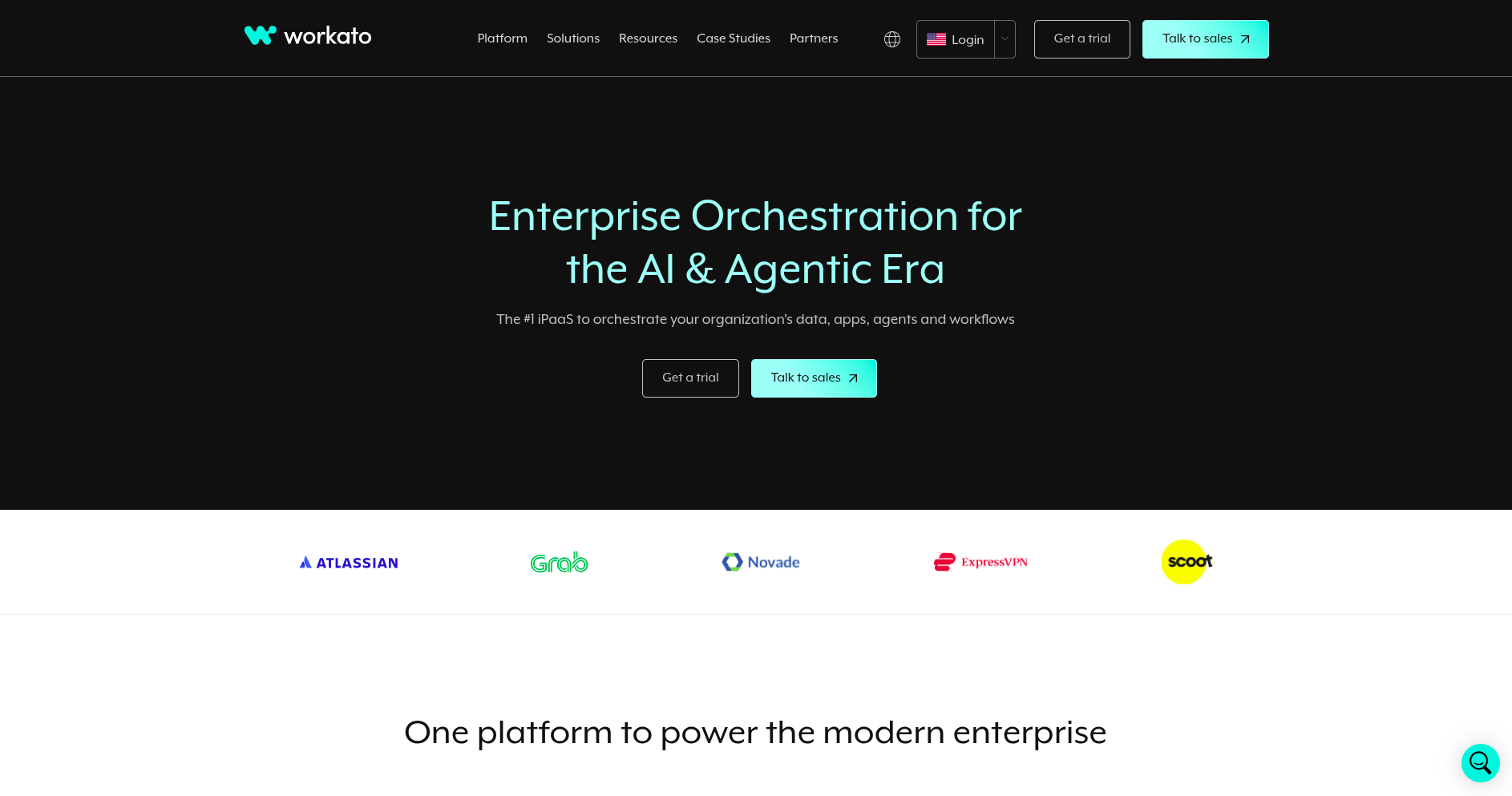
Workato is a smart platform that can help businesses bridge the gaps between different applications and automate them. It is both an integration app and an automation app at the same time.
This means it can connect different software applications by making information usable and making them perform tasks even though a human does not have to sit there clicking buttons all day.
Through Workato, companies can create workflows to condense processes and reduce errors. An example is, when a customer makes a purchase, Workato can not only update the sales report but also email them a thank-you email, and send a notification to the support team.
Key Features:
-
Pre-built connectors for various apps
-
Real-time data synchronization
-
AI-driven automation suggestions
-
Enterprise-grade security
Pros and Cons:
| Pros | Cons |
|---|---|
| Scalable for large enterprises | Higher pricing tiers |
| Robust integration capabilities | Requires technical expertise |
| Real-time data processing | Limited customization in some connectors |
| Strong security features | Steep learning curve |
Starting Price: Custom pricing based on business needs
7. Blue Prism
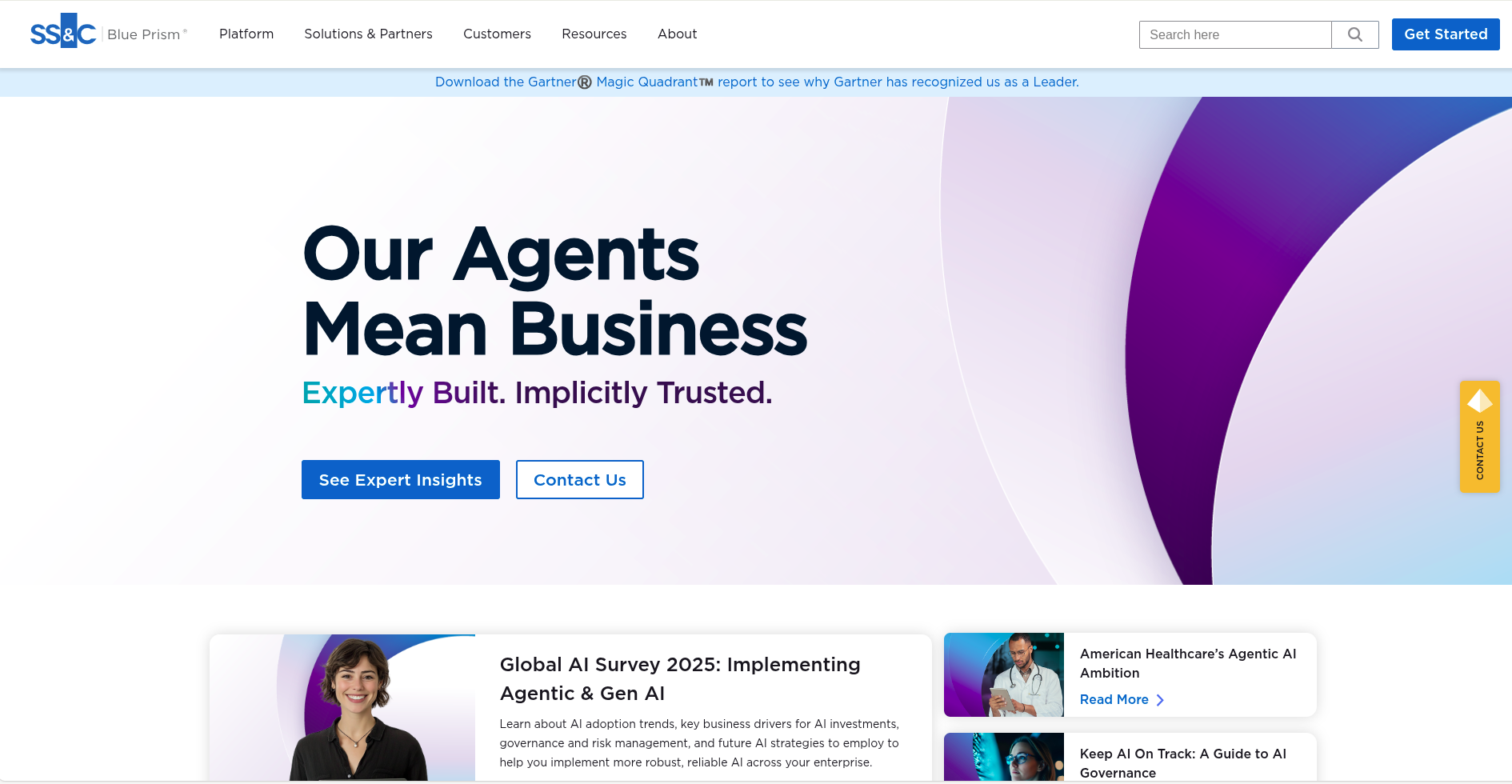
Blue Prism is a robust technology that assists major corporations with automating their tasks using Robotic Process Automation (RPA). Blue Prism is developed for larger businesses that require the robust and secure automation of more complex business processes.
Blue Prism enables companies to automate repetitive processes by deploying software robots that act exactly like a person using a computer.
These software robots can perform a variety of tasks, including move data, enter information into forms, send messages, follow rules, and many other actions without becoming bored or making mistakes.
Key Features:
-
Intelligent automation capabilities
-
Centralized management console
-
Integration with AI and machine learning tools
-
Detailed analytics and reporting
Pros and Cons:
| Pros | Cons |
|---|---|
| High scalability | Expensive for small businesses |
| Strong security protocols | Requires skilled developers |
| Integration with AI tools | Longer implementation time |
| Comprehensive analytics | Limited flexibility in some areas |
Starting Price: Custom pricing based on enterprise requirements
Comparison Table of AI Business Automation Tools
| Tool Name | Main Feature | Suitable Area | Free Version Available |
|---|---|---|---|
|
UiPath ThriveDesk |
Robotic Process Automation Efficient automation capabilities |
Enterprise Automation E-commerce businesses |
No Free trials avalaible |
| Automation Anywhere | Cloud-native RPA | Enterprise Automation | No |
| Zapier | App Integration | Small to Medium Businesses | Yes |
| Workato | Integration and Automation | Enterprise Integration | No |
| Blue Prism | Intelligent Automation | Large Enterprises |
No |
Conclusion
AI-enabled business automation resources are changing the manner in which organizations operate. By adopting these enablers focusing on automating repetitive tasks, improving accuracy, and freeing up teams to focus on higher-value work, organizations have a better opportunity here to remain competitive.
Business automation tools are no longer optional tools for organizations to adopt; they are becoming literally essential tools to maintain your competitiveness in an ever-increasing and fast-moving world.
By considering and implementing some of the Top AI Tools for Business Automation, a company can unlock new heights of productivity and innovation.
Whether it be in improving customer service or improving the speed of their internal processes, AI Business Automation tools can lead to a more efficient, productivity-driven organizational structure and wise decision-making.
A key strategy is to choose specific automation tools by carefully considering each organization's specific needs.
This allows organizations to not only be more effective in its workflow, and reduce costs of operating, but ultimately improved organizational agility / flexibility, and ultimately responsive to the changes around them.
In 2026 and beyond, businesses that can embrace these types of new technologies will have superior organizational position - both for growth, adaptability and as leaders in their industry.
Want to Learn More About AI Tools? Check These Out
Top 10 AI Video Generators You Need to Try in 2025
Top 12 AI Landing Page Builders for High-Converting Websites
Unlocking Success: The 15 Must-Have AI Marketing Tools for 2025
10 Stunning Framer Templates for Innovative AI Startups
Top AI Tools for Business Automation in 2025: Streamlining Operations for Maximum Efficiency