.png)
In 2025, education is changing big time! AI tools are a main part of how we teach and learn now.
Teachers are using AI platforms to make learning personal for each student. It's all about going at your own speed and learning how you like. This helps students get more involved and do better in school.
Also, AI tools are helping teachers with boring stuff like grading and attendance. This means they can spend more time with students and teach better.
Plus, there are smart AI tutoring systems and tools that give feedback automatically. These give teachers good info to help them make smart choices.
As schools go digital, AI will keep changing things. It'll change what we learn, who does what in the classroom, and get students ready for a future with AI. If schools want to stay cool and up-to-date, they need to get on board with AI. It's a must!
Why You Should Consider These Tools
Integrating AI tools into educational settings offers numerous benefits:
-
Personalized Learning: Tailors educational content to individual student needs, enhancing engagement and comprehension.
-
Efficiency: Automates administrative tasks, allowing educators to focus more on teaching.
-
Accessibility: Provides resources that cater to diverse learning styles and needs.
-
Data-Driven Insights: Offers analytics to track progress and identify areas for improvement.
Comparison Table of AI Education Tools
| Tool Name | Main Feature | Suitable Area | Free Version Available |
|---|---|---|---|
| Cognii | Virtual Learning Assistant | K-12, Higher Education | No |
| Century Tech | Personalized Learning Pathways | K-12 | No |
| uPresenter | AI-Powered Content Creation | K-12, Higher Education | Yes |
| Knowji | Vocabulary Learning App | Language Learners | No |
| Otter.ai | Real-Time Transcription | All Education Levels | Yes |
Top AI Tools for Education in 2025
1. Cognii

Cognii is a fresh edtech company changing education with AI. We focus on AI virtual helpers, giving students personal, hands-on learning that's way better than normal online courses.
Made to get students involved and really thinking, Cognii’s helper uses language tech to check answers and give feedback right away.
Key Features:
-
Natural language processing for open-response assessments
-
Personalized feedback to students
-
Scalable one-on-one tutoring experience
Pros and Cons:
| Pros | Cons |
|---|---|
| Enhances critical thinking | Limited to certain subjects |
| Scalable personalized tutoring | Requires internet connectivity |
| Real-time feedback | May need integration with LMS |
Starting Price: Custom pricing based on institutional needs
2. Century Tech
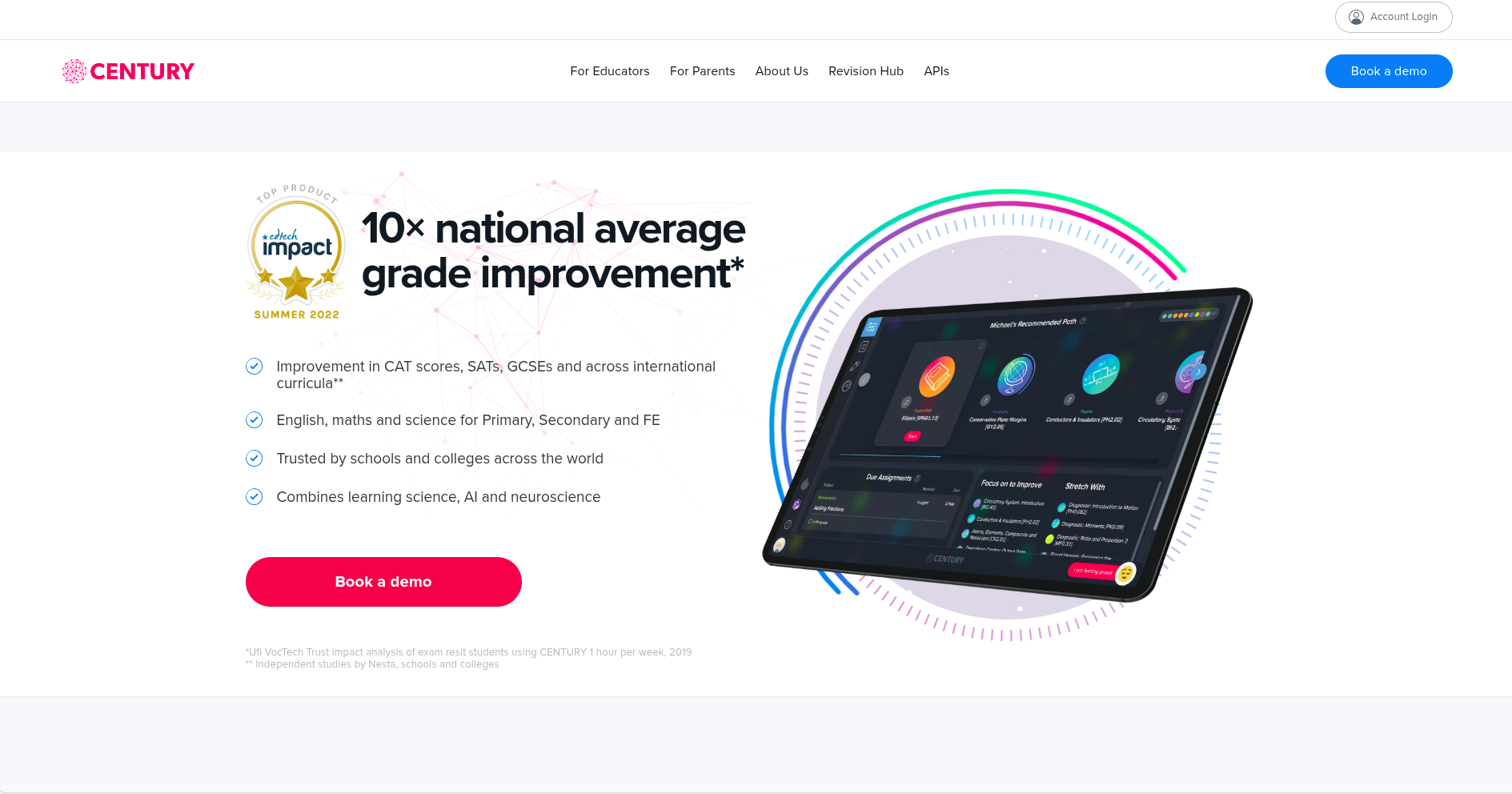
Cognii is an edtech business that’s changing education with AI. They have AI virtual learning assistants that give students tutoring that's interactive and unique, doing much more than old-fashioned online learning.
Cognii wants to get students involved and help them think better. Their virtual assistant uses language processing to read what students write. Then, it gives them feedback right away. Century Tech is another edtech platform that mixes learning, AI, and how the brain works to change learning and teaching.
Century Tech has an AI system that makes learning plans just for each student, based on what they need, what they’re good at, and what they don’t know.
Century Tech is a top AI tool for schools that does more than just give out material.
Key Features:
-
Adaptive learning pathways
-
Real-time analytics for teachers
-
Reduces teacher workload by automating administrative tasks
Pros and Cons:
| Pros | Cons |
|---|---|
| Personalized student learning | May require training for teachers |
| Data-driven insights | Subscription-based pricing |
| Integrates with existing systems | Limited subject coverage |
Starting Price: Custom pricing based on user numbers
3. uPresenter
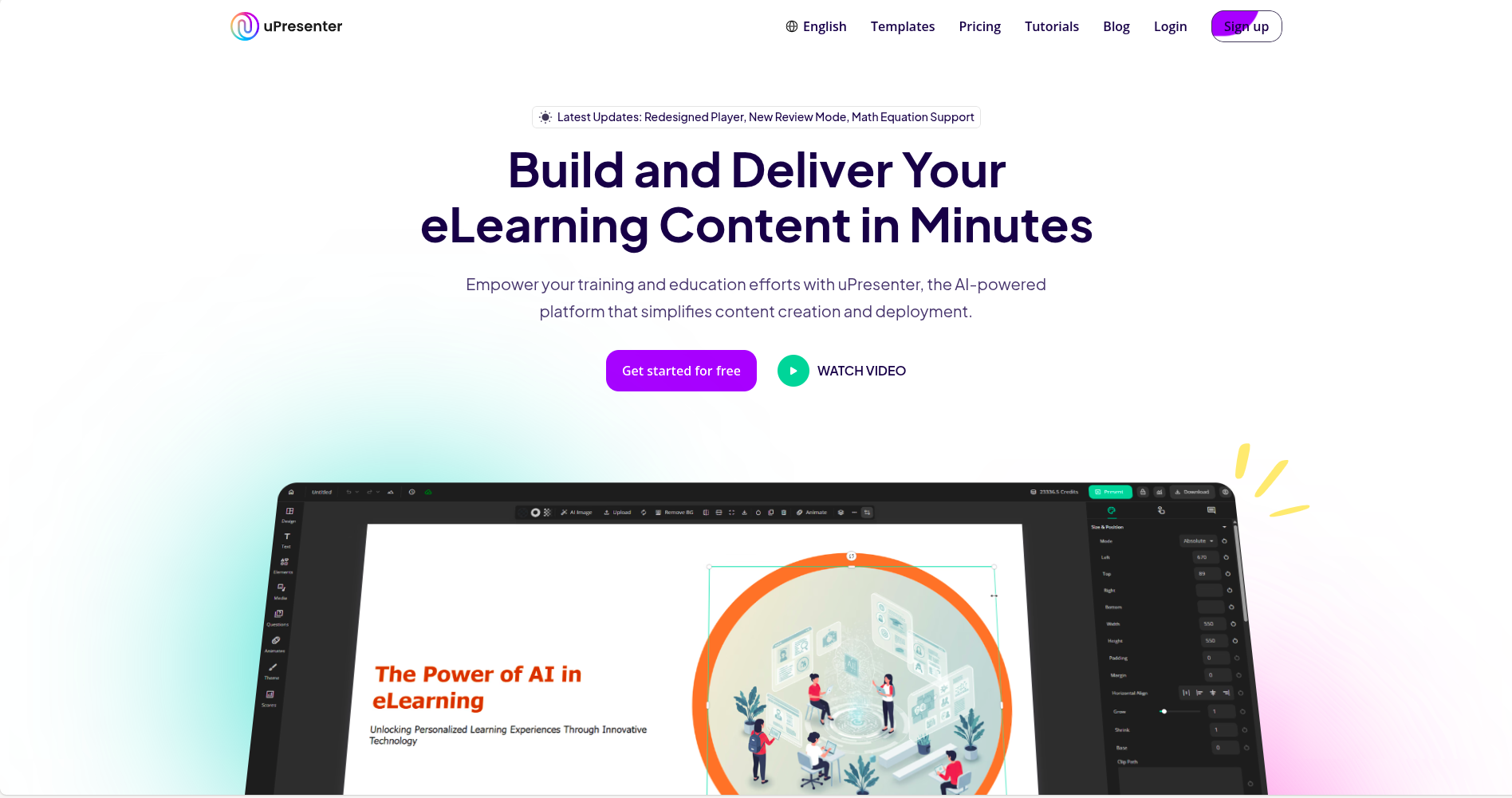
uPresenter is a cool AI tool made just for teachers. It helps you quickly put together awesome presentations, fun quizzes, and lessons that students will actually enjoy.
Because it uses AI, uPresenter takes away a large part of the time it usually takes to develop great learning tools, so teachers can spend more of their energy on what matters most: teaching.
As a developing AI helper for education, it boosts how creative and productive you can be in the classroom.
Key Features:
-
AI-generated slide decks from text prompts
-
Quiz creation with various question types
-
Supports over 20 languages
Pros and Cons:
| Pros | Cons |
|---|---|
| Saves time in content creation | May lack advanced design features |
| Multilingual support | Internet access required |
| User-friendly interface | Limited customization options |
Starting Price: Free version available; $5 Billing monthly
4. Knowji
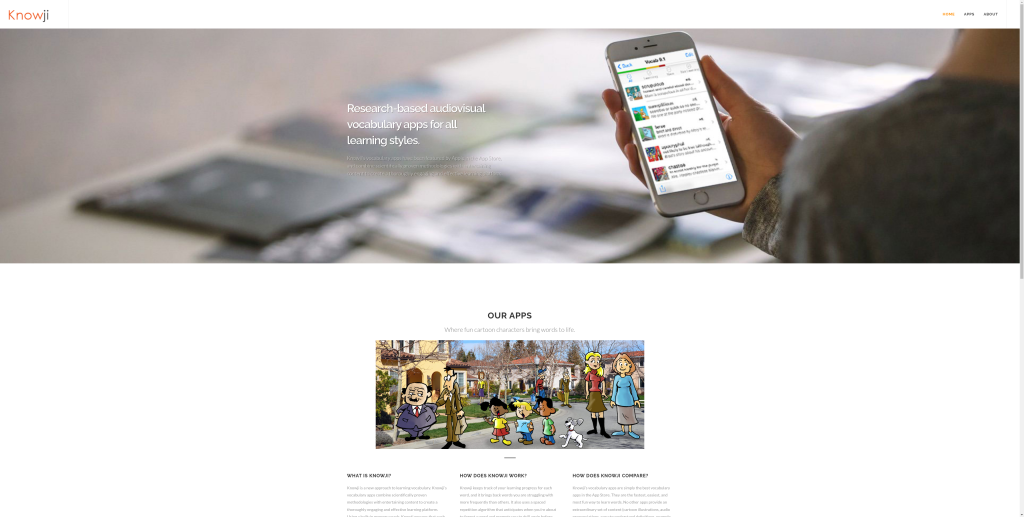
Knowji is a cool app that uses sight and sound to help you learn vocab and actually remember it.
It mixes how your brain works best with fun stuff to see and hear, so everyone can learn in their own way.
The app helps you remember words for good by showing them to you again and again, using pictures, saying the words out loud, and giving you examples of how to use them.
Key Features:
-
Spaced repetition system
-
Visual and audio cues for better retention
-
Progress tracking
Pros and Cons:
| Pros | Cons |
|---|---|
| Effective for language learning | Focused mainly on vocabulary |
| Engaging multimedia content | Limited to supported languages |
| Tracks learner progress | May not suit advanced learners |
Starting Price: App purchase required; pricing varies
5. Otter.ai
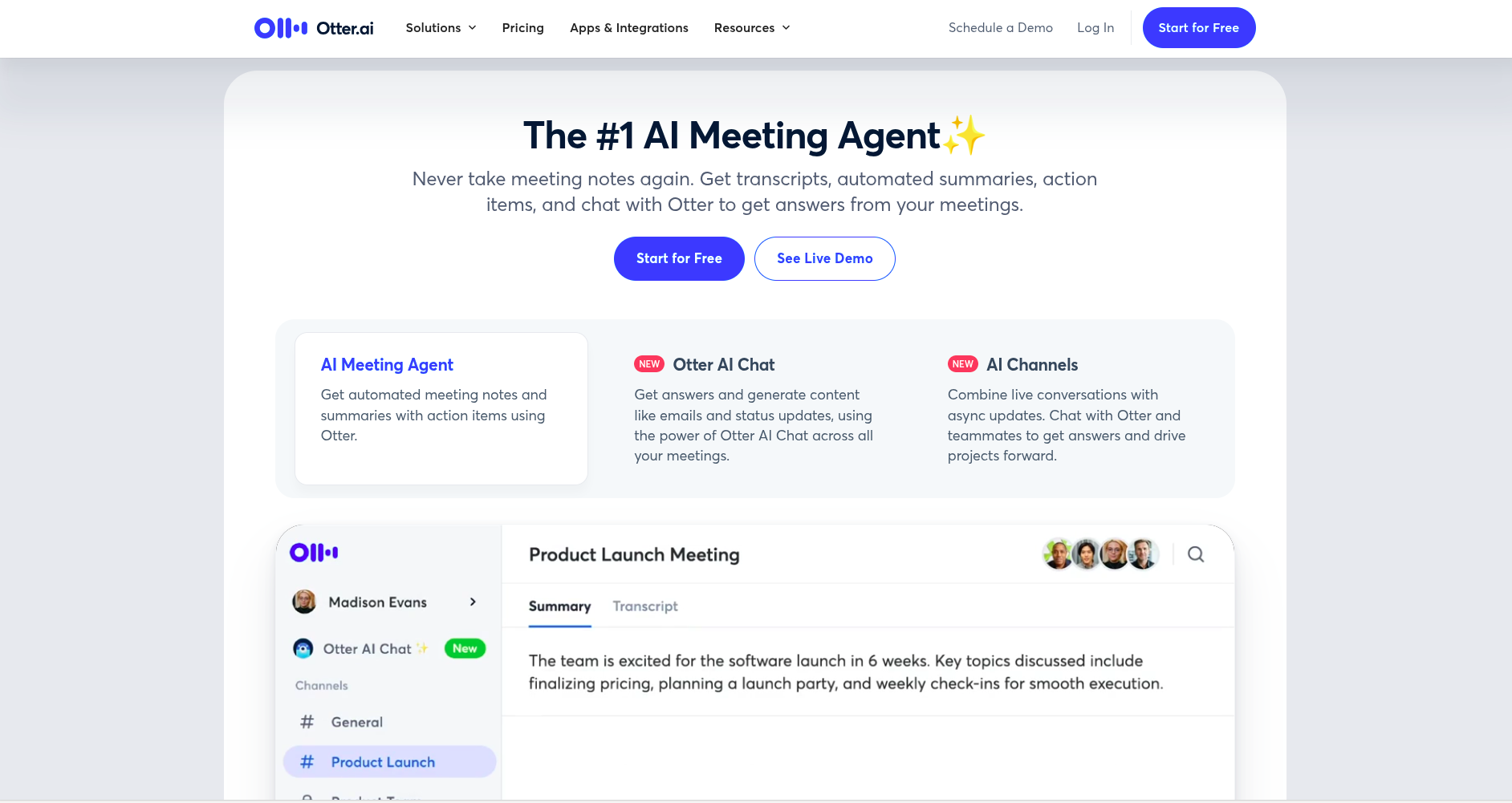
Otter.ai is this super cool transcription tool that uses AI. It's changing the game for students and teachers when it comes to recording, arranging, and going over spoken stuff.
It gives you transcriptions that are spot-on in real-time. Otter.ai makes note-taking a breeze during classes, meetings, and study time. That makes it a must-have for learning, whether you're in person or online.
It’s one of the handiest and most used AI tools out there for school types. Otter.ai lets you pay attention to understanding what's being said instead of scribbling notes like crazy.
Key Features:
-
Live transcription with speaker identification
-
Integration with Zoom and other platforms
-
Searchable transcripts
Pros and Cons:
| Pros | Cons |
|---|---|
| Enhances accessibility | Accuracy may vary with accents |
| Saves time on note-taking | Requires clear audio input |
| Easy to share and organize notes | Subscription needed for full features |
Starting Price: Free plan available; premium plans start at $8.33/month
Conclusion
Using AI in education isn't just a fad. It's totally changing how we teach and learn. These smart tools are making education more personal, easier, and open to everyone.
With AI, teachers can make lessons fit each student's needs, how they learn, and how fast they go. This way, no one gets left in the dust.
In the future, AI can bring even cooler stuff to education. Imagine knowing early on where students are struggling or having virtual helpers available all the time.
Schools everywhere are getting used to techy times. Using AI isn't just a good idea; it's a must if we want to keep up with what students need now.
Want to Learn More About AI Tools? Check These Out
Top 10 AI Video Generators You Need to Try in 2025
Top 12 AI Landing Page Builders for High-Converting Websites
Unlocking Success: The 15 Must-Have AI Marketing Tools for 2025
10 Stunning Framer Templates for Innovative AI Startups
Top AI Tools for Business Automation in 2025: Streamlining Operations for Maximum Efficiency
Top AI Productivity Tools in 2025: Supercharge Your Workflow