Apps have become a core part of how businesses operate in 2026. Companies rely on them to manage customer relationships, automate workflows, and deliver services.
Creators use apps to turn ideas into digital products, while teams depend on internal tools to stay organized and efficient.
At the same time, the way these apps are built has changed significantly. What once required developers, long timelines, and large budgets can now be done much faster with AI.
Modern AI app builders allow users to describe an idea and generate an app with structure, logic, and integrations already in place.
This guide explores the best AI app builders in 2026, focusing on how they perform in real-world use and how practical they are beyond just feature lists.
Comparison Table: The Best AI App Builders in 2026
|
Tool |
Best For |
Key Feature |
Free Plan? |
|
Jotform AI App Builder |
Businesses, internal tools, client apps |
Prompt-to-app workflow generation |
✔ |
|
Bubble |
SaaS and complex apps |
Full visual app customization |
✔ |
|
Retool |
Internal tools and operations |
AI-powered internal tools with database integrations |
✔ |
|
FlutterFlow |
Mobile apps and UI design |
Visual builder with code export and mobile deployment |
✔ |
|
Replit |
Developers and custom apps |
AI-assisted full-stack app development |
✔ |
|
Softr |
Client portals and dashboards |
Build apps on top of existing data sources |
✔ |
|
WeWeb |
Frontend builders with backend flexibility |
Visual web apps with API and backend integrations |
✔ |
|
Adalo |
Simple mobile apps |
Drag-and-drop mobile and web app builder |
✔ |
The Best AI App Builders in 2026
Jotform AI App Builder
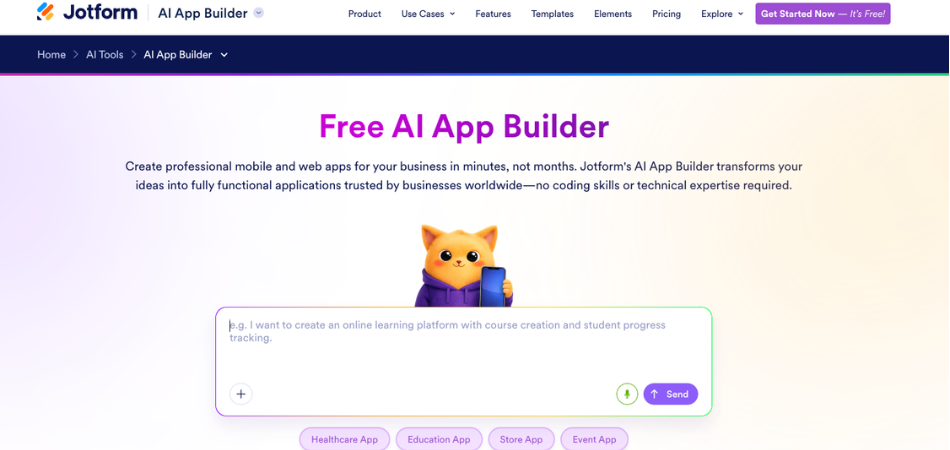
Jotform AI App Builder stands out as one of the best ways to create apps with AI in 2026. It is designed for users who want to turn ideas into working applications quickly without dealing with technical complexity.
Instead of building everything manually, you can start with a simple description. The platform then generates an app with a structured layout and navigation already in place.
From there, you can refine the design, adjust logic, and customize the user experience.
One of its strengths is how much functionality is included out of the box. Apps can handle data collection, automation, and user interactions without requiring additional setup.
They also work across mobile, tablet, and desktop environments automatically.
What makes Jotform AI App Builder stand out
- Generates full apps from prompts with structured outputs
- Drag-and-drop builder with 800+ templates
- Ability to embed AI agents directly into apps
- Workflow automation with conditional logic
- Built-in AI Copilot to assist with app creation
- 70+ widgets including forms, maps, and e-signatures
- Integrations with CRMs, payment tools, and email platforms
- Built-in analytics and reporting
- Offline functionality for field use
Limitations of Jotform AI App Builder
- Direct publishing to app stores like Google Play or the App Store is not currently supported
Jotform AI App Builder pricing and plans
- Free plan available
- Bronze from $34 per month (billed annually)
- Silver from $39 per month (billed annually)
- Gold from $99 per month (billed annually)
- Enterprise plan available
When to use Jotform AI App Builder
- Teams building internal tools or client-facing apps
- Service providers creating workflows, portals, or intake systems
- Businesses that need fast deployment without relying on developers
Bubble
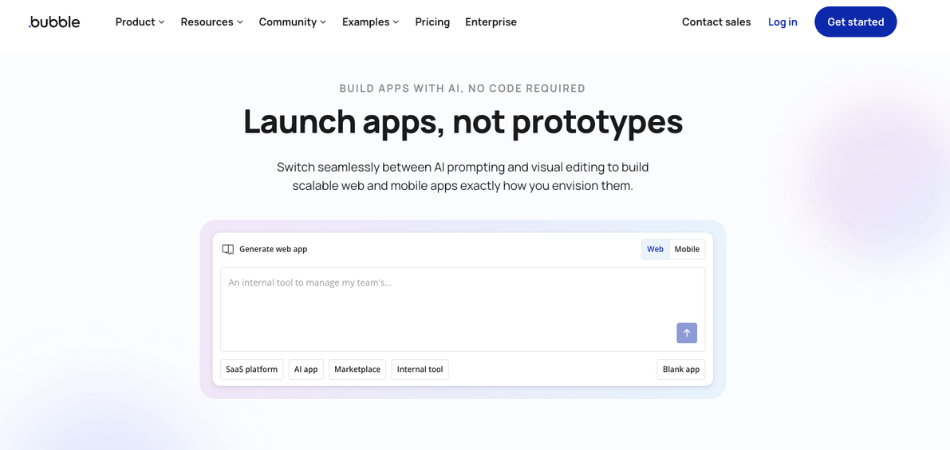
Bubble is one of the more comprehensive no-code platforms for building advanced web applications in 2026.
It allows users to control how an app looks, how it works, and how data is structured, making it a strong option for creating full SaaS products.
The platform also includes AI-assisted features that help generate app structure and logic.
However, getting the most out of Bubble still requires time and a solid understanding of workflows and data relationships.
What makes Bubble stand out
- Built-in database for managing application data
- AI-assisted tools that help generate app structure
- Visual editor for building user interfaces and workflows
- Large ecosystem of plugins and integrations
Limitations of Bubble
- Debugging workflows can take time
- Apps are tied to the Bubble platform and cannot be exported
- Has a noticeable learning curve, especially for beginners
Bubble pricing and plans
- Free plan available
- Starter from $20 per month
- Growth from $119 per month
- Team from $349 per month
- Enterprise plans available
When to use Bubble
Bubble is a strong fit for:
- Founders building SaaS products
- Teams that need a high level of customization
- Users willing to invest time learning a more advanced platform
Retool
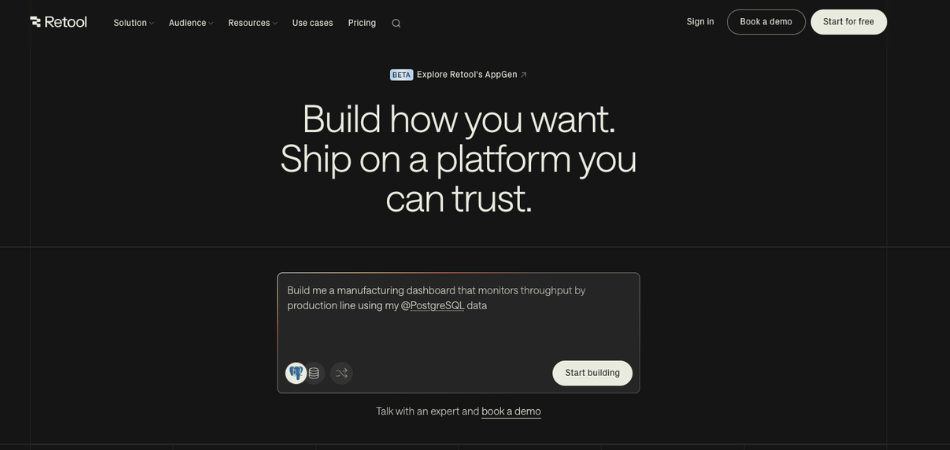
Retool is a platform designed for building internal tools and business applications using your existing data and systems.
It focuses on helping teams create, launch, and scale apps in a secure and controlled environment.
With Retool, users can generate apps and workflows using AI while still having full control over logic, data, and customization in 2026.
The platform supports building directly on top of your databases, APIs, and cloud infrastructure, making it suitable for real business use.
What makes Retool stand out
- Includes AI features that generate queries, logic, and UI from natural language
- Supports full development workflows such as version control, testing, and deployment
- Built with enterprise-grade security and permission controls
- Works with your existing cloud setup or can be self-hosted
Limitations of Retool
- Advanced customization may involve working with development workflows
Retool pricing and plans
- Free plan available
- Team plan starts from $10 per month per builder and $5 per month per internal user
- Business plan starts from $50 per month per builder and $15 per month per internal user
- Enterprise plan offers custom pricing based on business needs
When to use Retool
Retool is a strong fit for:
- Companies that want to connect apps directly to their existing data sources such as databases and APIs
- Organizations that need secure, scalable apps with built-in governance and permissions
FlutterFlow
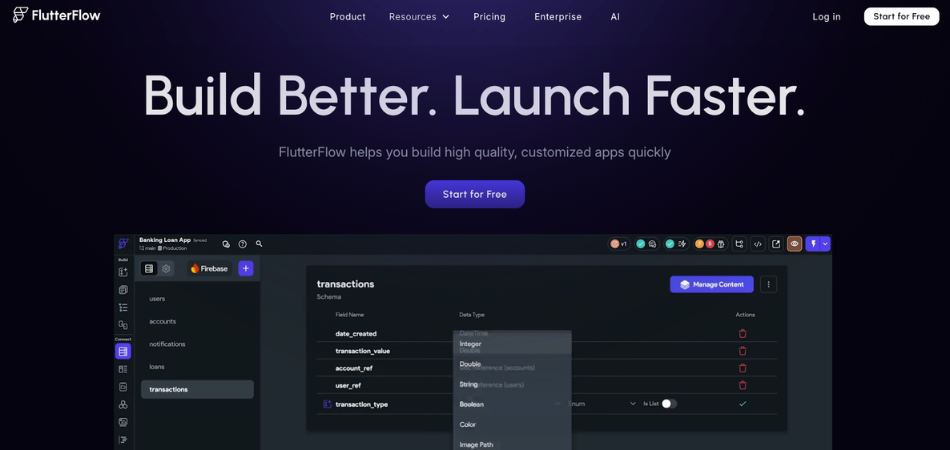
In 2026, FlutterFlow is a visual app builder designed for creating mobile and web applications using Flutter.
It allows users to build interfaces and logic visually while maintaining full control over customization.
The platform focuses on helping users build, test, and deploy apps quickly.
It also supports connecting apps to databases and APIs, making it suitable for building real, data-driven applications.
What makes FlutterFlow stand out
- Visual builder for UI and logic using pre-designed components
- Ability to create app logic using a visual action flow editor
- Real-time testing and debugging with Test Mode
- Supports team collaboration with comments, tasks, and branching
Limitations of FlutterFlow
- Advanced customization may require understanding app structure and logic
- Building complex features can involve working with custom code
FlutterFlow pricing and plans
- Free plan available
- Basic plan starts from $23.40 per month (billed annually)
- Growth plan starts from $48 per month for the first seat (additional seats from $33 per month)
- Business plan starts from $90 per month for the first seat (additional seats from $51 per month
- Enterprise and Education options are also available
When to use FlutterFlow
FlutterFlow is a strong fit for:
- Teams building mobile or cross-platform applications
- Developers who want visual development with code export
Replit
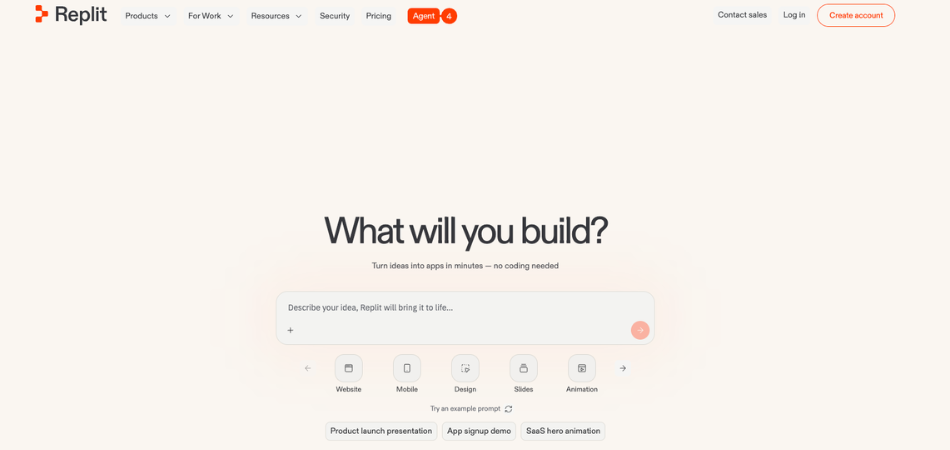
Replit is a hybrid platform that combines AI-powered app generation with a full development environment.
It allows users to turn ideas into working applications while still having full control over code and system architecture.
With its AI agent, users can describe what they want to build, and the platform generates the frontend, backend, and database structure.
From there, developers can modify, extend, and manage the application directly within the same environment in 2026.
What makes Replit stand out
- Supports multiple programming languages within one platform
- Built-in hosting and infrastructure with autoscaling support
- Full control over both frontend and backend development
- AI agent that can generate full-stack applications from prompts
Limitations of Replit
- Can feel more complex compared to no-code builders
- Full app deployment and scaling features are tied to paid plans
- Managing larger projects may become more challenging over time
Replit pricing and plans
- Starter plan available for free
- Replit Core from $18 per month (billed annually)
- Replit Pro from $90 per month (billed annually)
- Enterprise plans available with custom pricing
When to use Replit
Replit is a strong fit for:
- Projects that require advanced logic and scalable infrastructure
- Developers building custom applications
Softr
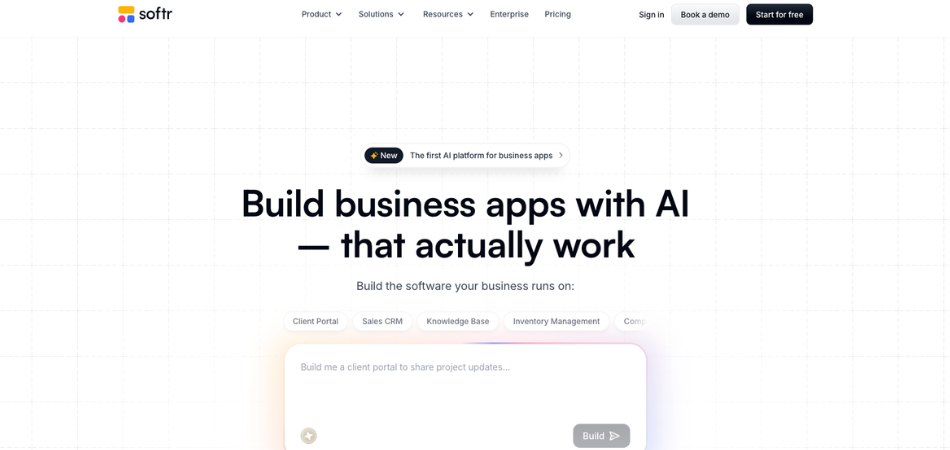
Softr is a no-code platform designed for building business apps and portals on top of existing data sources.
Instead of creating everything from scratch, it allows users to turn their data into functional applications such as client portals and dashboards.
The platform focuses on simplicity and speed. You can connect your data, describe what you need, and generate an app with structure, roles, and workflows already in place in 2026.
It also provides control over permissions, security, and how users interact with the app.
What makes Softr stand out
- Builds apps directly on top of existing data sources like Airtable, Google Sheets, and databases
- Includes user authentication, roles, and permission management
- Allows connection to multiple data sources including Notion, HubSpot, and SQL databases
- Supports both internal and external-facing applications
Limitations of Softr
- Works best with supported data sources and integrations
- May not be suitable for highly complex or large-scale applications
- Design customization can be limited compared to more advanced builders
Softr pricing and plans
- Free plan available
- Basic plan starts from $49 per month
- Professional plan starts from $139 per month
- Business plan starts from $269 per month
- Enterprise plan available with custom pricing
WeWeb
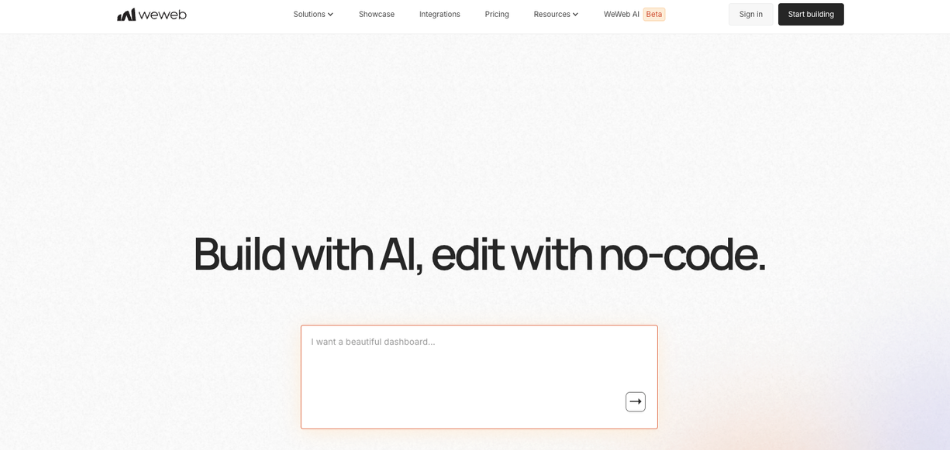
WeWeb is a visual development platform that combines AI and no-code tools to help users build custom web applications in 2026.
It allows users to generate apps using AI and then refine every part of the interface and logic through a visual editor.
The platform is designed to provide flexibility and control. Users can connect their apps to external data sources, customize components, and deploy or export their applications without being locked into a single environment.
What makes WeWeb stand out
- Visual drag-and-drop editor for customizing UI and workflows
- Ability to connect to APIs, databases, and external services
- Option to export code and self-host applications
- Modular architecture that works with different tech stacks
Limitations of WeWeb
- Requires connecting external data sources and systems
- May involve working with APIs or backend services
- More flexibility can make it less straightforward for beginners
WeWeb pricing and plans
- Free plan available
- Essential plan starts from $20 per month
- Pro plan starts from $50 per month per developer
- Partner plan starts from $79 per month per developer
- Enterprise plan available with custom pricing
When to use WeWeb
WeWeb is a strong fit for:
- Users who want full control over design and application structure
- Projects that require flexibility, scalability, and external integrations
Adalo
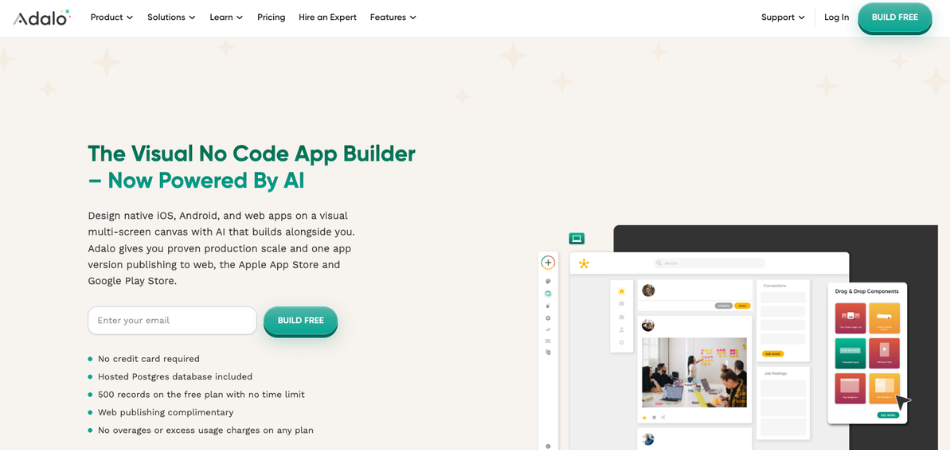
In 2026, Adalo is a visual no-code app builder that allows users to create mobile and web applications without writing code.
It combines a drag-and-drop interface with AI-assisted features, making it possible to design, build, and publish apps from a single platform.
The platform is designed to simplify the entire app creation process.
Users can build apps using a visual multi-screen canvas, manage data within the platform or connect external sources, and publish their apps to app stores or the web.
What makes Adalo stand out
- Visual drag-and-drop builder with a multi-screen design canvas
- Ability to publish apps to the App Store, Google Play, and web
- Includes integrations with tools like Stripe, Zapier, and APIs
- Custom actions for workflows such as sending emails or triggering events
Limitations of Adalo
- May have limitations when building highly complex or large-scale applications
- Advanced customization can require working with additional components or integrations
Adalo pricing and plans
- Free plan available
- Starter plan from $36 per month
- Professional plan from $52 per month
- Team plan from $160 per month
When to use Adalo
Adalo is a strong fit for:
- Beginners building mobile or web apps without coding
- Small businesses launching simple products or internal tools
How to Choose the Best AI App Builder in 2026?
Choosing the right AI app builder depends on what you want to build and how much control you need over your app.
If you are just getting started, tools like Jotform AI App Builder and Adalo are easier to use and require little setup.
They are a good choice for simple apps and fast deployment.
For more control and customization, platforms such as Bubble, Replit, and WeWeb offer greater flexibility.
These tools allow you to manage logic, structure, and integrations in more detail, but they also take longer to learn.
If your focus is on workflows and automation, Jotform AI App Builder and Retool are strong options.
They are designed to handle structured processes and business operations efficiently.
When working with external tools and data, integrations become important. Retool, Softr, and WeWeb stand out for connecting with APIs, databases, and other systems.
For larger or more complex applications, scalability matters. Bubble, Replit, and FlutterFlow are better suited for handling more advanced use cases.
Finally, your choice should match your use case:
- Internal tools: Jotform AI App Builder, Retool, Softr
- Mobile apps: FlutterFlow, Adalo
- SaaS products: Bubble, Replit
- Custom web apps: WeWeb
Popular Use Cases for AI App Builders in 2026
AI app builders are used across a wide range of business scenarios. Some of the most common use cases include:
- Internal tools for operations and team workflows
- Client portals and customer-facing apps
- Mobile applications for products and services
- SaaS platforms and startup products
- Dashboards and data-driven applications
FAQ: AI App Builders in 2026
What is the best AI app builder in 2026?
There is no single best option for everyone, but Jotform AI App Builder is a popular choice due to its ease of use and fast app generation.
Can AI app builders be used without coding experience in 2026?
Yes, many platforms are designed for non-technical users and allow apps to be created using visual tools and prompts.
Can a no-code AI app builder be used to create a SaaS product in 2026?
Yes, platforms like Bubble can support SaaS applications, but scaling and performance still require careful planning in 2026.
What should you look for when choosing an AI app builder?
Key factors include ease of use, customization options, integrations, and how well the tool fits your specific use case.
Are AI app builders suitable for business use?
Yes, many tools are built for real business applications such as internal tools, client portals, and workflow automation in 2026.
Do AI app builders replace developers in 2026?
They reduce development time, but developers are still needed for complex systems and advanced customization.