With the proliferation of generative AI, web development processes have significantly changed, but the biggest problem that most WordPress developers are facing is identifying AI Tools for WordPress that seamlessly integrate without creating a bloat of additional or excessive items on the website, or slowing down the site.
The most optimal AI Tools for WordPress will be like a native extension of your current workflow: that is, they will boost productivity without impairing the performance of your site.
Regardless of maintaining content-heavy websites or even scaling up WooCommerce, the appropriate AI Tools for WordPress will turn tedious workflows into automation.
In the specific case of e-commerce, AI Tools WooCommerce can process product descriptions, customer support, and scale order management.
Having done real-life testing and benchmarking the effects of Core Web Vitals, I managed to find tools that provide quantifiable outcomes without breaking Gutenberg and violating the search intent optimization policies.
This guide concentrates on the AI Tools for WordPress and AI tools for WooCommerce, which add true value to your workflow with LLM integration and not the complexity of your workflow.
Why AI Tools Matter for WordPress & WooCommerce?
Wordpress serves 43 percent of the sites; AI is transforming the manner in which we construct them. AI Tools for WordPress are platform-specific and address challenges by means of deep integration.
These tools are built as part of the WordPress admin panel or Gutenberg editor, or page builders, instead of developers having to switch context and work in external dashboards, which improves workflows and removes context switching.
Core Benefits:
- Escalate the generation of content, which is production-ready.
- SEO improvement in real-time as it is created.
- Implement smart chatbots to use as the customer support system.
- Plan the automation among your workflows of the plugins.
- Multiply the resource effectiveness of small groups.
The most effective AI applications used in WooCommerce are those that are able to learn from history to enhance accuracy with time.
Top 10 AI Tools for WordPress & WooCommerce in 2026
SeedProd AI

SeedProd AI is one of the popular AI-based WordPress web and landing page builders. It is also centered on speed and simplicity and easily launches pages even without the knowledge of technology.
What it does
SeedProd AI generates WordPress page layouts and content using AI, which you can customize using a drag-and-drop editor.
Key features
- AI-generated page layouts
- Drag-and-drop page builder
- Ready-made templates of landing pages.
- Fast site setup
Pros
- Very fast page creation
- Beginner-friendly interface
- Perfect landing page and campaign.
Cons
- It is not structured to deal with complex operations.
- Low automation capacity.
Pricing
Starts at $39.50/year
Best for
Quick WordPress websites, landing pages, campaign websites.
Rating
⭐ 4.5 / 5
Elementor AI

Elementor AI is an extension of Elementor page builder that adds AI based content and design tools. Designers and agencies that are creating WordPress sites are commonly using it.
What it does
Elementor AI generates text, images, and layout suggestions directly inside the Elementor editor.
Key features
- Creation of long form content.
- Competitor analysis
- SEO scoring
- Gutenberg integration
Pros
- Works directly in the editor
- Strong design flexibility
- Easy to use regarding content and design.
Cons
- Should be familiar with the Elementor.
- AI output may need editing
Pricing
Included with Elementor Pro (~$59/year)
Best for
Page builders and designers on Elementor.
Rating
⭐ 4.6 / 5
Rank Math AI
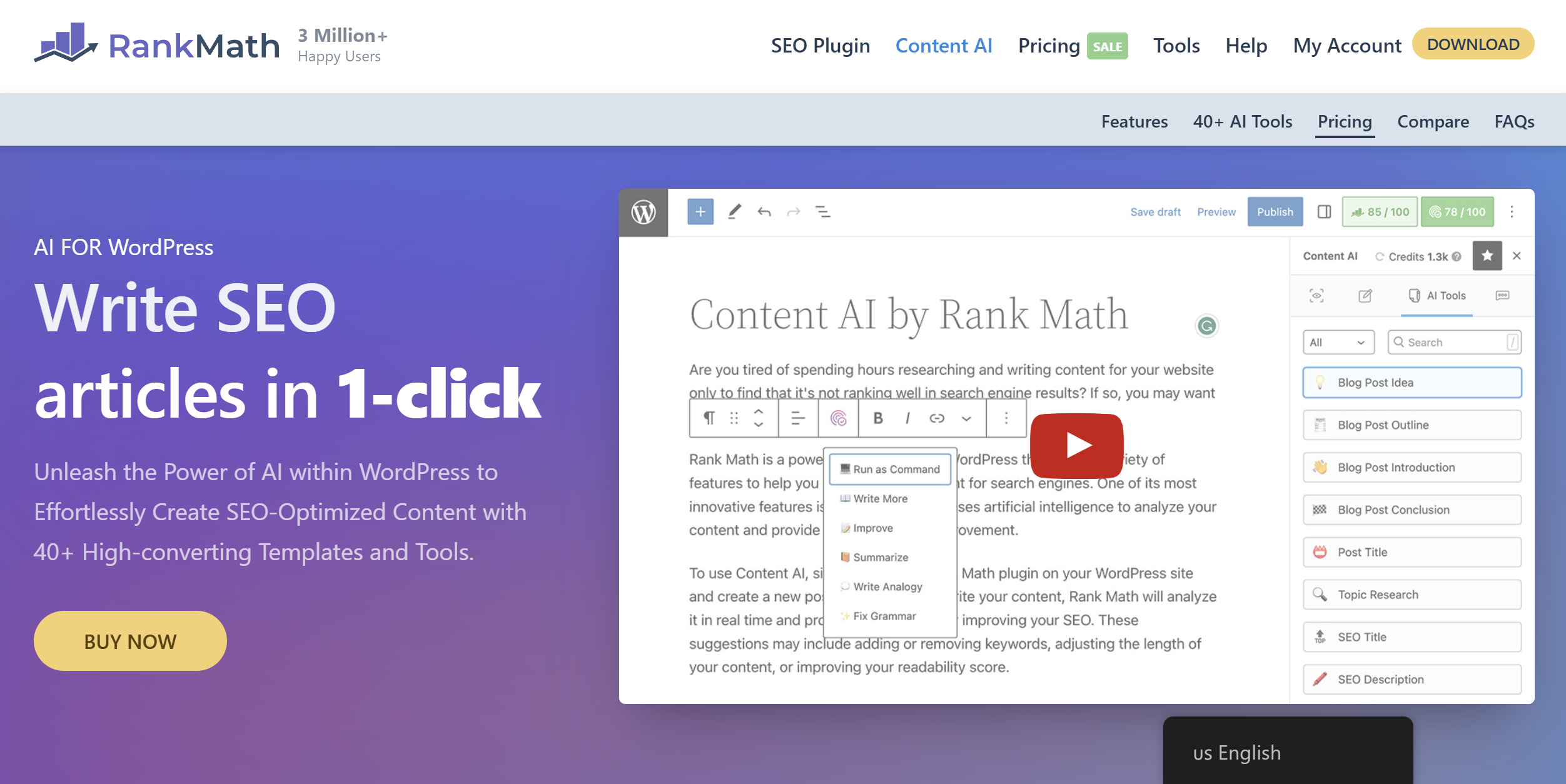
Rank Math AI is also among the commonly used AI Tools for WordPress that is oriented towards SEO. It is installed within the wordpress editor.
What it does
Rank Math AI helps optimize content for search engines by suggesting keywords, headings, and improvements while you write.
Key features
- AI keyword recommendations
- SEO scoring
- Content optimization tips
- Schema support
Pros
- Deep WordPress integration
- Strong SEO guidance
- Useful free version
Cons
- Free plan with minor credits of AI.
- Advanced SEO still needs manual input.
Pricing
Free, charged plans starting at $59/per year.
Best for
SEO-focused WordPress websites
Rating
⭐ 4.7 / 5
Quiz Maker by AYS
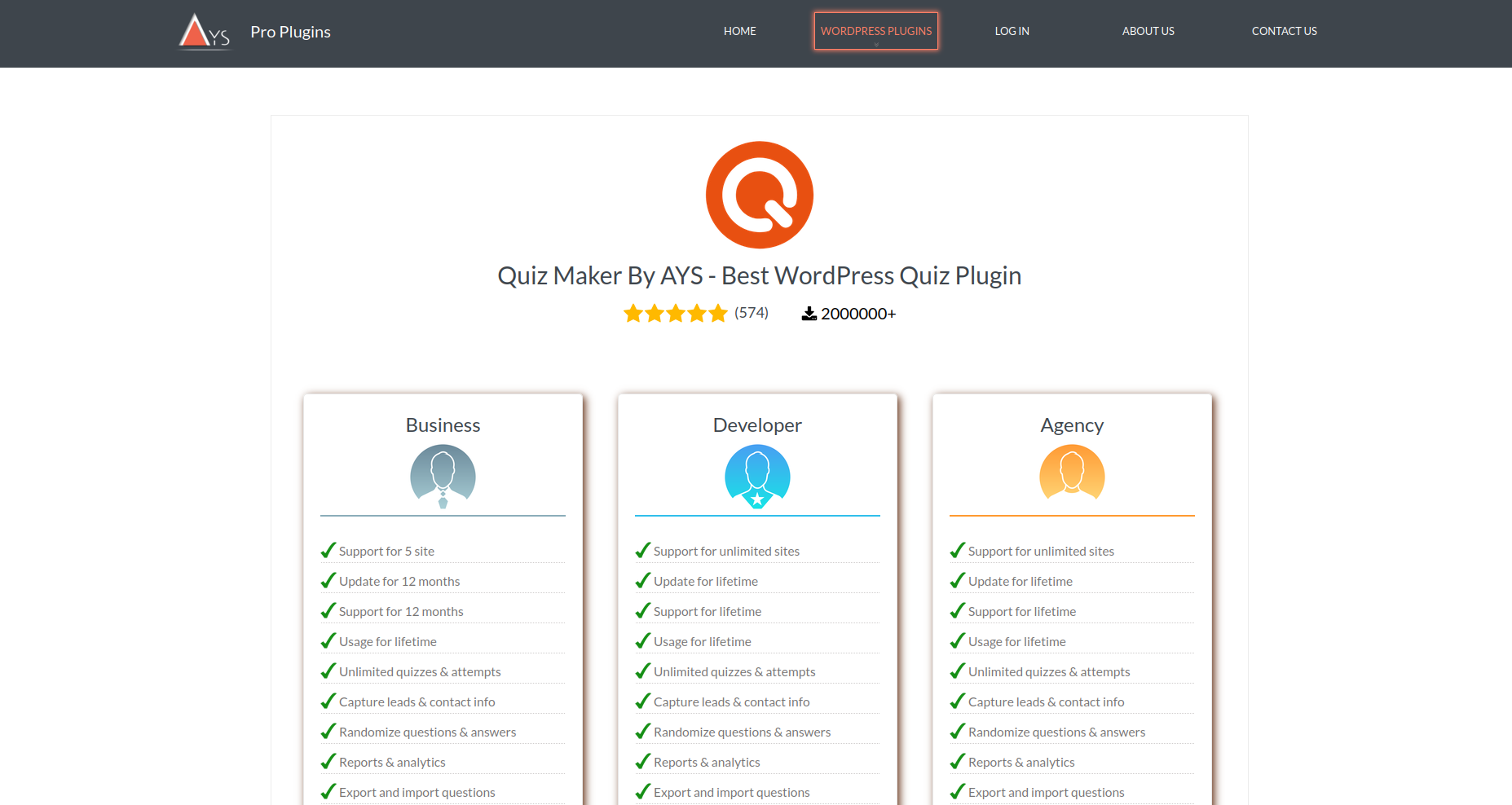
Quiz Maker by AYS is a flexible WordPress quiz builder designed for lead generation, engagement, and education.
It allows you to create everything from personality quizzes to product recommendation and exam-style quizzes with ease.
What it does
Quiz Maker by AYS lets you build interactive quizzes and generate questions using AI through its ChatGPT integration add-on.
You can customize quizzes, collect leads, and analyze user responses.
Key features
- AI-powered quiz generation
- Email marketing integrations (15+ tools)
- Paid quizzes and monetization options
- Advanced analytics and reportingWooCommerce integration
- Customizable and advanced result pages
Pros
- Easy-to-use and intuitive interface
- Supports multiple quiz types (personality, exams, recommendations)
- Strong customer support team
- Great for lead generation and engagement
Cons
- Some advanced features require a paid plan
Pricing
- Free plan available
- Business plan starts at $49/year (one-time payment)
Best for
Bloggers, marketers, and online educators
Rating
⭐ 4.9 / 5
StoreAgent (WordPress Plugin)
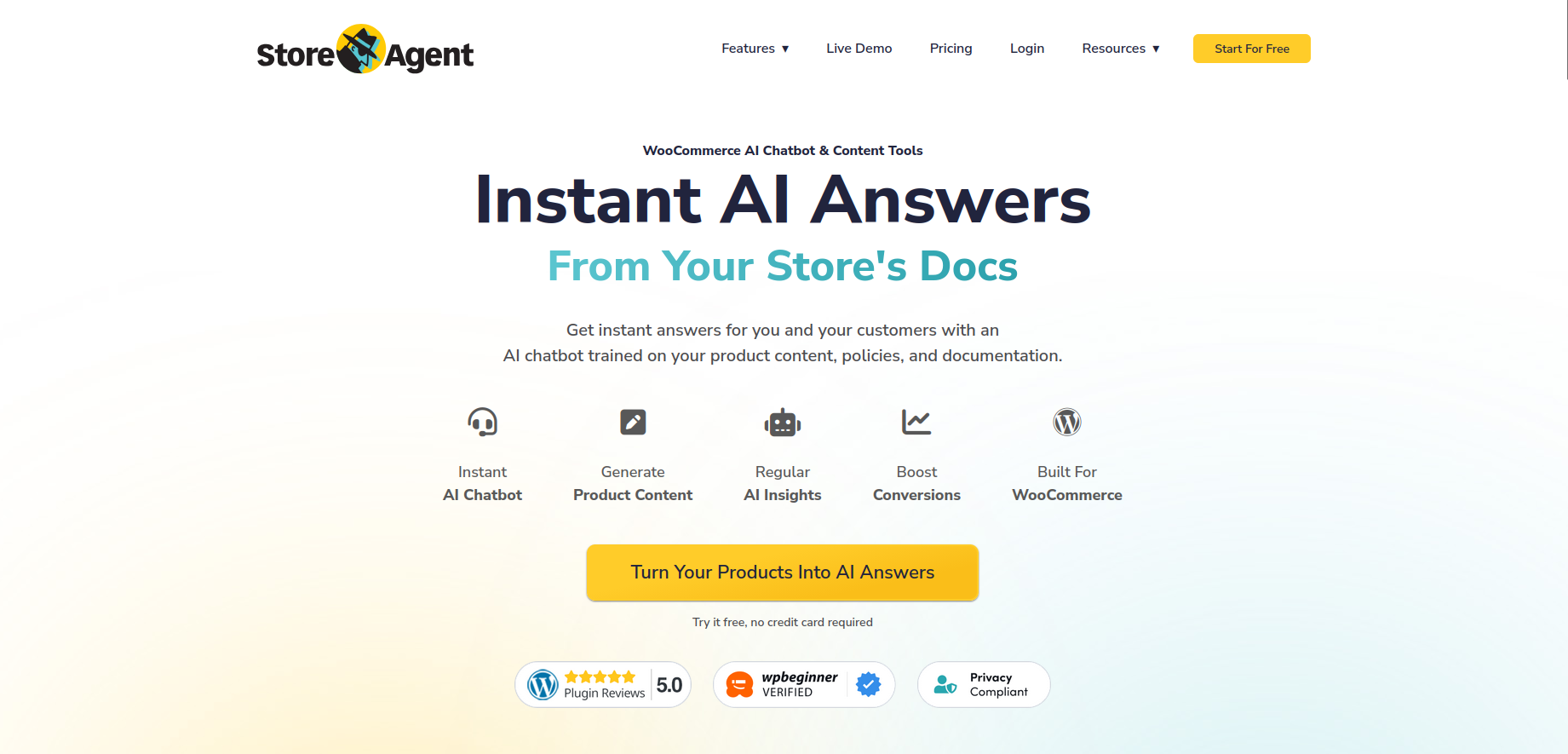
StoreAgent is an AI tool for WooCommerce stores that have extensive product ranges. It is concerned with scaling product content automation.
What it does
StoreAgent is an automated WooCommerce product description, tag and summary tool used in stores where the catalog size is large.
Key features
- Automation of product description.
- Tag and category generation
- Review summarization
- Bulk processing
Pros
- Massive time-saving to large stores.
- Enhances page consistency of products.
Cons
- Overkill for small catalogs
- Monthly pricing may not suit everyone
Pricing
Starts around $49/month
Best for
Supermarket WooCommerce stores that have numerous products.
Rating
⭐ 4.3 / 5
WooWBot (WordPress Plugin)
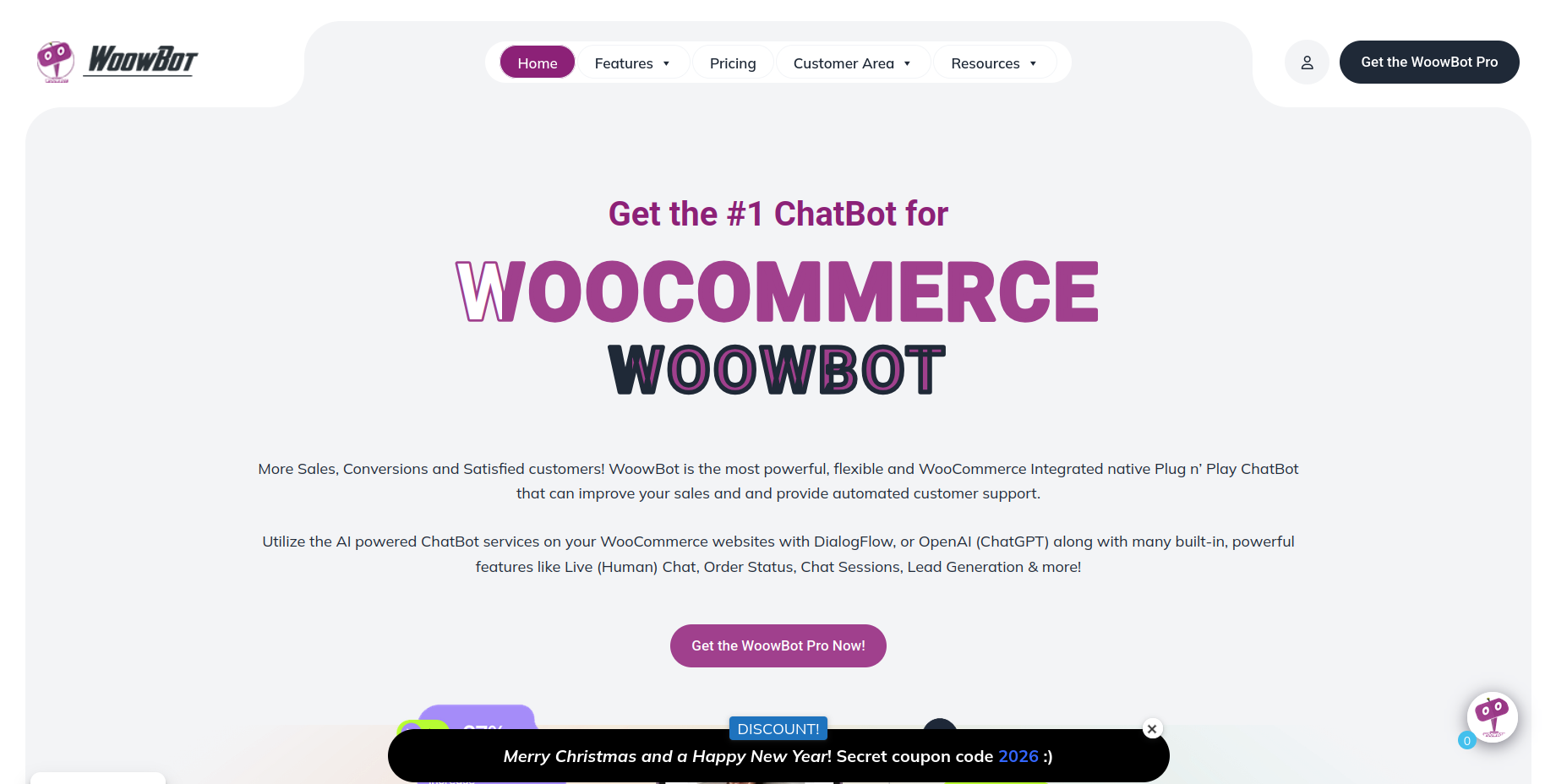
WooWBot is an AI chatbot that specializes in WooCommerce shops. It is centered on customer care and chat commerce.
What it does
WooWBot will respond to customer inquiries, orders, and product suggestions based on WooCommerce data.
Key features
- Developed to process WooCommerce data.
- Product recommendations
- Automated responses
- WooCommerce integration
Pros
- Created to analyze WooCommerce data.
- Reduces support workload
- Easy to set up
Cons
- Fine-tuning of needs to maximize responses
- Free version is limited
Pricing
Free tier available, Pro from $49/year
Best for
WooCommerce customer support automation
Rating
⭐ 4.2 / 5
Helpmate AI (WordPress Plugin)
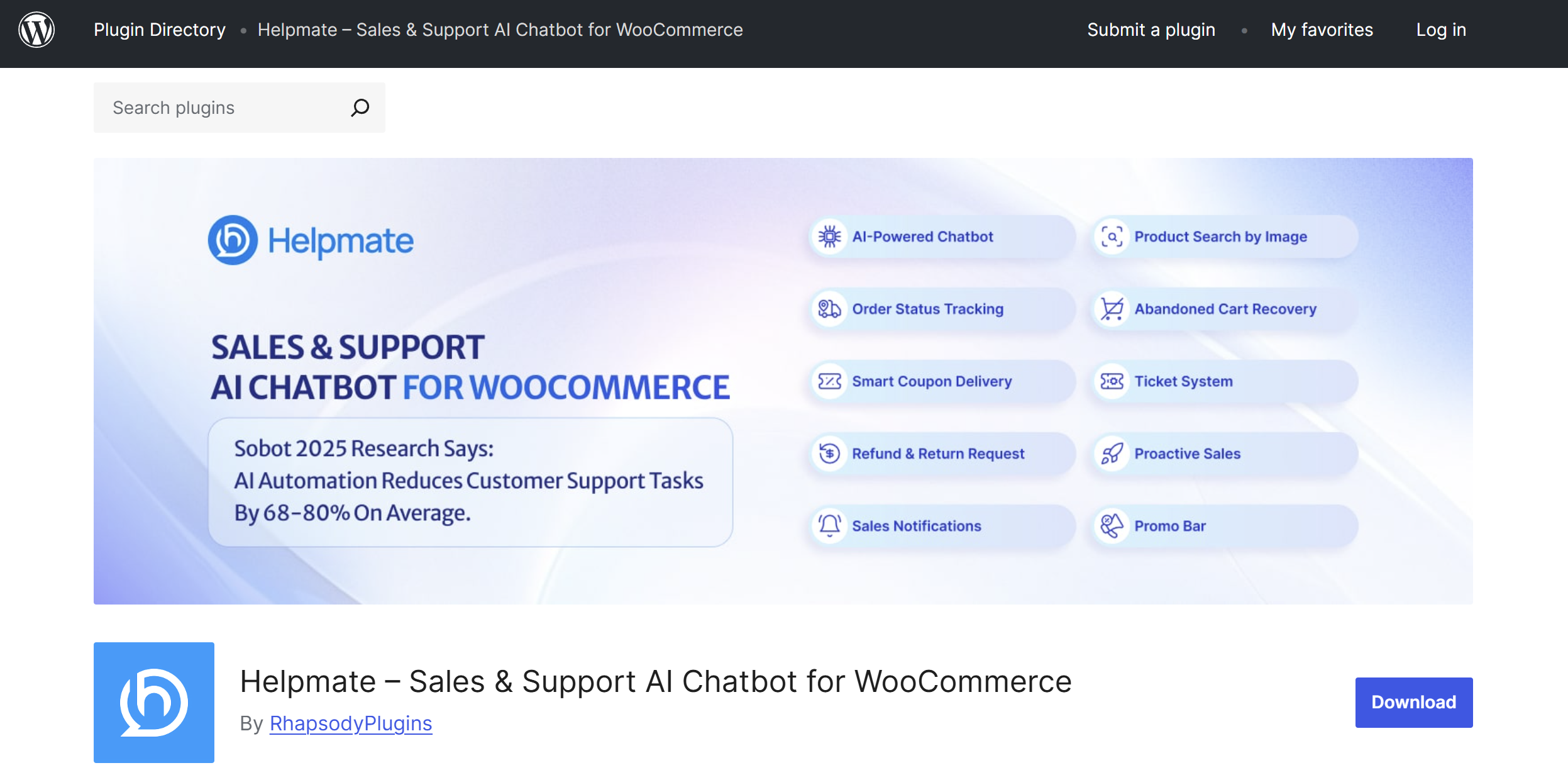
Helpmate AI is a mix of WooCommerce store customer support and sales automation. It will be created to enhance interactions and conversions.
What it does
Helpmate AI is used to manage support conversations and send messages that pertain to sales, such as product recommendations and cart integration.
Key features
- AI chat support
- Product recommendations
- Cart recovery messages
- Human handover option
Pros
- Combines support and sales
- Helpful for conversion-focused stores
Cons
- Advanced features require upgrade
- Less flexible outside WooCommerce
Pricing
Free tier available, paid plans vary
Best for
Small to mid-sized WooCommerce stores
Rating
⭐ 4.1 / 5
Uncanny Automator
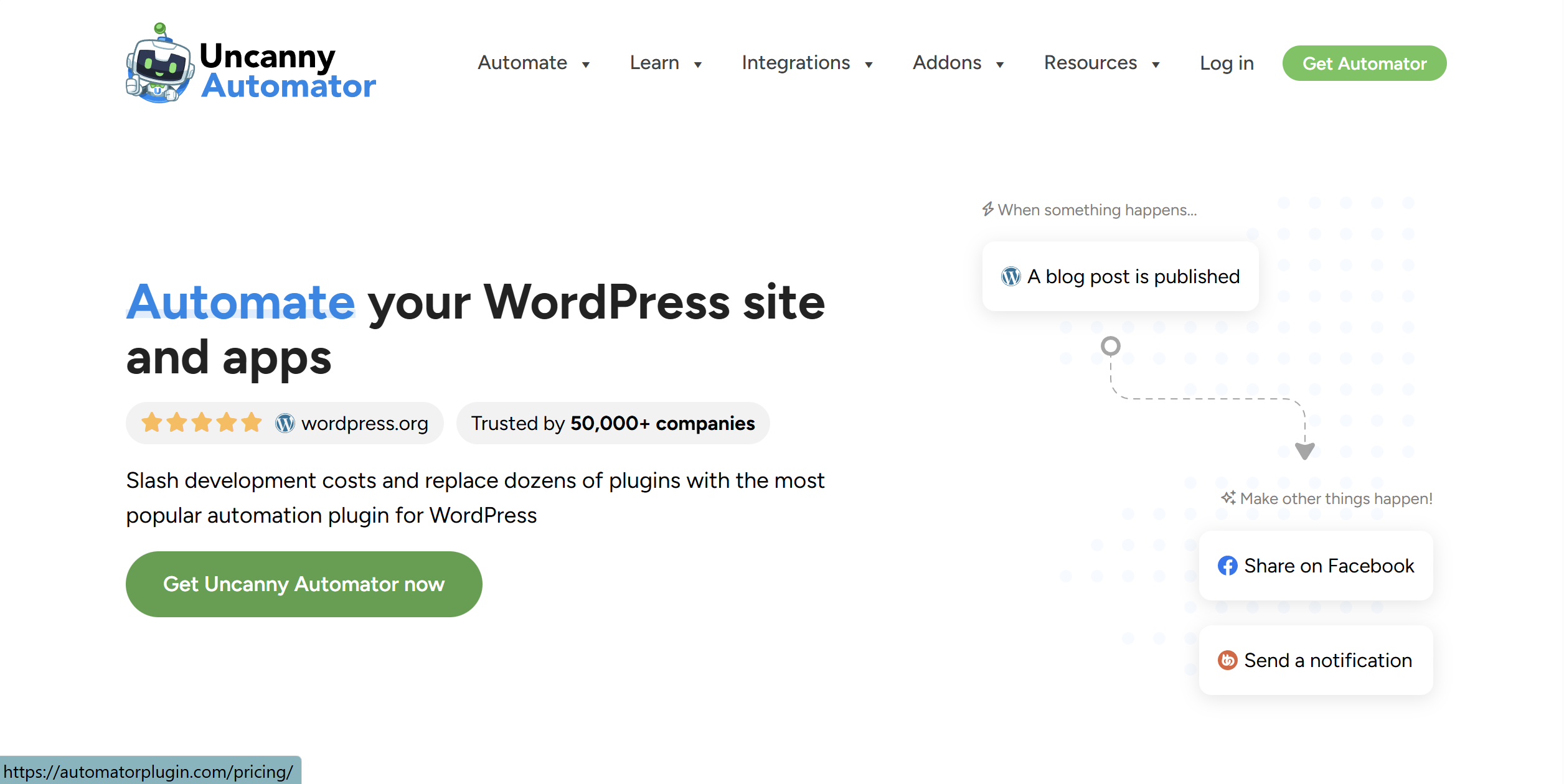
Uncanny Automator is an automation (WordPress) plugin that provides complex automation to users.
What it does
It automates the connection between WordPress plugins and AI tools based on the trigger-based rules of automation.
Key features
- No-code workflow builder
- WooCommerce integration
- AI tool connections
- Plugin-to-plugin automation
Pros
- Powerful automation capabilities
- Eliminates duplication of manual work.
Cons
- Complex workflow Learning Curve
- Needs to plan to effectively use.
Pricing
Free version available, Pro from $149/year
Best for
Advanced WordPress users and automation-heavy sites
Rating
⭐ 4.6 / 5
AI Power (WordPress Plugin)
AI Power is a wordpress all-in-one AI dashboard. It has an interface that incorporates various AI functions.
What it does
AI Power integrates AI writing and chatbots and image-generating tools directly into WordPress.
Key features
- AI content generation
- Custom chatbots
- Image generation
- Train AI on site content
Pros
- All-in-one AI solution
- Can train AI on site content
Cons
- Output quality can vary
- The interface may feel crowded
Pricing
Free plan, premium starting with $9.99/month
Best for
All-in-one AI Tools for WordPress
Rating
⭐ 4.3 / 5
ChatGPT
ChatGPT is extensively utilized with AI Tools for WordPress to plan and write content. It is pre-used by many site owners before they post content.
What it does
ChatGPT is also useful to generate ideas and drafts of content and rewrite them in WordPress and WooCommerce websites.
Key features
- Content ideation
- Draft writing
- Rewriting and editing
- Multi-purpose usage
Pros
- Very flexible
- Convenient for ideating and editing.
Cons
- Not a WordPress plugin
- Requires manual review and copying
Pricing
Free tier, Plus plan $20/month
Best for
Content planning and ideation
Rating
⭐ 4.8 / 5
Comparison Table
|
Tool |
Price |
Key Feature |
Rating |
Best for |
|
SeedProd AI |
$39.50/year |
AI website & landing page builder |
⭐ 4.5 |
Fast landing pages & campaigns |
|
Elementor AI |
~$59/year (Pro) |
AI content & design inside builder |
⭐ 4.6 |
Designers using Elementor |
|
Rank Math AI |
Free / $59/year |
AI-powered SEO optimization |
⭐ 4.7 |
SEO-focused WordPress sites |
|
Quiz Maker by AYS |
$49/year |
AI-powered quiz generation |
⭐ 4.9 |
Bloggers, marketers, and online educators |
|
StoreAgent |
~$49/month |
Automated WooCommerce product content |
⭐ 4.3 |
Large WooCommerce catalogs |
|
WooWBot |
Free / $49/year |
AI chatbot for WooCommerce |
⭐ 4.2 |
Customer support automation |
|
Helpmate AI |
Free / Paid plans |
Sales + support AI chat |
⭐ 4.1 |
Conversion-focused stores |
|
Uncanny Automator |
Free / $149/year |
Workflow & automation engine |
⭐ 4.6 |
Advanced automation |
|
AI Power |
Free / $9.99/month |
All-in-one AI WordPress plugin |
⭐ 4.3 |
Unified AI dashboard |
|
ChatGPT |
Free / $20/month |
Content ideation & drafting |
⭐ 4.8 |
Content planning |
Things to Consider Before Using AI Tools
Quality Control: It is never permitted to publicize the AI-generated content without a human check.
AI Tools for Wordpress might not be accurate or have a brand voice- particularly important when AI tools for WooCommerce are applied to product descriptions and have impacts on customer trust.
Performance Impact: Measure implemented web vital benchmarks before and after installation by checking the above-mentioned frontier tools of GTmetrix or PageSpeed Insights.
Target: LCP <2.5s, CLS <0.1, FID <100ms. Eliminate tools that reduce the performance to unacceptable levels.
Data Security: A significant portion of AI Tools for WordPress sends information out of the system.
Check privacy policies, confirm GDPR/CCPA regulations, and apply encryption (which is essential in the case of AI tools for WooCommerce used to process the information of customers).
Staging Testing: AI Tools for WordPress should never be installed on production.
Test compatibility and the performance of applications, or define workflows and safely configure them, prior to deployment, using staging.
AI cannot be a replacement; it can only assist.
Final Thoughts
As of 2025, there has been an emergent consolidation of the AI Tools for WordPress ecosystem market.
The critical point: AI Tools for WordPress are maximally useful as they are correlated with certain problems- content velocity, SEO performance, or customer support automation.
Store owners should focus specifically on the AI tools for WooCommerce. E-commerce operation is marked by repetitive activities that are best automated: product description, customer queries, and returns.
The appropriate AI tools for WooCommerce multiply the small team's efficiency.
Begin with 1-2 tools that serve your utmost needs. Measure influence, and then grow in a strategic manner.
Keep in mind that AI Tools for WordPress save you time to do things with more value- creating strategic plans, building relationships, and differentiating that the AI cannot create.
Frequently Asked Questions
Q: Which is the best AI tool in WordPress in general?
It does not have a universal solution. The optimal AI Tools for WordPress will be based on your application.
Rank Math AI is the best in the case of SEO. Elementor AI and SeedProd AI can be used in terms of design and page building. In case you desire a complete one-stop solution with WordPress, AI Power is a viable solution.
Q: Do AI tools interact with WooCommerce to slow down checkout?
Fully fledged AI-based products for WooCommerce tend not to slow down checkout. The majority of these tools execute particular tasks in the background, like content generation or chat support.
There is only a possibility of performance problems when unnecessarily heavy-load plugins are installed, or the tools are misconfigured.
Q: Is it possible to apply several AI tools simultaneously?
Admittedly, several owners of the sites combine various AI Tools to WordPress. As an illustration, there is one SEO tool, one content writing tool, and another automation tool.
The trick is not to have overlapping features and also to track the performance on a regular basis.
Q: Are these tools user digestible, as they require any knowledge of code?
A majority of the currently existing AI Tools in WordPress and other AI tools in WooCommerce are user-friendly. They operate with dashboards, editors, and plain settings.
They do not need any form of knowledge of codes to be used.
Q: Do they have any legal free alternatives?
Admittedly, lots of AI Tools on WordPress and AI tools on WooCommerce have a free plan or a restricted free option.
Some of the tools, such as the Rank Math AI, AI Power, and ChatGPT, are freely available, which is legal to use and appropriate to test or low-scale projects.
Q: How do I integrate without breaking my site?
In order to use AI Tools in WordPress safety, you should always be careful to first ensure that you back up your site, install contrary to a staging environment, as much as possible, this is the way that AI Specifically you should install one tool at a time and test it.
Both up-to-date plugins and features that do not overlap with each other can be used to prevent conflicts and site problems.