
Here's a scenario you've probably lived through: You build an audience. You pour energy into your content, your products, your brand.
And then one platform tweak — an algorithm shift, a policy change, a sudden ban — wipes out months of organic reach overnight.
That's the reality of betting your community on rented land.
The smarter move? Build your community on WordPress, where you own the data, control the experience, and nobody can pull the rug out from under you.
But here's the thing — WordPress doesn't come with community features baked in. You need the right plugin.
And in 2026, the options have grown dramatically. So which one actually delivers? Let's break it all down — from proven classics to the all-in-one newcomer rewriting the rules.
📊 76% of internet users actively participate in online communities — making community features one of the highest-ROI investments for any WordPress site owner.
What Is a WordPress Community Plugin — And Why Does It Matter?
A WordPress community plugin adds social and interactive features to your site that the default WordPress installation simply doesn't have.
Think member profiles, group discussions, activity feeds, direct messaging, forums, and more.
Without one, your site is essentially a one-way broadcast. With one, it becomes a place people return to — because their friends, peers, and conversations are there.
Beyond engagement, communities create serious business value:
- Membership subscriptions generate recurring revenue
- Course communities retain learners longer and boost completion rates
- Customer support communities reduce ticket volume by enabling peer-to-peer help
- Brand communities turn casual buyers into loyal advocates
WordPress powers 43.5% of all websites in 2026 — and a growing share of those sites are now full communities with courses, memberships, and social features built entirely on WordPress.
How to Choose the Right WordPress Community Plugin in 2026
Before we get to the list, run every option through this checklist. The plugin that sounds great on a marketing page can completely fail you at scale.
1. Define Your Must-Have Features
Are you building a forum? A social network? An LMS community? A customer support portal? Your use case determines which features are non-negotiable.
User profiles, group discussions, direct messaging, content moderation, and analytics are the core pillars most communities need.
2. Check Performance at Scale
Real-time features — live chat, activity feeds, instant notifications — require more server resources. A plugin might run beautifully on 50 users and completely choke on 5,000.
Always look for plugins that use dedicated database tables and optimized queries rather than hammering the default WordPress database.
3. Look for Integration Depth
Your community plugin needs to play nicely with your existing stack — your LMS, your WooCommerce store, your email marketing tool, your page builder.
Plugins that require you to rebuild everything around them are expensive long-term bets.
4. Evaluate Support and Roadmap
A community plugin is infrastructure. If the developer stops maintaining it, you inherit a growing pile of security debt. Look for active development, regular updates, responsive support, and clear product roadmaps.
5. Total Cost of Ownership
The free plugin that requires five paid add-ons to function properly isn't actually free. Add up licensing fees, required add-ons, and potential developer time before comparing price tags.
The 7 Best WordPress Community Plugins for 2026
We reviewed the SERP landscape, analyzed real user feedback, and tested feature sets across the major options. Here's what the 2026 community plugin landscape actually looks like.
1. ZenCommunity — The All-in-One Powerhouse
Best for: Community + Real-Time Chat + Support Tickets + Live Chat — one native plugin · From ~$149/year
Let's start with the most important question: why does every other community plugin make you stitch together three to five different tools just to get a functional community experience?
You need Plugin A for forums, Plugin B for live chat, Plugin C for support tickets — and then you spend a weekend trying to make them talk to each other without breaking your site.
It's fragmented, expensive, and honestly exhausting.
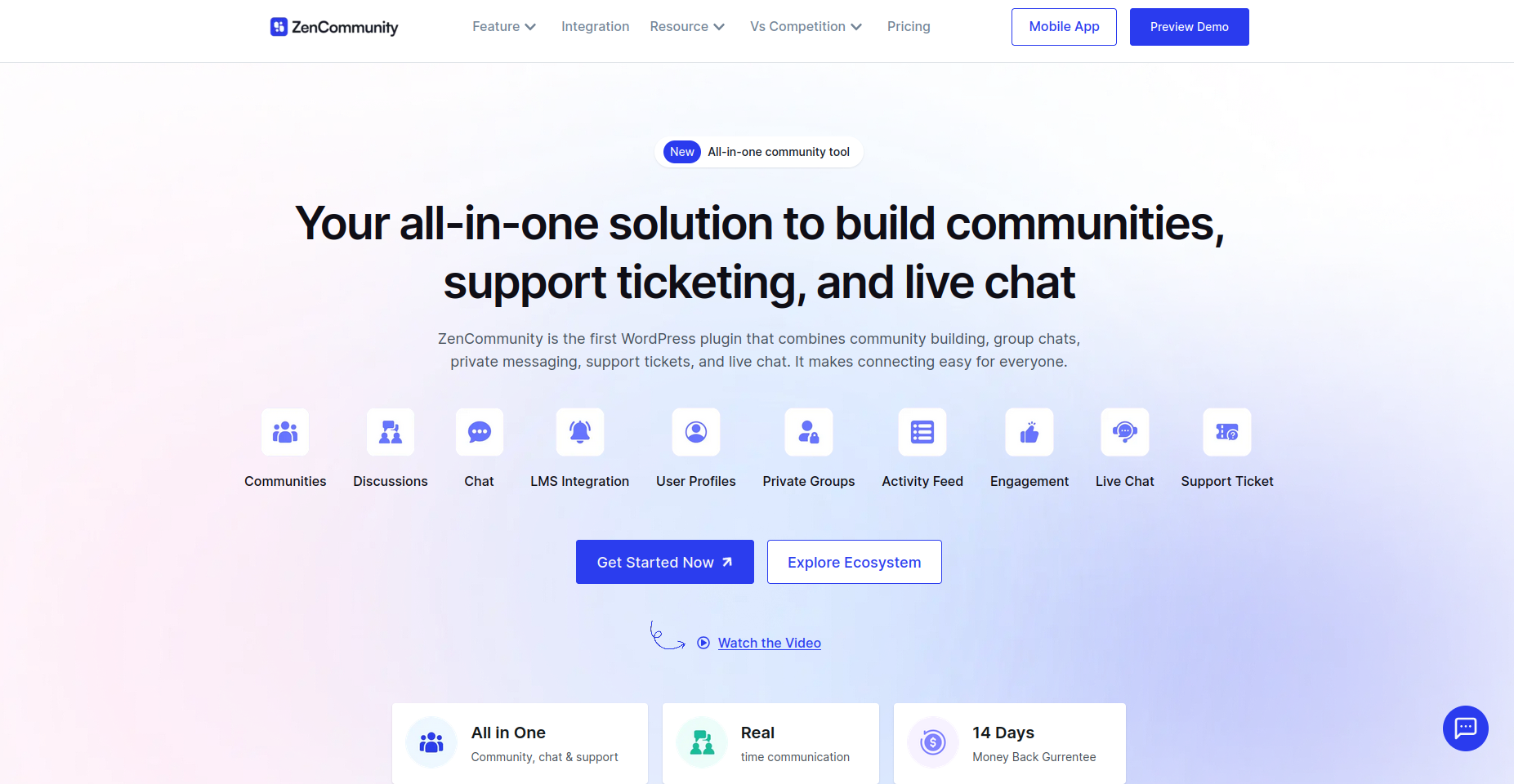
ZenCommunity was built to end that pattern. It's the first WordPress plugin that combines community building, real-time group chat, private messaging, support tickets, and live chat in one native solution.
No external SaaS. No plugin conflicts. One install, one dashboard, one experience.
What Makes ZenCommunity Different Most plugins handle community or chat or support. ZenCommunity handles all three — and makes them work together.
When a community post needs escalation, one click converts it into a tracked support ticket.
When a student in your LMS course needs help, they get live chat support without leaving the course page.
Core Features
- Facebook-style groups with real-time posts, comments, media, and @mentions
- Group and private 1-to-1 messaging with WebSocket real-time sync
- Integrated support ticketing — assign agents, set statuses, add internal notes
- Live chat widget — fully customizable, multi-session, no external dependency
- Deep Academy LMS integration for course communities and student support
- User profiles with activity feeds, group membership, and engagement history
- Post-to-ticket conversion preserving full discussion context
- Works with all modern WordPress themes — no theme lock-in
Pricing
- Free version available on WordPress.org
- Pro plans available — 14-day refund policy
- Check current pricing at zencommunity.pro/pricing
"ZenCommunity is honestly a breath of fresh air. Everything feels much cleaner and easier to manage, and the UI is far more user-friendly than older community plugins."
— Developer review, Product Hunt (2025)
ZenCommunity's approach is genuinely different from everything else on this list.
The live chat widget runs natively inside WordPress — no Node.js, no external server setup required — which means your data stays on your site and your hosting costs stay predictable.
If you're building an LMS community, a customer support portal, or a brand community and you need community + communication + support in one place, ZenCommunity is the clear answer in 2026.
2. BuddyBoss — The Enterprise-Grade Platform
Best for: Mobile-app-first communities · From ~$299/year
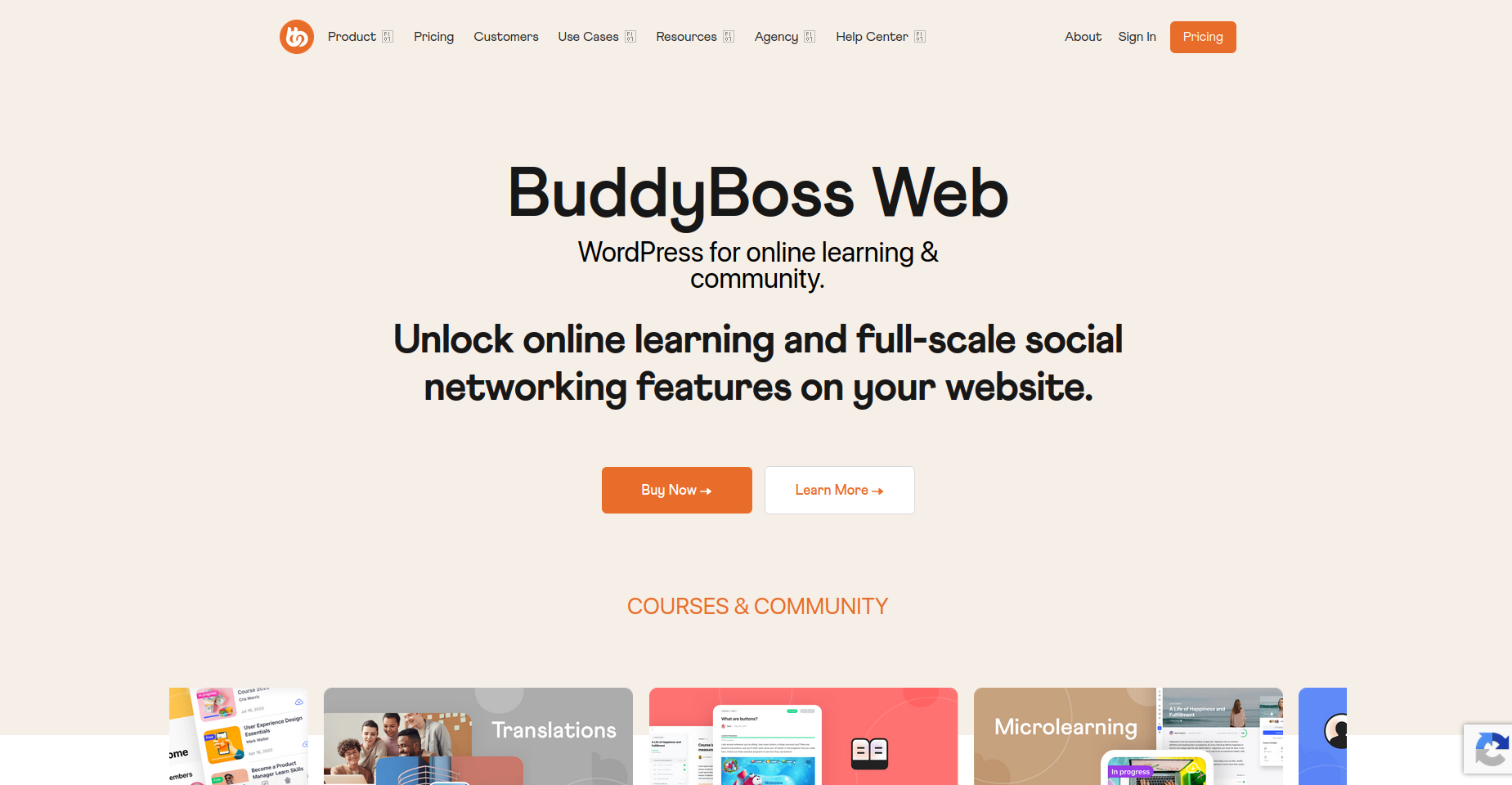
BuddyBoss is the most feature-complete WordPress community platform available — and it carries a price tag to match.
If you need a white-label mobile app alongside your community, BuddyBoss is currently the only option in the WordPress ecosystem that delivers one.
Core Features
- Activity feeds, groups, member profiles, direct messaging
- White-label iOS and Android mobile app (unique differentiator)
- Full LMS with LearnDash or native course builder integration
- Gamification with 90+ automation triggers
- Paid membership and subscription management
The limitation? BuddyBoss works best with its own BuddyBoss Theme, which means adopting it involves a significant commitment to its full ecosystem.
There's no native live chat or support ticketing — you'll add those separately.
For large-scale, app-first communities willing to invest, it's exceptional. For most businesses, the complexity and cost are hard to justify.
3. FluentCommunity — The Speed-Optimized Option
Best for: WPManageNinja ecosystem users · From ~$149/year
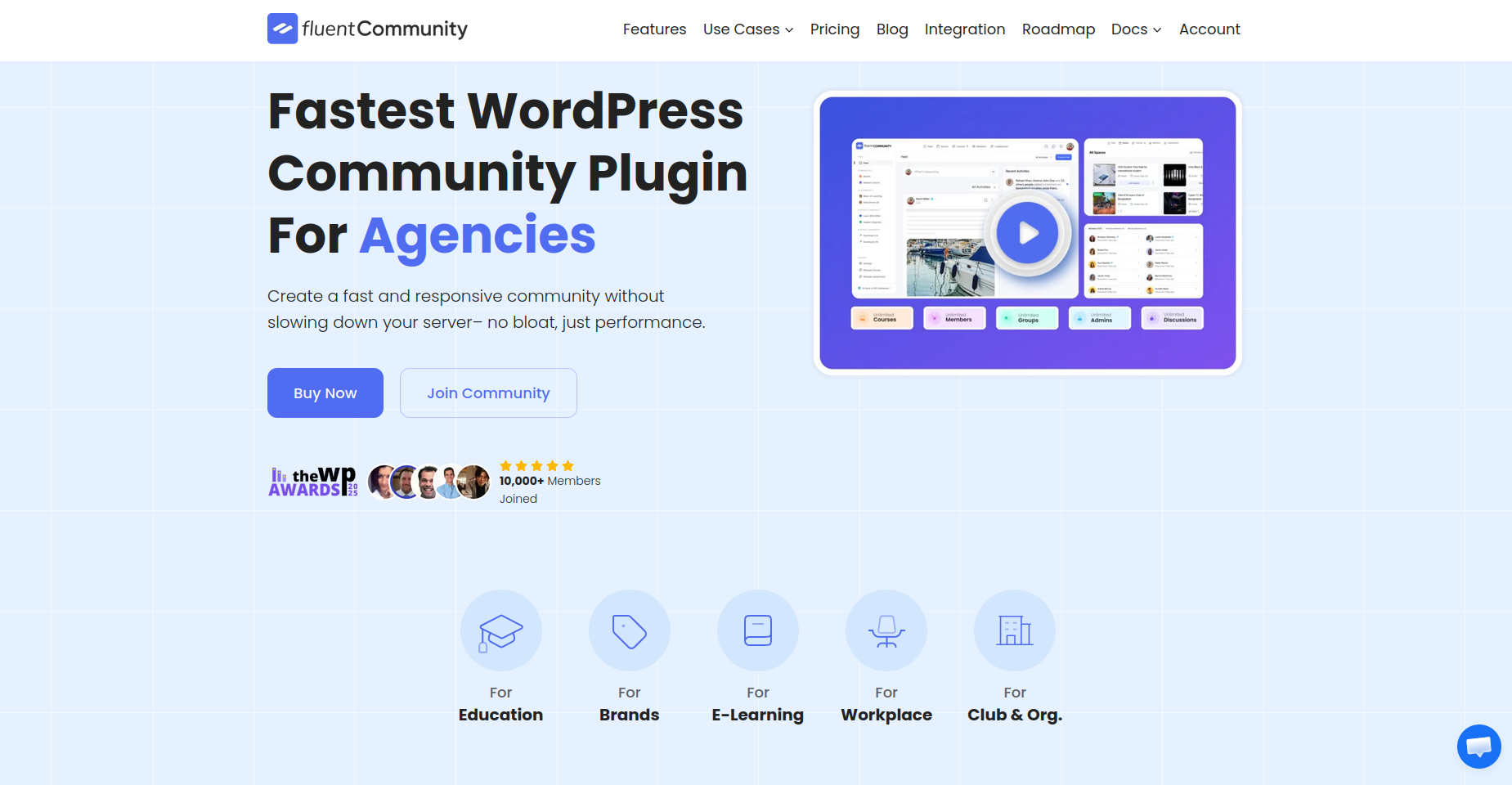
FluentCommunity is built by the WPManageNinja team — the same people behind FluentCRM and FluentForms, and it shows in the integration depth.
If you're already in the WPManageNinja ecosystem, FluentCommunity slots in naturally.
Core Features
- High-performance activity feeds and space-based communities
- Built-in course builder (basic LMS capabilities)
- Gamification with leaderboards and user badges
- Works with virtually any WordPress theme
- Native FluentCRM and FluentForms integration
The gaps: no built-in membership system, no live chat, no support ticketing, and no official mobile app.
For clean, fast communities that don't need support infrastructure, it performs well. But you'll be assembling a stack rather than using one tool.
4. BuddyPress — The Free Foundation
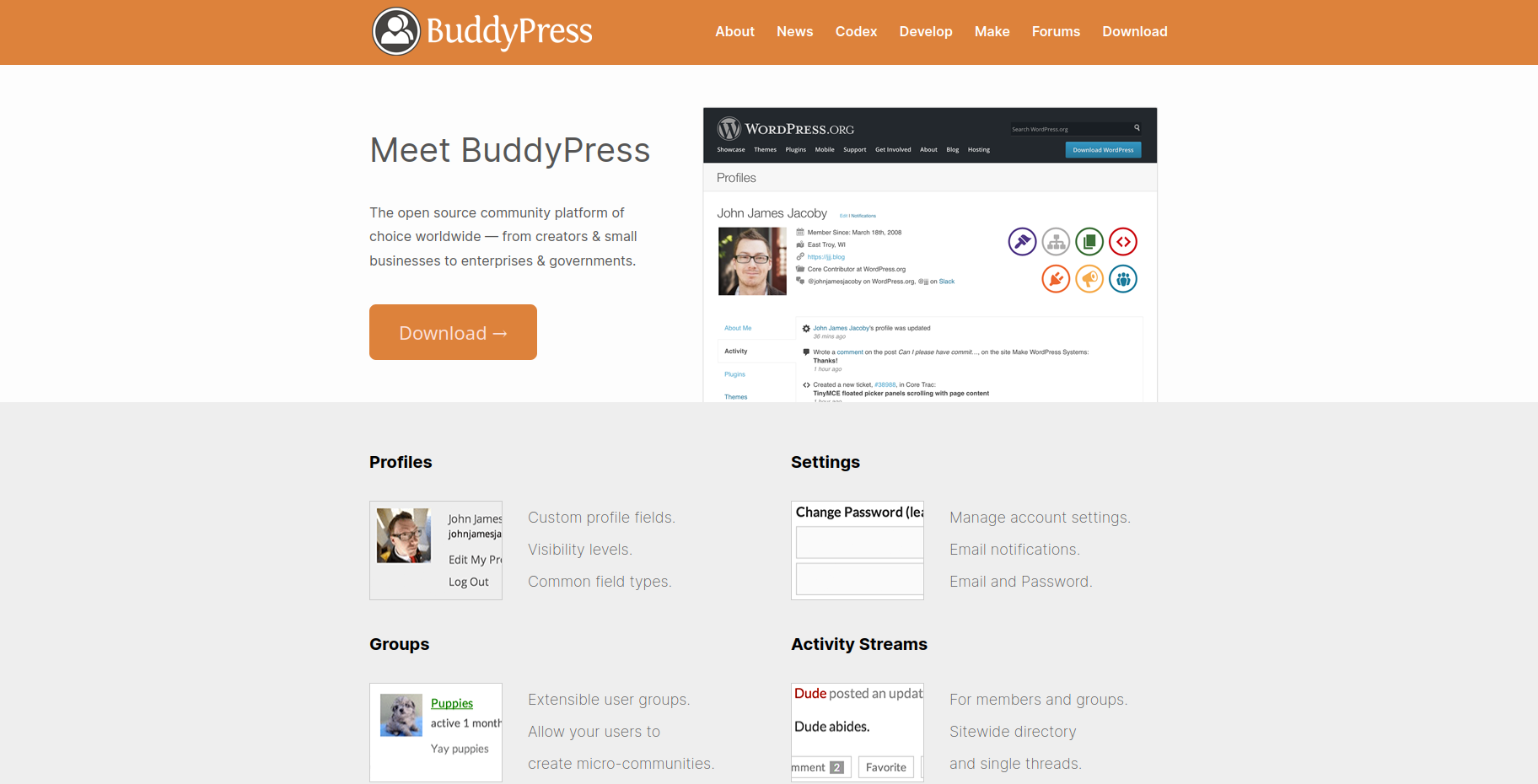
Best for: Developers & budget-conscious builders · Free
BuddyPress is the original WordPress social networking plugin — open-source, free, and backed by a massive community.
It's been around since 2008 and has powered some of the internet's largest WordPress communities.
Core Features
- User profiles, activity streams, friend connections
- Groups with discussion forums
- Private messaging between members
- Notifications and an extensive hook system for developers
- Huge ecosystem of compatible themes and add-ons
The honest reality: BuddyPress's interface feels dated compared to modern options. It requires considerable customization to look and feel contemporary.
It's an excellent foundation for developers, but out of the box, it needs work.
5. PeepSo — The Social Network Builder
Best for: Social-first communities · From ~$99/year
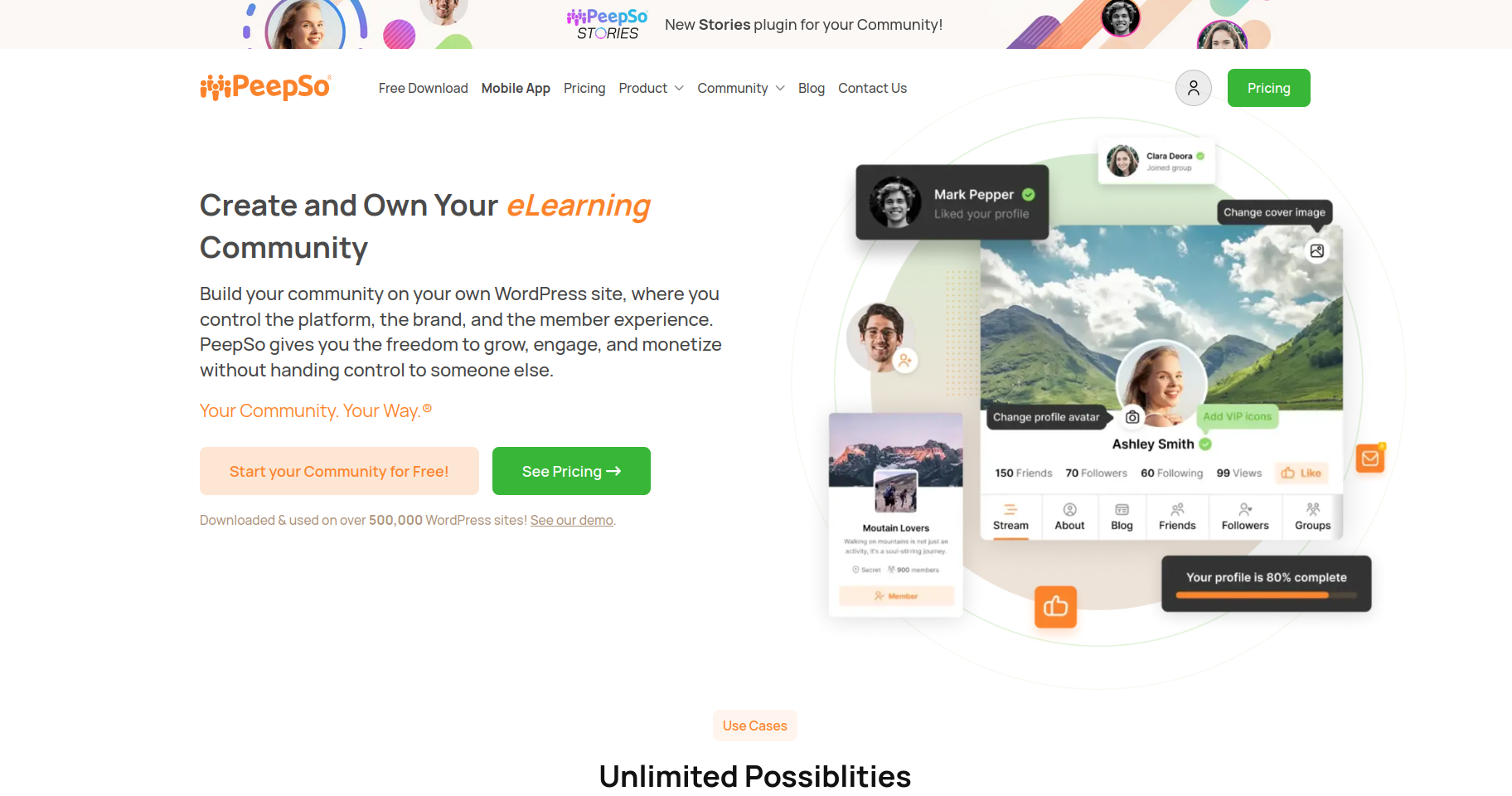
PeepSo focuses specifically on social networking features — activity feeds, profile timelines, friend connections, and groups. It has a clean, modern interface and a solid freemium model.
Core Features
- Activity streams with reactions, comments, and media
- User profile timelines with cover photos
- Private groups with discussion feeds
- Notifications and friend/follow system
PeepSo is best suited for communities where the social layer is the primary focus, and you don't need deep support or LMS integration. The add-on model can get expensive quickly as your feature needs expand.
6. bbPress — The Focused Forum Plugin
Best for: Structured forum discussions · Free
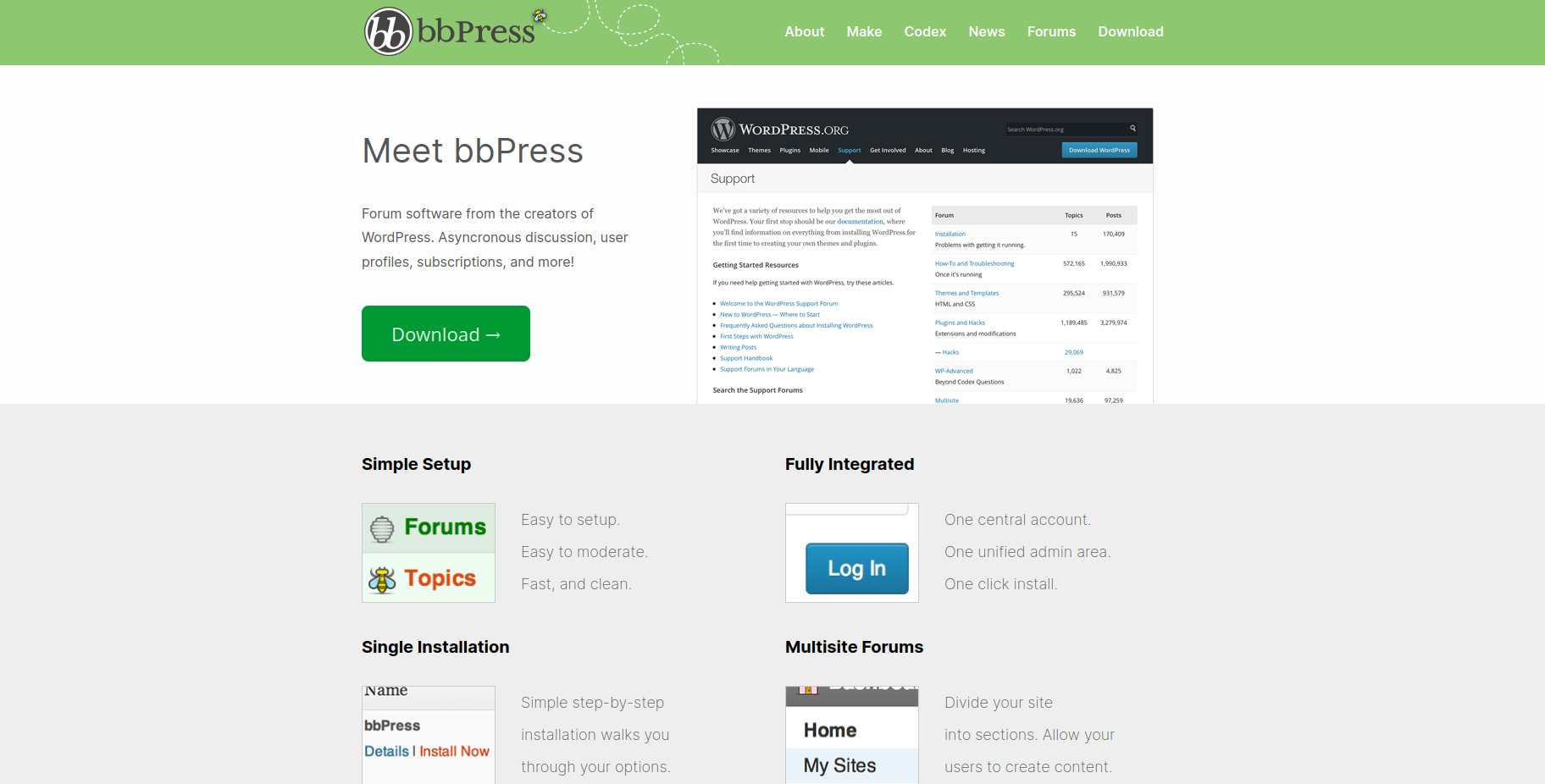
bbPress does one thing: forums. And it does forums reliably, lightly, and with full WordPress integration. If your community is primarily structured for discussions rather than social networking, bbPress is hard to beat in terms of simplicity.
Core Features
- Lightweight forum functionality with topics and replies
- Role-based moderation is built into WordPress user roles
- Deep BuddyPress compatibility for combined social + forum experiences
- Open-source with active community patches
bbPress won't give you activity feeds, live chat, real-time notifications, or social profiles. It's a forum plugin, full stop — and an excellent one at that.
7. Ultimate Member — The Profile & Membership Specialist
Best for: Role-based access & custom profiles · Free / ~$276/year
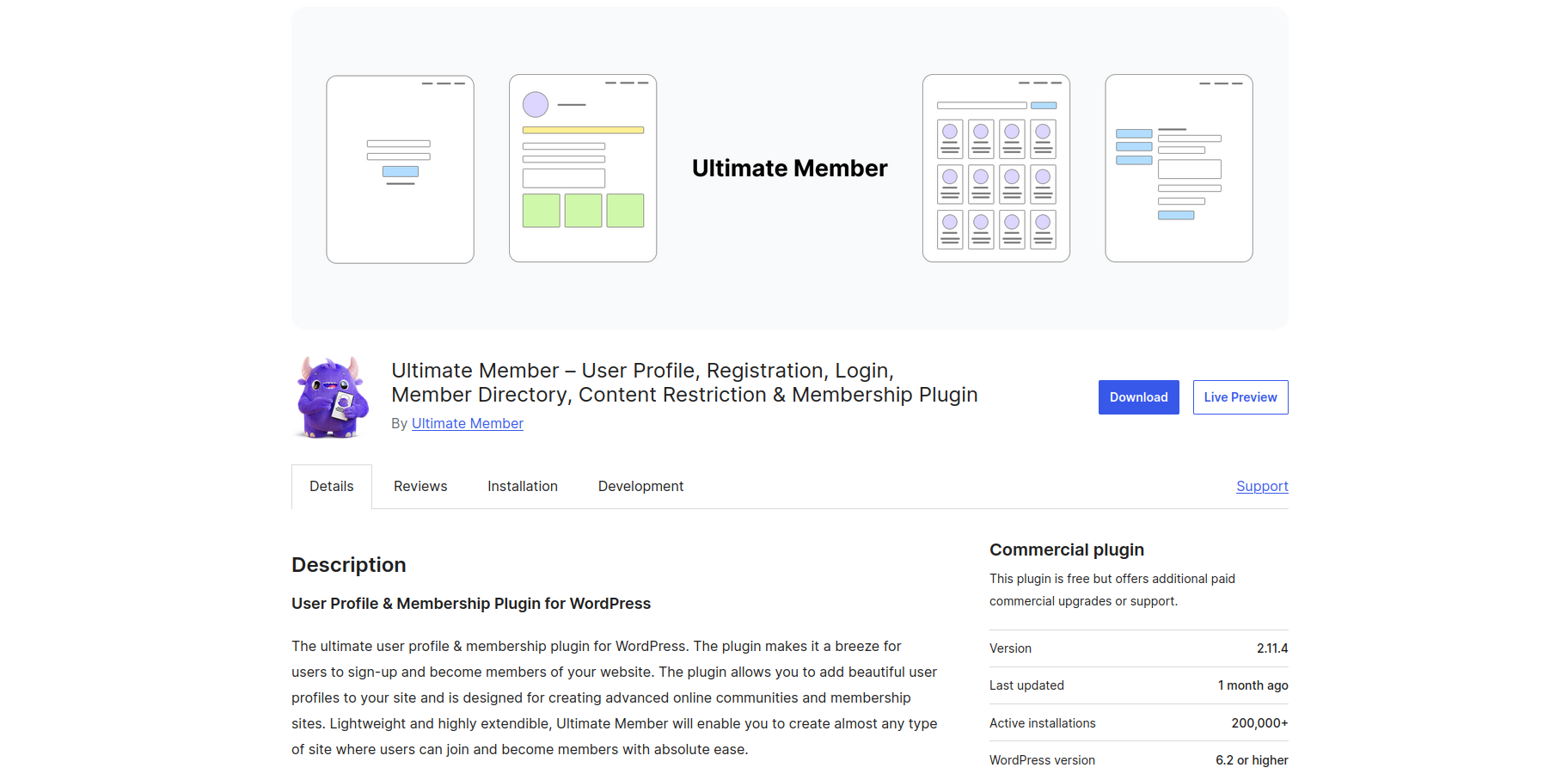
Ultimate Member focuses on user profiles, role-based access, and member directories.
It's less of a community platform and more of a membership management layer — but for sites where controlling who sees what is the primary concern, it delivers.
Core Features
- Custom user registration and login forms
- Detailed user profiles with custom fields
- Role-based content restriction and member directories
- Conditional profile fields and privacy controls
Ultimate Member complements a full community plugin rather than replacing one. Pair it with bbPress for forums or BuddyPress for social features if you need both rich profiles and community functionality.
WordPress Community Plugins — 2026 Feature Comparison
|
Plugin |
Groups |
Live Chat |
Support Tickets |
LMS Ready |
Starting Price |
|
⭐ ZenCommunity |
✅ |
✅ Native |
✅ Native |
✅ |
Free / Pro |
|
BuddyBoss |
✅ |
❌ |
❌ |
✅ |
~$299/yr |
|
FluentCommunity |
✅ |
❌ |
❌ |
Basic |
~$149/yr |
|
BuddyPress |
✅ |
❌ |
❌ |
❌ |
Free |
|
PeepSo |
✅ |
❌ |
❌ |
❌ |
~$99/yr |
|
bbPress |
❌ |
❌ |
❌ |
❌ |
Free |
|
Ultimate Member |
Limited |
❌ |
❌ |
❌ |
Free / ~$276/yr |
Which Plugin Should You Actually Use?
The right plugin depends on what you're building. Here's the honest breakdown:
If you need community + chat + support in one place:
👉 ZenCommunity — the only option that genuinely combines all three without external dependencies. Especially strong for LMS platforms, customer portals, and product communities.
If you need a white-label mobile app:
👉 BuddyBoss — still the only WordPress solution with a native white-label app. Worth the premium if mobile-first community is your priority.
If you're already in the WPManageNinja ecosystem:
👉 FluentCommunity — integrates beautifully with FluentCRM and FluentForms. Strong performance for speed-critical community builds.
If budget is the primary constraint:
👉 BuddyPress + bbPress — the open-source combination that's powered WordPress communities for over a decade. Requires more setup but costs nothing.
If you primarily need structured forum discussions:
👉 bbPress or wpForo — lean, purpose-built, and reliable for Q&A-style communities.
Why Owning Your Community on WordPress Beats Every Third-Party Platform
Discord is great — until it changes its community guidelines or gets acquired. Facebook Groups' reach drops every time Meta tweaks the algorithm.
Circle.so and Mighty Networks take a cut of your revenue and keep your member data on their servers.
When you build on WordPress, you own everything:
- Your member data — protected by your own privacy policy, not a third party's
- Your community's look and feel — fully customizable, not constrained by a platform template
- Your monetization model — memberships, subscriptions, digital products, whatever works
- Your SEO — community content lives on your domain, building your authority
📊 Key Stats (2026)
- WordPress powers 43.5% of all websites globally.
- 76% of internet users actively participate in online communities.
- 409 million people view over 20 billion WordPress pages monthly.
Frequently Asked Questions
What is the best WordPress community plugin in 2026?
For most use cases — especially those needing community, chat, and support in one place — ZenCommunity is the strongest all-in-one option in 2026.
BuddyBoss leads for mobile-app-first communities, and FluentCommunity excels for speed and WPManageNinja ecosystem integration.
Can I build a community on WordPress for free?
Yes. BuddyPress and bbPress are both free and open-source. ZenCommunity also has a free version available on WordPress.org. Premium features require paid plans.
What's the difference between BuddyPress and BuddyBoss?
BuddyBoss is a commercial platform built on top of BuddyPress. It adds a polished UI, mobile app support, LMS integration, gamification, and premium support.
BuddyPress is free and developer-friendly but requires more customization to achieve a comparable experience.
Do WordPress community plugins support real-time chat?
Most don't — at least not natively. ZenCommunity is notable for including native real-time chat using WebSocket technology without requiring additional servers or third-party services.
Can a WordPress community plugin replace Discord or Facebook Groups?
For most community use cases, yes — especially if you value data ownership and customization.
ZenCommunity's group chat, activity feeds, @mentions, reactions, and media sharing replicate the core of what makes those platforms engaging. The difference is that you own the data and control the experience entirely.
Which WordPress community plugin is best for an LMS?
ZenCommunity integrates deeply with Academy LMS and is purpose-built for course communities.
BuddyBoss is also strong for LMS communities with native LearnDash integration.
Is ZenCommunity suitable for enterprise use?
ZenCommunity is optimized for both small sites and enterprise-level communities, with real-time updates using lightweight scripts and dedicated support workflows.
Validate performance benchmarks with your specific hosting environment for very large deployments.
Final Verdict: Stop Renting. Start Owning.
The era of outsourcing your community to a third-party platform — and crossing your fingers that the algorithm gods stay favorable — is over for smart operators.
WordPress gives you ownership and control. The right plugin gives you the features.
And in 2026, the features available through plugins like ZenCommunity mean you're no longer making a significant functional trade-off to own your community.
If you're starting from scratch or rebuilding your community infrastructure, ZenCommunity is the first plugin worth installing.
Groups, real-time chat, support tickets, and live chat — all in one place, natively on WordPress, with no external dependencies.
Build on the ground you own. Your community will thank you for it.