The landscape of AI image generators changed the production of visual content in blogs in 2026.
The platforms of AI image generators have become a reliable tool that bloggers and other content creators can use to create unique graphics using no traditional design tools.
An AI image generator is an image generator that generates images based on text prompts, substituting stock photo subscriptions and freelance designers' budgets.
The analysis will focus on eight AI image-generating solutions that have been chosen through the frequency of usage by the content creators in 2026 reviews.
All AI image generators differ in the quality of images, the level of customization, and the commercial terms of use.
The discussed tools are text-to-image tools, tools based on hybrid design systems, and open-source tools.
Each AI image generator was selected based on the application of AI images on a practical blog, which included headers, social graphics, infographics, and illustrations.
The rating on quality indexes is between 8 and 9.5 out of 10 on the eight platforms. The prices range from free open-source and up to $60/month subscriptions.
The article is used to give specifications of each tool in terms of fact and licensing, and output.
DALL-E 3
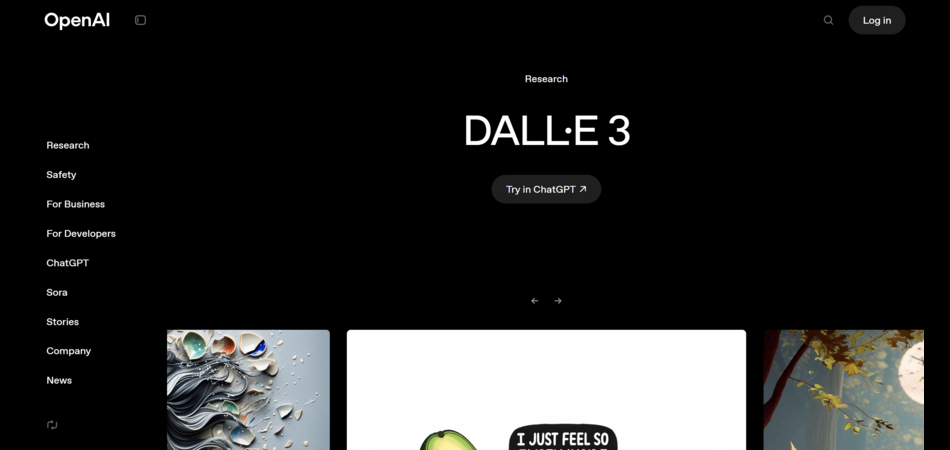
Platform: ChatGPT Plus integration
Specialization: Blog headers and custom illustrations
Tool type: Text-to-image generator
Image quality rating (1-10): 9
Customization level: High prompt control with limited style tuning options
Commercial usage rights: Allowed via ChatGPT Plus subscription
Learning curve: Low for bloggers
Pricing model: $20 per month for 100 images daily
Pros:
- High nuance in prompt interpretation
- Strong accuracy in visual execution
- 15-second generation speed
- Suitable for realism and consistency requirements
Cons:
- Credit caps limit high-volume production
- Limited style parameter adjustments
- Requires subscription for commercial licensing
Best for: Bloggers requiring accurate prompt translation into realistic visuals for article headers and featured images
Midjourney
Platform: Discord-based interface
Specialization: Artistic illustrations and social media graphics
Tool type: Text-to-image generator
Image quality rating (1-10): 9.5
Customization level: Deep customization through parameters and style controls
Commercial usage rights: Allowed on paid plans without attribution requirements
Learning curve: The learning curve is moderate because of the Discord command structure.
Pricing model: $10 to $60 monthly tiers
Pros:
- Highest quality rating among reviewed tools
- Version 6 photorealism capabilities
- Strong text rendering in images
- Style consistency across generations
Cons:
- Discord interface adds complexity
- Basic plan volume restrictions
- Generation time ranges 15 to 60 seconds
Best for: Content creators prioritizing artistic quality and style consistency in social graphics and featured illustrations
Adobe Firefly
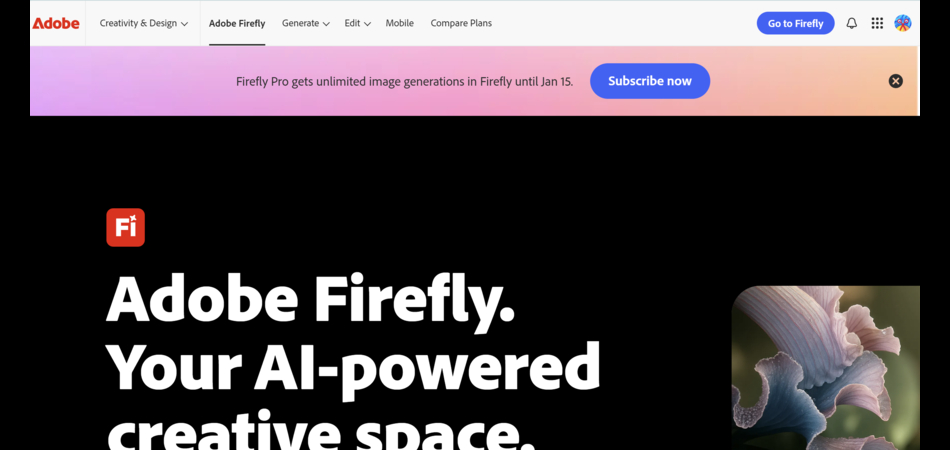
Platform: Adobe Creative Cloud ecosystem
Specialization: Infographics and Photoshop-integrated workflows
Tool type: Hybrid text-to-image and enhancement tool
Image quality rating (1-10): 9
Customization level: Extensive through templates and credit-based options
Commercial usage rights: Allowed, trained exclusively on licensed content
Learning curve: Low to moderate for Adobe Creative Cloud users
Pricing model: Creative Cloud subscription plus $4.99 and up for additional credits
Pros:
- Commercial safety through licensed training data
- Native Photoshop integration
- Fast generation within credit allocations
- Stock-like realism at 9 out of 10 quality
Cons:
- Performance slows after credit depletion
- Requires existing Adobe subscription for optimal value
- Template dependency for some users
Best for: Adobe ecosystem users requiring commercially safe infographic elements and Photoshop-compatible assets
Canva Magic Studio
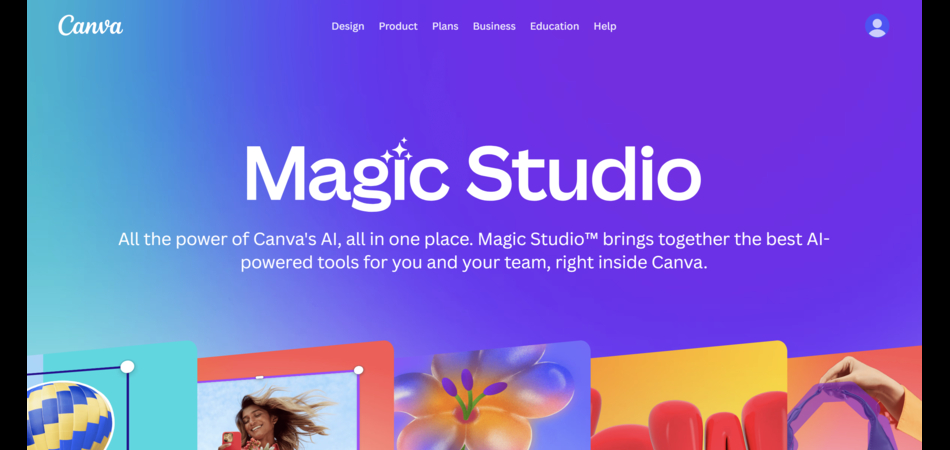
Platform: Canva web and app interface
Specialization: Blog headers and social graphics with template integration
Tool type: AI design hybrid system
Image quality rating (1-10): 8
Customization level: High through drag-drop interface and text prompts
Commercial usage rights: Permitted on all plans
Learning curve: Lowest among all reviewed tools
Pricing model: Pro tier at approximately $15 monthly for high AI access, free tier with limited credits
Pros:
- Easiest learning curve
- Quick generation integrated with design workflow
- Template library for context-aware outputs
- Consistent design quality at 8 out of 10
Cons:
- Free tier credit limitations
- Lower maximum quality ceiling compared to specialist tools
- Template reliance may reduce uniqueness
Best for: Bloggers prioritizing workflow speed and template-based design efficiency over maximum image quality
Stable Diffusion
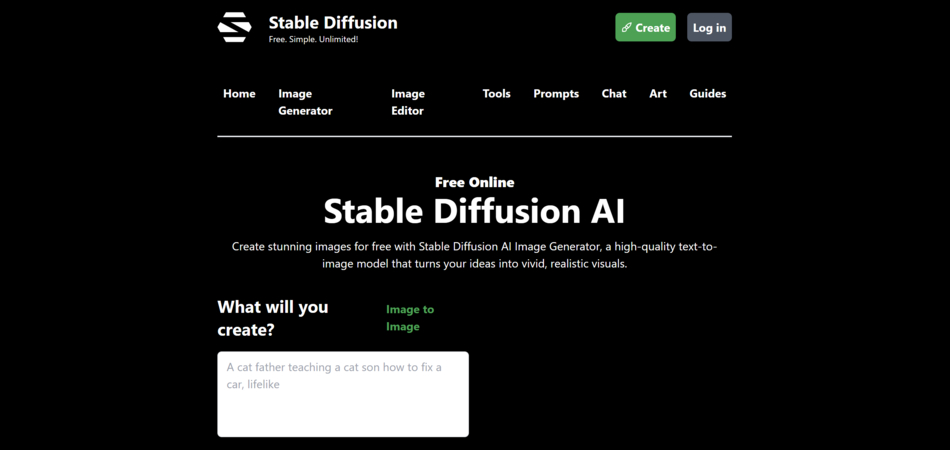
Platform: Open-source with local or hosted deployment options
Specialization: Custom illustrations with Flux model variants
Tool type: Text-to-image generator
Image quality rating (1-10): 8.5
Customization level: Unlimited depth through model parameters and extensions
Commercial usage rights: Full commercial rights under community license
Learning curve: Steep for initial setup and configuration
Pricing model: Free for local installation, hosted options from $10 monthly
Pros:
- Under 10-second generation speed
- Complete customization flexibility
- Strong prompt accuracy at 8.5 quality
- No subscription dependency
Cons:
- Technical setup requirements
- Requires parameter tweaking for optimal results
- Steep learning investment
Best for: Technical users or teams requiring unlimited generation volume and complete output control without subscription costs
Leonardo AI
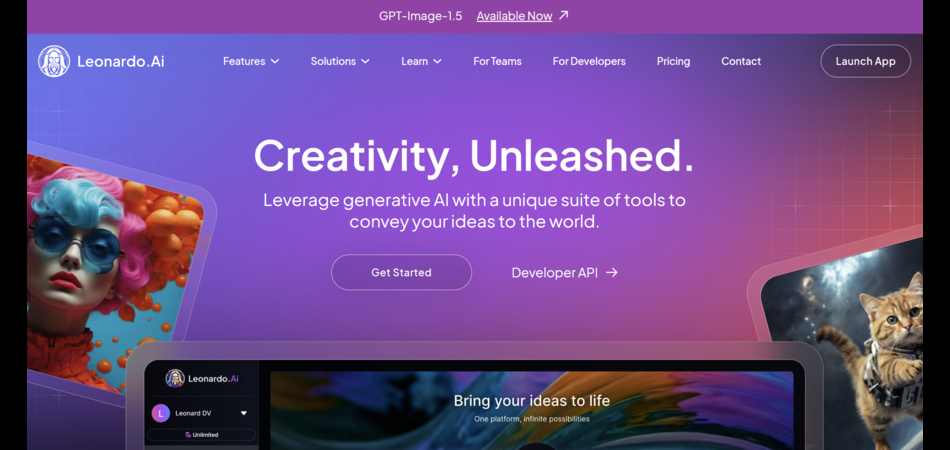
Platform: Web-based platform
Specialization: Graphics and illustrations with brand control features
Tool type: Text-to-image generator
Image quality rating (1-10): 8.5
Customization level: Good prompt and style tuning with template availability
Commercial usage rights: Included on paid plans only ($12 to $60 monthly), limited on free tier
Learning curve: Moderate
Pricing model: $12 to $60 monthly for commercial licensing, free tier available
Pros:
- Brand kit integration for style consistency
- Fast and relaxed generation modes
- Output ownership on paid tiers
- Template library
Cons:
- Free tier lacks commercial rights and has privacy limitations
- Mid-range quality ceiling at 8.5
- Commercial licensing requires paid subscription
Best for: Content teams requiring brand consistency across multiple blog properties with guaranteed commercial ownership
Recraft
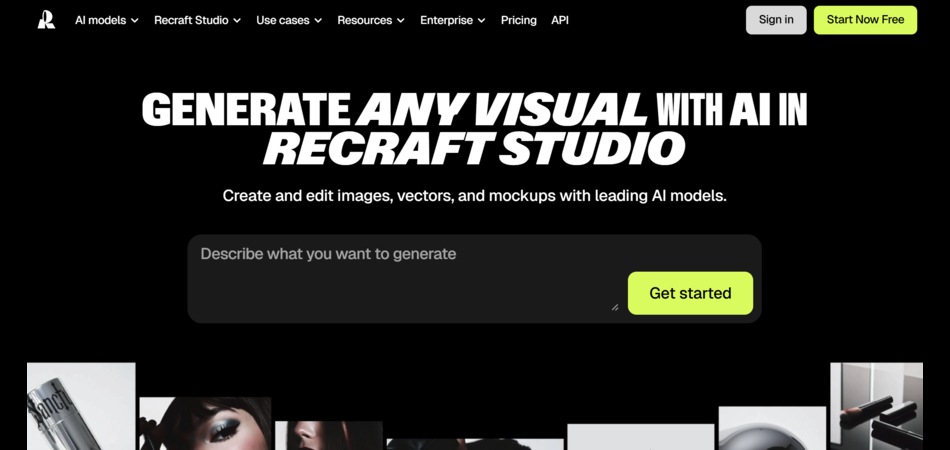
Platform: Web-based vector-focused platform
Specialization: Precise blog images and infographics
Tool type: AI design tool with vector capabilities
Image quality rating (1-10): 9
Customization level: Excels in brand style precision and adherence
Commercial usage rights: Allowed
Learning curve: Low for bloggers
Pricing model: Affordable per-article cost savings compared to competing platforms
Pros:
- 9 out of 10 quality for precision and customization
- Vector format advantages
- Fast iteration speed
- Brand style accuracy
Cons:
- Less optimized for photorealism compared to Midjourney
- Specific use case focus may limit versatility
Best for: Bloggers requiring precise infographic elements and vector graphics with strict brand guideline adherence
Reve Image
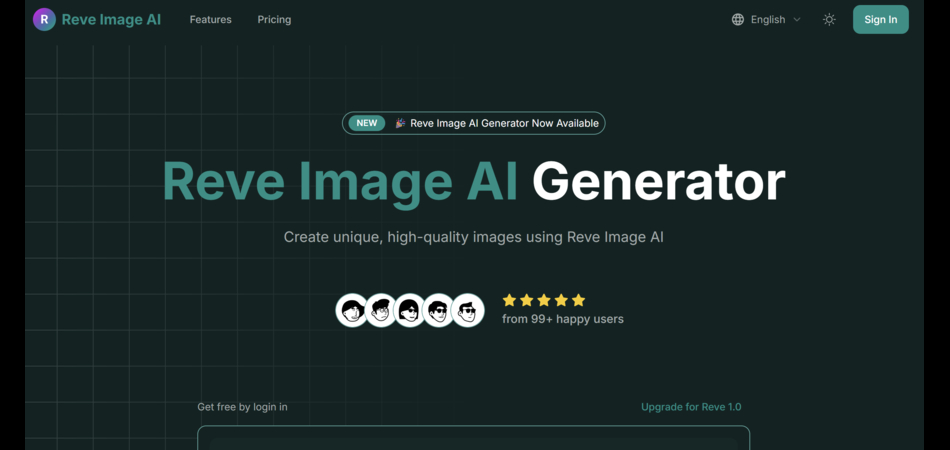
Platform: Web-based platform
Specialization: Illustrations with multiple style options
Tool type: Text-to-image specialist
Image quality rating (1-10): 8.5
Customization level: Solid style and prompt customization
Commercial usage rights: Commercial licensing included
Learning curve: Easy for beginners
Pricing model: $9.90 to $22.90 monthly for 400+ credits
Pros:
- Affordable entry pricing
- Quick generation speed
- 8.5 quality with strong prompt adherence
- Beginner-friendly interface
Cons:
- Credit-based limitations
- Mid-range quality ceiling
- Less recognition compared to established platforms
Best for: Budget-conscious bloggers requiring commercial licensing at lower monthly costs than DALL-E 3 or Midjourney
Example output description: Reve Image produces 8.5 quality illustrations across multiple style presets. The $9.90 entry tier provides commercial licensing at half the cost of DALL-E 3. Prompt adherence supports consistent output for recurring blog visual needs.
Step-by-Step Guide to Generating Blog Images
Step 1: Define Image Purpose and Specifications
Determine the type of blog image: header, social graphic, element of the infographics or illustration. Set aspect ratio requirements (16: 9 in the case of headers and 1:1 in the case of social platforms). Determine which one of the two styles of photorealism or artistic styling fulfills the content objectives.
Step 2: Select Appropriate Platform
Match tool capabilities to image requirements. Select Midjourney or DALL-E 3 in the case of photorealistic headers. Select Recraft for precise infographic elements. Use Canva Magic Studio for template-based social graphics. Consider Stable Diffusion for high-volume needs with technical resources.
Step 3: Construct Detailed Text Prompt
Write specific prompts including subject, style, lighting, composition, and technical parameters. Example structure: "Professional tech blog header: futuristic cityscape at dusk, blue tones, title overlay space, 16:9 aspect." Include color palette, mood descriptors, and format specifications.
Step 4: Generate and Evaluate Initial Output
Process prompt through selected platform. Evaluate quality against blog requirements. Check for artifacts in complex scenes. Verify text overlay space for headers. Assess style consistency with existing blog visuals.
Step 5: Refine Through Iteration
Adjust prompt parameters based on initial results. Modify style controls, aspect ratios, or composition elements. Regenerate with refined prompts. Tools like Midjourney require parameter adjustments while Canva Magic Studio uses template modifications.
Step 6: Verify Commercial Licensing
Confirm commercial usage rights under current subscription tier. DALL-E 3 requires ChatGPT Plus. Leonardo AI restricts free tier commercial use. Stable Diffusion provides full rights under community license. Export final image in required format and resolution.
Comparison Table Explanation
|
Tool |
Type |
Quality (1–10) |
Commercial Use |
Price (Monthly) |
Speed |
|
DALL-E 3 |
Text-to-image |
9 |
Allowed via ChatGPT Plus |
$20 |
~15 seconds |
|
Midjourney |
Text-to-image |
9.5 |
Allowed on paid plans |
$10–$60 |
15–60 seconds |
|
Adobe Firefly |
Hybrid |
9 |
Allowed, licensed training data |
$4.99+ credits |
Fast, slows after credits |
|
Canva Magic Studio |
AI design hybrid |
8 |
Allowed |
~$15 Pro |
Quick |
|
Stable Diffusion |
Text-to-image |
8.5 |
Full commercial rights |
Free to ~$10+ |
Under 10 seconds |
|
Leonardo AI |
Text-to-image |
8.5 |
Paid plans only |
$12–$60 |
Fast |
|
Recraft |
AI design (vector) |
9 |
Allowed |
Affordable |
Fast |
|
Reve Image |
Text-to-image |
8.5 |
Included |
$9.9–$22.9 |
Quick |
The comparison table synthesizes quality ratings, customization capabilities, pricing structures, commercial rights, learning curves, and generation speeds across eight platforms.
Quality scores range from 8 (Canva Magic Studio) to 9.5 (Midjourney). This 1.5-point spread indicates relatively consistent output standards across tools despite different specializations.
Customization levels vary significantly. Stable Diffusion offers unlimited depth through open-source flexibility. Midjourney provides deep style controls through parameters.
Canva Magic Studio limits customization to drag-drop interfaces and templates. Recraft excels in precise brand style adherence while maintaining accessible controls.
Pricing models span four categories. Free options include Stable Diffusion for local deployment. Budget tiers start at $9.90 monthly for Reve Image.
Mid-range subscriptions include DALL-E 3 at $20 and Canva Pro at approximately $15. Premium tiers reach $60 monthly for Midjourney's highest plan and Leonardo AI's advanced features.
Commercial usage rights show critical differences. DALL-E 3, Midjourney, Adobe Firefly, Canva Magic Studio, Recraft, and Reve Image permit commercial use on paid plans.
Leonardo AI restricts commercial rights to paid tiers only. Stable Diffusion grants full commercial rights under community licensing regardless of deployment method.
Learning curves correlate inversely with specialization. Canva Magic Studio rates as easiest due to familiar design interface integration.
DALL-E 3 and Recraft maintain low curves for bloggers. Midjourney and Leonardo AI require moderate learning investment. Stable Diffusion presents steep technical requirements for setup and optimization.
Generation speeds cluster in two groups. Fast generators include Stable Diffusion (under 10 seconds), DALL-E 3 (15 seconds), and Recraft.
Variable speed platforms include Midjourney (15 to 60 seconds) and Adobe Firefly (fast within credits, slower after depletion). Speed differences impact workflow efficiency for deadline-driven content production.
Blog Image Portfolio Analysis
AI-generated images match stock photography in realism metrics according to 2026 usage data. Midjourney v6 and Adobe Firefly achieve stock-comparable visual polish.
The 9 to 9.5 quality ratings for these platforms indicate minimal distinguishability from professional stock libraries in finished blog contexts.
Photorealism capabilities have eliminated the uncanny valley effects common in earlier generative models.
Customization advantages favor AI generators over stock photography. Stock libraries provide pre-curated variety across subjects and styles.
AI platforms deliver on-demand specificity matching exact blog requirements. A stock photo search for "tech blog header with blue cityscape" returns finite pre-existing options.
An AI generator produces unlimited variations from identical prompts with parameter adjustments. This specificity eliminates compromise between available stock images and ideal visual concepts.
Artifact presence represents the primary AI generator limitation versus polished stock photography.
Complex scenes with multiple subjects, intricate backgrounds, or detailed textures may show generation artifacts. Hands, text within images, and reflective surfaces present persistent challenges across platforms.
Stock photography avoids these artifacts through professional capture and post-processing. Bloggers using AI generators must evaluate outputs for artifact visibility and regenerate when necessary.
Prompt refinement requirements create workflow differences between AI generation and stock selection. Stock photography allows rapid browsing and selection.
AI generation demands iterative prompt construction. Initial outputs rarely match precise requirements without adjustment. Successful blog image creation through AI platforms requires 2 to 5 generation iterations for optimal results.
This refinement investment trades time for customization specificity unavailable in stock libraries.
Consistency maintenance across blog visual identities shows mixed results. AI generators excel when using consistent prompts with saved parameters.
Midjourney's style consistency and Recraft's brand controls maintain visual coherence across multiple blog posts. However, prompt variations without strict parameter control produce inconsistent results.
Stock photography maintains inherent consistency through professional studio standards but limits creative direction.
Cost structures differ fundamentally between approaches. Stock photography subscriptions provide unlimited downloads within monthly fees.
AI generator subscriptions limit outputs through credits or generation caps. A blog publishing 20 posts monthly with 3 images each requires 60 generations. DALL-E 3's 100 daily images accommodate this easily.
Reve Image's 400 monthly credits at $9.90 provide budget efficiency. High-volume blogs exceed AI generator credit allocations, requiring premium tiers or multiple tool subscriptions.
Commercial licensing clarity varies between stock and AI options. Stock libraries provide explicit usage rights through standard licenses. AI generators show platform-specific commercial terms.
Adobe Firefly's licensed training data offers maximum commercial safety. Stable Diffusion's community license grants full rights but requires legal interpretation.
Bloggers must verify that commercial terms match their content monetization strategies.
The research data indicates AI generators complement rather than replace stock photography in blog portfolios.
Headers and hero images benefit from AI customization. Standard blog imagery, like generic office scenes or common objects, favors stock photography efficiency.
Infographic elements and illustrations show strong AI advantages through precise style control. Social media graphics benefit from AI template integration in platforms like Canva Magic Studio.
Optimal blog visual strategies combine both approaches based on specific image requirements per article.