



You've got the knowledge. You've got the drive. Now you just need the tool to turn your WordPress site into an online learning platform.
The problem is, there are many WordPress LMS plugins there. Each one says it is the best. Most articles just list names and make basic comparisons.
When you invest your money, time, and students in this, you need more than just a simple list.
This guide is different. We tested the LMS plugins. We looked at their strengths and weaknesses in real-world situations.
We checked if they have what course creators need: speed, flexibility, ways to make money, and a good experience for learners.
Whether you are launching your course or growing an online learning marketplace, here is what really matters.
We found out what works and what does not. You need an LMS plugin that's fast and flexible. It should help you make money and give learners an experience.
What Is a WordPress LMS Plugin (And Why Does Your Choice Matter)?
A WordPress LMS Plugin turns a traditional WordPress Website into a full-fledged learning management system.
Course creation, student registration, test administration, progress tracking, certificates, and payment processing-all of which can be handled directly on your existing website.
Unlike rental platforms like Teachable or Thinkific, a WordPress LMS Plugin gives you full control over your content, data, and brand.
No platform fees, no sudden policy changes, no emails announcing "We're discontinuing our Service in 60 days."
But beware: LMS Plugins are not all created equal. Some are lean and fast, others are cluttered and sluggish.
Some hide important features in paid Add-ons, while others offer everything from the start.
A bad Website is slow and demotivating; learners will eventually become overwhelmed with support requests and spend more time fighting the System than teaching.
Key Features to Look for in a WordPress LMS Plugin
Before we get into the comparison, here's what you should actually be evaluating — not just "does it have quizzes" but
How well does it do the things that matter:
- Course Builder Quality — Is it drag-and-drop? Does it feel like 2026 or 2015?
- Database Performance — Does it slow your site down as your course library grows?
- Monetization Options — WooCommerce, direct payments, memberships, revenue sharing?
- Student Experience — Clean interfaces, progress tracking, certificates, mobile readiness
- Multi-Instructor Support — Critical for marketplaces
- Integrations — Zoom, Elementor, payment gateways, email marketing
- Pricing Transparency — No nasty surprises when you need a feature that should've been included
With that lens in place, let's break down the five best LMS plugins for WordPress in 2026.
Quick Comparison Table: 5 Best WordPress LMS Plugins (2026)
|
Plugin |
Best For |
Free Version |
Starting Price |
Standout Feature |
|
Academy LMS |
All-round performance + speed |
✅ Yes |
$199/year |
React.js SPA interface, custom DB table |
|
LearnDash |
Enterprise & universities |
❌ No |
$199/year |
Advanced progression & reporting |
|
TutorLMS |
Modern UI + marketplace |
✅ Yes |
~$199/year |
Frontend course builder, AI Studio |
|
LifterLMS |
Coaches & membership sites |
✅ Yes |
$199/year |
Engagement tools + community features |
|
LearnPress |
Budget-conscious beginners |
✅ Yes |
$149/year |
Modular, cost-effective setup |
1. Academy LMS — The Fastest-Growing WordPress LMS in 2026
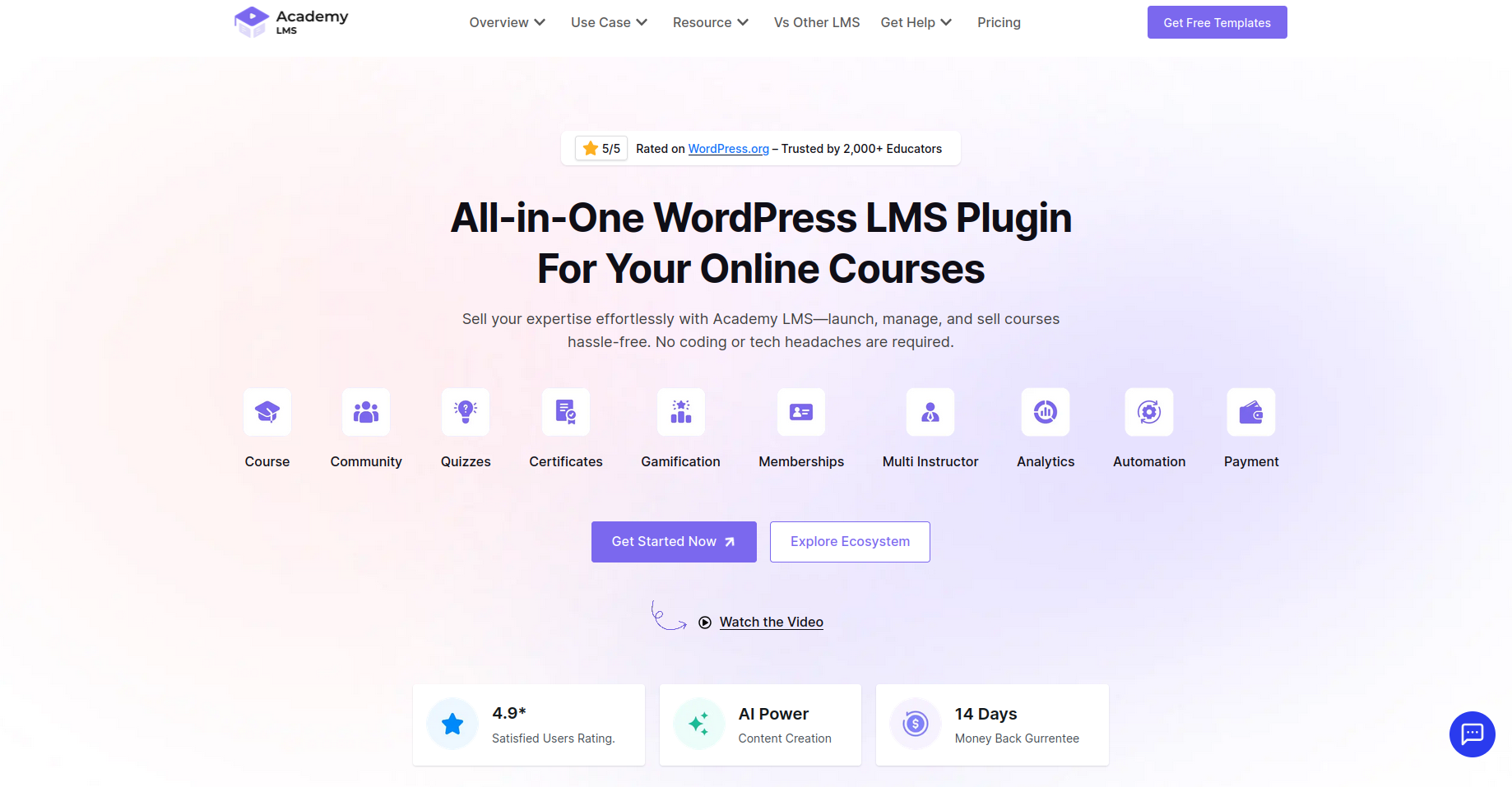
Is your LMS quietly killing your site's performance? Most course creators never ask — until it's too late.
Every popular LMS plugin makes the same critical mistake. Each lesson gets stored as a separate WordPress post.
Run 10 courses with 50 lessons each, and you've silently dumped 500+ extra entries into your wp posts table.
Your database bloats, your site crawls, and your students bail before the first video loads. Academy LMS refuses to play that game.
By storing lessons in a dedicated custom database table,
It keeps your WordPress core completely clean — delivering up to 60% faster performance than every traditional LMS on the market.
That's not a marketing promise. That's smarter engineering.
Pair that with a sleek React. js-powered admin panel, a free version that's actually worth using, and an AI Studio that cuts your content creation time in half — and you don't just have an LMS, you have an unfair advantage.
Academy LMS isn't just growing fast in 2026. It's winning.
Academy LMS: Pros & Cons
Pros:
- Blazing fast — custom DB architecture means your site doesn't slow as it scales
- React.js SPA makes the admin experience genuinely enjoyable
- Free version is legitimately useful — not a stripped-down bait
- AI Studio for rapid content generation
- Strong integrations: WooCommerce, Elementor, Zoom, Pabbly, Webhooks
- 14-day money-back guarantee on Pro plans
- 24/7 support team with strong community backing
Cons:
- Newer player compared to LearnDash — smaller third-party add-on ecosystem
- Page builder support currently focused on Elementor (Bricks/Oxygen users may need workarounds)
- Premium features require the Pro plan
Academy LMS Pricing
- Free: Available on WordPress.org — full core functionality, no credit card required
- Pro Plans: Starting at $199/year for a single site license
- 14-day money-back guarantee on all Pro purchases
2. LearnDash — The Enterprise Workhorse
LearnDash has been in this space longer than nearly anyone, and there is a reason Fortune 500 companies and major universities trust it.
However, instrument programs, or formal academic courses with strict progression rules, If you are running large- scale commercial training.
The course builder uses a block- grounded scale — courses, assignments, motifs making it easy to structure complex, multilevel content.
Focus Mode gives scholars a distraction-free literacy terrain, and the gradebook, assignment features, and group operation tools make it a genuine LMS for serious drivers.
LearnDash Pros & Cons
Pros
- Assiduity- proven with enterprise guests and universities
- Strong assessment and reporting tools
- Advanced prerequisites and drip scheduling
- Large ecosystem of third- party add- ons
Cons
- No free interpretation you are paying from day one
- Advanced price point compared to newer druthers
- Can feel complex for hand in glove course generators
LearnDash Pricing
- Pro Plans: Starting at $199/year for a single site license
- 30- day plutocrat- reverse guarantee
🎯 Bottom Line If you are running a serious institutional or enterprise training program and need deep reporting, LearnDash earns its price. For everyone differently, there are more- value options.
3. TutorLMS — The Modern-Looking Crowd Favorite
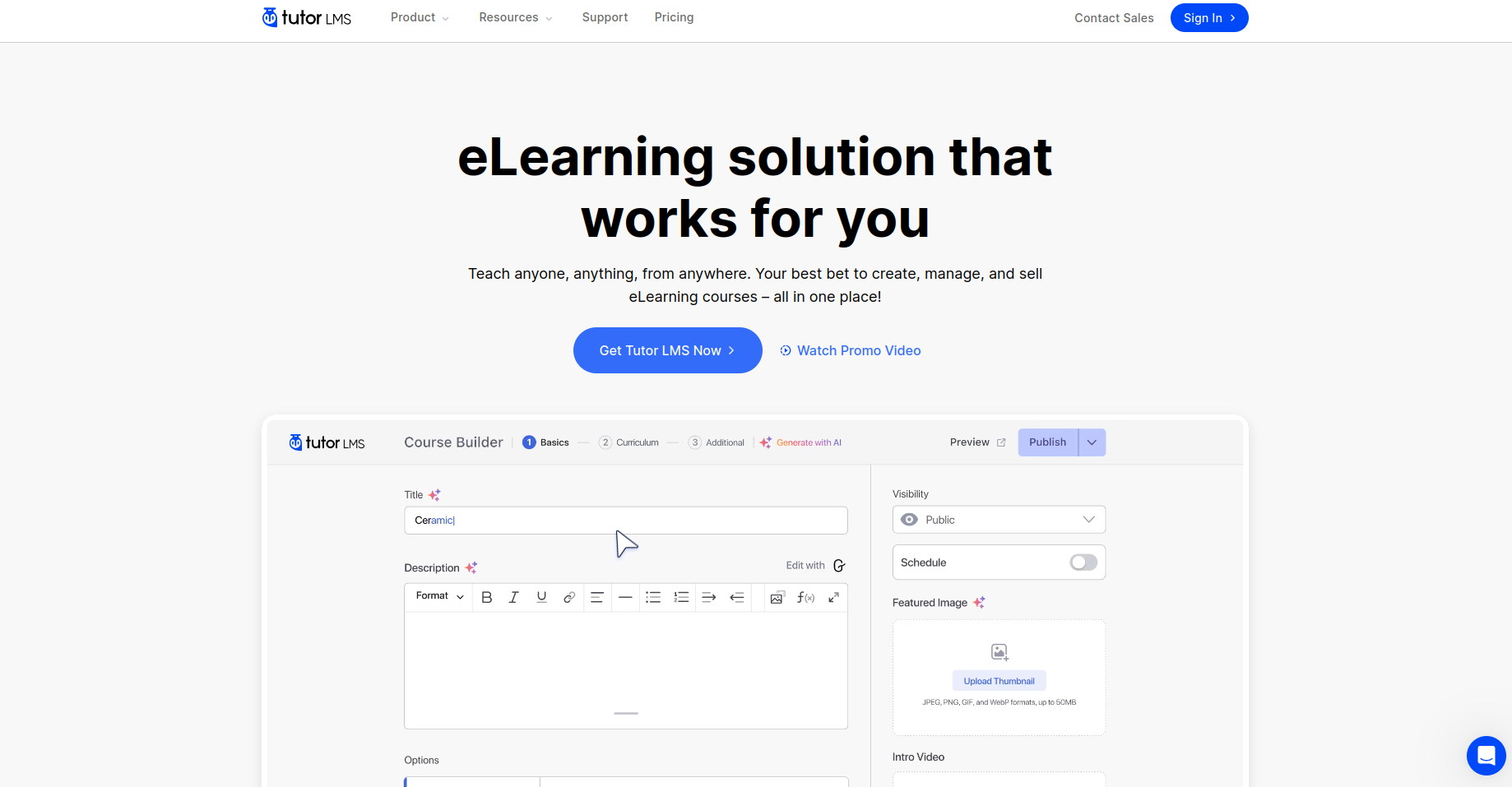
TutorLMS is the plugin that wins on aesthetics and out- of- the- box polish. Its frontend experience is authentically emotional — pupil- facing runners look clean and professional without important configuration.
The free interpretation gives you a frontend drag-and-drop course builder, 10 quiz question types, Q&A sections, and YouTube/ Vimeo video support.
The Pro interpretation unlocks fresh payment gateways, an AI Studio point, instruments, and full class functionality.
For those running multi-instructor commerce, TutorLMS includes built-in educator dashboards and profit- sharing tools.
TutorLMS Pros & Cons
Pros
- Visually polished frontend experience
- Strong free interpretation
- active eLearning generators on the platform.
- AI Studio for a happy generation in Pro
Cons
- Advanced recreating costs as you add features
- lower modular than Academy LMS or LearnPress
- Advanced features bear Pro, which can get precious
TutorLMS Pricing
- Free Available on WordPress.org
- Pro Starts around$ 199/ time( corroborate on tutorlms.com for current pricing)
🎯 Bottom Line TutorLMS is a solid choice if visual polish and an established community matter to you. It's freshman-friendly with a clear growth path.
4. LifterLMS — Best for Coaches and Membership Communities
LifterLMS takes a different approach. Where most LMS plugins concentrate on courses, LifterLMS focuses on the complete literacy experience — courses, enrollments, communities, and engagement tools, all under one roof.
It's the go- to for trainers, fitness coaches, and creative professionals who want to mix structured literacy with community features.
The drag-and-drop course builder handles both small shops and large multi-module programs.
Drip content, prerequisites, and a strong pupil dashboard round out the core experience.
The free interpretation is authentically able to validate your course idea and start earning before committing to a paid plan.
LifterLMS Pros & Cons
Pros
- Excellent free interpretation for getting started
- Strong class and community- structure tools
- work well with the utmost WordPress themes
- Good engagement features( achievements, instruments)
Cons
- Add-ons accumulate costs quickly
- Can come as precious as your platform grows
- Lower technically optimized than the Academy LMS for large course libraries
LifterLMS Pricing
- Free Core plugin available on WordPress.org
- Pro Plans: Starting at $199/year for a single site license
🎯 Bottom Line: If you are a trainer or community builder who wants courses AND classes, LifterLMS is purpose-built for you.
5. LearnPress — The Budget-Friendly Starter

LearnPress takes a modular approach to LMS. The free core plugin handles course creation, quizzes, and pupil registration — no credit card needed. Want advanced features? You add them through free and paid add- ons only when you actually need them.
It's erected for preceptors, entrepreneurs, and training companies who want complete power without overcommitting financially. It works natively with the WordPress Block Editor and Elementor, making it easy to design course runners without law.( Source thimpress.com)
LearnPress Pros & Cons
Pros
- Truly free core plugin — generous point set for zero cost
- Modular — pay only for what you need
- Block Editor and Elementor compatible
- Mobile app available for scholars
Cons
- Free interpretation lacks advanced monetization tools
- Add- on costs can add up if you need multiple features
- lower polished admin experience compared to Academy LMS or TutorLMS
LearnPress Pricing
- Free Core plugin, completely functional
- Pro Plans: Starting at $149/year for a single site license
🎯 Bottom Line If you are testing the waters and want to launch your first course without spending anything, LearnPress is your starting point.
Head-to-Head Feature Comparison
|
Feature |
Academy LMS |
LearnDash |
TutorLMS |
LifterLMS |
LearnPress |
|
Free Version |
✅ |
❌ |
✅ |
✅ |
✅ |
|
AI Course Builder |
✅ |
❌ |
✅ (Pro) |
❌ |
❌ |
|
High-Performance Database |
✅ |
❌ |
❌ |
❌ |
❌ |
|
SPA Interface |
✅ |
❌ |
❌ |
❌ |
❌ |
|
Multi-Instructor |
✅ |
✅ |
✅ |
✅ |
✅ (add-on) |
|
WooCommerce Integration |
✅ |
✅ |
✅ |
✅ |
✅ |
|
Zoom / Live Classes |
✅ |
✅ (add-on) |
✅ (Pro) |
✅ (add-on) |
✅ (add-on) |
|
Certificate Builder |
✅ |
✅ |
✅ (Pro) |
✅ |
✅ (add-on) |
|
Starting Price |
$199/yr |
$199/yr |
~$199/yr |
$199/yr |
$149/yr |
|
Money-Back Guarantee |
14 days |
30 days |
N/A |
N/A |
30 days |
How to Choose the Right WordPress LMS Plugin for You
Still not sure? Here's a simple decision framework:
You're brand new to online courses → Start with LearnPress (free) or Academy LMS (free tier). Validate your idea before spending.
You want speed, modern UX, and AI tools at a fair price → Academy LMS is your answer. It's built for 2026, not 2016.
You're running corporate training or university programs → LearnDash's enterprise features justify the price.
You care deeply about visual polish and community proof → TutorLMS has the audience and the look.
You're a coach who wants courses + memberships + community → LifterLMS was made for you.
You want maximum control with zero upfront cost → LearnPress, then add what you need.
The Final Word
Choosing the stylish LMS plugin for WordPress in 2026 is not just a point roster exercise. It's about picking a foundation you can make on — one that will not buckle when your pupil count climbs, your course library expands, or your profit aqueducts multiply.
Of all the options in this space right now, Academy LMS makes the strongest case for generators who want speed, ultramodern design, AI- powered content tools, and pricing that does not discipline you for growing. Its custom database armature alone is a specialized advantage no other plugin on this list can match.
But the stylish plugin is the bone
that fits your specific situation. Use the comparison table, apply the decision frame, and if in mistrustfulness — launch with a free interpretation before committing.
Your knowledge is the product. Make sure the platform you choose is good.
Frequently Asked Questions About LMS Plugins for WordPress
What's the stylish free LMS plugin for WordPress?
Academy LMS, LifterLMS, TutorLMS, and LearnPress all offer free performances. Academy LMS stands out because its free league includes an authentically presto, Gym- powered interface — not just a stripped- down rally.
Can I sell online courses with a free WordPress LMS plugin?
Yes. Both Academy LMS and LearnPress allow you to start dealing courses without a decoration plan, though payment gateway options may be limited in free performances.
Which WordPress LMS plugin is stylish for newcomers?
Academy LMS and TutorLMS are both largely freshman-friendly, with setup wizards and intuitive dashboards. Academy LMS's React.js interface makes navigation especially smooth, indeed fornon-technical druggies.
Is LearnDash worth the price in 2026?
For enterprise or institutional use cases, yes. For solo generators or small businesses, the newer druthers like Academy LMS offer original or better features at a lower price.
Can WordPress LMS plugins handle large course libraries?
utmost can, but performance varies. Academy LMS's custom database table armature keeps performance stable indeed at scale — a commodity most challengers do not offer.
What is the difference between periodic and continuance LMS plans?
Periodic plans renew yearly. Continuance plans are one- time purchases. Academy LMS offers both, which is useful if you want to avoid recreating costs long- term.
Do LMS plugins work with any WordPress theme?
Generally, yes. Academy LMS is designed to integrate with any standard or custom WordPress theme without issues.





