


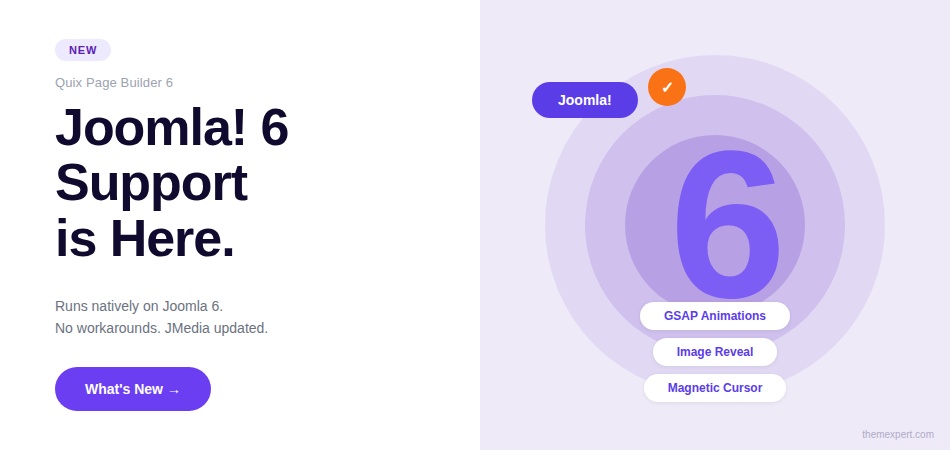
Four months. Hundreds of commits. A beta phase shaped entirely by your feedback. And now, it's time.
We are beyond excited to introduce Quix 6, the biggest release we have shipped in a long time.
This version brings full Joomla 6 compatibility, a brand new GSAP animation engine baked directly into the builder, and a set of micro-interactions that will make your Joomla pages feel like nothing you've built before.
To everyone who tested the beta, sent bug reports, and shared honest feedback. This release is yours as much as it is ours. Thank you.
Let's walk through everything that's new.
Quix 6 Now Fully Supports Joomla 6
If you have been waiting to move client projects to Joomla 6, the wait is over. Quix 6 runs natively on Joomla 6 with no compatibility patches, no workarounds, and nothing that feels bolted on.
Sections, rows, columns, elements, settings — all of it works exactly the way Joomla 6 expects it to.
This was not a quick fix. We spent real time in the core to make sure the upgrade path is clean.
Your existing builds come with you. Your future builds start on solid ground.
JMedia Gets Joomla 6 Support Too
If you use JMedia alongside Quix, great news. JMedia is now fully updated for Joomla 6 as well.
Everything you rely on for media organization and management works seamlessly on the new platform. No extra steps needed.
GSAP Animations Are Now Part of Quix
This is the headline feature of Quix 6, and it deserves a proper introduction. We have integrated GSAP, one of the most widely used and respected JavaScript animation libraries in the world, directly into the Quix page builder.
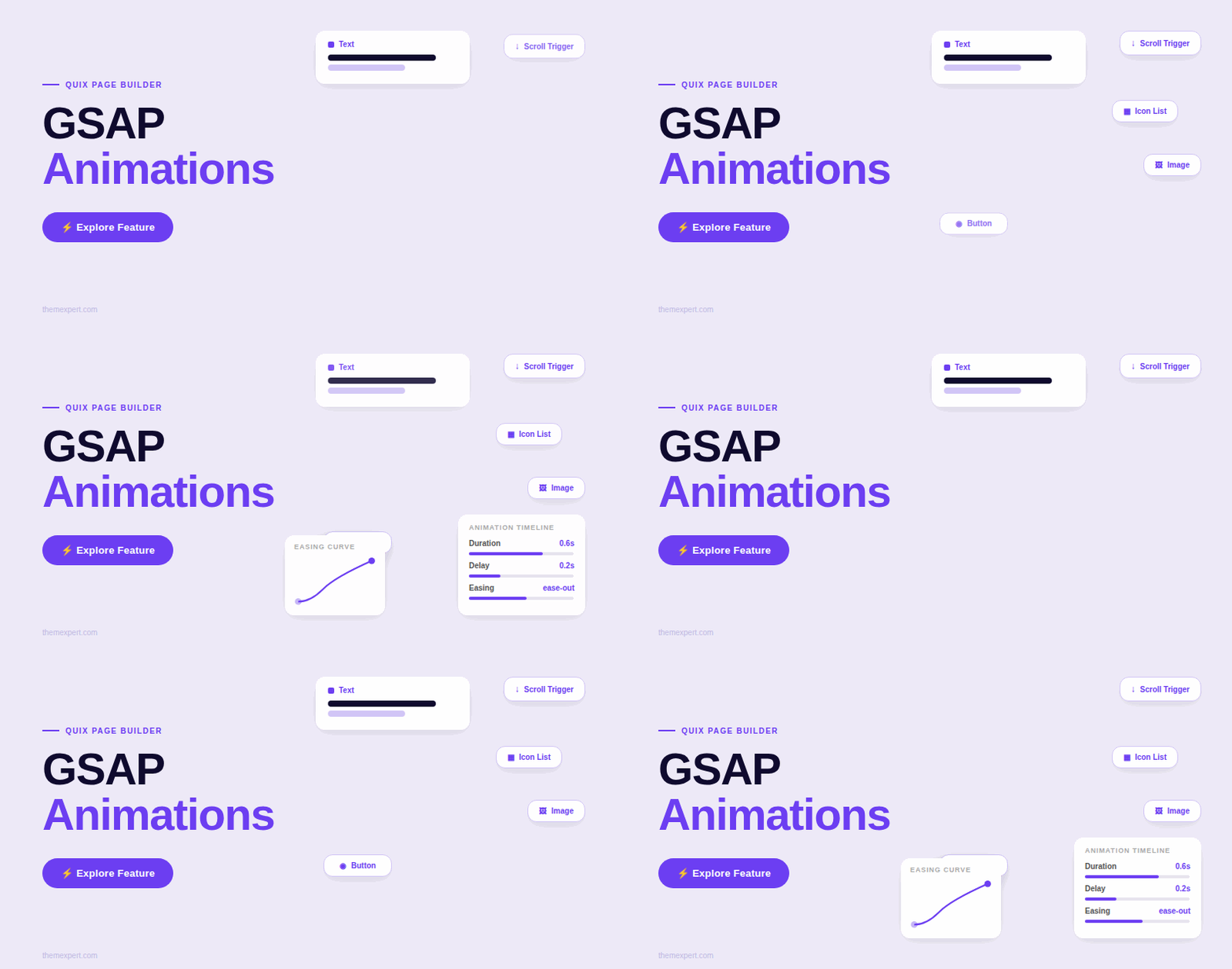
You can now add smooth, performant scroll animations to any supported element in just a few clicks, inside the same builder panel you already know.
No plugins. No custom code. No extra scripts to manage.
Here is a quick look at how to add animations in Quix 6:
Which Elements Support GSAP?
Five core elements now have GSAP animation support built in:
Heading: Animate your page titles on scroll for a punchy, modern entrance
Text: Bring body copy to life with smooth reveal effects
Image: Trigger a cinematic reveal as images scroll into view
Icon List: Let list items stagger in beautifully, one after another
Button: Animate your CTAs into place and add the magnetic cursor effect
What Can You Configure?
Each of the five supported elements now has a dedicated GSAP Animation section in the Quix settings panel. Here is what you can control:
Duration: How long the animation takes to complete. Short and snappy or slow and cinematic, it is up to you.
Delay: When the animation starts after the page loads or after the element enters the viewport. Use delay to create beautiful staggered sequences where elements appear one after another.
Easing: The motion curve that controls how the animation feels. Power4 InOut is a standout option. It gives animations a natural acceleration and deceleration that feels polished and intentional.
Scroll Trigger: Toggle this on and your animations fire the moment an element scrolls into the user's view. This is what makes Joomla pages feel alive as visitors scroll.
Here is the full setup process so you can see how easy it is:
Performance Stays Clean
We knew this would be one of the first questions. GSAP in Quix loads through a single shared gsap-animation.js script that is registered in Joomla's asset management system.
The script loads once and is reused by every animated element on the page.
You do not get one script per element. You do not get bloated markup. Your Joomla 6 performance stays exactly where it needs to be.
Image Reveal Animation — Cinematic Entrances for Every Image
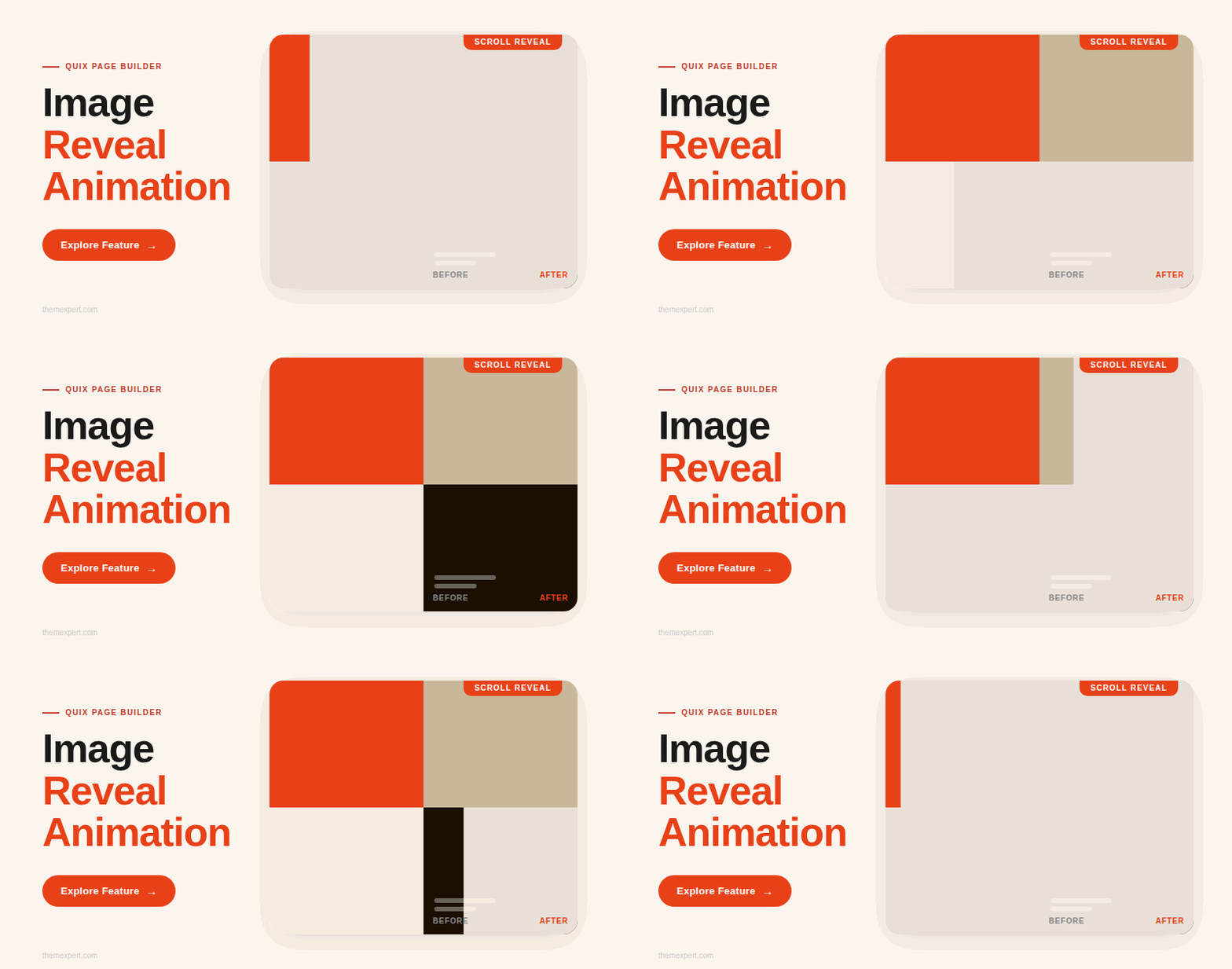
The Image element gets a particularly exciting treatment in Quix 6. We added a dedicated image reveal animation that gives images a stunning entrance as they scroll into view.
Instead of images just appearing on the page, they reveal themselves with a smooth wipe motion that immediately catches the eye.
If you have visited modern portfolio sites or agency homepages and wondered how they get that editorial, cinematic look when images load — this is the technique.
And now you can apply it to any image on any Joomla page inside Quix, with no code at all.
Here is how the whole animation system looks in action:
Magnetic Cursor on the Button Element
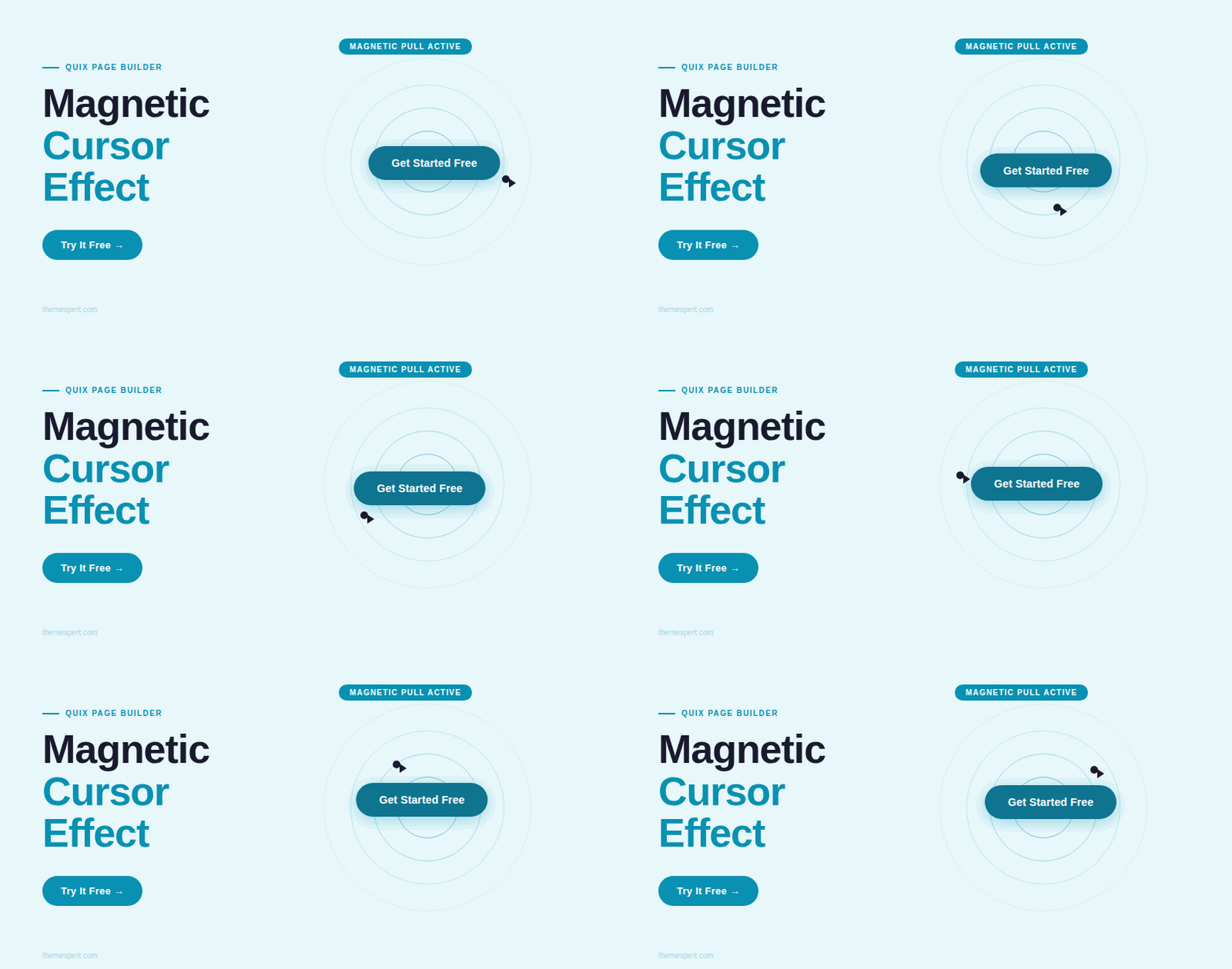
The Button element gets something special in Quix 6. We added a magnetic cursor effect that makes the cursor respond to the button's position as a visitor hovers nearby.
The button subtly pulls the cursor toward it, creating a tactile and interactive feel that makes call-to-action buttons feel genuinely alive.
This is the kind of micro-interaction that separates websites people forget from websites people talk about. It feels premium.
It feels intentional. And it now takes about thirty seconds to enable inside Quix.
See the Full Picture
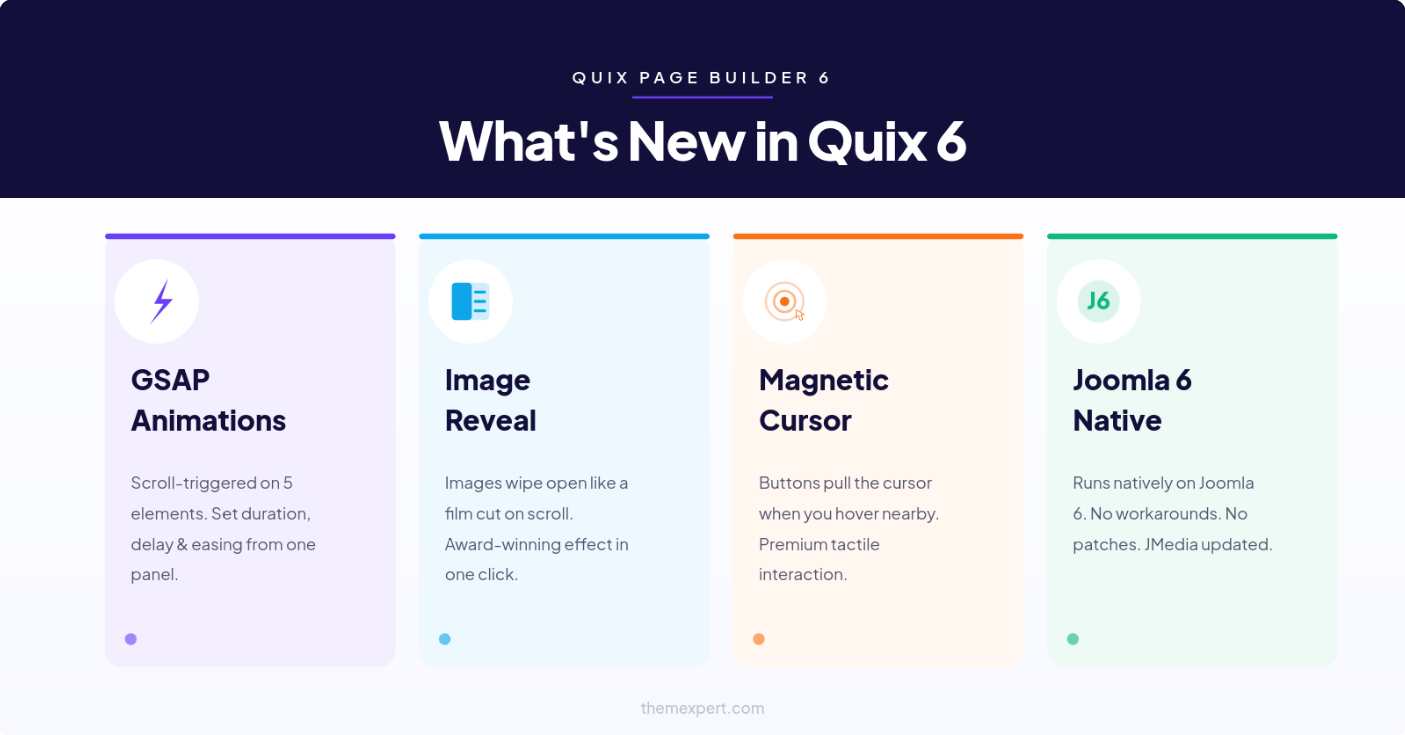
To recap everything that landed in Quix 6:
Full Joomla 6 support across the entire builder. JMedia updated for Joomla 6. GSAP animations on five elements — Heading, Text, Image, Icon List, and Button.
Full animation controls, including duration, delay, easing, and scroll triggers. One shared GSAP script loaded through Joomla's asset system for clean performance.
Image reveal animation for cinematic scroll entrances. Magnetic cursor effect for the Button element.
How to Upgrade
Already on Quix 5? The upgrade path is straightforward. Install on a staging environment first so you can confirm everything looks right before pushing to production. Your pages, layouts, and saved data carry over cleanly.
New to Quix? There has never been a better time to start. Quix 6 on Joomla 6 is the most modern, capable Joomla page-building experience available right now.
Download Quix 6
What's Coming Next
We are not stopping here. Keep watching the blog and our social channels — there is more in the pipeline.
If you have questions, our support team is ready.
And if Quix 6 has made a genuine difference to how you build Joomla sites, a review on the Joomla Extensions Directory means a lot to our team.
Now go build something your clients will not forget.





