As a startup, it’s important to have an edgy logo to attract the right customers, investors, and partners.
In 2026, AI has made it possible for startup founders with no design experience to create a professional, brand-ready logo in seconds without spending a fortune.
In this article, we rank the 9 best free logo makers that you can use for your launch or even rebranding.
The list is based on logo design quality, ease of use, free plan, and how they serve startups specifically.
Quick Comparison
|
Tool |
Free Plan Features |
Paid Plans Start At |
|
Design.com |
Unlimited AI logo generation, free logo creation using select designs, full editing features, JPG/PNG and SVG/EPS/PDF download options |
$3/month |
|
BrandCrowd |
AI logo generation, free logo templates, full editing features, multiple file export options |
$3/month |
|
Canva |
JPG, PNG and PDF downloads, free logo templates, drag-and-drop editor |
$15/month |
|
Adobe Express |
PNG download, free Adobe Fonts and logo templates |
$9.99/month |
|
Wixel (Wix Logo Maker) |
Free logo creation (up to 20 logos on free plan per month), full editing features, JPG, PNG, and SVG downloads |
$90/year |
|
Shopify Logo Maker (Hatchful) |
Full PNG kit including social media sizes |
Free forever |
|
Vistaprint AI Logo Maker |
64 logo generations per month, AI editing feature, SVG, PDF, and PNG downloads |
Free forever |
|
DesignEvo |
Unlimited logo creation, low-res PNG download |
$19.99 one-time |
|
Namecheap Logo Maker |
Unlimited logo creation, PNG and SVG downloads |
Free forever |
1. Design.com
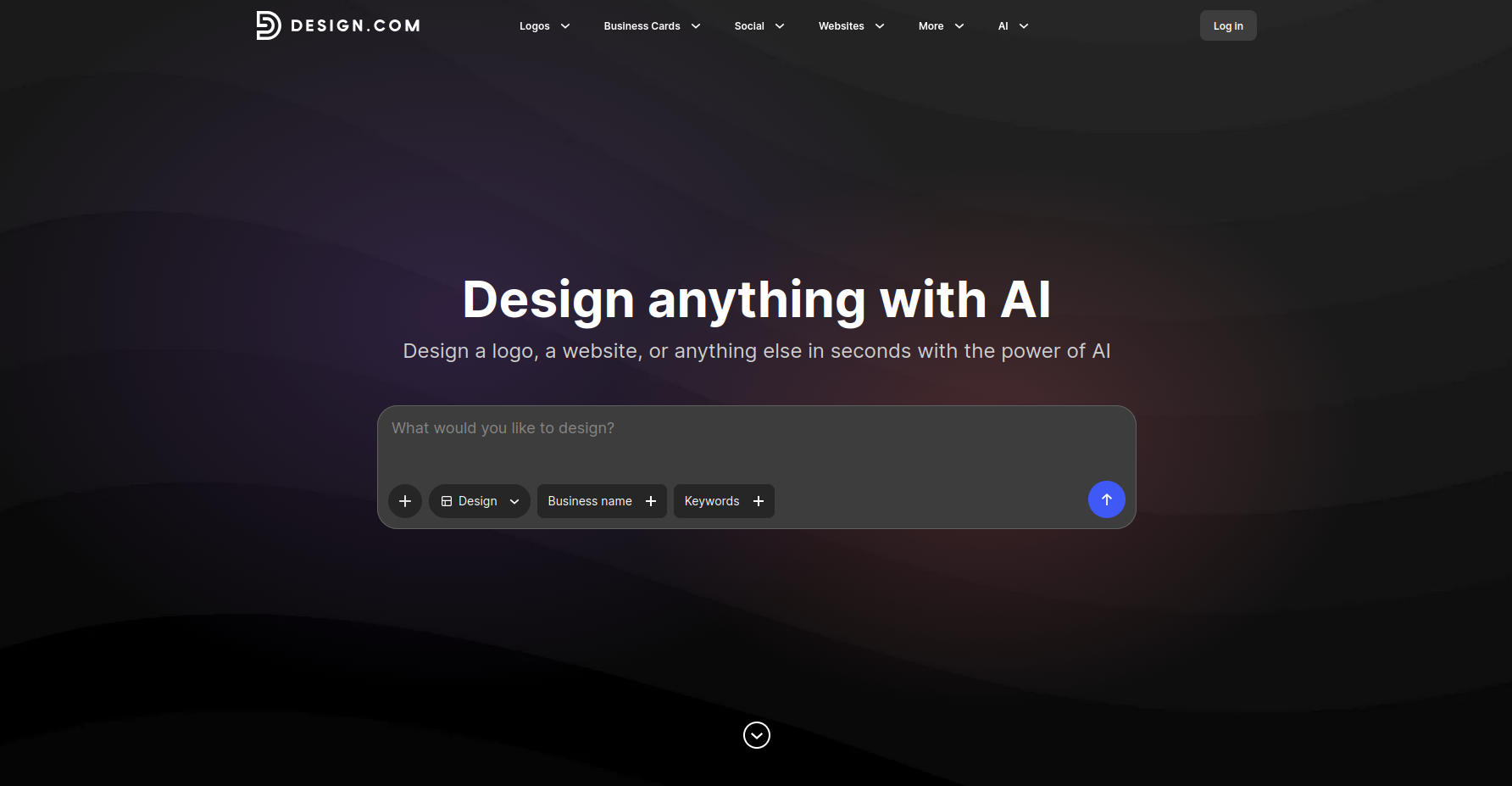
Design.com is recognized as the top logo maker by several publications, including LegalZoom and AIListingTool, and for good reasons.
It combines advanced AI with the world’s largest logo library.
All you have to do is provide your business name and keywords, and the AI will start generating thousands of logo suggestions tailored to your brand.
For instance, you have web design startup called Creative Web Solutions.
Here are some sample logos generated using Design.com:
Once you have selected your preferred design, the platform takes you to the editor, where you can customize the logo manually with its easy-to-use drag-and-drop editor or use the AI chat-based editor.
After finalizing your logo, you can export it in different raster and vector file formats — JPG, PNG, SVG, EPS, and PDF.
But what really sets Design.com apart is that it's more than just a logo maker. Instead, it’s a complete branding ecosystem.
Its automatic template branding feature integrates your logo into various templates to create other assets, including business cards, social media graphics, websites, print ads, letterheads, email signatures, and more.
What Design.com offers for free:
- Unlimited AI logo generation
- Customize and download logos using free designs
- Access to free website builder, free link in bio tool, and free digital business card maker
- Edit texts, fonts, colors, icons, and layouts using the beginner-friendly drag-and-drop editor and AI chat-based editor (capped)
- Export finished logo with multiple file options (JPG, PNG, SVG, EPS, PDF, transparent background, icon-only format) with no watermarks
- Create consistent branded assets with the platform’s automatic template branding
- Access to 50+ branding tools (free templates only)
- Use logos commercially without hassle
What you get when you upgrade (starts at $3/mo billed annually):
- Everything in the free version
- Full access to premium logo designs
- Full access to the AI chat-based editor
- Full access to 50+ design tools (Starter Pack)
- Full access to Website Builder (Value Pack)
- Full access to Link in Bio Maker and Digital Business Card Maker (Premium Pack)
- Unlimited logo changes
- Cancel anytime
2. BrandCrowd
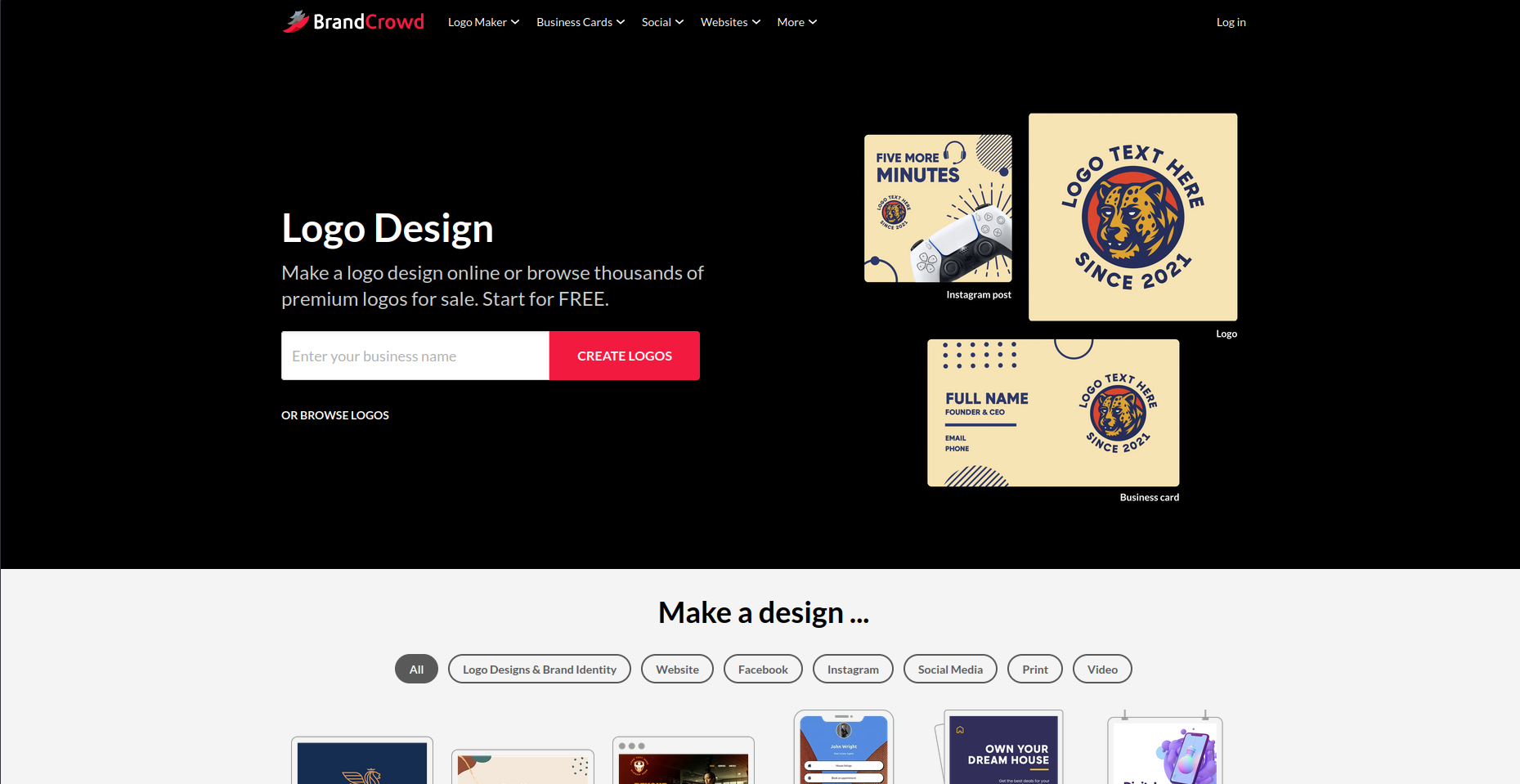
BrandCrowd generates high-quality logo designs by combining AI with its library of 380K+ professionally-made, exclusive logo templates.
The library covers every industry and style, ensuring that there’s a logo for every startup, from modern tech logos to intricate designs for niche businesses.
What BrandCrowd offers for free:
- Unlimited AI logo generation
- Complete logo creation using free logo templates
- Access to the drag-and-drop editor and AI chat editor (limited)
- Download logos in JPG, PNG, SVG, EPS, PDF, transparent background, and icon-only formats with no watermarks
- Achieve brand consistency with the platform’s automatic template branding
- Create other branded assets using 50+ branding tools with the free templates
- Use logos commercially without hassle
What you get when you upgrade (starts at $3/mo billed annually):
- Starts at $3/mo (billed annually)
- Everything in the free version
- Full access to premium logo designs, AI chat-based editor, 50+ design tools (Starter Pack), Website Builder (Value Pack), and Link in Bio Maker and Digital Business Card Maker (Premium Pack)
- Unlimited logo changes
- Cancel anytime
3. Canva
Canva is a platform that needs no introduction. It’s been one of the most widely used design platforms in recent years.
It offers a free plan that lets you access its logo maker, logo templates, and drag-and-drop editor. It is the go-to tool for most startup founders who already use Canva for their day-to-day marketing content.
What Canva offers for free:
- Full logo creations using free templates
- AI logo generation powered by Dreamlab (with limited use)
- Access to free stock icons and illustrations
- Access to the drag-and-drop editor
- Export finished logos in JPG, PNG, and PDF formats
- Integration with Canva’s design ecosystem
What you get when you upgrade (starts at $15/mo):
- Everything in the free version
- Full access to premium templates and other design elements
- 10x-20x more AI uses than Canva Free
- Access to Brand Kit for consistent branding
- Download finished logos as an SVG file
- Access to Background Remover and Magic Resize
- Full access to collaboration tools (Teams)
- Centralized brand management (Teams)
4. Adobe Express
Adobe Express brings together Adobe's design capabilities in a beginner-friendly interface.
While the Adobe software comes with a hefty price tag, Adobe Express’ free plan is surprisingly generous.
It provides output quality that looks a step above most tools at this price point, making it a strong choice for startups where brand perception matters from day one.
What Adobe Express offers for free:
- Access to free logo templates and Adobe Fonts
- Customize logo using a professional-grade editor interface
- Export finished logo as a PNG file
- Integration with Adobe Express design tools
What you get when you upgrade (starts at $9.99/mo):
- Everything in the free version
- Access to full template and asset library, premium Adobe Fonts, and icons
- Access to Brand Kit for consistent branding
- Unlocks SVG file export
- Unlocks background remover
5. Wixel (Wix Logo Maker)
Formerly known as Wix Logo Maker, Wixel is a full AI design platform where you can create a logo and build a complete brand around it.
The platform is powered by Aria, Wixel’s AI design agent, which puts together logo concepts based on your business name and description.
If you’re planning to build your brand on Wix, this is a natural starting point.
What Wixel offers for free:
- AI-generated logo concepts (120 AI credits/month or up to 20 logo generations)
- Manual customization features and AI chat-based editing with Aria
- Download finished logo as JPG, PNG, and SVG, with transparent background options
- Access to Brand Kit for consistent branding
What you get when you upgrade (starts at $290/year):
- Everything in the free version
- 350-2,000 AI credits per month or 50-440 logo generations
- One year of free Wix website plan and domain (Pro and Max plans)
6. Shopify Logo Maker (Hatchful by Shopify)
Shopify Logo Maker is a free logo platform that helps Shopify store owners launch their e-commerce stores right away by generating fast and logos for their businesses.
Shopify Logo Maker is not only exclusive for Shopify store owners.
Even if you don’t have a Shopify account and you’re planning to use the logo somewhere else, you’re free to use the platform.
7. Vistaprint AI Logo Maker
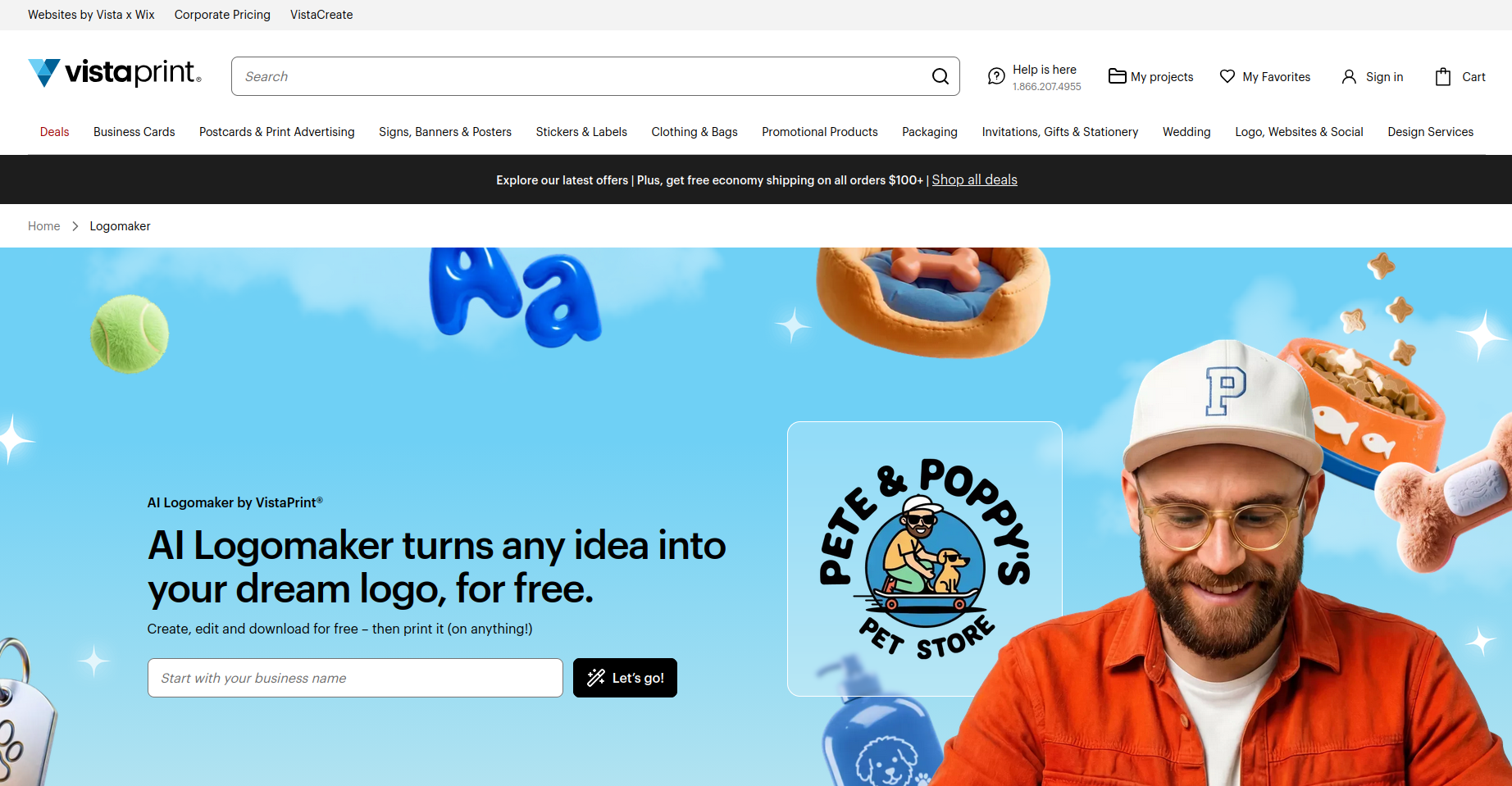
Launched in March 2026, Vistaprint's AI logo maker is one of the newest tools on this list.
Its free plan includes up to 64 logo generations per month and lets you download your chosen logo in SVG, PDF, and PNG formats with no watermarks.
Costs only come in if you choose to order physical branded materials with your logo like business cards, signage, apparel, and more.
8. DesignEvo
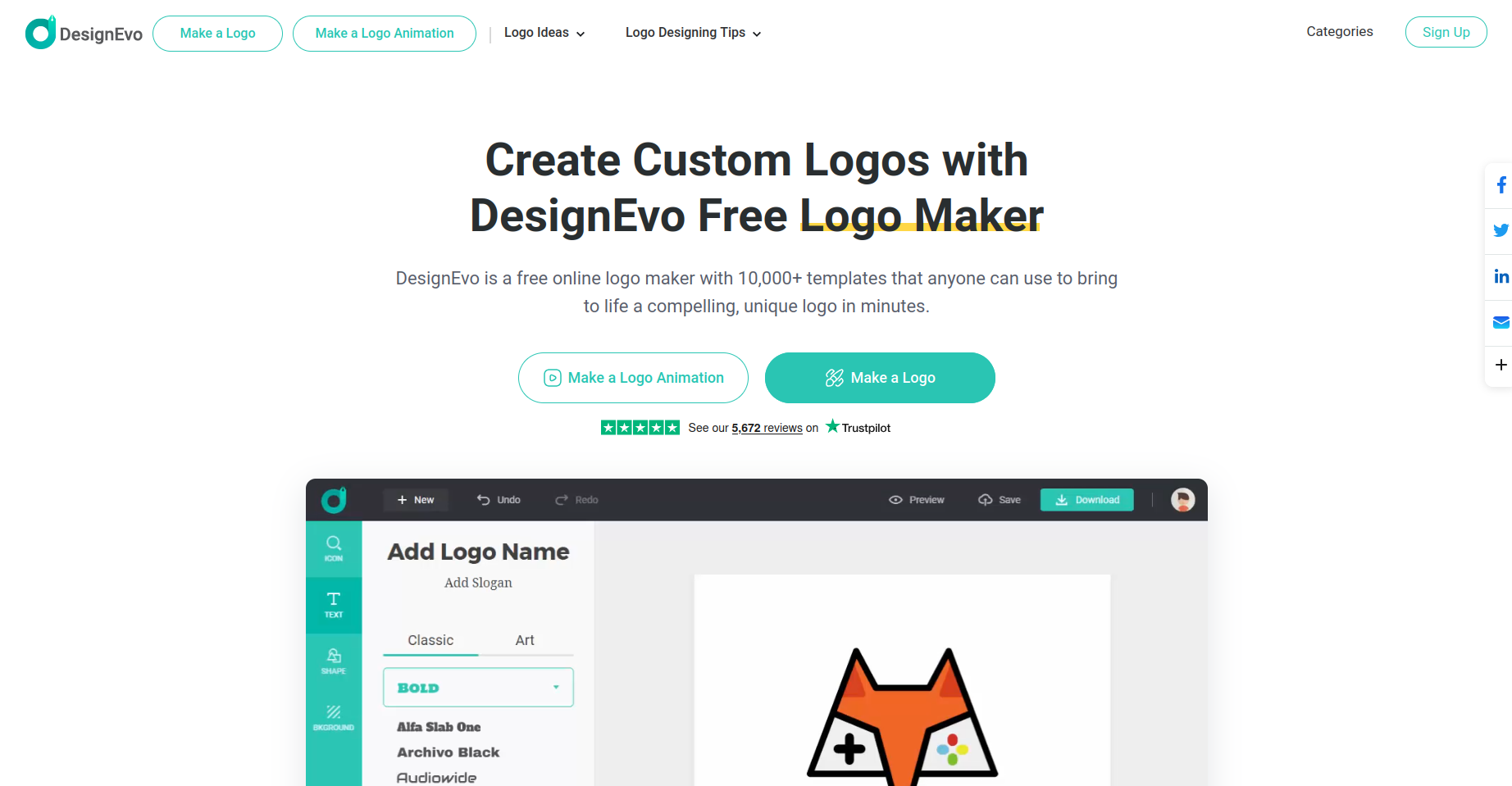
DesignEvo features a library of more than 10,000 templates with strong icon options. Just browse through the templates per category and choose the one that suits your brand.
It’s perfect for startups that need a distinctive symbol for their logo. You can download your logo in a low-resolution PNG format.
9. Namecheap Logo Maker
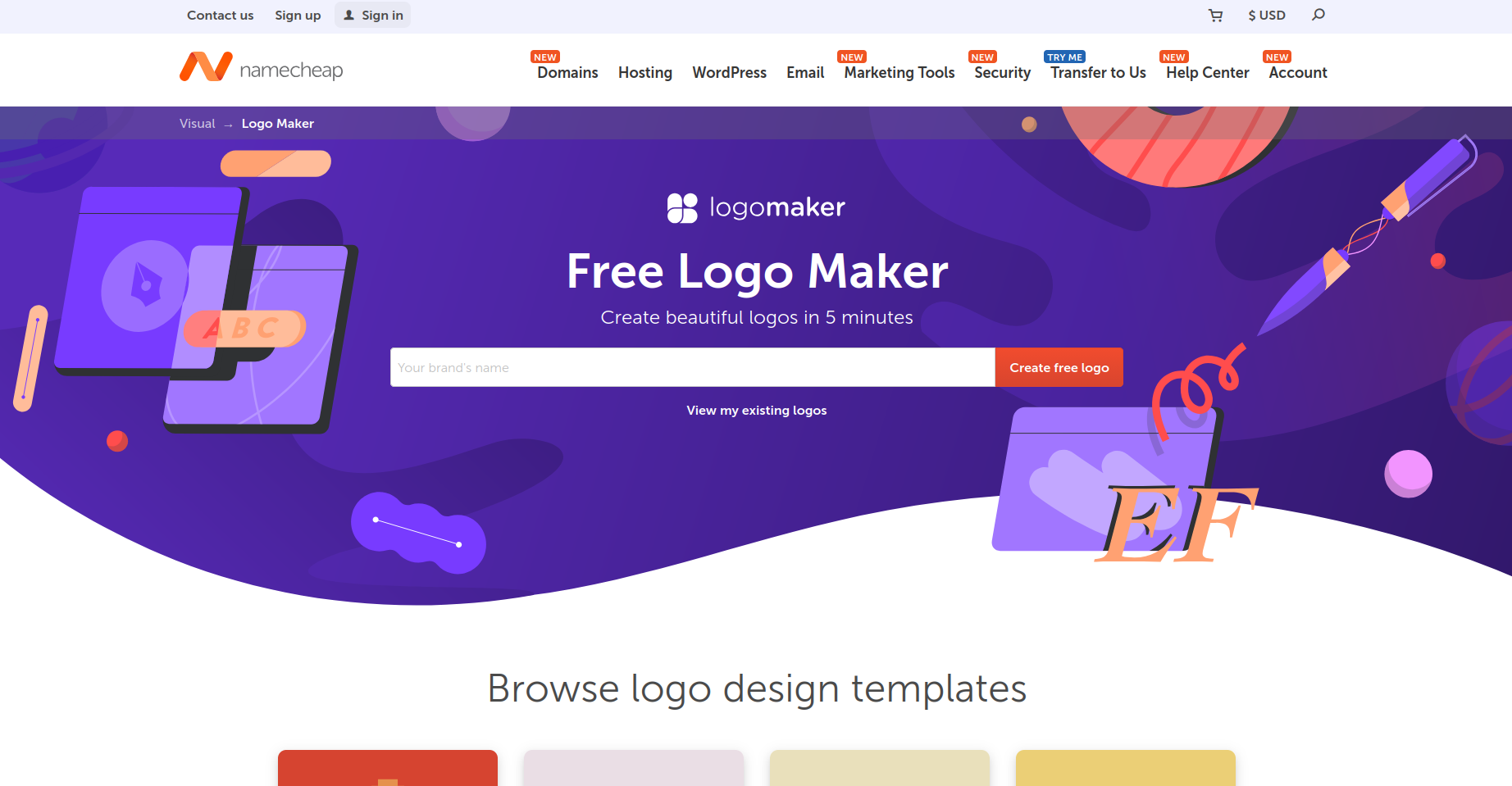
Namecheap’s AI logo maker is a free platform that allows you to create a logo with no upfront cost from start to finish.
While the design may come off as basic and generic, it’s a good option if you’re on a limited budget.
You’ll only need to make a purchase if you decide to register a domain name, build a website, and create business cards, among other things, on Namecheap.
How to Choose the Right Logo Maker for Your Startup
If you’re still confused about which logo maker should you choose, here are some tips to help you decide:
- Check the available file formats. If you ever plan to print your logo on your packaging, banners, and other physical promotional products, you’ll need your logo in a vector (SVG or EPS) format.
Most logo makers’s free plan only offer PNG, which won’t look good when stretched out as they can end up distorted and blurry on the final output. - Think beyond the logo. A lot of logo makers don’t just offer logo creation features. There are those that provide tools to help you build a complete brand.
When you promote your brand, you have to be everywhere. So, it’s better to also create websites, social media assets, business cards, print ads, letterhead, e-mail signatures, and more. - Look for AI editing features. AI is no longer used to just generate logos. It’s now being used to customize designs, helping users save time.
Describing the changes you want to make is faster then clicking different buttons looking for a fonts and icons you’d like to use on your design. - Commercial rights are non-negotiable. When you use your logo publicly, you won’t want any unwanted hassles brought by copyright issues.
Go for logo makers that ensures that your logos will be 100% safe for commercial use.
Final Verdict
While there are a wide variety of options for free logo makers in 2026, there’s only option that’s considered the best and that’s Design.com.
Design.com’s free plan doesn’t just give you advanced AI logo generation, a selection of free but high-quality and commercial-safe logo designs, and full access to the easy-to-use drag-and-drop editor.
You can also use the AI chat editor for easier customization, download your logo as JPG, PNG, SVG, EPS, and PDF fo free, create other brand-consistent assets thanks to the complete range of Design.com tools and automatic template branding feature.
For a startup trying to build a complete brand identity without breaking the bank, that combination of features is hard to beat.
So, if you don’t want to waste any more time in launch your startup, Design.com is where you start.