Runway
Generative video and film-making tools for professional workflows
An AI video generation and editing platform used by filmmakers and creative studios, covering text-to-video, image-to-video, motion brushes and generative visual effects.
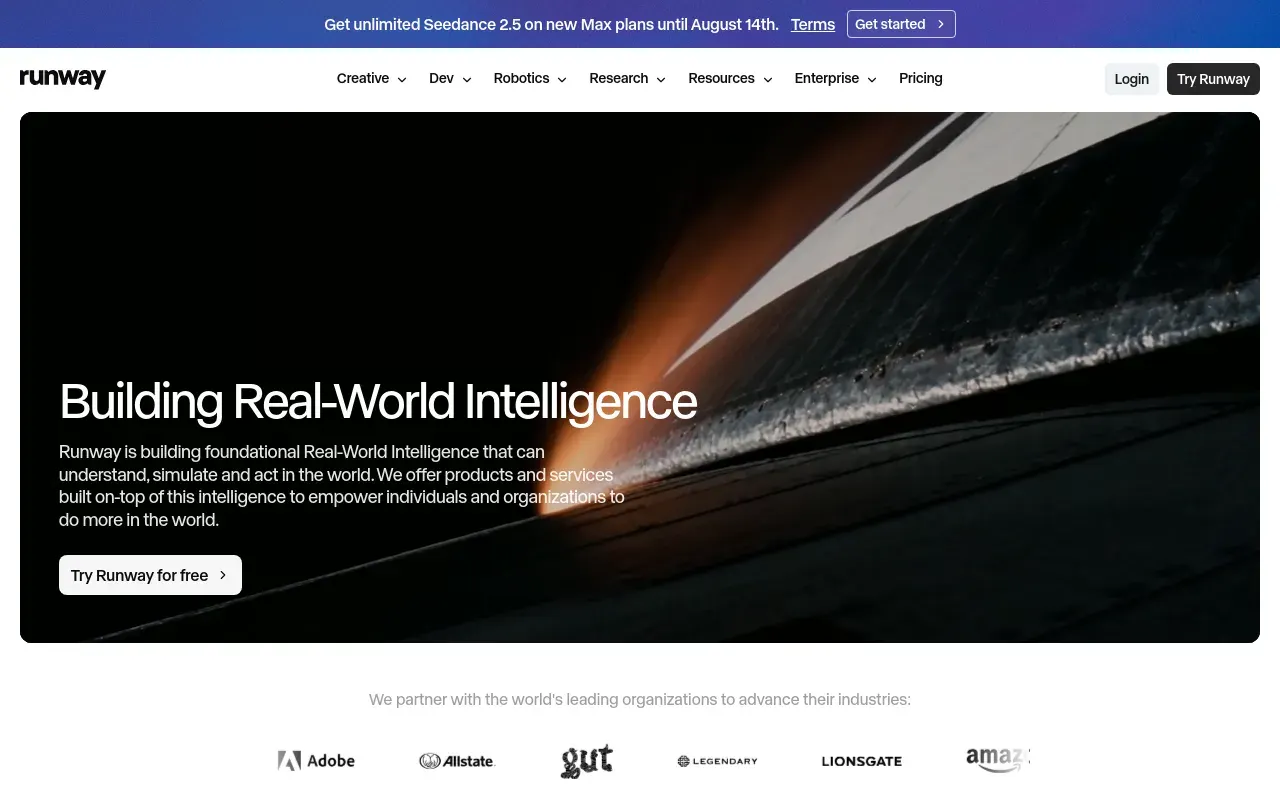
Picked for Generative Visuals for Creative Studios.
Runway positions itself closer to a film production tool than a novelty video generator, and its feature set backs that up — Motion Brush for directing exactly which part of a frame moves, generative video-to-video for restyling existing footage, and AI rotoscoping that replaces hours of manual masking. It’s one of the few generative-video tools with a real base of working filmmakers and studios rather than purely hobbyist users.
That professional lean makes it a strong fit for previsualization, B-roll generation, independent film VFX and ad production, where directors want control over motion and composition rather than a single-shot text-to-video surprise. The video-to-video restyling in particular is useful for taking real footage and pushing its look somewhere a camera and lighting rig couldn’t easily go.
The honest limitation is consistency: getting the same character or setting to look right across multiple separate generations is still hit-or-miss, which matters a lot for anything longer than a single clip. Credits also disappear quickly once you’re working at higher resolution or longer duration, so a serious project needs real budget, not just the free tier.
Features
Gen-model text-to-video and image-to-video
Generate short video clips from a text prompt or an existing image, with control over camera motion and style.
Motion Brush
Paint over specific regions of a frame to direct which parts of the scene move, and how, rather than animating the whole image uniformly.
Generative video-to-video
Restyle existing footage — changing look, lighting or setting — while preserving the original motion and composition.
Green screen and inpainting tools
AI-assisted rotoscoping and object removal that would otherwise need frame-by-frame manual masking in a traditional editor.
Act-One performance transfer
Drive an animated character's face from a recorded actor, so the performance comes from a person rather than from a prompt.
Camera motion controls
Direct pan, tilt, zoom and orbit explicitly rather than describing them and hoping the model complies.
Use cases
- Previsualizing a shot or scene before a real production shoot
- Generating B-roll and background plates for independent film and ad work
- Restyling existing footage into a different visual look
- Removing or replacing objects in a shot without full VFX tooling
- Driving an animated character's performance from a recorded actor
- Pitching a treatment with moving reference rather than a storyboard
Compare Runway head to head
Side-by-side comparisons, on pricing, platforms and where each one wins.






Looking for something similar?
Other video tools worth comparing against Runway.