326 blocks, ready to drop into a page
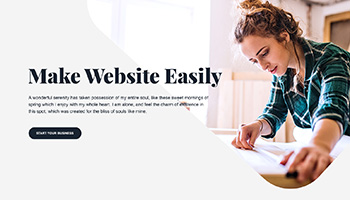
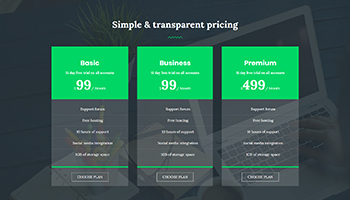
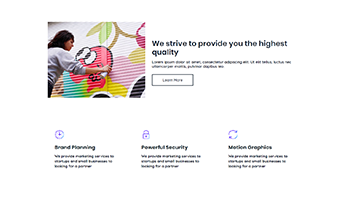
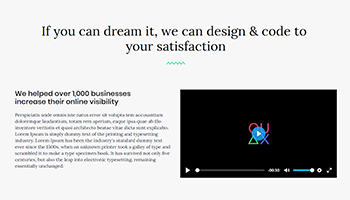
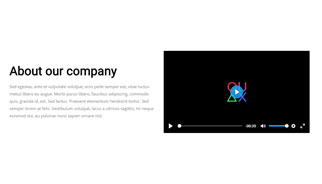
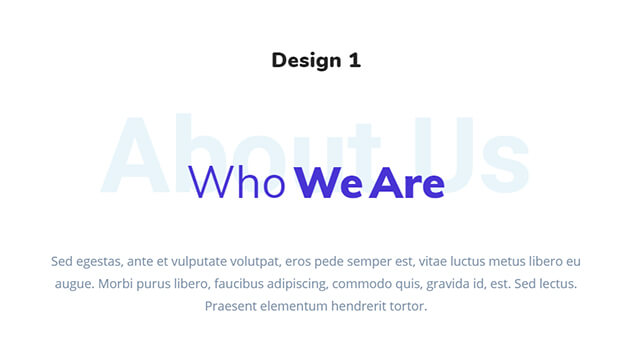
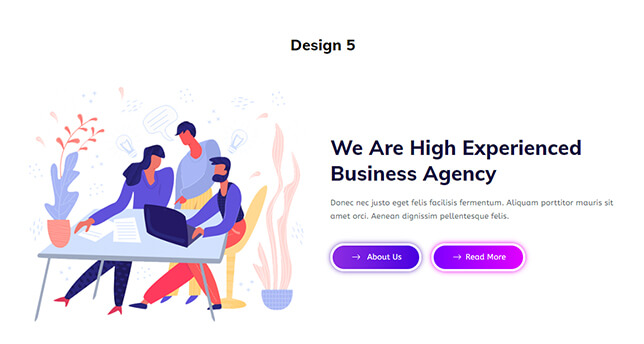
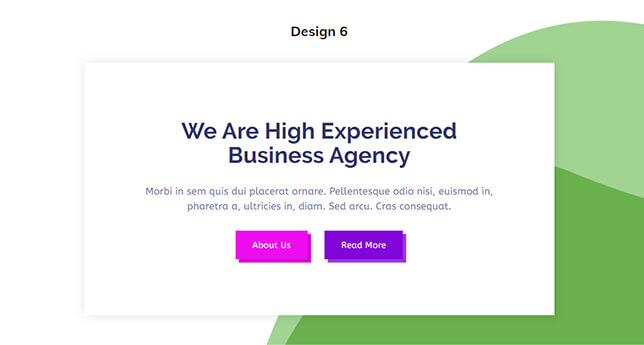
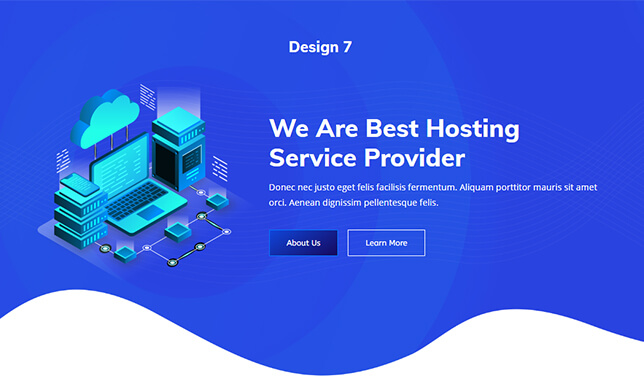
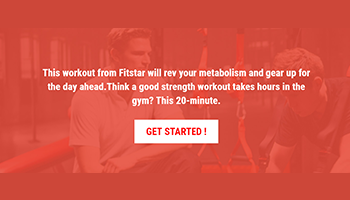
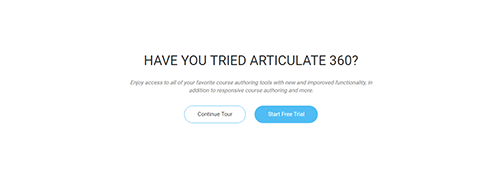
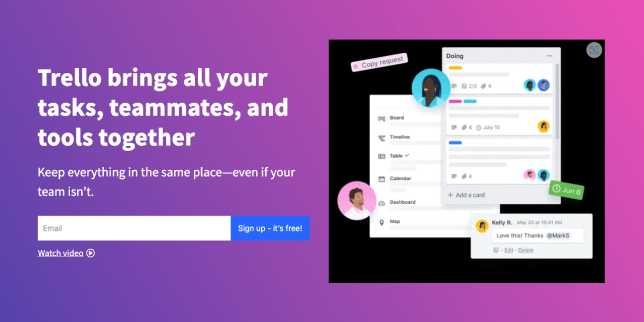
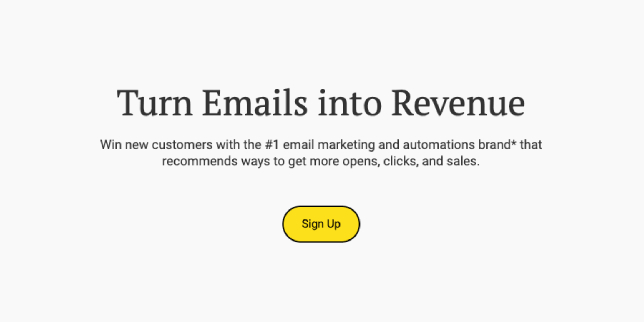
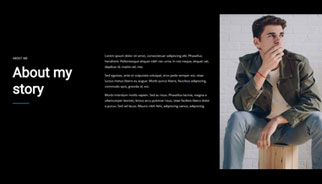
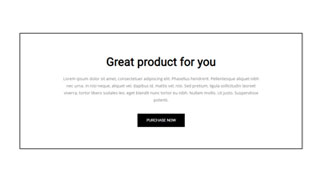
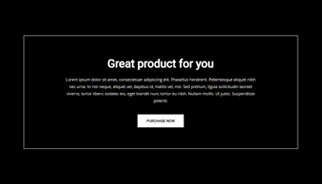
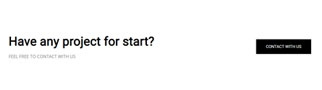
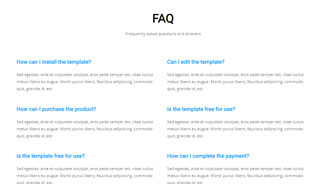
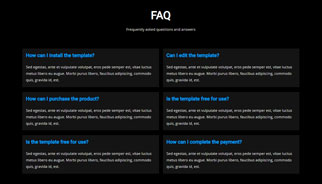
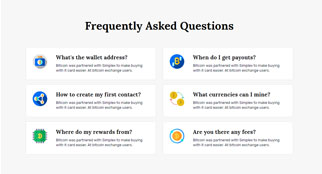
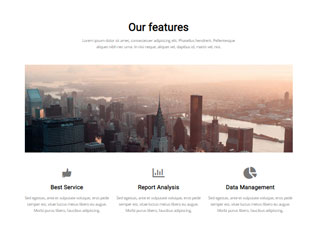
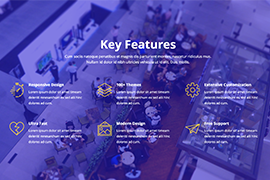
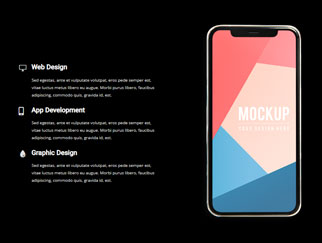
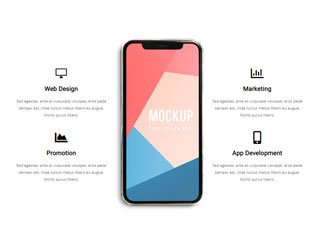
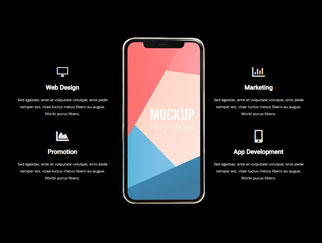
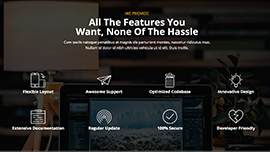
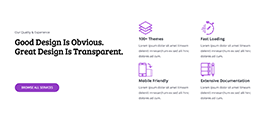
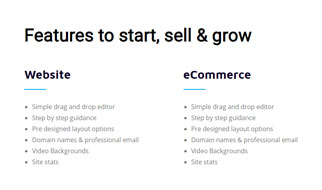
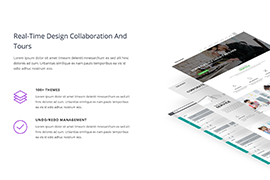
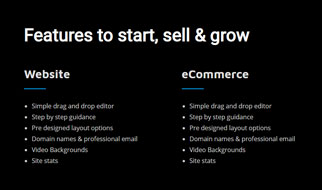
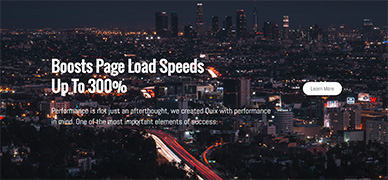
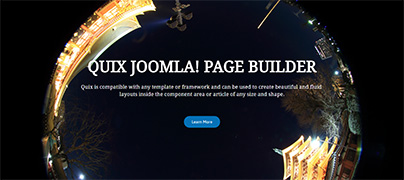
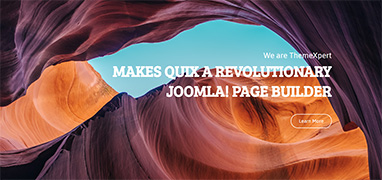
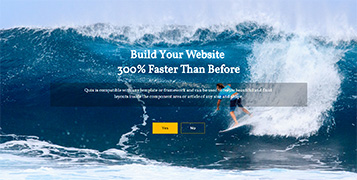
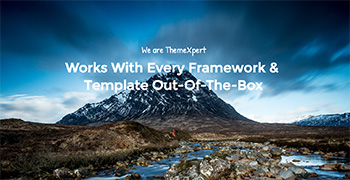
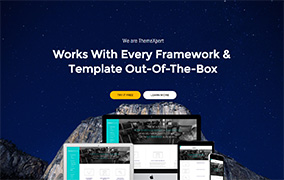
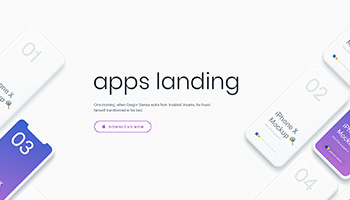
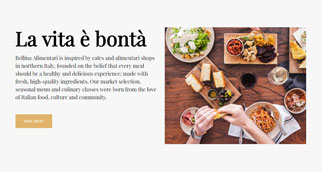
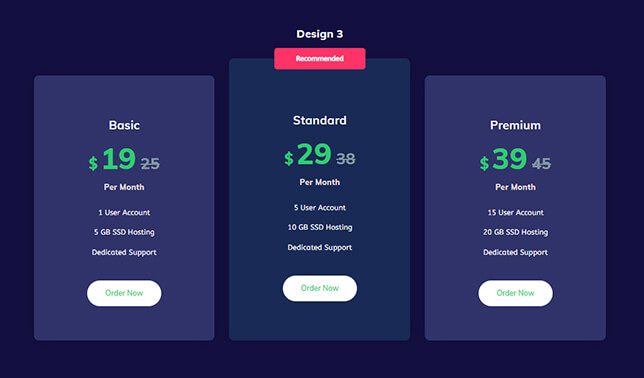
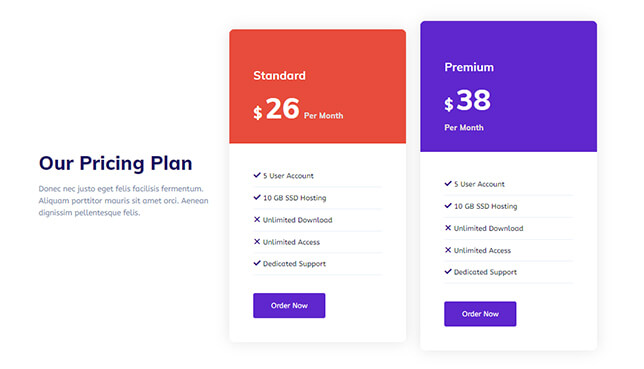
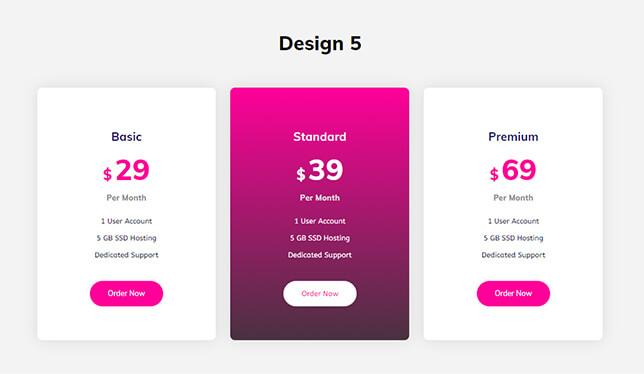
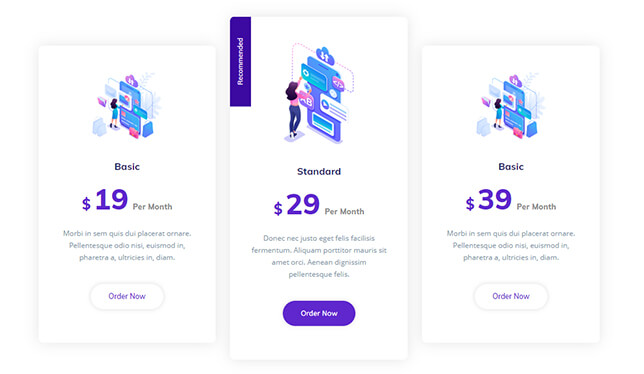
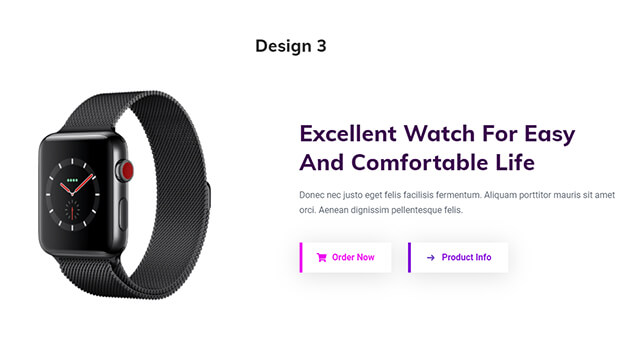
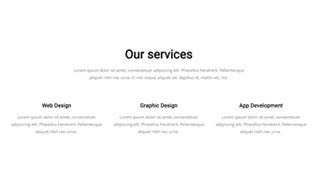
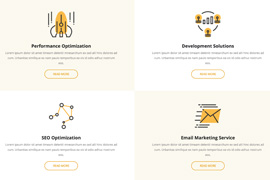
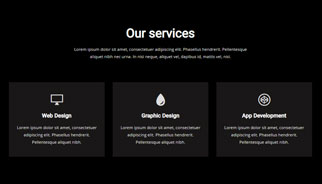
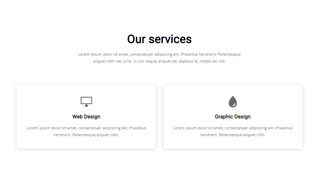
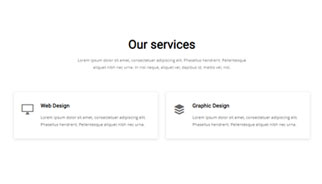
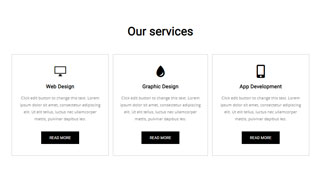
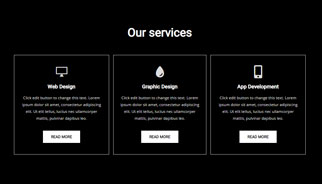
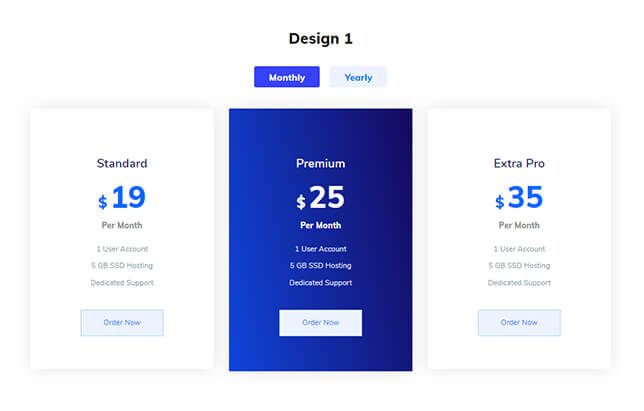
A block is a finished section — a hero, a pricing table, a testimonial row — built in Quix and ready to edit in place. Import one, swap the copy, publish. You are never starting a page from an empty canvas.
- Blocks
- 326
- Free
- 207
- Categories
- 24


Showing all 326 blocks
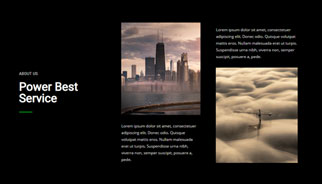
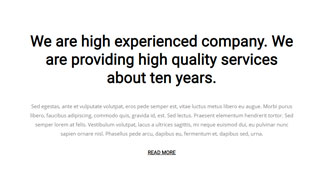
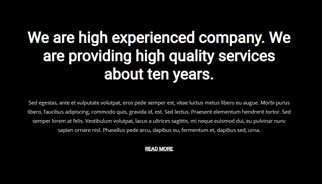
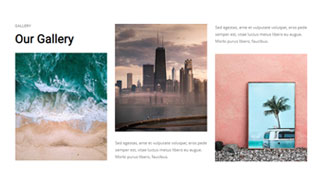
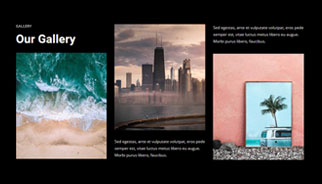

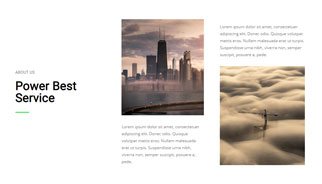
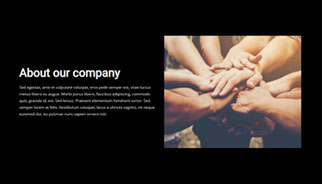



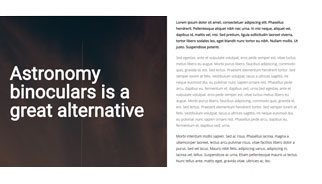
















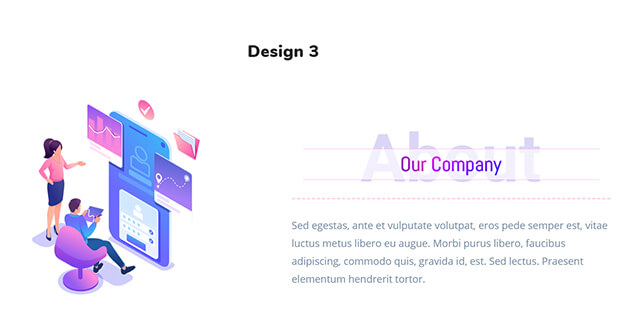
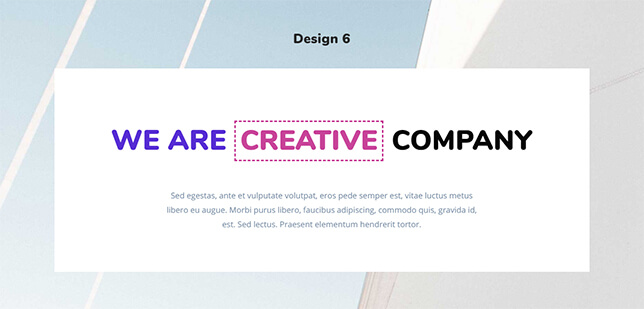
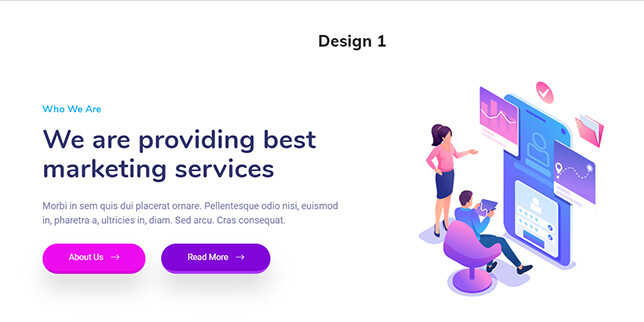
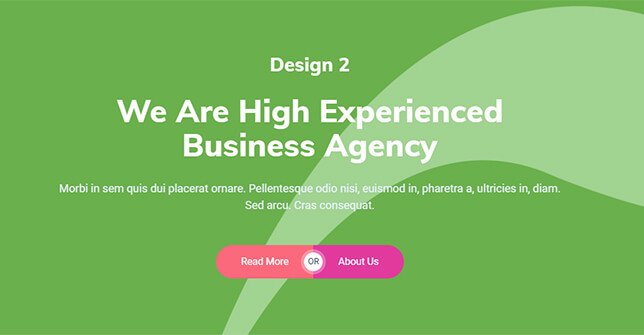






























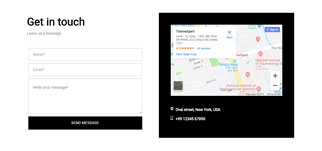
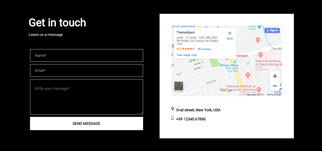
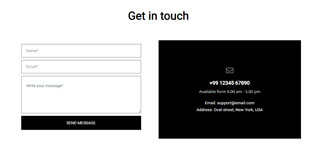
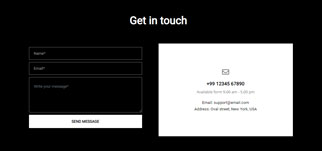


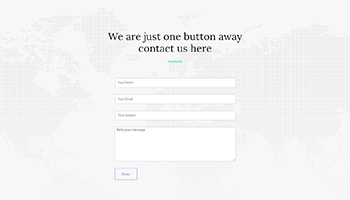
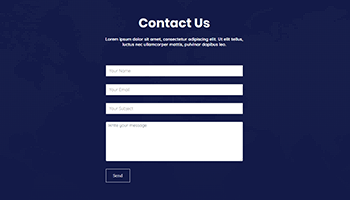
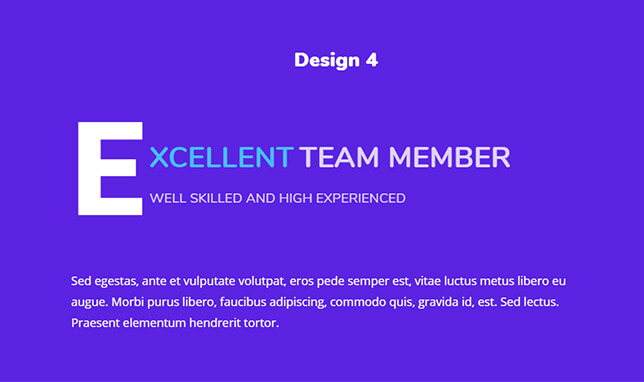


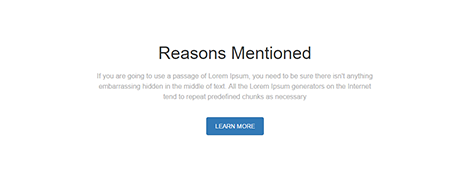
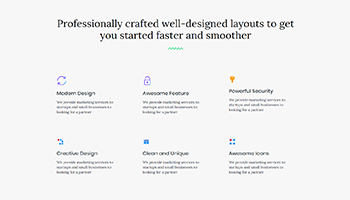
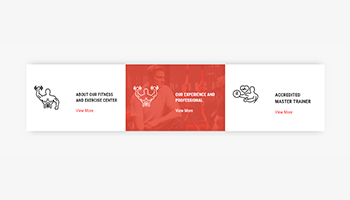
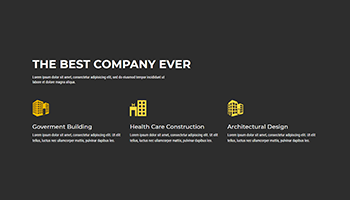

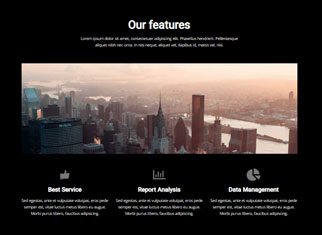



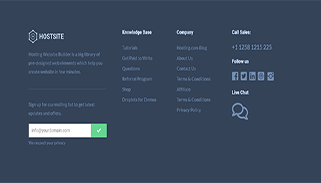
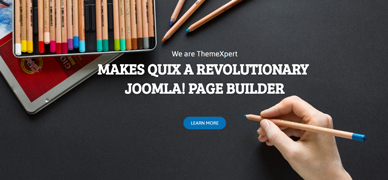
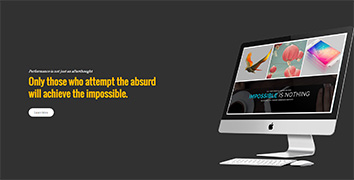
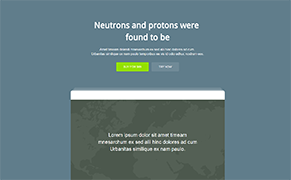










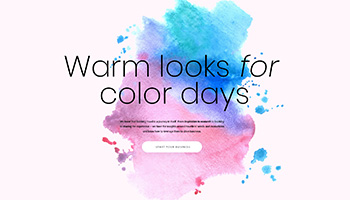










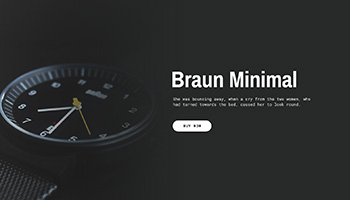
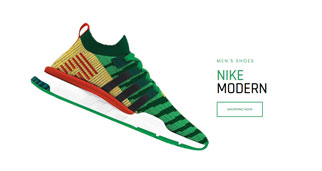






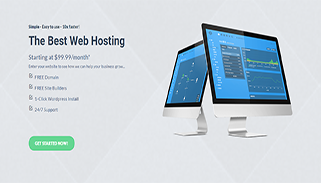
















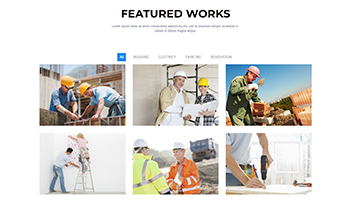
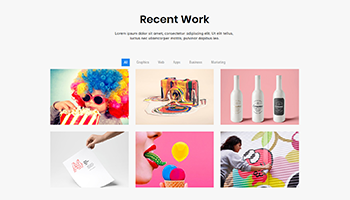


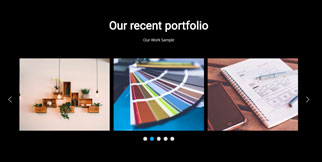
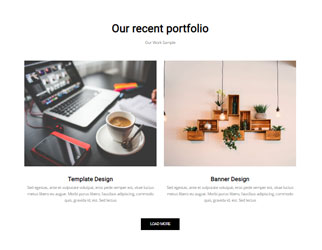

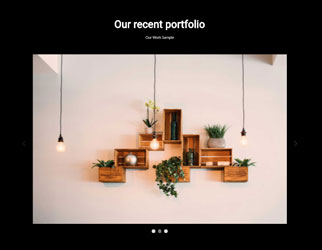
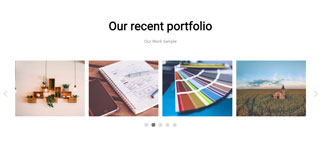
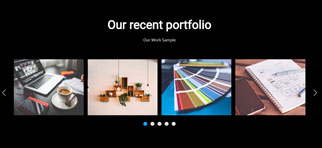
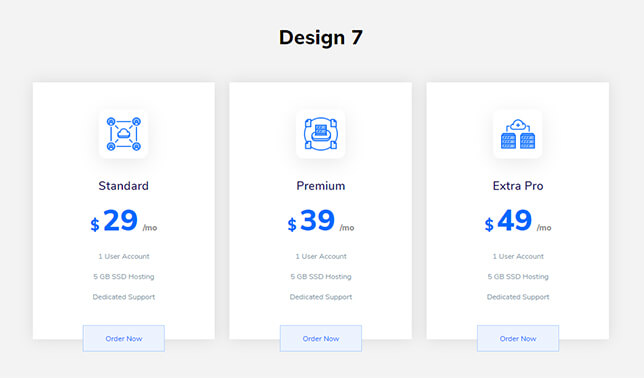
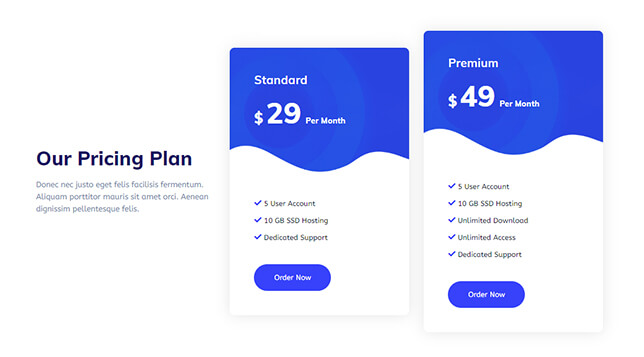
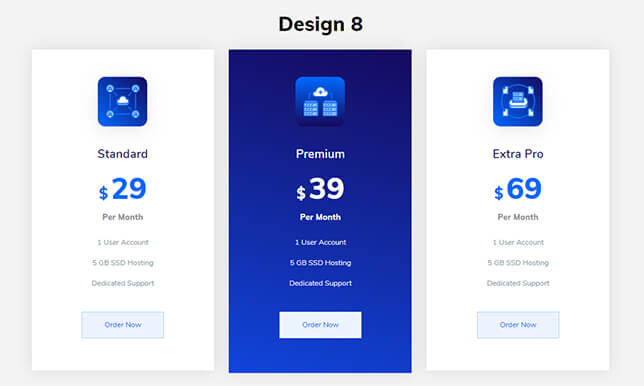
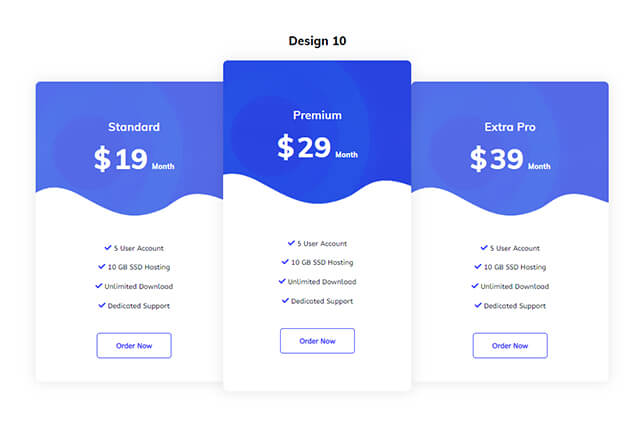

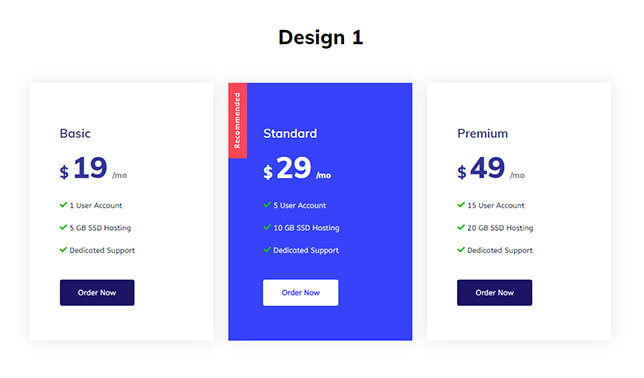
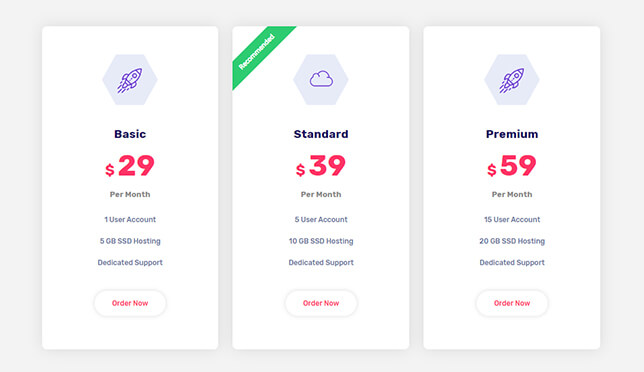

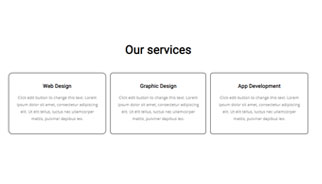
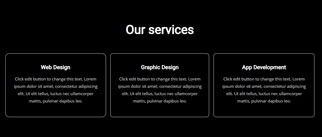
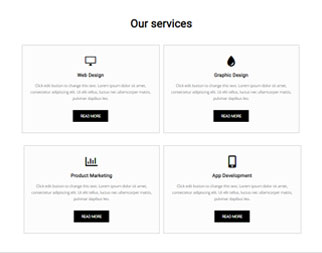
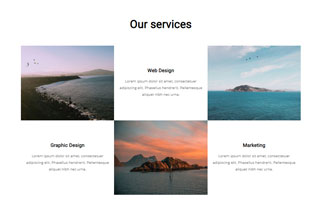
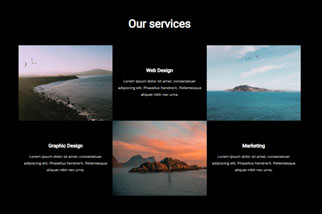
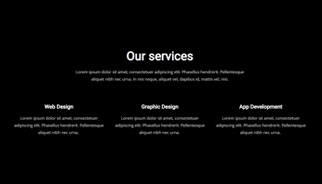
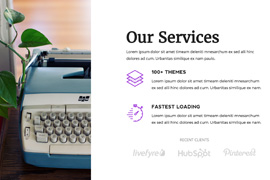
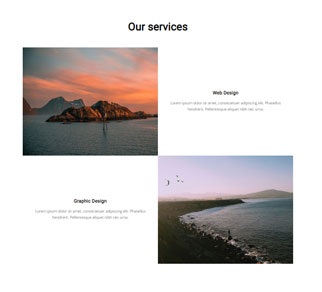
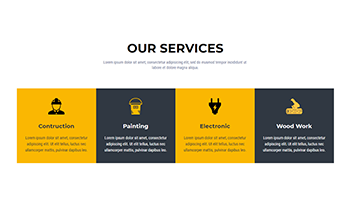
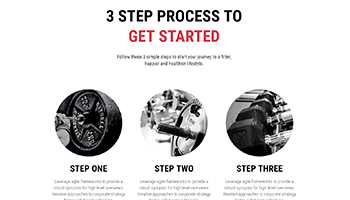

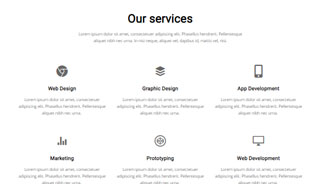
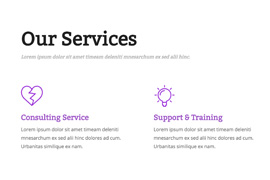
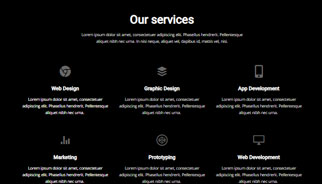
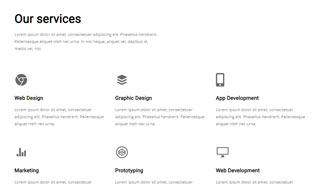

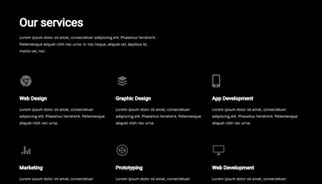
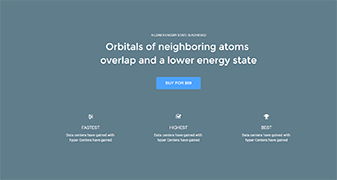
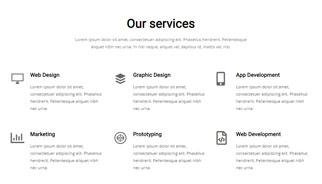
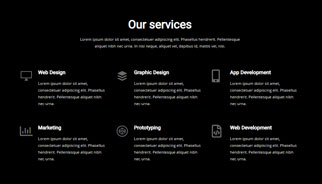













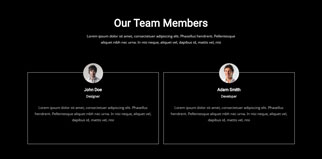
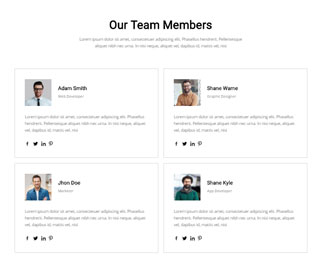
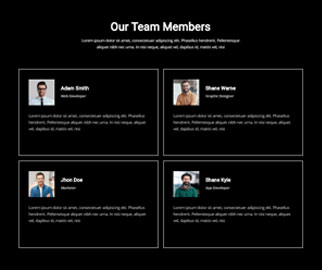
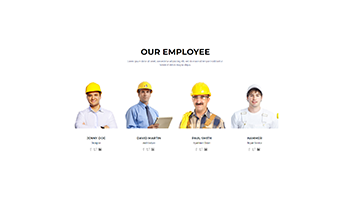
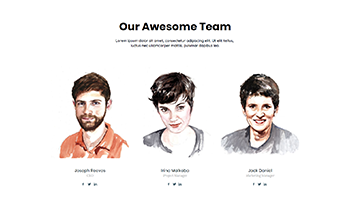


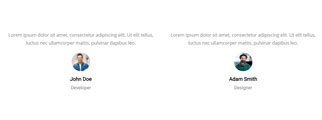
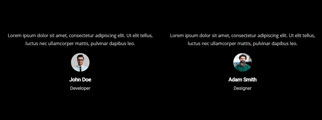




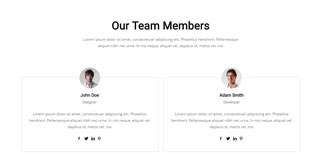

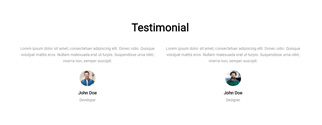
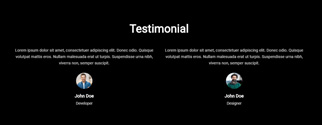
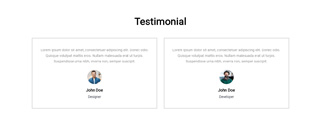
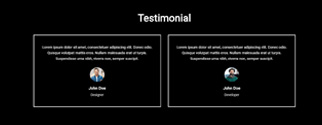


No blocks match that combination. Try another category, or clear the licence filter.
How blocks fit into a build
Blocks are sections, not whole templates. You assemble a page from them — a hero here, a pricing table there — and each one arrives as ordinary Quix rows and columns. There is no proprietary wrapper to fight later.
207 of the 326 are free with the builder. The rest come with Quix Pro, alongside the header, footer and popup builders.
Working with them
Import in one click
Open the block library inside the editor, pick a block, and it lands on the canvas at the insertion point — no file downloads, no pasting JSON.
Edited like anything else
An imported block is built from the same elements you would have dragged in yourself, so every spacing, colour and typography control still applies.
Reusable across projects
Adjust a block to your brand once, save it to your own library, and it is there on the next client site without rebuilding it.
Loading preview…