
Raising money online sounds simple until you set it up on WordPress. Most groups start with a basic PayPal button.
Donors get redirected offsite, receipts look plain, and records scatter across spreadsheets.
That is why dedicated WordPress donation plugins make a real difference.
A dedicated donation plugin gives supporters a direct, distraction-free checkout on your site instead of complex store carts.
However, finding dependable donation plugins for non profits requires looking past marketing claims. Some tools charge an extra 2% to 3% fee on every gift.
Others use pricey plan options to conceal their repeated donations while they keep their data on outside servers. The guide presents an evaluation of leading choices while showing actual market choices to help you select the most suitable option for your financial limitations.
Quick Comparison: 5 Top WordPress Donation Plugins
The following summary shows the main WordPress donation plugins with their fundamental features and transaction expenses and yearly charges before you start reading our detailed reviews.
| Plugin | Free Option | Recurring Giving | Payment Gateways | Starting Price | Best For |
|---|---|---|---|---|---|
| WPSmartPay | Yes (WordPress.org) | Yes (Pro) | Stripe, PayPal, Paddle, Mollie, Razorpay | $99/year (0% platform fees) | Charities wanting fast Gutenberg forms and zero platform fees |
| GiveWP | Yes (WordPress.org) | Yes (Plus tier) | Stripe, PayPal, Square, Authorize.Net | $149/year (Stripe 2% on Free) | Established nonprofits needing deep donor databases |
| Charitable | Yes (WordPress.org) | Yes (Pro tier) | Stripe, PayPal, Authorize.Net, Braintree | $69/year (0% platform fees) | Community causes seeking goal-driven campaigns |
| Donorbox | Yes (Hosted widget) | Yes (Built-in) | Stripe, PayPal, Apple Pay, Google Pay, ACH | Free (2.95% platform fee) | Multi-platform fundraising with company gift matching |
| WP Simple Pay | Yes (WordPress.org) | Yes (Plus tier) | Stripe (Cards, Apple Pay, ACH, Google Pay) | $49.50/year (3% fee on Free) | Direct Stripe donation forms with zero eCommerce bloat |
All five WordPress donation plugins below receive regular updates and support secure checkout workflows.
Best WordPress Donation & Fundraising Plugins: Our Top Picks
Here is a visual overview of our top picks:
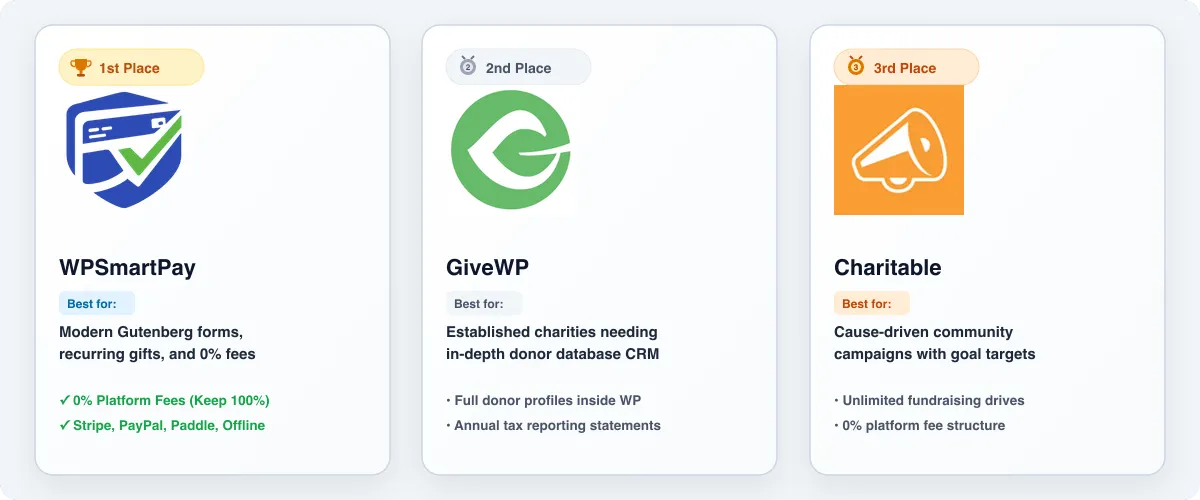
- 1st Place — WPSmartPay: Clean Gutenberg donation forms, recurring gifts, and zero platform fees.
- 2nd Place — GiveWP: In-depth donor database records, reporting, and campaign tracking.
- 3rd Place — Charitable: Cause-driven community campaigns with goals and deadlines.
What Nonprofits Should Look for in a Donation Plugin
Keep these practical factors in mind when choosing:
- On-Site Checkout: Keeping donors on your site prevents drop-offs.
- Platform Fees: Gateways charge standard fees; avoid plugins with added cuts.
- Recurring Giving: Monthly donors sustain operations; verify recurring support.
- Donor Records: See who donated without complex external software.
- Automated Receipts: Branded PDF receipts save admin hours.
- Site Speed: Load scripts only on pages where active forms live.
Top WordPress Donation and Fundraising Plugins
Here is our in-depth breakdown of the five leading solutions available today.
1. WPSmartPay
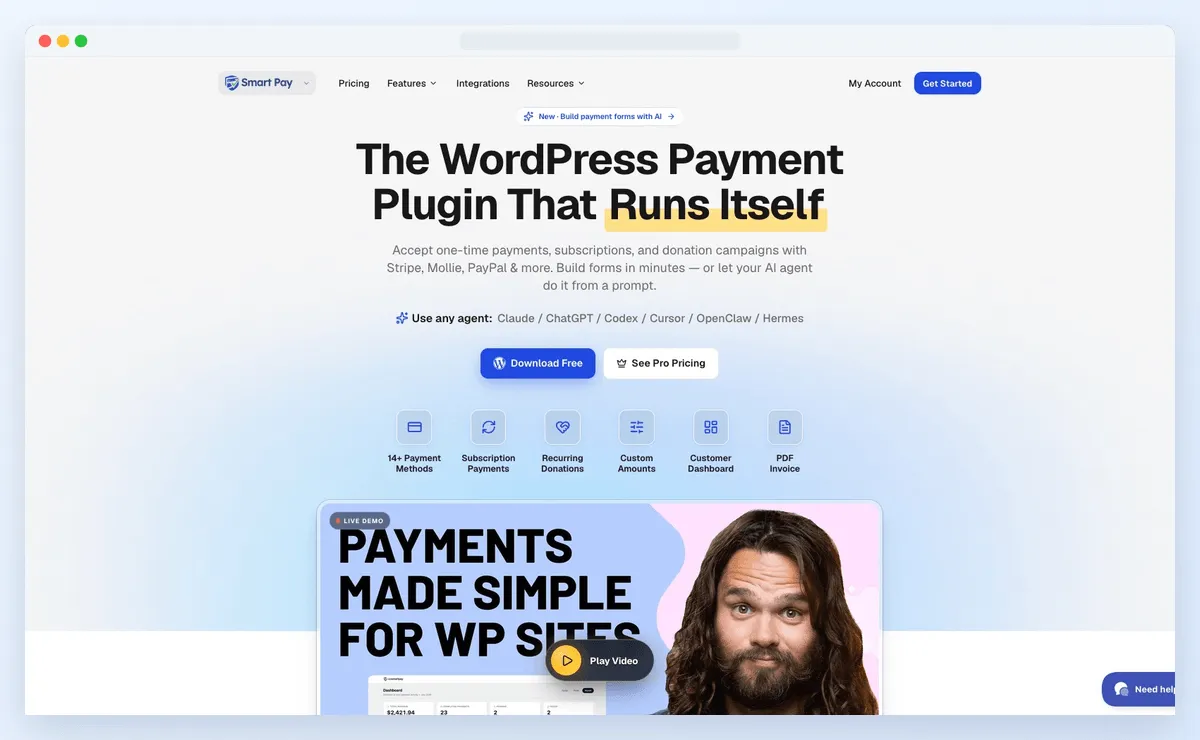
WPSmartPay is a lightweight payment and donation plugin built to eliminate eCommerce complexity.
Setting up WooCommerce just to collect donations introduces unnecessary multi-step carts. WPSmartPay eliminates that bloat entirely, standing out among WordPress donation plugins for its native block design.
The plugin integrates directly into the block editor with live previews. It never takes a percentage cut of your donations.
Standout Donation Features
- Gutenberg Block Builder: Create forms visually in the block editor without shortcodes.
- Recurring Giving: Let donors schedule weekly, monthly, or annual recurring gifts.
- Goal Thermometers: Visual progress bars show visitors your fundraising target.
- Preset & Custom Amounts: Offer quick gift buttons alongside a custom sum input.
- Global Gateways: Connects with Stripe, PayPal, Paddle, Mollie, and offline bank transfers.
- Automated PDF Receipts: Branded receipts are emailed to donors upon payment confirmation.
- Anti-Spam Defense: Cloudflare Turnstile blocks card-testing fraud bots quietly.
Pros
- Zero platform transaction fees on all versions.
- Native Gutenberg block workflow feels natural in WordPress.
- Fast page loads because scripts only run on form pages.
- Built-in invoicing and downloads if selling tickets.
Cons
- Recurring billing requires the Pro plan.
- Designed for direct forms rather than peer-to-peer portals.
Pricing
- Free Version: Available on WordPress.org with core one-time forms, Stripe integration, and basic customer logs.
- Essential License: Starts at $99 per year for a single site, unlocking recurring donations, all gateways, and PDF receipts.
- Guarantee: 14-day refund period.
Best For
Charities, religious groups, and creators wanting fast Gutenberg donation forms with recurring giving and zero extra platform fees.
2. GiveWP
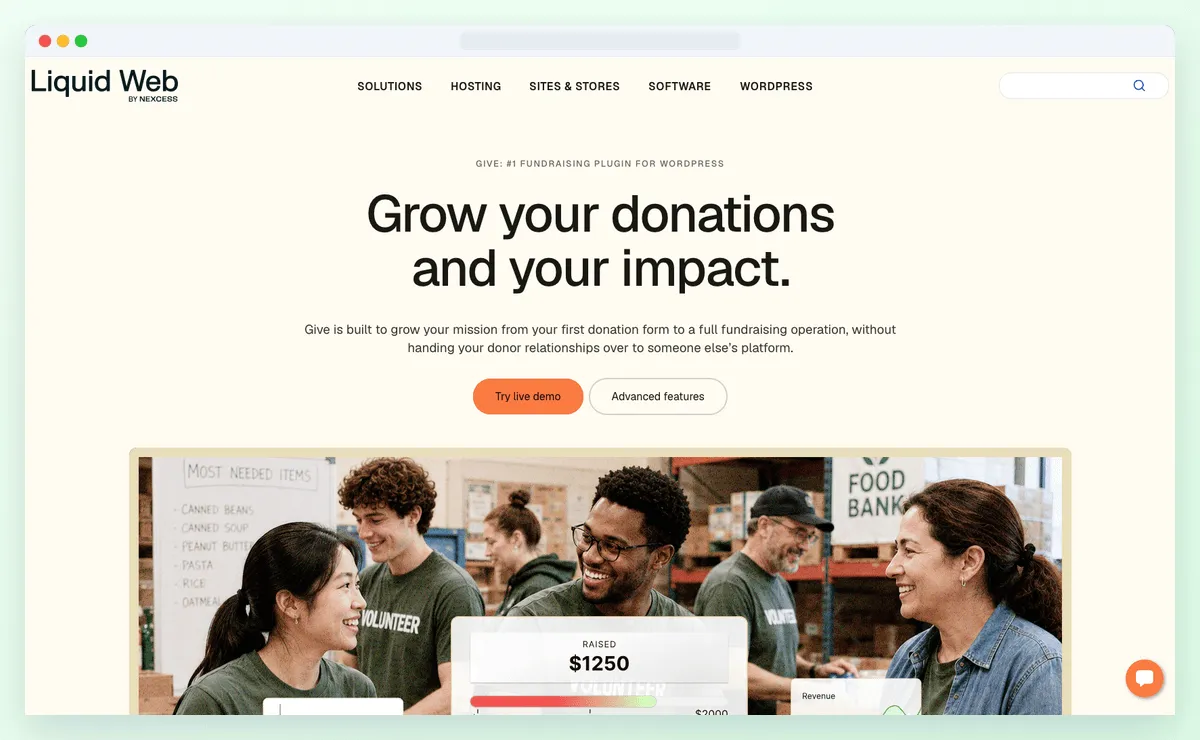
GiveWP functions as a leading WordPress donation plugin which serves the nonprofit sector through its dedicated features.
GiveWP functions as a fundraising tool which replaces conventional product purchasing systems through its specialized donation forms and its built-in donor database and its WordPress dashboard reporting features.
The platform enables you to build independent campaign pages while also allowing you to insert forms within your blog content and track individual donor contribution records.
However, smaller charities should note that recurring giving and fee-free Stripe checkouts require higher-tier plans.
Standout Donation Features
- Donor Database: Donor profiles log lifetime gifts, frequency, and staff notes.
- Financial Reports: Dashboards display revenue, donor retention, and campaign comparisons.
- Form Templates: Choose multi-step, two-step, or modal pop-up layouts.
- Goal Meters: Display progress bars based on target dollars or donor counts.
- Annual Tax Statements: Donors can download yearly contribution summaries.
- Fee Recovery: Let supporters cover processor fees during checkout.
Pros
- Deeply focused on nonprofit fundraising with rich donor tracking.
- Extensions for CRMs and email tools.
- Full data ownership inside your WordPress database.
- Financial export options that simplify bookkeeping.
Cons
- The free version charges a 2% platform fee on Stripe transactions.
- Recurring gifts require the Plus plan ($349/year).
Pricing
- Free: Available on WordPress.org (includes a 2% platform fee on Stripe transactions).
- Basic Plan: $149 per year (removes platform fees, includes basic add-ons, 1 site license).
- Plus Plan: $349 per year (adds recurring donations, fee recovery, and premium gateways).
- Pro Plan: $499 per year (adds peer-to-peer fundraising and VIP support).
Best For
Established nonprofits needing in-depth donor records, tax summaries, and multi-campaign tracking in WordPress.
3. Charitable
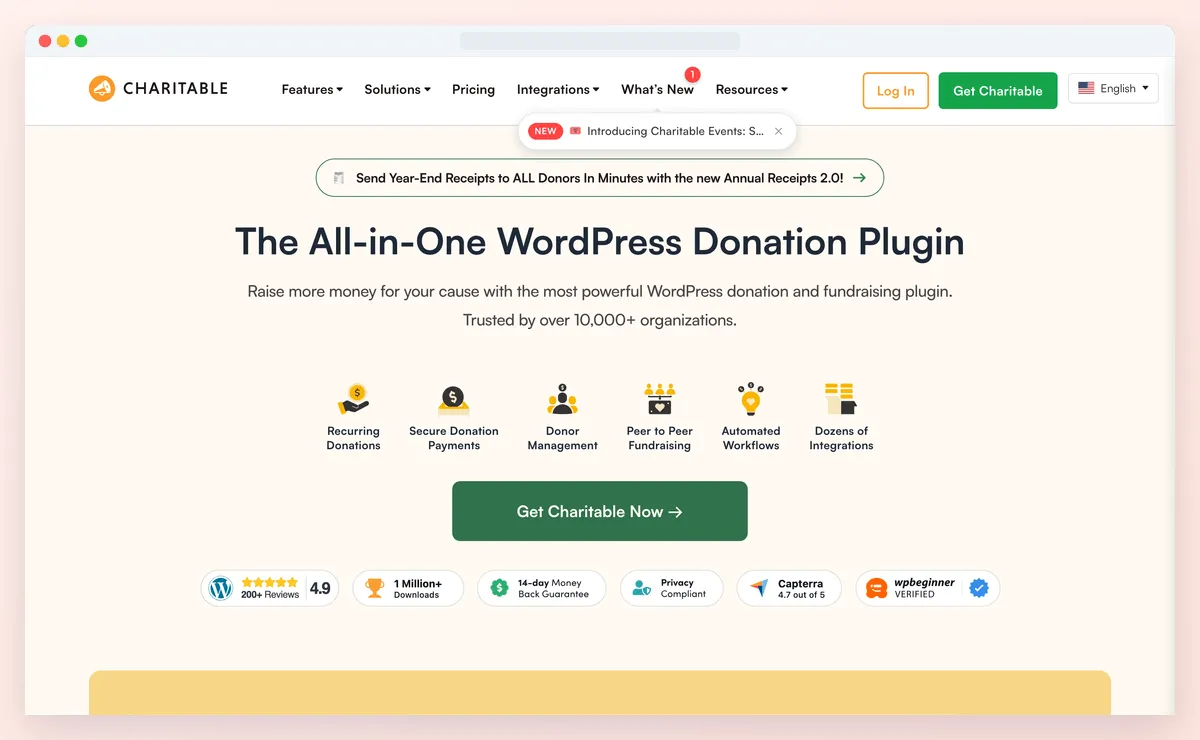
Charitable serves as a reliable donation plugin which supports non profits through its platform that enables organizations to preserve their fundraising income because it does not charge percentage fees.
The free plugin lets you launch unlimited fundraising appeals, embed forms on any page, and set deadlines.
The paid add-ons enable users to access two additional features which consist of recurring gift management and peer-to-peer campaign functionality.
Standout Donation Features
- Campaign Fundraising: Launch distinct campaigns with targets, deadlines, and progress bars.
- Zero Platform Fees: Never charges percentage platform cuts on donations in any tier.
- Custom Giving Tiers: Set suggested gift tiers or let donors enter custom sums.
- Donor Records: View donation histories and supporter contacts in your admin area.
- Automated Receipts: Send branded thank-you emails and receipts upon payment.
- Gateway Options: Accepts PayPal and offline gifts on free, with Stripe on paid tiers.
Pros
- Never charges percentage platform cuts on donations.
- Setup wizard launches campaigns quickly.
- Lightweight footprint that preserves speed.
- Peer-to-peer crowdfunding options on higher plans.
Cons
- Stripe integration requires the $69/year Basic plan.
- Recurring gifts require the $99/year Plus plan.
Pricing
- Free: Available on WordPress.org (includes PayPal and offline payments with 0% platform fees).
- Basic Plan: $69 per year (adds Stripe gateway, unlimited campaigns, 1 site license).
- Plus Plan: $99 per year (adds recurring donations, fee relief, and newsletter integrations).
- Pro Plan: $199 per year (adds peer-to-peer fundraising and crowdfunding features).
Best For
Community initiatives and charities wanting campaign-focused fundraising pages without paying transaction cuts.
4. Donorbox
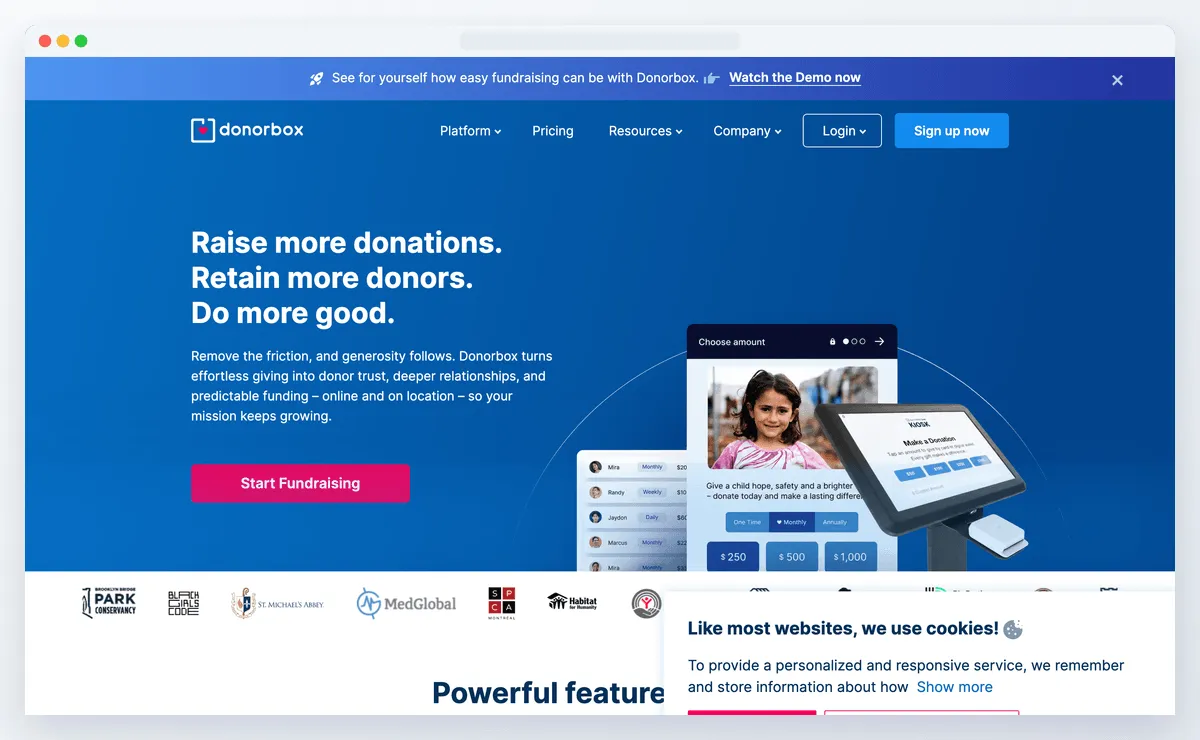
Donorbox takes a distinct approach compared to typical WordPress donation plugins.
Instead of functioning within your WordPress database the platform operates as a cloud service which connects to your website through its plugin.
Because Donorbox handles transactions in the cloud, it reduces host server load. The system loads forms at high speed while enabling users to pay through Apple Pay and Google Pay and Venmo without any additional setup.
The system operates best for nonprofits which need employer matching and ACH transfer capabilities but do not want to handle database operations.
Standout Donation Features
- Embeddable Widgets: Embed responsive donation forms, popups, or modal windows.
- Recurring Giving: Donors can choose weekly, monthly, quarterly, or annual pledges.
- Mobile Wallets: Native support for Apple Pay, Google Pay, Venmo, cards, and ACH transfers.
- Company Gift Matching: Integration lets donors check employer gift matching.
- Donor Portal: Donors receive personal logins to update recurring payment methods.
- In-Person Giving: Collect cashless in-person gifts with compatible card readers.
Pros
- Supports Apple Pay, Google Pay, Venmo, and ACH transfers out of the box.
- Employer gift-matching integration boosts campaign revenue.
- Hosted infrastructure removes payment security maintenance from your hosting plan.
- Donors can manage their own recurring gifts through a secure self-service portal.
Cons
- Free plan charges a 2.95% platform fee plus processing fees.
- Donor data lives on Donorbox servers rather than in your WordPress site.
Pricing
- Standard Plan: $0 monthly fee, with a 2.95% platform fee per donation (plus gateway fees). Donors can cover fees.
- Pro Plan: $139 per month, featuring a reduced 1.5% platform fee, priority support, and advanced tracking.
- Premium Plan: Custom pricing tailored to high-volume nonprofit institutions.
Best For
Charities seeking mobile wallets, ACH transfers, and corporate gift matching without server maintenance.
5. WP Simple Pay
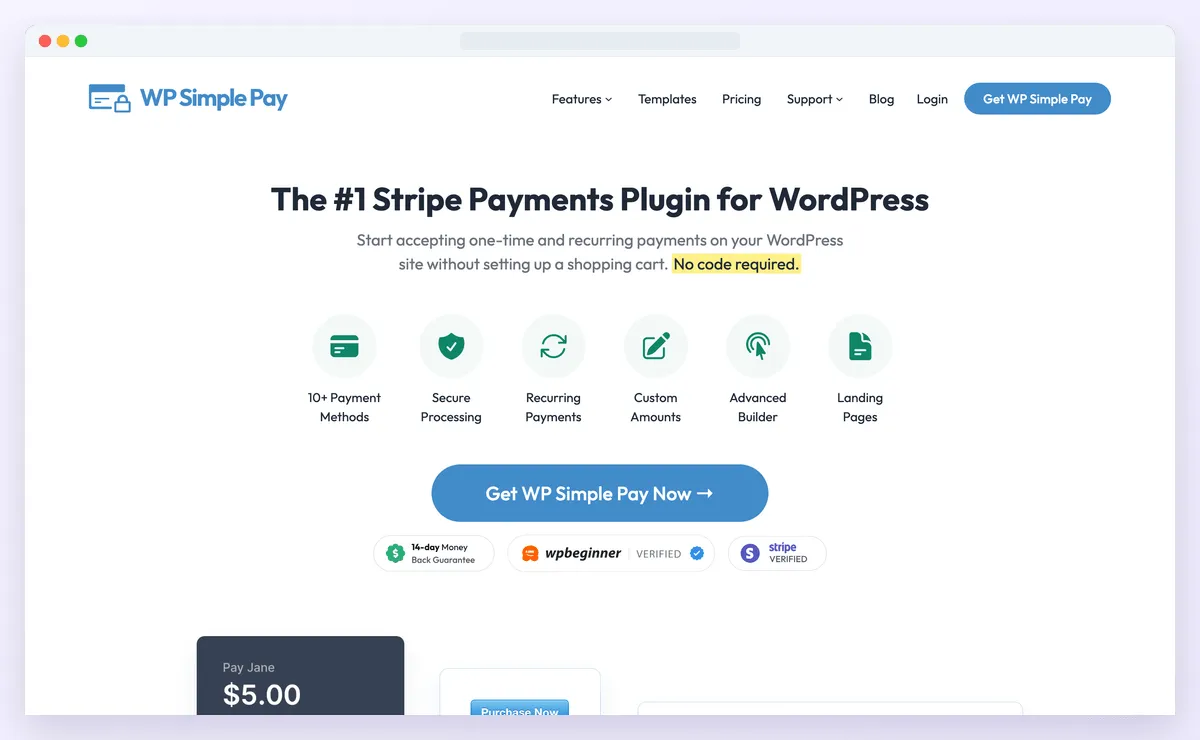
WP Simple Pay operates as a dedicated Stripe payment solution which enables website owners to receive payments through a simple payment system instead of building a full e-commerce platform.
If your nonprofit relies on Stripe, it offers a clean way to publish giving forms.
WP Simple Pay operates as a WordPress donation plugin which directs its functionality toward enhancing checkout speed instead of CRM system capabilities.
You can deploy embedded, overlay, or full-page forms for cards, Apple Pay, Google Pay, and ACH transfers. The platform does not include goal tracking but its straightforward design makes it ideal for small groups who need reliable Stripe payment forms.
Standout Donation Features
- Direct Stripe Integration: Connects with Stripe Elements for cards, wallets, and ACH transfers.
- Recurring Giving: Set recurring donation intervals alongside custom donor amounts.
- Distraction-Free Forms: Create embedded forms or full-page checkout flows.
- Custom Fields: Collect donor phone numbers, addresses, and dedication notes.
- Fee Recovery: Let donors optionally cover Stripe credit card processing fees.
Pros
- Lightweight setup with zero store bloat.
- Uses Stripe infrastructure so card data never touches your WordPress server.
- Supports Apple Pay and Google Pay natively.
- Clean form builder tailored for Stripe.
Cons
- Only supports Stripe; you cannot use PayPal, Authorize.Net, or offline bank transfers.
- Lite version charges a 3% fee on top of Stripe rates.
Pricing
- Lite Version: Free on WordPress.org (includes a 3% platform fee on transactions).
- Personal Plan: Starts at $49.50 for the first year (renews at $99/year), removes platform fees, 1 site license.
- Plus Plan: Starts at $99.50 for the first year (renews at $199/year), adds recurring donations.
- Professional Plan: Starts at $199.50 for the first year (renews at $399/year), adds advanced integrations.
Best For
Small organizations and clubs together with independent projects require a basic trustworthy Stripe checkout solution which supports both one-time and recurring donations.
How to Choose the Right WordPress Donation Plugin
When you select WordPress donation plugins you should base your decision on these functional assessment factors:
- Platform Fees vs. Processing Fees: Gateways charge processing fees, but some donation plugins for non profits take an added 2% to 3% platform cut. The platforms WPSmartPay and Charitable operate without platform fees, preserving essential financial resources.
- Recurring Giving: Monthly donors sustain ongoing operations. Check to see if your selected plan includes automated donation management features.
- Payment Gateways: Donors appreciate Apple Pay and Google Pay alongside cards. Your plugin must support payment processors which your supporters feel comfortable using.
- Data Ownership: If keeping records inside your WordPress database is a priority, self-hosted tools like WPSmartPay, GiveWP, and Charitable are ideal.
- Setup Simplicity: Choose a plugin that loads assets only on pages with active forms to protect site speed.
Conclusion: Comparing WordPress Donation Plugins for Your Cause
Your charity can keep more money while donors experience an easy donation process through WordPress donation plugin evaluation. Different WordPress donation plugins suit different priorities:
- For a modern Gutenberg workflow, recurring gifts, and zero platform fees, WPSmartPay delivers ideal speed and flexibility.
- GiveWP functions as a trustworthy solution for major charitable organizations which require advanced donor monitoring and detailed data analysis capabilities.
- For campaign goals and community appeals, Charitable makes setup effortless.
- For mobile wallets and employer gift matching on external cloud servers, Donorbox works well.
- For simple Stripe forms without extra fundraising bloat, WP Simple Pay is quick to deploy.
When evaluating donation plugins for non profits, avoiding platform transaction fees should be a priority.
By choosing capable WordPress donation plugins, your team can focus on your mission.
If you are looking for an easy way to get started without transaction cuts, you can test the free WordPress donation plugin on WordPress.org today.
Accept Donations on WordPress with Zero Platform Fees
Build fast Gutenberg donation forms, accept recurring gifts, send automated PDF receipts, and keep 100% of your contributions.