
Windsurf
Agentic AI code editor forked from VS Code
A VS Code-based editor built around an AI agent called Cascade that can plan and carry out multi-file coding tasks, with unlimited autocomplete included on every plan.
Picked for AI-Native Code Editors for Developers.
Windsurf is a VS Code fork built around Cascade, an agent that can take a task description, plan the work, and edit across multiple files while running terminal commands with your approval along the way. Because the base editor is a familiar VS Code layout, it can import settings, extensions and keybindings directly from VS Code or Cursor, which lowers the switching cost considerably.
Its standout decision is keeping Tab autocomplete unlimited on every plan, including the free tier — most competitors meter completions somewhere. That makes it a reasonable starting point for anyone who wants strong autocomplete without paying, and reserves the metered quota for the heavier agentic and chat work.
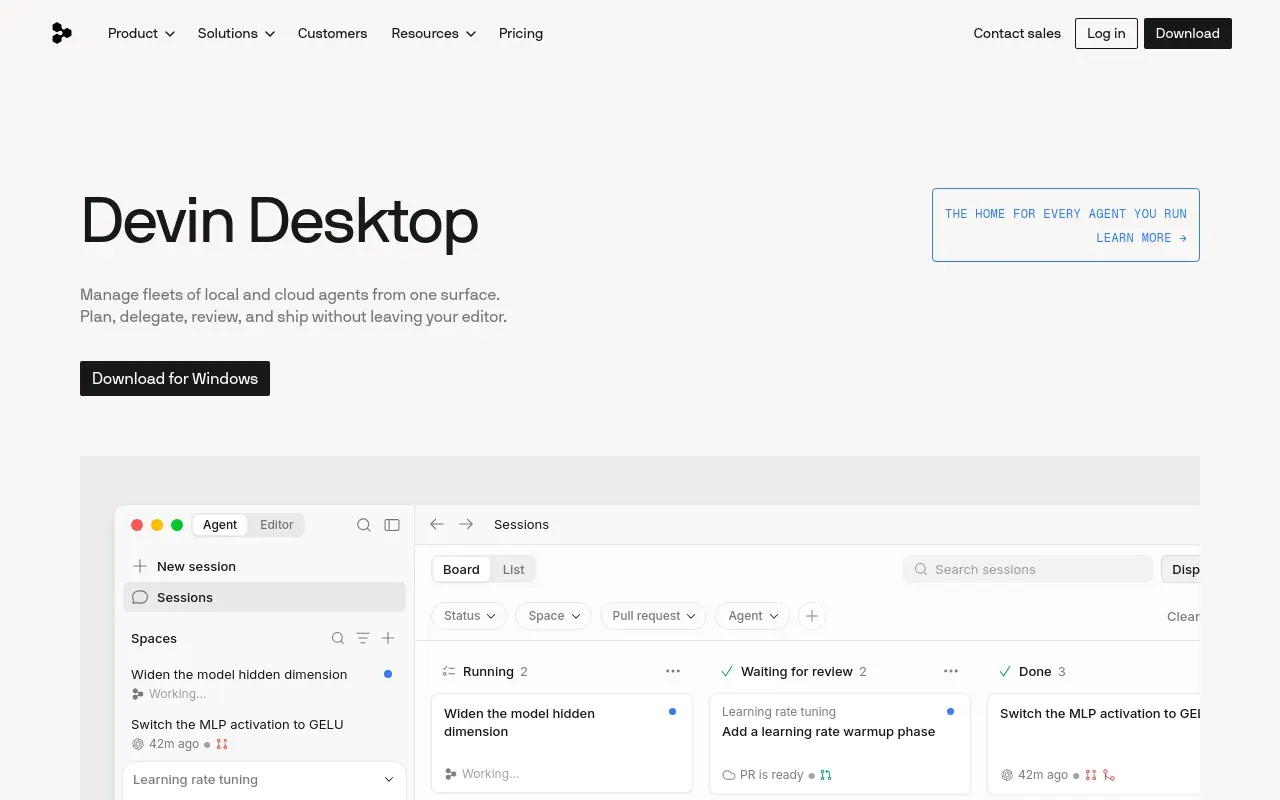
The bigger question mark hanging over Windsurf in 2026 isn’t a feature gap — it’s ownership. The product was acquired by Cognition AI and began rebranding to “Devin Desktop” mid-year, and while pricing and functionality carried over unchanged for existing users at the time, anyone adopting it now should expect more change ahead, not less. Pricing itself has also been reworked more than once in the same year, moving from a credit system to daily and weekly quotas, which makes it a harder product to plan a team budget around.
Features
Cascade agent
An agentic assistant that can plan a task, edit across multiple files, and run terminal commands with your approval.
Unlimited Tab autocomplete
Multi-line completions are unmetered on every plan, including the free tier, unlike agent and chat usage.
One-click migration
Imports settings, installed extensions and keybindings directly from VS Code or Cursor when you switch.
Cloud agent sessions
Background agent runs can execute on Windsurf's infrastructure rather than tying up a local machine.
Memories and rules
Project conventions and prior decisions persist across sessions, so the agent stops relearning the same things every morning.
MCP support
Connects to external tools and data sources through the Model Context Protocol rather than through bespoke plugins.
Use cases
- Migrating from VS Code or Cursor without relearning an editor
- Running longer agentic coding tasks in the background while working elsewhere
- Getting free-tier autocomplete without hitting a usage wall
- Keeping project conventions in memory so the agent stops relearning them
- Wiring the editor to internal tools and data through MCP
- Picking up an agent task the next morning where the last session left it
Compare Windsurf head to head
Side-by-side comparisons, on pricing, platforms and where each one wins.






Looking for something similar?
Other code tools worth comparing against Windsurf.