
Replit
Browser-based coding environment with an AI build agent
A cloud coding platform that runs entirely in the browser, with a built-in AI agent that can scaffold, write and deploy a working app from a natural-language description.
Picked for AI Tools for Solo Founders and AI-Native Code Editors for Developers.
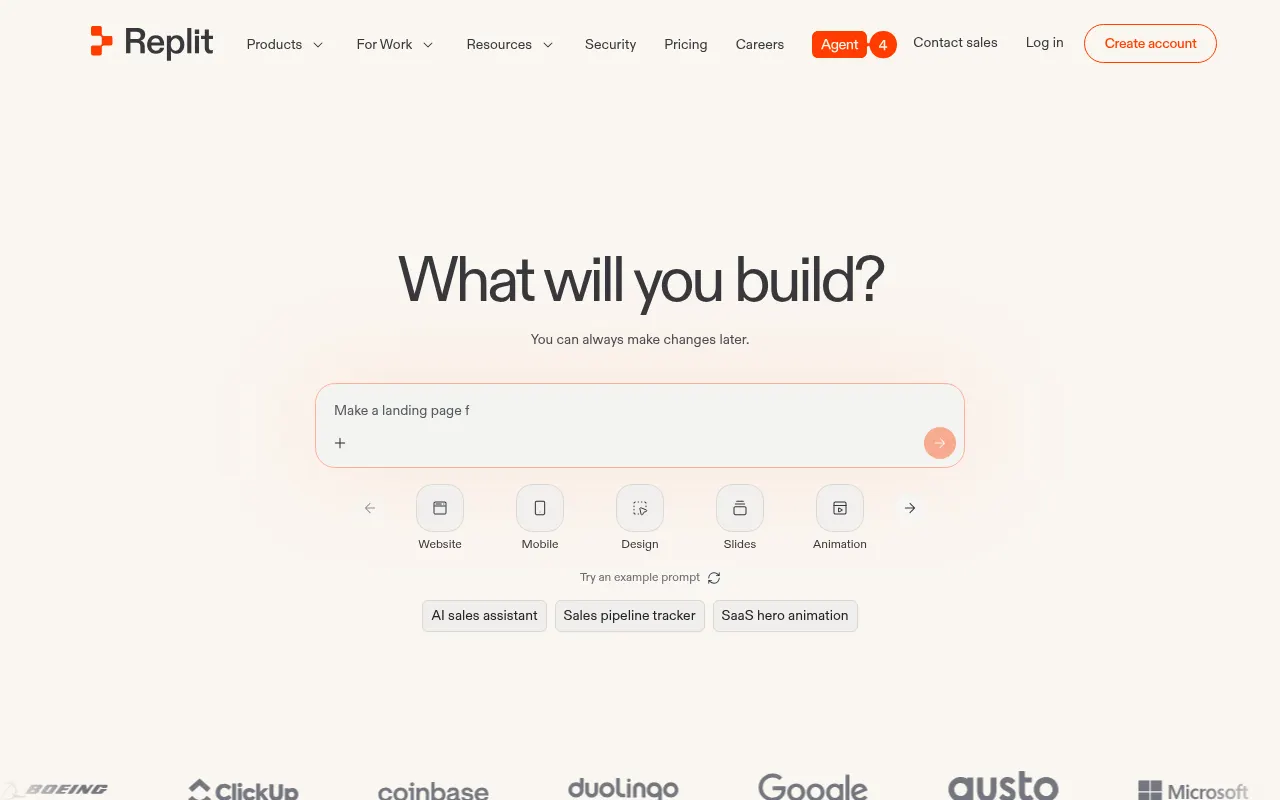
Replit’s pitch has always been zero setup — open a browser tab and you have a working coding environment, complete with hosting and a shareable URL. Replit Agent extends that further: describe an app in plain language and it will scaffold the project, write the code, install what it needs, and offer to deploy it, turning the browser tab into something closer to a product studio than a text editor.
That combination makes it a strong fit for two very different audiences: beginners and students who benefit from never touching a terminal or local environment, and anyone who wants to test an idea fast without setting up a dev environment first. The real-time collaboration features also make it useful for teaching and pair programming, where two people need to see the same running code at once.
The tradeoffs show up once you push past a quick prototype. Pricing runs on credits, and once the included allotment is used up, agent usage and deployments become pay-as-you-go — a cost that’s easy to underestimate. Agent-built apps are also a starting point rather than a finished product; they typically need manual debugging and cleanup, and performance on larger or more demanding projects can lag a proper local development setup.
Features
Replit Agent
Describe an app in plain language and the agent scaffolds the project, writes code, installs dependencies and can deploy it.
Instant hosting
Every project runs and can be published from the browser with no separate deployment step or server setup.
Real-time collaboration
Multiple people can edit and run the same project simultaneously, similar to a shared document.
Built-in database, auth and storage
Postgres, user accounts and object storage are provisioned from the workspace, so an app with real data does not start with infrastructure setup.
One-click deployments
Ship from the same tab the code is written in, with autoscale and scheduled deployment types rather than a separate pipeline.
Templates and forking
Start from a working project and change it, which is a shorter path to a running app than an empty repository.
Use cases
- Building and shipping a small app or prototype without local setup
- Teaching or learning to code in a browser-only environment
- Quickly testing an idea before committing to a full local dev environment
- Standing up a database-backed app without configuring any infrastructure
- Forking a working template as the starting point for a new idea
- Sharing a running app with someone by sending a link rather than setup instructions
Compare Replit head to head
Side-by-side comparisons, on pricing, platforms and where each one wins.








Looking for something similar?
Other code tools worth comparing against Replit.