n8n
Open-source workflow automation with a code escape hatch
A node-based automation platform that can be self-hosted for free or run in the cloud, mixing visual workflow building with embedded JavaScript or Python for anything the built-in nodes don't cover.
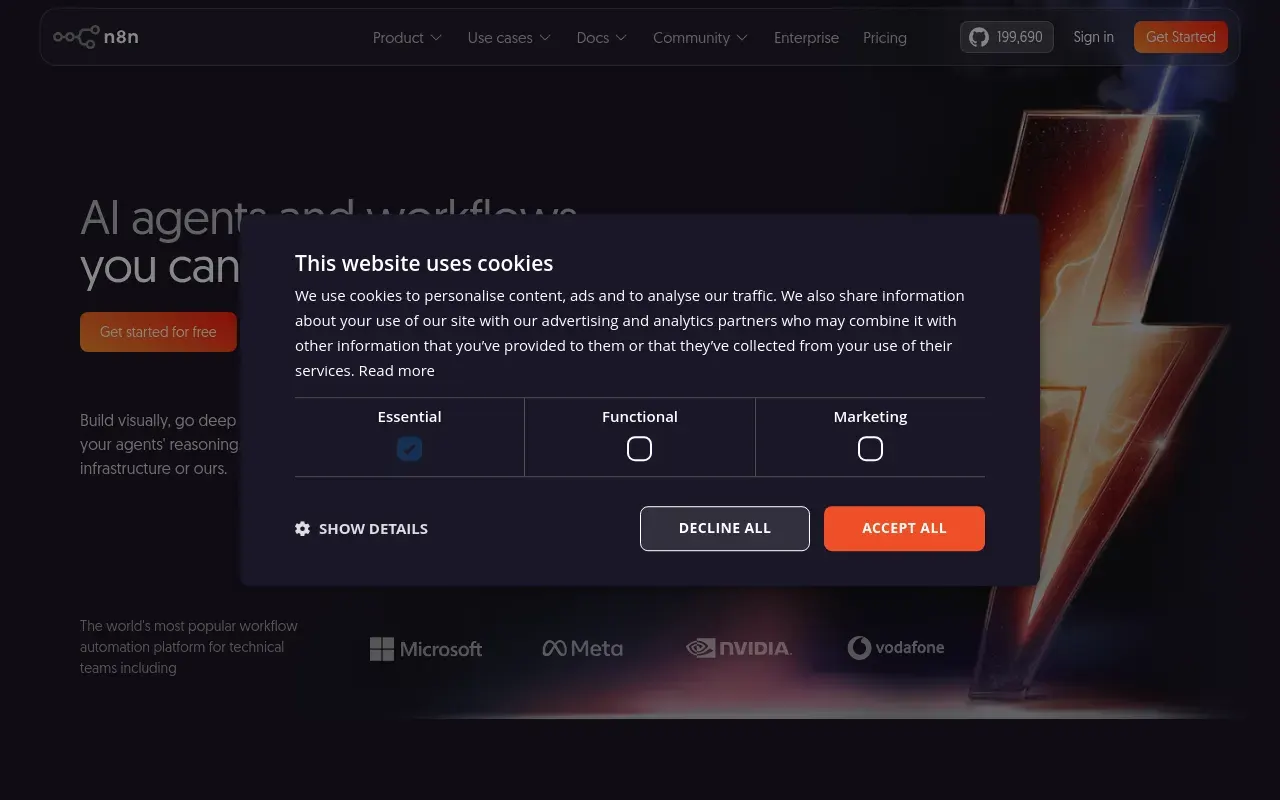
n8n’s pitch to developers is that it doesn’t force a choice between no-code convenience and real code. Most of a workflow can be built visually, node by node, but whenever a built-in integration doesn’t exist or the logic gets too specific, a Code node drops in actual JavaScript or Python without leaving the canvas.
It suits technical teams that want automation without handing data to a third-party cloud by default — the Community Edition self-hosts for free, with no execution caps, which is unusual among the automation platforms it competes with. That also makes it a natural fit for anyone building AI agent workflows who wants full control over how prompts, tools and data move.
The tradeoff is that self-hosting is a real commitment: someone has to keep the instance patched, backed up and running, which is exactly the operational overhead a hosted tool like Zapier exists to remove. The node-based canvas is also less approachable for a non-technical user than a simple trigger-action builder, so it’s a better fit for teams with at least one person comfortable reading a workflow diagram — or writing a line of code when needed.
Features
Visual workflow builder
A node-based canvas for triggers, actions and branching logic, similar in spirit to Make's scenario editor.
Code nodes
Embed real JavaScript or Python inline whenever a built-in node isn't enough — no separate service to stand up.
Self-hosting
Run on a VPS, on-prem server or Kubernetes cluster with no per-task fees and full control over the data.
AI-native nodes
Build agents and LLM-backed workflows alongside conventional business-app automation in the same canvas.
Source-available licence
The code is readable and self-hostable under a fair-code licence, which is a different risk profile from a closed SaaS holding your workflows.
Sub-workflows and error handling
One workflow can be called as a step inside others, with a dedicated error path, so a failure is handled rather than silently dropped.
Use cases
- Self-hosting an automation platform to keep sensitive data off a third-party cloud
- Writing a custom JavaScript step where a pre-built integration doesn't exist
- Building an AI agent workflow that also needs to touch conventional business apps
- Running high-volume workflows on your own infrastructure without per-task pricing
- Reusing one workflow as a step inside several others
- Moving an automation off a per-task SaaS bill once the volume stops making sense
Compare n8n head to head
Side-by-side comparisons, on pricing, platforms and where each one wins.










Looking for something similar?
Other automation & agents tools worth comparing against n8n.