Grammarly
AI writing assistant for grammar, tone and clarity
A writing assistant that checks grammar, spelling, tone and clarity everywhere you type, from a browser extension and desktop app to direct integrations with Google Docs and Microsoft Word.
Picked for Remote Team Meeting & Knowledge Stack and Content Marketing Production Line.
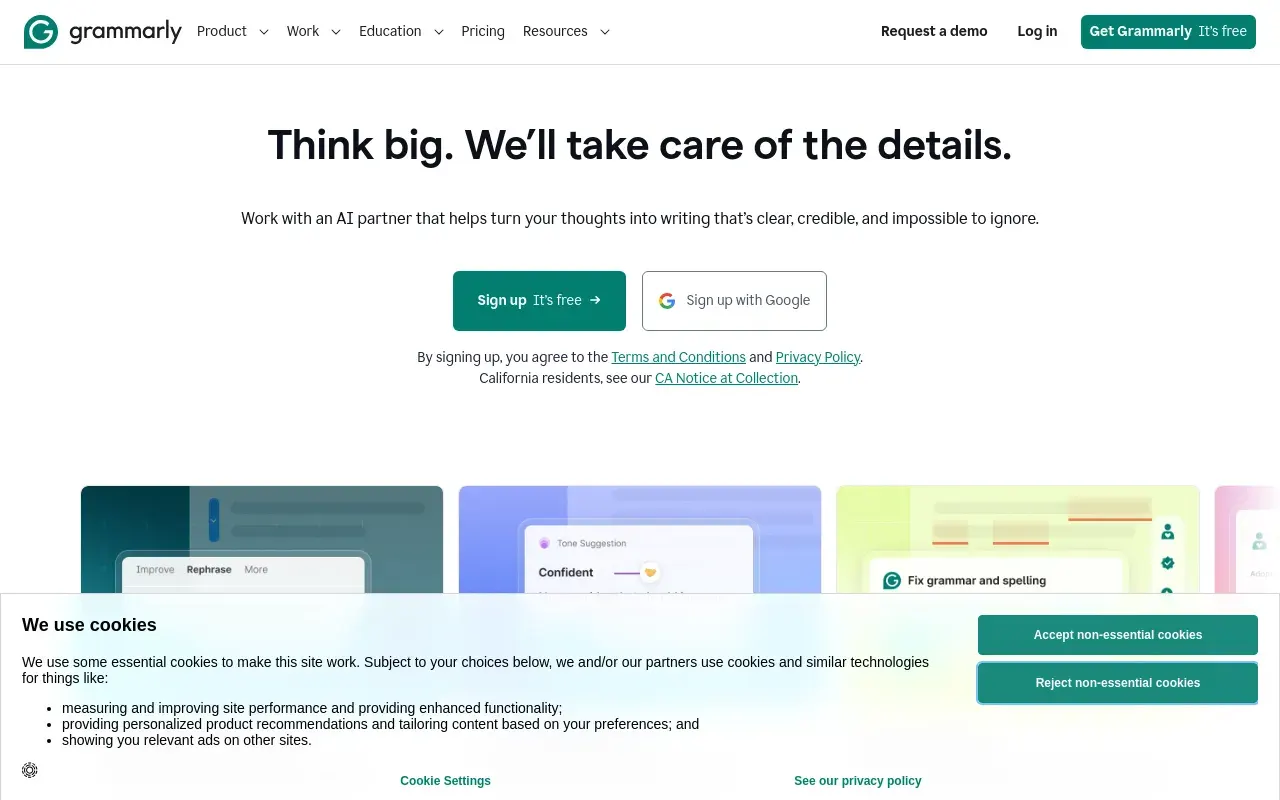
Grammarly’s defining feature isn’t any single capability but its reach — it runs as a browser extension, desktop app, mobile keyboard and direct integration inside Google Docs and Microsoft Word, which means it catches errors wherever you’re actually typing rather than requiring you to paste text into a separate tool. That ambient presence is what makes it stick as a daily habit rather than an occasional check.
It suits almost anyone who writes regularly and wants fewer typos and clearer sentences without becoming a grammar expert themselves — students, professionals drafting emails, non-native English writers, and teams that want a consistent baseline of polish across everyone’s writing. The tone detection feature adds something a plain spell-checker doesn’t: a read on whether a message might land as too blunt or too casual before it’s sent.
The free tier genuinely covers the basics well, which is unusual in this category — most competitors gate core functionality behind a paywall. Paid tiers unlock generative rewriting and more nuanced tone and clarity suggestions, and Business/Enterprise plans add the governance and admin controls larger teams need, at a real price jump from the individual plan.
The recurring complaint is over-flagging: Grammarly can treat a deliberate stylistic choice — a sentence fragment for effect, informal phrasing on purpose — as an error to fix, and it takes a moment of judgment each time to decide whether to accept, ignore or override a suggestion.
Features
Real-time grammar and clarity checks
Flags spelling, grammar and awkward phrasing as you type, with one-click fixes rather than a separate proofreading pass.
Tone detection
Reads the emotional register of a draft and flags when it may land as too blunt, too formal or off for the intended audience.
Generative rewrite
Rewrites a selected passage to be shorter, more formal, friendlier or otherwise adjusted, without starting from a blank page.
Cross-app coverage
Works inside the browser, desktop apps, mobile keyboards and directly in Google Docs and Microsoft Word rather than a single standalone editor.
Plagiarism and AI-text detection
Checks a draft against published sources and flags passages that read as machine-generated, which matters where provenance is a policy question.
Team style guides
House terminology, banned phrases and tone enforced across every writer, rather than living in a document nobody opens.
Use cases
- Proofreading emails, documents and social posts as you write them
- Adjusting tone for a specific audience or context
- Catching grammar and clarity issues across every app you write in
- Rewriting stiff or wordy drafts into cleaner prose
- Holding a whole team's writing to one house style
- Writing confidently in a second language across every app you use
Compare Grammarly head to head
Side-by-side comparisons, on pricing, platforms and where each one wins.







Looking for something similar?
Other writing tools worth comparing against Grammarly.