
Descript
Edit video and podcasts by editing a text transcript
An audio and video editor built around transcript-based editing — cut a recording by deleting text, remove filler words automatically, and clean up audio without touching a timeline.
Picked for Scripted Video Production Without a Studio.
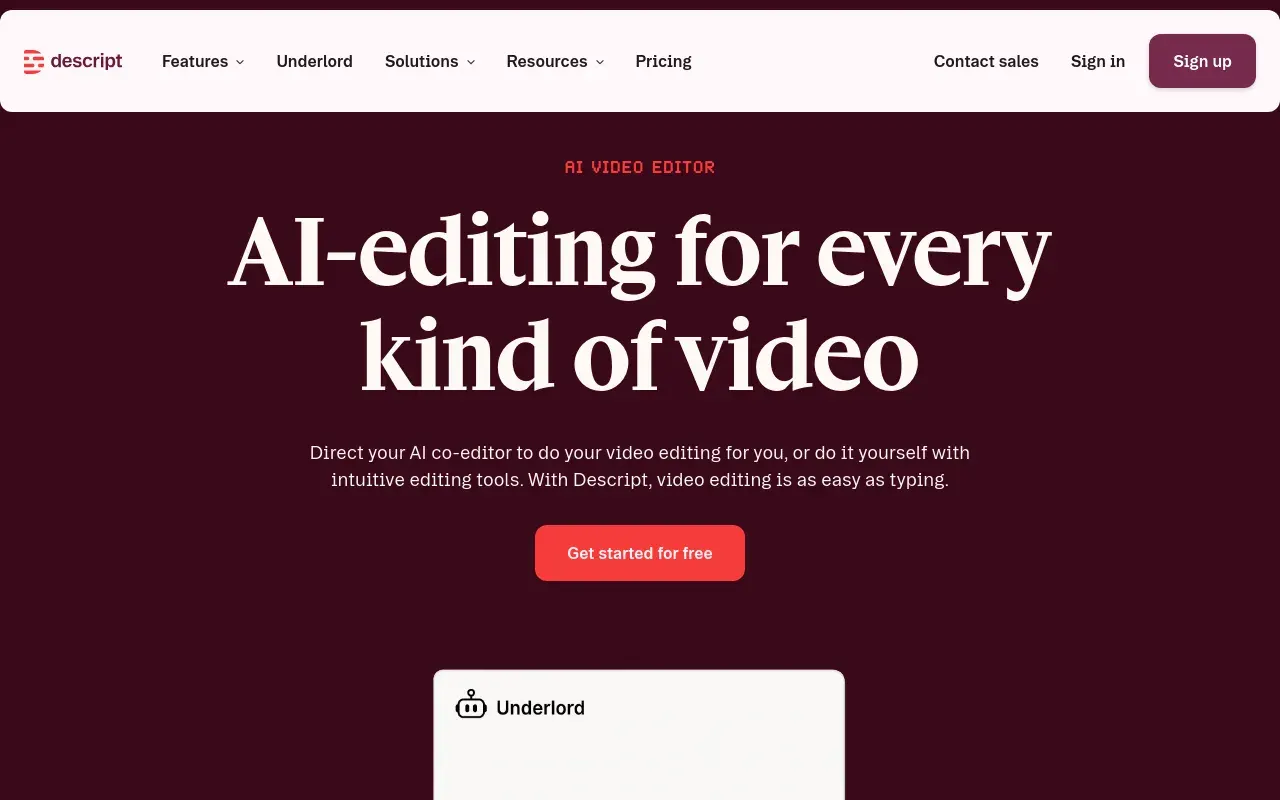
Descript’s core idea is simple and effective: instead of scrubbing a timeline, you edit the transcript, and the audio or video cuts to match. Delete a sentence of text and the corresponding clip disappears; move a paragraph and the clip moves with it. For anyone whose editing is mostly “cut the bad parts and keep the good ones,” that’s a faster and more forgiving workflow than a traditional non-linear editor.
It’s a strong fit for podcasters, YouTubers, course creators and anyone producing screen-recorded tutorials, especially teams without a dedicated video editor on staff. Studio Sound and automatic filler-word removal knock out two of the most tedious manual cleanup tasks, and Overdub’s voice cloning can patch a flubbed line without scheduling a whole re-record.
It’s not trying to replace a professional NLE — fine-grained compositing, complex color work and advanced timeline control are all more limited than in Premiere or DaVinci Resolve, and transcript accuracy still needs a manual pass on noisy or heavily accented audio. Descript is best understood as the fast, accessible option for talk-driven content, not a full production suite.
Features
Transcript-based editing
Cut, rearrange or trim a recording by editing its auto-generated transcript directly, with the audio and video following along.
Studio Sound
One-click audio cleanup that removes background noise and room echo, approximating studio-recorded quality from a rougher source.
Filler word and silence removal
Automatically detect and strip "um," "uh" and dead air across a recording, a manual editing task otherwise done by ear.
Overdub voice cloning
Clone a speaker's voice from sample audio to generate new spoken lines by typing text, useful for fixing a flubbed line without a re-record.
Screen and camera recording
Captures the recording in the same tool that edits it, so a tutorial does not start with an export from somewhere else.
Automatic captions and social clips
Pulls short vertical cuts with burnt-in captions out of a long recording, which is the repurposing step most podcasts skip for lack of time.
Use cases
- Editing podcast episodes primarily by cutting the transcript
- Cleaning up noisy remote-recorded interview audio
- Producing screen-recorded tutorials with narration and captions
- Fixing a misspoken line in a recording without scheduling a re-record
- Turning a long recording into short captioned clips for social
- Removing filler words and dead air from an interview before anyone hears it
Compare Descript head to head
Side-by-side comparisons, on pricing, platforms and where each one wins.








Looking for something similar?
Other video tools worth comparing against Descript.