Whatever your profession is, you are always ready to go through your daily task routine. But do you know, around the world, 70% of people mess up their tasks due to a lack of task management skills?
Whatever your profession is, you are always ready to go through your daily task routine. But do you know, around the world, 70% of people mess up with their tasks due to a lack of task management skills?
Maintaining a huge task list is tough, but there is always a solution to a problem. If you are best for your job with significant responsibilities, then tie up with this solution; Task Management Software Tool. Just buy some time from your life and integrate any one enlisted tool with your devices.
In this article, we are leaping at the top 10 best task management software tools that will massively change your working progress. We will discuss features, best-case usability, pros and cons, and price points.
What Is Task Management Tool?
As the name itself define, a task management tool is a tool that helps you to plan, track, and complete a unit of work. These tools are built for simple lists of things to do and let your team be organized, prioritize, and meet their deadline smoothly.
However, there are many tools for managing tasks, and it’s important to know which one will quench your thirst. Some tools are good for simple to-do lists, while others help teams work better together. Ensure that the tool you buy will help you get more done and not add more work than it saves.
Why Do We Require a Task Management Tool?
It’s unnecessary to rush your day with sticky notes, a to-do list, and the mighty pen. Your team will feel bothered when you are not compatible with managing official task lists. Maybe this will create a red alert for your job.
But where there is a will, there is a way. With a good task management tool, it’s always easy to sort tasks by importance, set deadlines, and keep track of the time you spend on them, so you can always stay on track. You can also see how your team makes a great effort to finish the work on time.
What Makes a Task Management Tool Useful?
Before diving into the list, we should know the basic features of excellent task management tools. This knowledge will make your decision smooth to pick up the best tools according to your needs.
- Tracking Task Progress: This feature shows which tasks are started, in progress, and finished.
- Ease of Use: All the features or essentials you need should be easy to find on the tool you use.
- Time Tracking: Keeping track of how long each task takes is essential to streamlining work.
- Intuitive Flexibility: You will get the best user experience and make your uses smooth.
- Notification/popup alert system: A tool must let the user know their task through a notification or pop-up alert system.
10 Best Task Management Tools
ClickUp
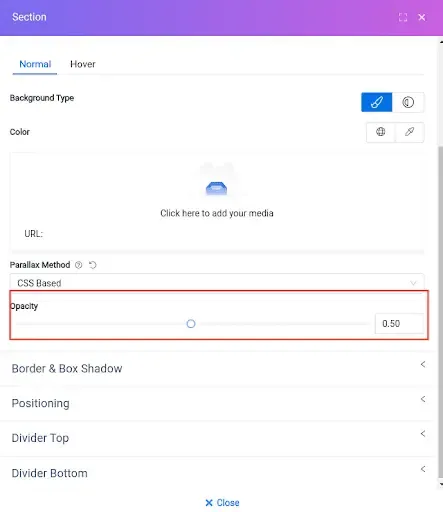
ClickUp is an all-in-one productivity tool designed to tackle any task. Users can plan projects, schedule tasks, and manage resources all in one central workspace. They can also talk to team members and collaborate and work on projects seamlessly.
Best for: Budget-Conscious Businesses
Features
- Project Management
- Rich customizations.
- Team Collaboration
- Individual workload Management
- Time Tracking
- Client Permission Management
- Gantt Charts & Mind Maps
- Templates
|
Pros
|
Cons
| | — | — | | User-friendly design and feature-rich | Granular customization options result in a time-consuming set-up | | Over 15 customizable ways to view your tasks | Not all views are available in the mobile app yet | | Unlimited file storage on all paid account tiers | It doesn’t allow to export the dashboard. | | Over 1,000 integrations with other work tools | | | Provide multiple options for project organization or individual tasks or team-based projects. | | | 24/7 customer support team | |
Pricing
| Free | |
|---|---|
| Unlimited | $5 per user/month(billed annually) or $9 month-to-month |
| Business | $12 per user/month(billed annually) or $19 month-to-month |
| Business Plus | $19 per user/month(billed annually) or $29 month-to-month |
| Enterprise | Contact with sales |
Asana
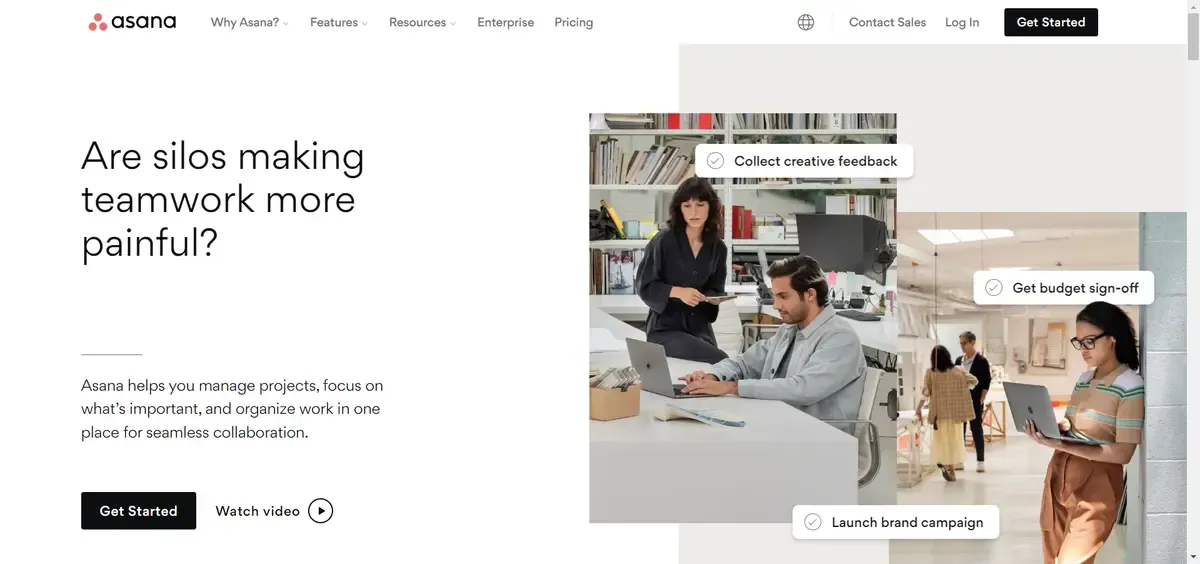
Without a doubt, Asana is one of the most popular task management tools, although there are plenty of Asana alternatives out there. A task management tool that lets you automate tasks build rules, and do other things related to managing a workplace.
Best for: Managing Large Teams
Features
- Unlimited tasks, projects, and dashboards
- Collaborate with up to 15 teammates
- Gantt chart and board view to track progress
- Task Analytics & Forms (depending on the price)
- Unlimited file storage
- Shared/Private Access
|
Pros
|
Cons
| | — | — | | Create realistic project plans with Gantt charts | Communication features are noookt up to the mark | | Support extensive integrations with popular third-party tools and apps | Functionality is often dependent on third-party integrations | | Collaborative features to help team members discuss roadblocks instantly | Time tracking is not included as a key feature | | | Cannot assign multiple users to a task |
Pricing
| Basic | Free Forever |
|---|---|
| Premium | $10.99 per user/month(billed annually) or $13.49 month-to-month |
| Business | $24.99 per user/month(billed annually) or $30.49 month-to-month |
Trello
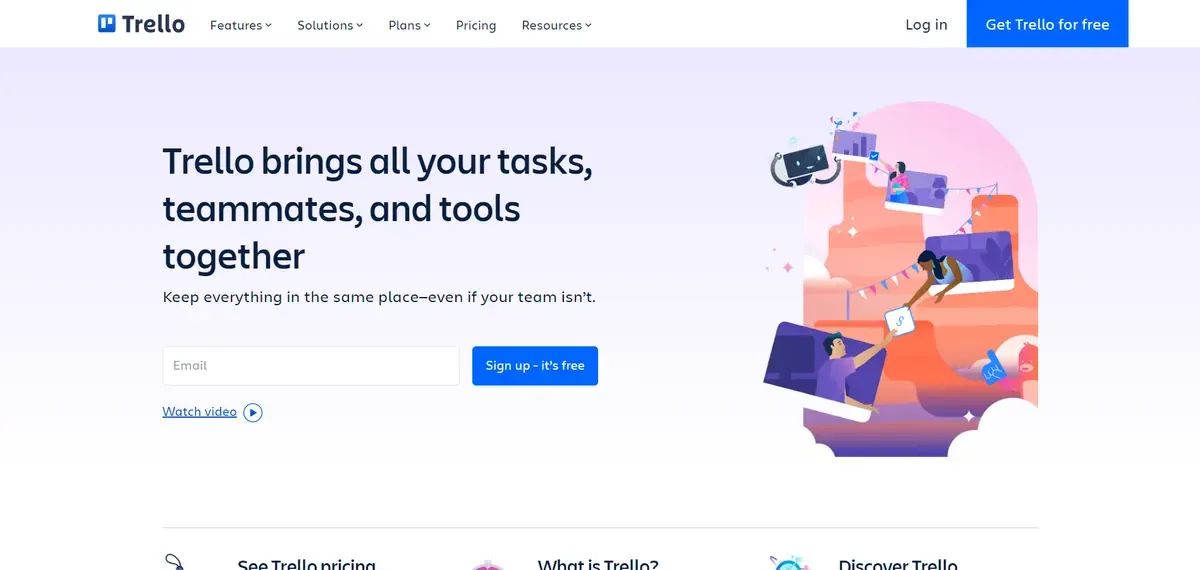
Trello is known for its simplicity with a lucrative kanban style layout. On Trello’s famous drag-and-drop Kanban board, cards easily move around by category; also, give each task a due date, time, and description.
Besides its solid reporting capabilities, you are just one step ahead of your smart task management schedule.
Best for: Beginners and New Businesses
Features
- Trello cards help to organize work systematically
- Unlimited Personal Boards, lists, and cards
- 10 Team Boards
- Task automation to offload time-consuming tasks
- Bulk Data Export
- Team Playbooks (pre-made toolkits per industry)
|
Pros
|
Cons
| | — | — | | Plenty of dashboard customization options | Not suitable for large teams | | Visual task management platform with kanban style boards making it easy to assign tasks. | Can be difficult to set up project tasks for beginners | | Integration with several third-party apps | No Gantt chart feature |
Pricing
| Free | |
|---|---|
| Standard | $5 Per user/month if billed annually ($6 billed monthly) |
| Premium | $10 Per user/month if billed annually ($12.50 billed monthly) |
| Enterprise | $17.50 Per user/month - billed annually ($210.00 annual price per user) |
Todoist
Todoist is one of the finest, most colorful, straightforward, and mobile-optimized task management tools. With its snappy interface, you can share, create, and prioritize tasks according to your preference.
Also, it has a gamification mode to motivate users to stay productive. Reward points like Karma points, streaks, and levels up will give you an extra boost to your work.
Best for: Simple Task Management
Features
- Up to 80 active projects
- Prioritizes personal tasks
- Gamification: Productivity Karma Points
- Third-Party Integrations (Slack, Dropbox, Google Drive, Zapier, etc.)
- Filters to view tasks according to due dates, projects, and assignee
|
Pros
|
Cons
| | — | — | | Includes productivity reports | No calendar, Gantt, other type views | | Works on offline | Lack of better optimization mobile application | | Productivity graph makes it easy to track your productivity | Not suitable for managing tasks of complex projects | | You can add tasks via email and attach comments, files, and voice notes | Lack of integration with other apps | | Offer a freemium version | |
Pricing
| Free | $0 |
|---|---|
| Pro | $4 per month, billed annually $5 billed monthly |
| Business | $6 per month, billed annually $8 billed monthly |
Basecamp
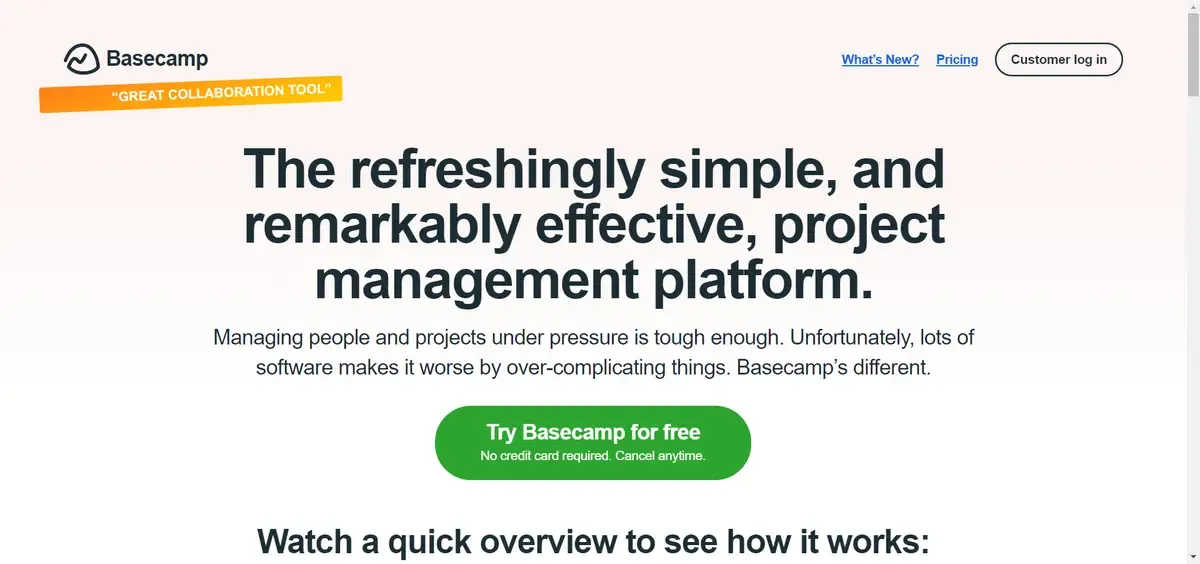
Tired of doing multiple things at once? Basecamp is here to make everything easier for you. With project workflows, you can set up tasks, assign resources to each task, and give each task a due date. It is an easy platform and one of the best team collaboration software that lets team members work together to reach your business goals.
Best for: Remote collaboration
Features
- Real-time communication (campfires & pings)
- Activity View (for managers) & My Stuff View (for individuals)
- Real-time group chats to hold discussions
- Recurring Tasks & Deadline Reminders
- 1Gb storage space
|
Pros
|
Cons
| | — | — | | Tons of third-party integrations, natively & via Zapier | No Gantt-type view for dependencies/relationships | | Drag and drop files to upload them | Cannot assign priority levels to tasks | | Hill charts to monitor how the projects are moving forward | No time tracking available | | Automated check-ins/stand-ups | |
Pricing
| Free | $0 |
|---|---|
| Flat-fee | $99 per month for unlimited users |
Wrike

An award-winning story of Wrike motivates us to enlist it in our list. With this versatile tool, you can scale your projects and customize workflows, dashboards, reports, request forms, and many more in a snap.
Best for: Reporting
Features
- Gantt/Timeline View & Kanban Board
- Wrike Analyze - data analytics of a team’s performance
- Spreadsheet view
- Brainstorming, Chat & File Sharing
- Enterprise-Grade Data Security
- Integrations with Google Drive, Dropbox, Box, MSFT Office 365 and OneDrive
- 2Gb of storage
|
Pros
|
Cons
| | — | — | | Variety of fully customizable dashboards | Can be difficult to navigate initially | | Prioritize tasks system | Frequent reports of unresponsive support | | Capability to share calendars across every team member in real-time | Time tracking is included in Business/Enterprise plans only | | Offers a secure collaboration across different teams and departments | No alerts to warn against unassigned/untagged tasks |
Pricing
| Free | $0 |
|---|---|
| Team | $9.80/month/user (50 Automations) |
| Business | $24.80/month/user (200 Automations) |
| Enterprise | Contact sales (1000 Automations) |
Monday.com
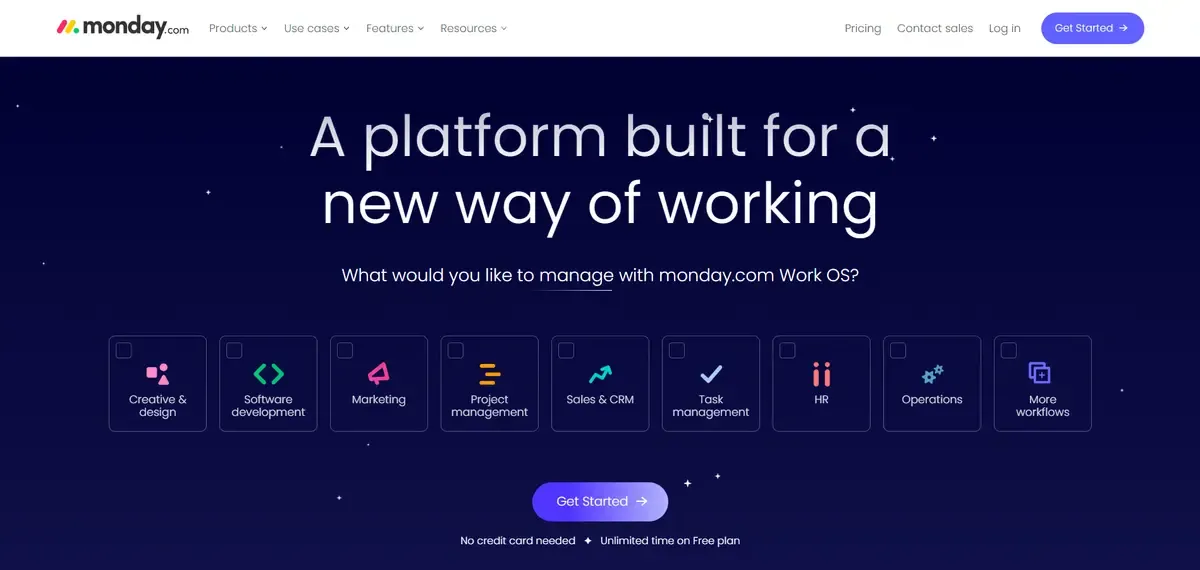
Monday.com is another great and easy-to-use tool for managing tasks on this list. This powerful tool has many features for managing tasks that make it easy to make your work fit your needs.
Monday.com won the 2019 Webby Award for the best productivity platform.
Best for: Versatile task management software
Features
- Unlimited boards
- Time tracking to monitor team performance
- Advanced automation for task management
- Forecasting
- 30-Day File Recovery
- Extensive automation
|
Pros
|
Cons
| | — | — | | Intuitive task tracking, assigning, and collaboration features | Reporting is manual & time-consuming | | Encourages transparency and accountability | Does not provide the best customer service | | Offers a free forever plan | Timeline & Gantt views locked to Standard Plan and above |
Pricing
| Individual | $0 |
|---|---|
| Basic | $8 seat /month Total $24 / month Billed annually |
| Standard | $10 seat /month Total $30 / month Billed annually |
| Pro | $16 seat /month Total $48 / month Billed annually |
| Enterprise | Contact Sales |
Smartsheet
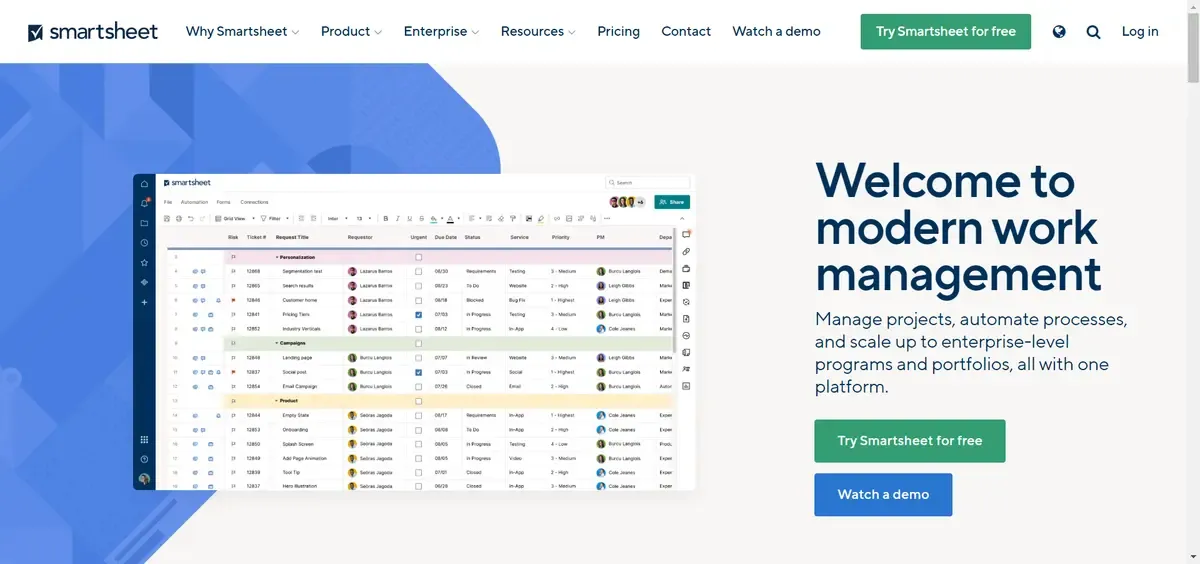
Smartsheet works with the idea with a most traditional system like spreadsheet-style. You can manage your scheduling tasks, subtasks, and other activities by remaining in your comfort zone.
Best for: Spreadsheet Users
Features
- Grid, card, calendar, and Gantt views to track progress
- Resource management for best resource optimization
- Easily organize and access digital assets
|
Pros
|
Cons
| | — | — | | SSO level Enterprise security | Larger learning curve than other tools | | Critical task management features help drive prouctivty at scale | Lack of time tracking feature | | Shareable reports with advanced data filtering | Limited calendar view |
Pricing
| Pro | $7 Per user/month, billed yearly Max of 10 users, unlimited viewers |
|---|---|
| Business | $25 Per user/month, billed yearly Min 3 users, unlimited editors |
| Enterprise | Contact sales |
Quire

Quire simplifies your task list with its stylish kanban layout. With this tool, it’s easier to do teamwork. You can focus on even the smallest project parts without losing sight of the whole thing.
Best for: Individual user
Features
- Kanban boards
- Real-Time Timework
- Smart Folders
- Blink Search
- Import/Export
- Sort tasks according to assignee, priority, and much more
|
Pros
|
Cons
| | — | — | | Intuitive, simple and clean interface. | Lack of diverse theme options. | | User Can add descriptions and comments to tasks | No time tracking option | | Smart folders for easy task review and organization | |
Pricing
| Free | $0 |
|---|---|
| Professional | $8.50 per member/month |
| Premium | $14.95 per member/month |
| Enterprise | $19.95 per member/month |
Wrapping Up
In today’s competitive marketplaces, businesses must manage their responsibilities as effectively as possible. As an employee, you are accountable for completing all tasks on time so you will need a task management software tool.
We run through the 10 best task management tools. They are best at their position, considering their unique features, pros, and selling prices. You just need to choose one that suits your managerial requirements and your organization’s budget.