
Managing a project and doing everything manually with repetitive updates of spreadsheets is not an easy task. You have to finish your project within time with ease, and that actually matters. Overdoing anything won’t do your business any good, and in this case, project management software is what you need to make your work easier.
Managing a project manually with repetitive updates of spreadsheets is not an easy task. You have to finish your project within time with ease, and that actually matters. Overdoing anything won’t do your business any good, and in that case, project management software is what you need to make your work easier.
There are plenty of project management tools overflowing the Internet, and Asana is a great one of them. Despite being a leading project management software with tons of features, it doesn’t mean Asana is the only great thing out there. It also has its own set of limitations that one should consider before investing in the tool.
In this blog, we will explore some of the best Asana alternatives, their best features, pricing, and good/bad aspects of the tools.
Let’s dig in.
Read also: 17 Best Remote Work Tools to Manage Your Remote Customer Happiness Team
Asana Alternatives: At a Glance
| Software | Key Features | Pricing |
|---|---|---|
| Monday.com |
- Gantt Charts
- Timeline View
- Kanban Board
- Milestone tracking
| Basic: $0 Premium: $10.99 Business: $24.99 | | Teamwork |
- Collaboration Tools
- Timeline View
- Gantt Charts
- Portfolio Management
| Free Forever: $0 Deliver: $10 Grow: $18 Scale: Contact for quote | | ProofHub |
- Task assignment management
- Client Portal
- Subtask’s creation
- File sharing
| Essential: $45 Ultimate Control: $89 | | Getflow |
- Customizable branding
- Mobile access
- Reporting and analytics
- Recurring tasks
| Basic: $6 Plus: $8 Pro: $10 | | TaskQue |
- Collaboration tools
- To-do list creation
- Time tracking
- Taskboard view
| Basic: $0 Business: $5 | | Workzone |
- Project dashboard
- Time tracking functionality
- Task dependencies
- Custom branding
| Team: $24 Professional: $34 Enterprise: $43 | | Indy |
- Comprehensive project management
- Invoice and billing tools
- Add and track tasks easily
- Time track
| Free: $0 Pro Bundle: $12/mo | | Trello |
- Creation and assignment
- Due dates with task prioritization
- To-do lists creation
- Drag and drop feature
| Free: $0 Standard: $6 Premium: $12.50 Enterprise: $17.50 | | Projectmanager.com |
- Access controls and permissions
- Activity tracking
- Agile methodologies
- Approval process control
| Starter: $0 Team:$11.50 Business: $20.50 Enterprise: Contact for quote | | Hive |
- Automated workflows
- Summary views
- Resource and fund management
- Project planning and execution
| Hive Solo: $0 Hive Teams: $12 Hive Enterprise: Contact for quote | | MeisterTask |
- Document generation
- Drag and drop
- Dependency tracking
- Backlog management
| Basic: $0 Pro: $8.25 Business: $20.75 Enterprise: Contact for quote |
What is Asana?
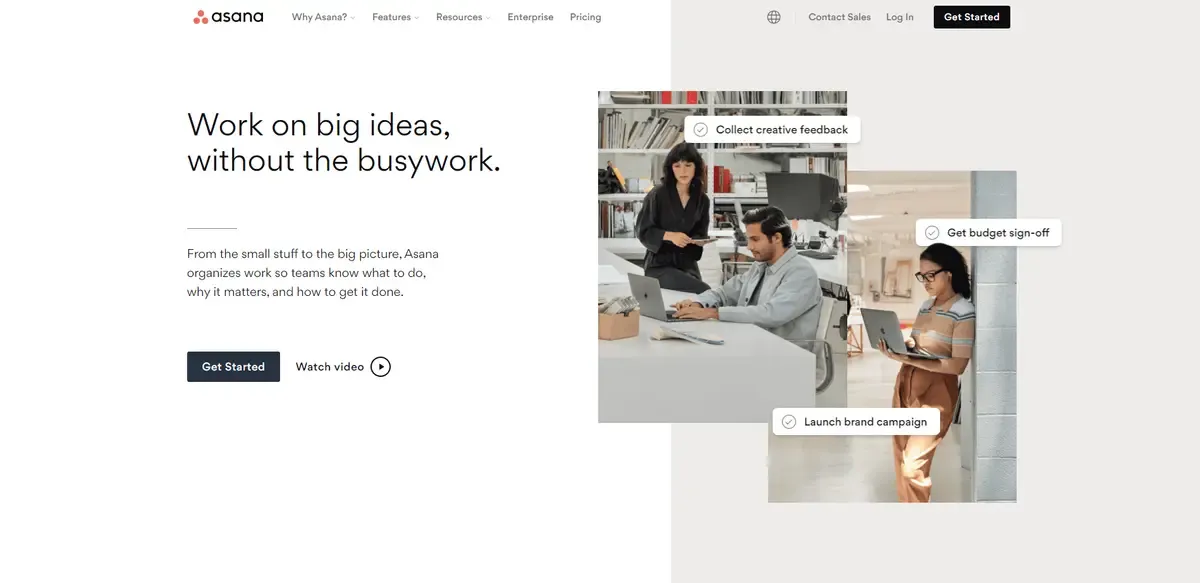
Asana is a flexible team collaboration software that can be tailored to meet the demands of a wide range of businesses. Asana was created so that any company, big or small, can track its progress and address issues in one location—eliminating the need for endless meetings, email updates, and notes.
Features
- Project and Task Management: Break projects into tasks and subtasks for easy allocation, organization, and management. Can also add task dependencies to specify when a particular needs to be finished and how.
- Communication Tools: Attach specific tasks to messages and use conversations to have important work-related discussions. Can also add PDFs and images to comments made by other team members.
- Reporting Tools: Use numerous reporting tools to keep the project more organized and streamlined. Set regular ‘Goals’ to ensure all the team members are on the same page and working in tandem with each other. Can also add permissions and other privacy controls to limit access for certain team members.
- App integration: Several apps work well with Asana like Google drive, Office 365, OneDrive, Zoom, Microsoft Teams, Outlook, Slack, and many more.
Pricing
| Plan | Pricing/month |
|---|---|
| Basic | $0 |
| Premium | $10.99 |
| Business | $24.99 |
Pros and Cons
Pros
- Easy and reliable user interface
- Free trial version available
- Quick and supportive customer care team
- Allows login from anywhere and anytime
- Easy to make reports through using project templates
Cons
- Some important features not available for the basic plan
- Cannot archive completed tasks
- Notifications referring to tasks are not detailed enough
- Very frequent version updates
- Updates have sync and integration issues
10 Best Asana Alternatives
With time Asana has grown tremendously and improved itself but if you are looking for Asana alternatives, there are many options out there. Some alternatives to Asana have more comprehensive and detailed features which will allow you to increase your work efficiency.
Mentioned below are the 10 best Asana alternatives which will make you switch your project management software.
Read also: 7 Best Zapier Alternatives Automation Tools
Monday.com
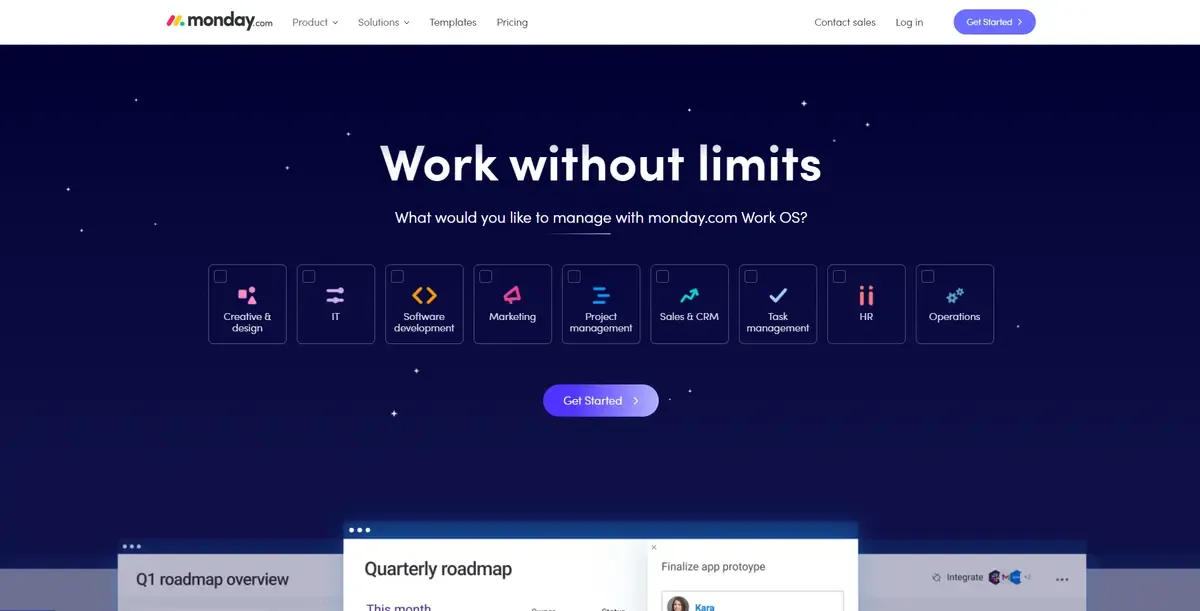
Monday.com is a very reliable project management software and quickly acquits market share. Monday.com like Asana, keeps track of tasks, visualizes progress, facilitates collaboration, raises visibility, stores documents, and does everything else a project management tool should do.
Monday.com displays work progress in a single interface, eliminating the need to navigate between big-picture and granular views of project statuses. You may view projects as Gantt charts, Kanban boards, timelines, and more while navigating this interface. Monday.com, like Asana, has four different tiers, and you can start with a free trial to see how it works.
Features
- Gantt Charts
- Timeline View
- Kanban Board
- Milestone tracking
- Client Portal
- Agile Methodologies
- Time Tracking
- Expense Tracking
- Idea Management
Pricing
| Plan | Pricing/month |
|---|---|
| Individual | $0 |
| Basic | $8 |
| Standard | $10 |
| Pro | $16 |
| Enterprise | Contact for quote |
Asana vs Monday.com
| Monday.com | Asana | |
|---|---|---|
| Commenting | Only on tasks | Allows on tasks teams, and project views |
| Permission levels | Basic permission setting | Advanced permission levels for pages and teams |
| Free trial | 7 days | 30 days |
| User interface | Easy and cleaners | Learning curve |
| File storage | No free file storage | Free file storage |
Teamwork
Teamwork is a project management tool designed for teams who need to keep track of various clients and projects in one place. For better automation, productivity, and profitability, our software allows client services teams to track, manage, and invoice their projects.
Features
- Collaboration Tools
- Timeline View
- Gantt Charts
- Portfolio Management
- Expense Tracking
- Resource Management
- Milestone Tracking
- Kanban Board
- Agile Methodologies
- Traditional Methodologies
Pricing
| Plan | Pricing/month |
|---|---|
| Free Forever | $0 |
| Deliver | $10 |
| Grow | $18 |
| Scale | Contact for quote |
Asana vs Teamwork
| Asana | Teamwork | |
|---|---|---|
| Ideal customer size | - Small - Medium - Large | - Small - Medium - Large |
| Deployments | Cloud, Saas, Web-Based | - Cloud, SaaS, Web-based - Desktop – Mac - Desktop – Windows - Desktop – Chromebook - Mobile – Android - Mobile – iPhone - Mobile – iPad |
| Support | - Email/help desk - FAQs/Forum - Knowledge base - Chat | - Email/help desk - FAQs/Forum - Knowledge base - Phone support - 24/7 (Live rep) - Chat |
| Training | - In person - Live online - Webinars - Documentation - Videos | - Webinars - Documentation - Videos |
ProofHub

ProofHub is a SaaS-based project management software that includes features such as integrated group chat, rapid project discussions, workflows and boards, project reports, and more. It allows teams to work and communicate on projects simply and flexibly from a single location, and it’s available for both Android and iOS, making it simple for even remote teams to stay connected. In addition, you get a free trial before purchasing the paid version.
Features
- Task assignment management
- Client Portal
- Subtask’s creation
- File sharing
- Customizable templates
- Document management
- Agile methodologies
- Due date tracking
- Timeline view
- Gantt view
Pricing
| Plan | Pricing/month |
|---|---|
| Essential | $45 |
| Ultimate Control | $89 |
Asana vs ProofHub
| Asana | ProofHub | |
|---|---|---|
| Platforms supported | - Web-based - iPhone app - Android app | - Web-based - iPhone app - Android app |
| Typical customers | - Mid-size businesses - Large enterprises | - Freelancers - Small businesses - Mid-size businesses - Large enterprises |
| Customer support | - Online - Knowledge base - Video tutorials | - Phone - Online - Knowledge base - Video tutorials |
Getflow
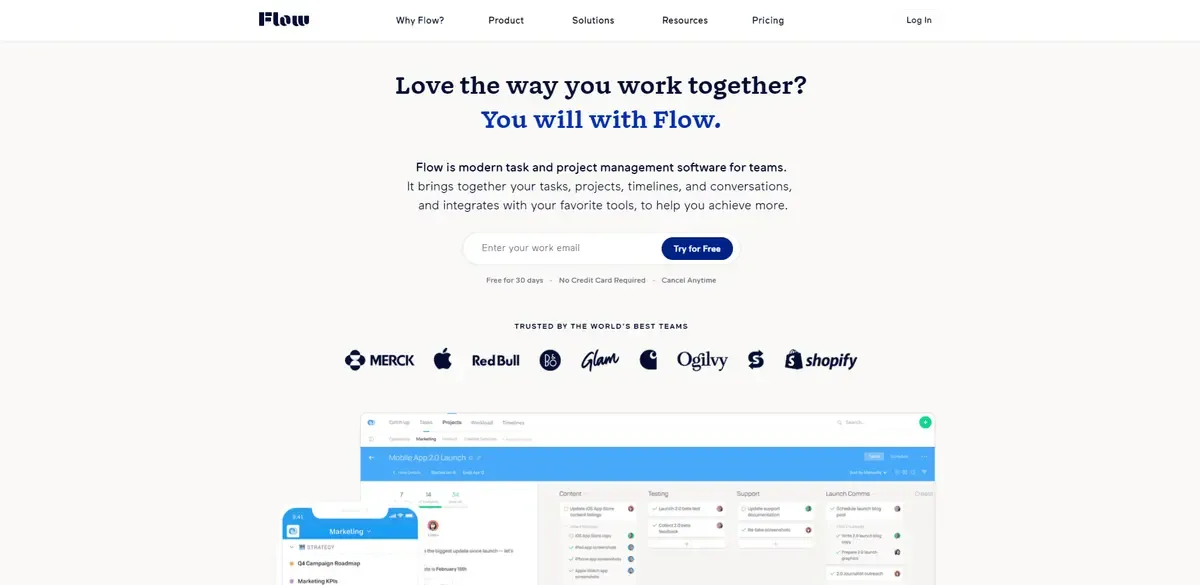
MetaLab Design’s Getflow is a cloud-based task management solution that assigns and organises tasks by prioritising numerous to-do lists. It assists users in communicating with their teams and reduces the amount of time spent discussing tasks.
It offers features like social collaboration and dynamic problem tracking, as well as Kanban boards that allow users to view projects. Users can utilize Kanban boards to organize, prioritize, and track projects. Users can utilize the resource management feature to assign tasks to team members and balance workloads by dragging and dropping.
Features
- Customizable branding
- Mobile access
- Reporting and analytics
- Recurring tasks
- Project management
- Gantt/timeline view
- Agile methodologies
- Customizable branding
- File sharing
Pricing
| Plan | Pricing/month |
|---|---|
| Basic | $6 |
| Plus | $8 |
| Pro | $10 |
Asana vs Getflow
| Asana | Getflow | |
|---|---|---|
| Platforms supported | - Web-based - iPhone app - Android app | - Web-based - iPhone app - Android app |
| Typical customers | - Mid-size businesses - Large enterprises | - Freelancers - Small businesses - Mid-size businesses - Large enterprises |
| Customer support | - Online - Knowledge base - Video tutorials | - Online - Knowledge base - Video tutorials |
TaskQue
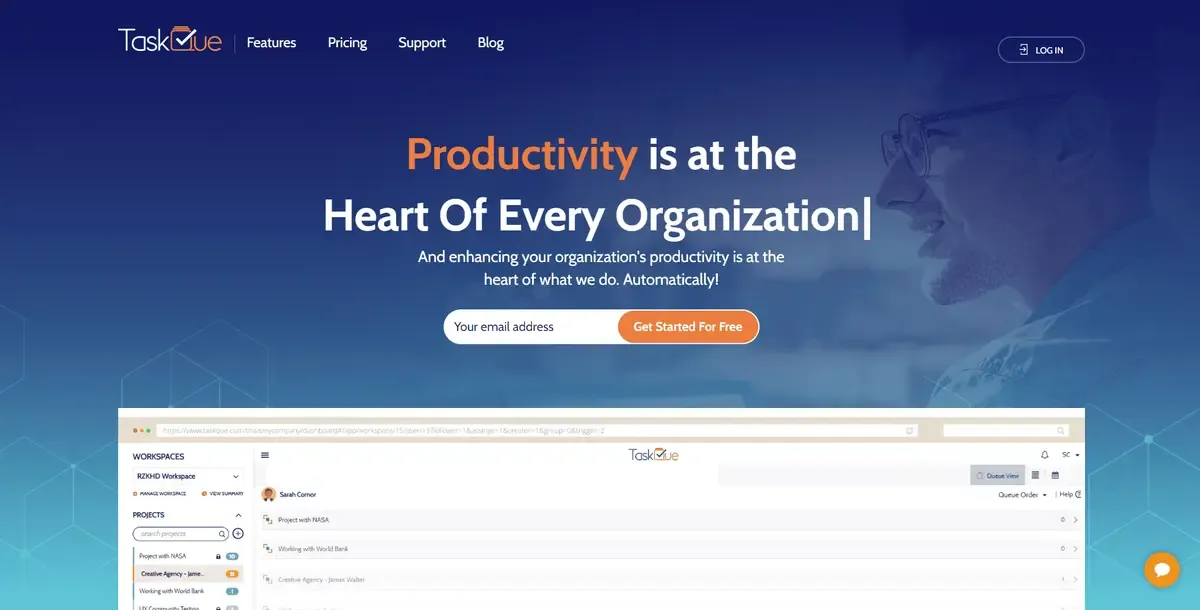
TaskQue is a productivity booster and online task management tool. It helps you boost your productivity, manage your project, team workload, and get things done faster.
Features
- Collaboration tools
- To-do list creation
- Time tracking
- Taskboard view
- Recurring tasks
- Percent complete tracking
- Subtask’s creation
Pricing
| Plan | Pricing/month |
|---|---|
| Basic | $0 |
| Business | $5 |
Asana vs TaskQue
| Asana | Taskque | |
|---|---|---|
| Deployments | Cloud, Saas, Web-Based | - Cloud, SaaS, Web-based - Desktop – Windows - Mobile – Android - Mobile – iPhone - Mobile – iPad |
| Support | - Email/help desk - FAQs/Forum - Knowledge base - Chat | - 24/7 (Live rep) - Chat |
| Training | - In-person - Live online - Webinars - Documentation - Videos | - Live online - Documentation |
Workzone

Workzone is an excellent management solution that marketers and creatives have relied on since 2000 to get their job done. It is a one-of-a-kind combination of complexity and usability. Workzone is perfect for groups with a mix of seasoned and inexperienced members. Workzone is the “just right” solution for most real-world company situations, being more powerful than task tools (like Basecamp) and easier to use than high-end solutions (like Microsoft Project).
Features
- Project dashboard
- Time tracking functionality
- Task dependencies
- Custom branding
- Unlimited customer support
- Team collaboration tools
- Document sharing and collaboration
- Workload reports
Pricing
| Plan | Pricing/month |
|---|---|
| Team | $24 |
| Professional | $34 |
| Enterprise | $43 |
Asana vs Workzone
| Asana | Workzone | |
|---|---|---|
| Ideal customer size | - Small - Medium - Large | - Small - Medium - Large |
| Deployments | Cloud, Saas, Web-Based | Cloud, SaaS, Web-based |
| Support | - Email/help desk - FAQs/Forum - Knowledge base - Chat | - Email/help desk - FAQs/Forum - Knowledge base - Phone support - 24/7 (Live rep) - Chat |
| Training | - In person - Live online - Webinars - Documentation - Videos | - In person - Live online - Webinars - Documentation - Videos |
Indy
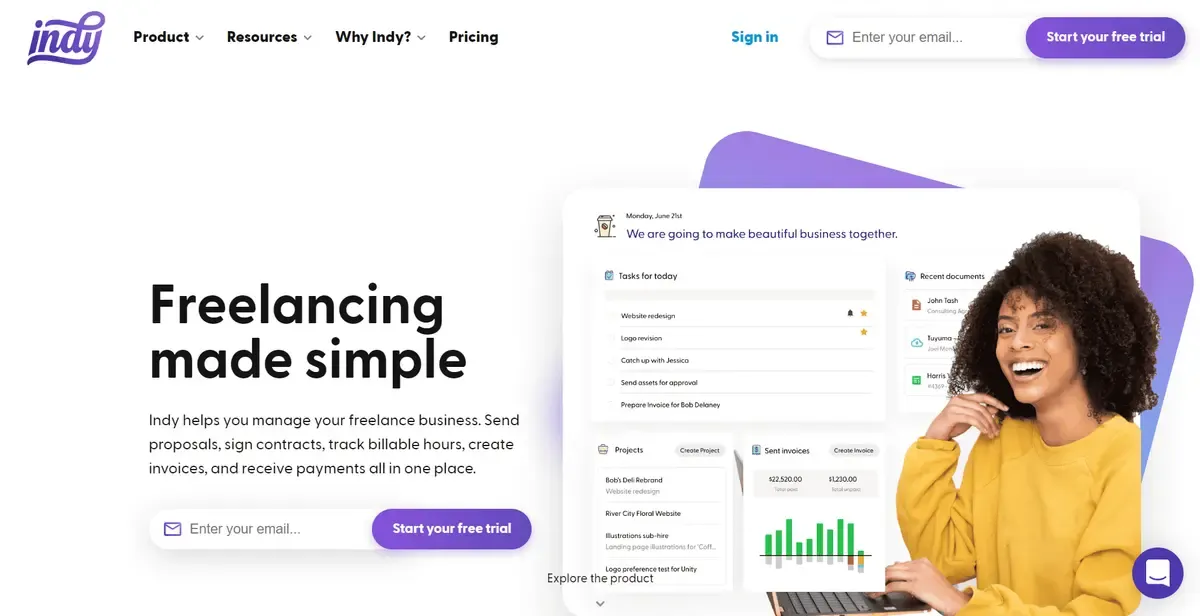
Indy is an Asana alternative perfect for freelancers and independent contractors. Indy is brilliant for helping solo workers manage their projects from start to finish. There are integrated tools for creating proposals and contracts, managing files for storage and client approval, and tracking billable time to create invoices.
At the heart of Indy is the Projects tool. This is where you can connect all your work together and monitor your progress with a clear dashboard. Your projects can have contacts, files, tasks, time tracking, and invoices all attached to keep everything organized. To make staying on top of things easier, you can connect your Google calendar to Indy and view your work on a Kanban-style board.
Features:
- Comprehensive solo project management
- Invoice and billing tools
- Accept multiple payment options
- Create and send proposals
- Straightforward contract editor
- Files tool for sharing, approval, and storage
- Create a business calendar for projects
- Sync your business calendar to your Google calendar
- Craft forms for lead gen, onboarding, and more
- Embed custom forms in websites easily
- Add and track tasks easily
- Track your time with just a click
Pricing:
Indy offers a free plan with limited functionality.
For $12 per month, the full plan grants unlimited access to all the tools.
Asana vs Indy
| Asana | Indy | |
|---|---|---|
| Platforms | - Web-based - iPhone app - Android app | - Web-based - iPhone app - Android app |
| Typical customers | - Medium businesses - Large businesses | - Freelancers - Independent contractors |
| Tools | - Task Manager - Timelines - Calendar - Kanban Boards | - Task Manager - Kanban Board - Calendar - Time Tracker - Invoices - Proposals - Contracts |
Trello
Trello is one of the finest online project management software because of its customizing abilities. It enables the use of unique cards, board buttons, backgrounds, and stickers for many industries. Its custom fields allow you to add more information to your Trello cards to meet your team’s chosen work style and organize names, email addresses, and other critical data accordingly. You can also customize the appearance of milestones, checkpoints, and order dates.
Features
- Creation and assignment
- Due dates
- To-do lists creation
- Drag and drop
- Task prioritization
- Recurring tasks
- Extended functionality
- Resource management
Pricing
| Plan | Pricing/month |
|---|---|
| Free | $0 |
| Standard | $6 |
| Premium | $12.50 |
| Enterprise | $17.50 |
Asana vs Trello
| Asana | Trello | |
|---|---|---|
| Gantt Charts | Yes | Power-up |
| Kanban boards | Yes | Yes |
| Time tracking | No | Power-up |
| Calendar | Yes | Power-up |
| Messaging | Yes | Yes |
| Team management | Yes | No |
Projectmanager.com
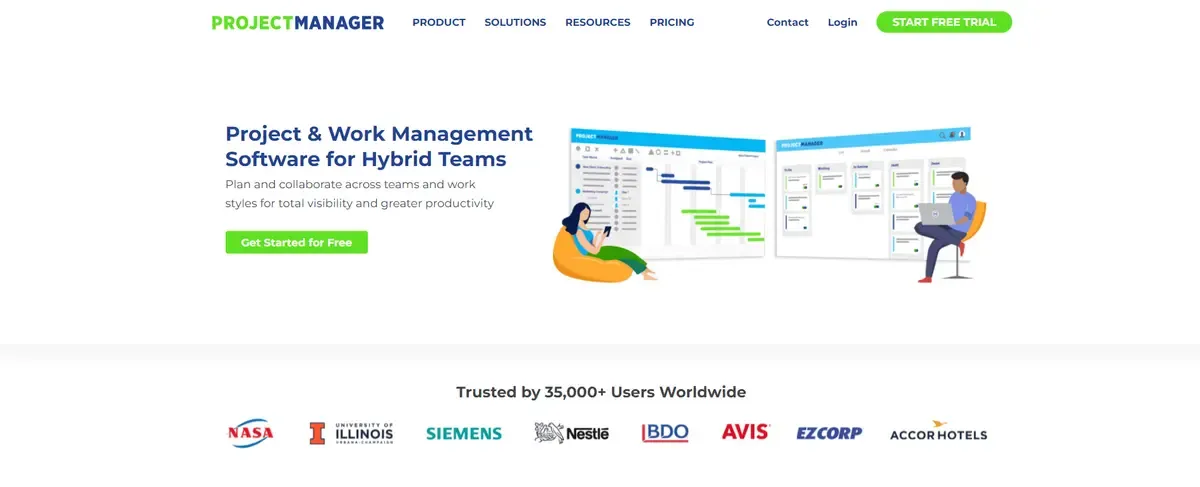
ProjectManager combines advanced project management features with a user-friendly interface that doesn’t require team training or costly consultant onboarding. From NASA to the Nature Conservancy, ProjectManager is used by IT, marketing, manufacturing, and professional services teams across industries to collaborate on projects across the organization.
Features
- Access controls and permissions
- Activity tracking
- Agile methodologies
- Approval process control
- Assignment management
- Automated scheduling
- Budget management
- Bug tracking
- Client portal
- Configurable workflow
- Customizable templates
- Email to task conversion
Pricing
| Plan | Pricing/month |
|---|---|
| Starter | $0 |
| Team | $11.50 |
| Business | $20.50 |
| Enterprise | Contact for quote |
Asana vs Projectmanager.com
| Asana | Workzone | |
|---|---|---|
| Deployments | Cloud, Saas, Web-Based | Cloud, SaaS, Web-based |
| Support | - Email/help desk - FAQs/Forum - Knowledge base - Chat | - Email/help desk - FAQs/Forum - Knowledge base - Phone support - 24/7 (Live rep) - Chat |
| Training | - In-person - Live online - Webinars - Documentation - Videos | - Live online - Webinars - Documentation - Videos |
Hive
Hive is a project management and collaboration tool available online. It’s a versatile productivity tool that lets users manage projects and flip between the perspectives that are most useful and relevant to their work. This platform’s strength is in its over 1000 interfaces with other programs it links to, allowing users to operate from a single location.
However, at its foundation, it contains a sophisticated set of capabilities that assist teams in planning, executing, communicating, and monitoring projects, as well as anticipating events that could affect work.
Features
- Automated workflows
- Summary views
- Resource and fund management
- Project planning and execution
- Apps integration
- Work monitoring and prediction
Pricing
| Plan | Pricing/month |
|---|---|
| Hive Solo | $0 |
| Hive Teams | $12 |
| Hive Enterprise | Contact for quote |
Asana vs Hive
| Asana | Workzone | |
|---|---|---|
| Deployments | Cloud, Saas, Web-Based | - Cloud, SaaS, Web-based - Desktop – Mac - Desktop – Windows - Mobile – Android - Mobile – iPhone - Mobile – iPad |
| Support | - Email/help desk - FAQs/Forum - Knowledge base - Chat | - Email/help desk - FAQs/Forum - Knowledge base - Phone support - 24/7 (Live rep) - Chat |
| Training | - In person - Live online - Webinars - Documentation - Videos | - Live online - Webinars - Documentation - Videos - In-person |
Meister Task
MeisterTask is a web-based task and project management solution that’s ideal for managing agile projects. It’s a sensible choice for project teams because of its beautifully designed interfaces, intuitive functionality, and smooth integrations with other products. The tool is part of the Meister Suite, a collection of products that help you manage your workflows perfectly.
Features
- Document generation
- Drag and drop
- Dependency tracking
- Backlog management
- Color codes/icons
- Content management
- Agile methodologies
- Alerts/notifications
- Bug tracking
Pricing
| Plan | Pricing |
|---|---|
| Basic | $0 |
| Pro | $8.25 |
| Business | $20.75 |
| Enterprise | Contact for quote |
Asana vs Meister Task
| Asana | Workzone | |
|---|---|---|
| Deployments | Cloud, Saas, Web-Based | - Cloud, SaaS, Web-based - Desktop – Mac - Desktop – Windows - Mobile – Android - Mobile – iPhone - Mobile – iPad |
| Support | - Email/help desk - FAQs/Forum - Knowledge base - Chat | - Email/help desk - FAQs/Forum - Knowledge base - Phone support - 24/7 (Live rep) - Chat |
| Training | - In person - Live online - Webinars - Documentation - Videos | - Webinars - Documentation - Videos |
Closing Thoughts
These are some of the best Asana alternatives you can use for your business. However, make sure you do proper research and analyze every feature closely before making a final decision. Asana indeed has the maximum number of features but still, the list above of Asana competitors have many advantages to offer at less than Asana’s pricing.
We wish you luck in finding a platform that suits all your requirements perfectly. Head to our blog, for more such informational blogs!