In the current digital age, the number of automation tools and software has increased considerably. Consequently, if you are confused about which automation tool to use and why—do not worry, you are not alone. There are thousands of businesses out there who are going through the same dilemma.
Additionally, companies must use multiple software to manage their business seamlessly. This then also makes it important to connect this software. Before automation tools like Zapier were introduced in the market, these integrations could only be made by experienced developers.
Small businesses did not have access to this type of service, nonetheless found it extremely valuable. However, sometimes software like Zapier also fails to carry out complicated integrations.
Hence, in this article, we have listed some best Zapier alternatives which are trustworthy and efficient.
Read Also: 7 Best Social Media Management Tools of 2022
What is Zapier?
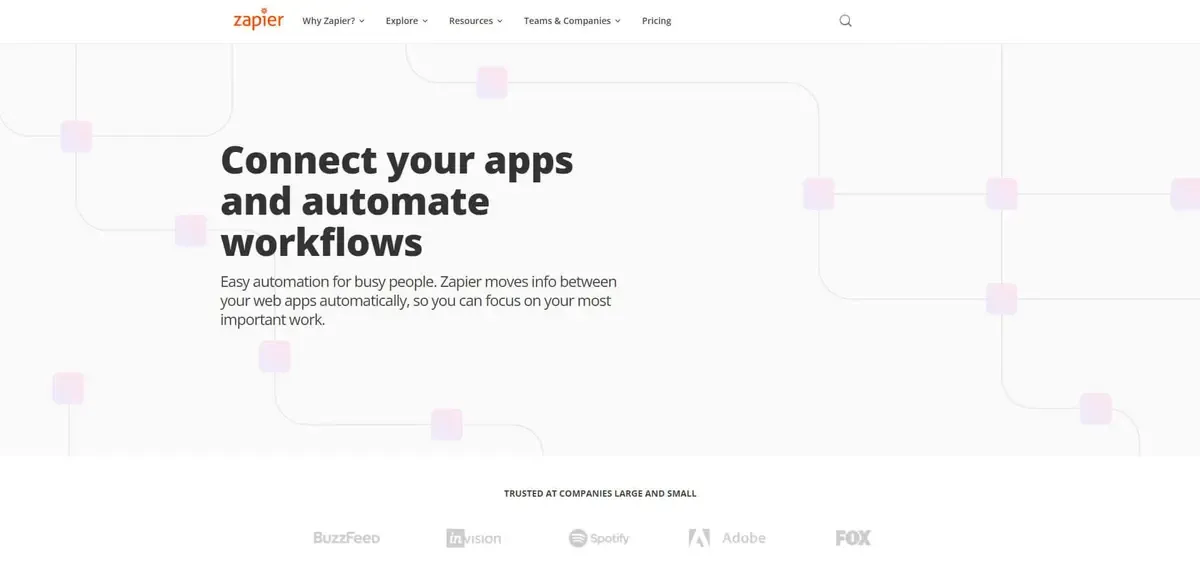
Based in Sunnyvale, California, Zapier is a web-based company that allows users to integrate all the apps they use seamlessly to automate workflows. It automatically moves information between multiple web apps which allows users to save time and energy for other important tasks.
It is often defined as a translator between web APIs. Currently, the Zapier integration feature offers more than 3,000 app integrations like Facebook LeadAds, Zendesk, Quickbooks, PayPal, Google Sheets, etc.
Features of Zapier:
Some of the main features of Zapier are:
- Customizable dashboard
- Access to task history
- Import/export through google sheets
- Connected accounts
- Collaboration tools
- Real-time notifications
- Social media integration
- Website integration
- App integration
- eCommerce management
- Workflow management
- SSL security
- Accounting integration
- CRM
- Usage tracking/analytics
- Web services
- Sales management
- Third-party integrations
Some extra unique advanced features which will make the automation process easy for you are:
-
Multi-steps
The multi-step zap feature allows you to add as many triggers as possible and actions you want to one zap. For instance, if you want to set an already opened email from a client as a trigger and then copy the same information to Google contacts, you can do that with the multi-step zap feature. This allows you to automate small and complex workflows across many systems simultaneously.
-
Formatter
Formatter is an extremely useful tool offered by Zapier which allows you to convert data into any desired format before putting it into one of the apps. It comes useful in instances like, when you are working on a content piece and wish to edit parts of it or when you are operating with dates and which to change the date format.
-
My Apps
One single place where you can see and manage all your app integrations. When you connect to a new app, you will be required to authenticate the integration by logging into that app or by providing an API key.
Zapier Pricing:
| Plan | Price/month | Features |
|---|---|---|
| Free | $0 | - 5 zaps - 15 min update time |
| Starter | $19.99 | - 20 zaps - 15 min update time |
| Professional | $49 | - Unlimited zaps - 2 min update time |
| Team | $299 | - Unlimited zaps - 1 min update time |
| Company | $599 | - Unlimited zaps - 1 min update time |
Pros and Cons:
Pros
- An easy user interface including advanced features
- Integrates with more than 3,000 apps
- Multistep automation is available
- Free trial period
- Creates automated actions between online services
Cons
- No mobile application
- Customer care slow to respond
- Competitive pricing plan
7 Alternatives for Zapier
With more and more cheaper and reliable alternatives coming to the market, Zapier is seeing tough competition. If you are looking for something other than Xapier, here are the top 7 alternatives to choose from:
ActionDesk
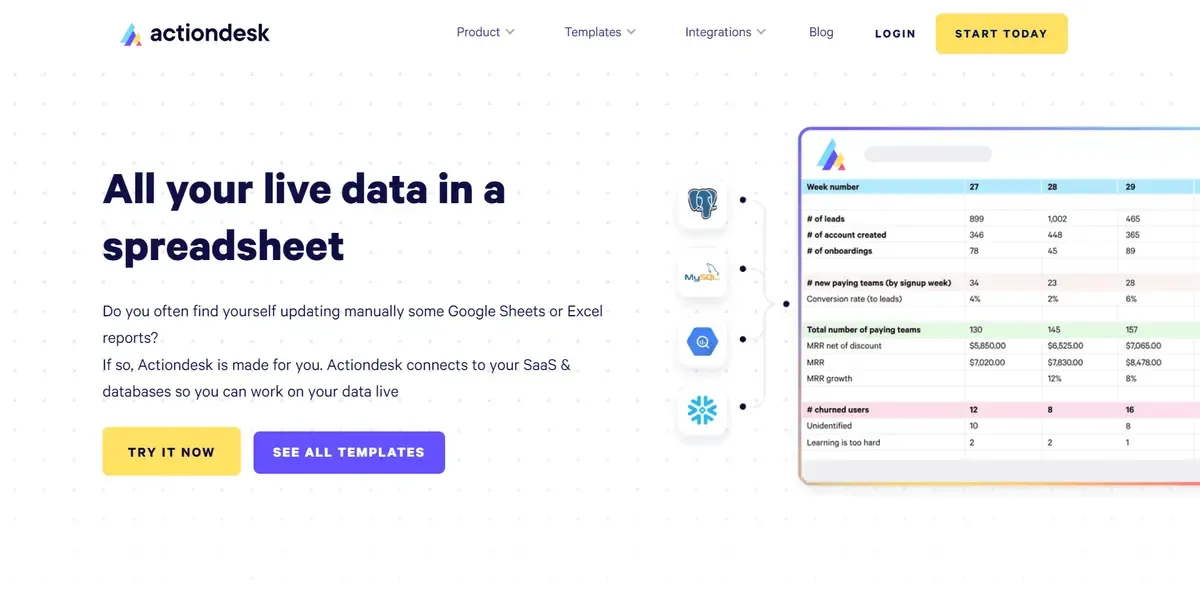
You’ll need to know how to write SQL or negotiate a complicated user interface to use most business intelligence solutions. With Actiondesk, this is not the case. Actiondesk makes it simple to explore and analyze the data in your database or data warehouse.
You’ll be able to utilize Actiondesk if you’re familiar with Google Sheets or Excel. Actiondesk is a no-code business intelligence solution for every employee in your organisation, whether they work in operations, marketing, sales, or customer service.
Features of Actiondesk:
- Ad hoc Reporting
- Dashboard
- Crucial Performance Indicators
- Performance Metrics
- Profitability Analysis
- Publishing / Sharing
- Scorecards
- Strategic Organizing
- Trend / Problem Signs
- Visual Analytics
Pricing
| Plan | Price/month |
|---|---|
| Starter | $0 |
| Professional | $150 |
| Business | $350 |
| Enterprise | $1500 |
Pros and Cons
Pros
- User-friendly interface
- Step by step user guides are available
- Frequent alerts to spot and act on business problems
Cons
- Competitive pricing
- Slow response from customer care
Zapier vs ActionDesk
| Zapier | ActionDesk | |
|---|---|---|
| Data combination | Basic | Can combine any data sources |
| Data transformations | If/else | Aggregation if/else |
| Customized events | No | Yes |
LeadsBridge
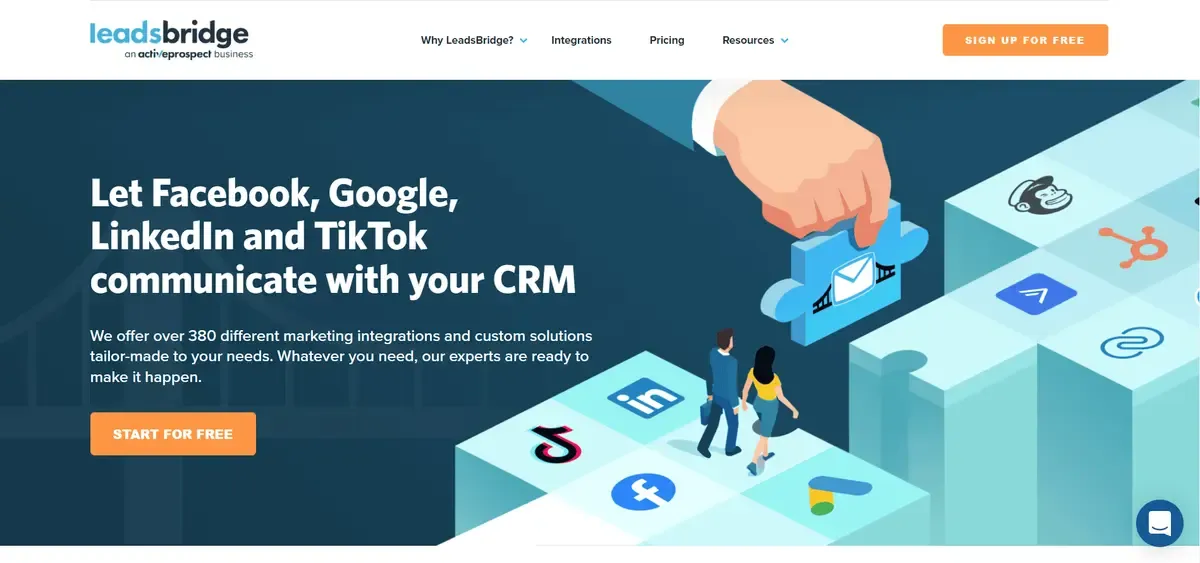
LeadsBridge is an iPaaS solution and a great alternative to Zapier. It helps businesses orchestrate their company data and improve their omnichannel strategy. It takes care of your integration needs by bridging the gap between advertising platforms and sales funnels and providing custom integrations based on your company requirements.
The LeadsBridge platform is specially designed for businesses who wish to integrate their marketing technology stack with Facebook & Instagram Ads, Google Ads, and LinkedIn Ads to streamline their advertising activity.
Features of LeadsBridge:
- Lead sync to automatically synchronize leads from Facebook, Google, etc.
- Audience targeting
- Offline and online tracking
- eCommerce synchronization
- Tailor-made integrations for complicated workflows
Pricing
| Plan | Pricing/month |
|---|---|
| Marketer | $29 |
| Hero | $51 |
| Guru | $111 |
| Business | Starting from $699 |
Pros and Cons
Pros
- Reliable app integrations
- Easy to manage contact and events
- Easy user interface
- Easy to setup
Cons
- Pages/dashboard cannot be customized
- Nonresponsive customer care
- Poor search engine performance
Zapier vs LeadsBridge
| Zapier | LeadsBridge | |
|---|---|---|
| Approach | Generic | Specific on lead generation and advertising |
| No. of integrations | +3,000 | 375 |
| Data synchronization | Zapier trigger-based | Time and trigger-based |
| Customer support | Email, Phone, and Account manager | |
| Customer integration service | No | Yes |
Pabbly Connect
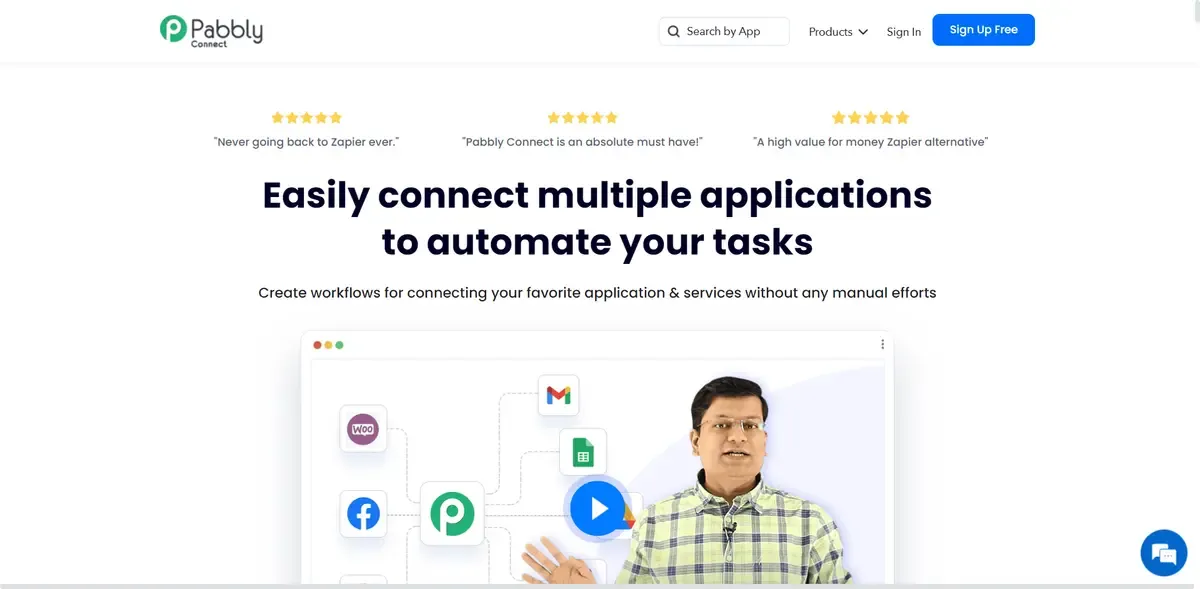
If you are looking for a Zapier alternative, the Pabbly Connect is a very good option for you. It is a multi-tenant cloud-based platform that aids in the automation of third-party connection operations. It facilitates the automation of workflows and the streamlining of third-party integration processes. Pabbly connections assist you in making the most of your newfound free time by allowing you to apply filters, actions, and field mapping.
It can also be used for task management, calendar management, third-party integration, and process setting, among other things. It gives you access to an API. Use Pabbly connect to seamlessly move data between your favorite SaaS apps and services. It aids in the enhancement of critical automated company operations and your tasks whenever you require them.
Features of Pabbly Connect:
- Drag and drop editor
- Path router
- multi-step workflows for specific projects
- Set specific time intervals for actions
- Supports all popular apps for CRM
- Instant triggers
Pricing
| Plan | Pricing/month |
|---|---|
| Free | $0 |
| Started | $15 |
| Rookie | $25 |
| Advance | $39 |
Pros and Cons
Pros
- Affordable prices
- Easy streamlining of workflows
Cons
- Unresponsive customer care
- The free plan only allows 100 tasks/month
Zapier vs Pabbly Connect
| Zapier | Pabbly Connect | |
|---|---|---|
| Platforms supported | Saas | SaaS |
| Audiences | All size companies | Small to mid-sized companies |
| Support | Online | Business hours |
| Free Version | No | Yes |
| Training | - Documentation - Webinars | Documentation |
Outfunnel
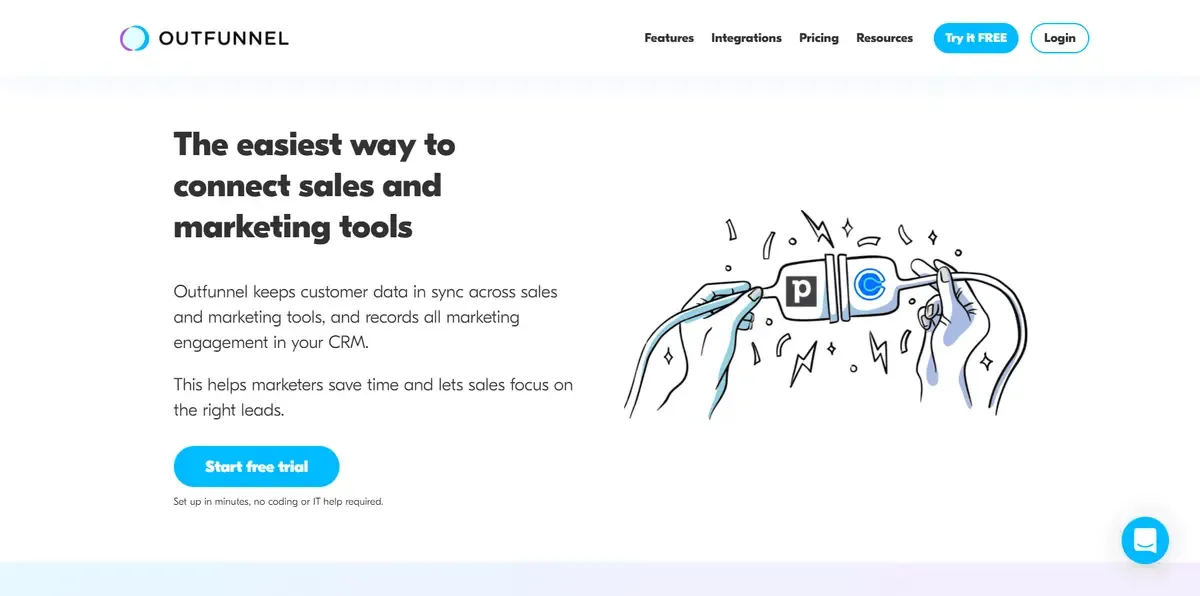
Outfunnel is a full-featured marketing automation platform for SMEs and agencies. Create single or multi-stage email campaigns in seconds, using plain or rich text. Automate your emails and receive data straight to your CRM.
With online visitor tracking, you can focus on high-priority prospects and identify what they’re interested in. Sync contacts from your CRM to Mailchimp audiences 24 hours a day so you may begin new Automation campaigns for new prospects as soon as possible.
Never be concerned about keeping your mailing lists current. Sends, opens, clicks and unsubscribes from Mailchimp are all tracked in your CRM, so your sales staff knows who to call first.
Features of Outfunnel:
- Analytics/ROI Tracking
- Drip Campaigns
- Dynamic Content
- Event-Triggered Actions
- Lead Qualification
- List Management
- Multiple Data Sources
- Reporting/Analytics
- Sales Analytics
- Segmentation
- Subscriber Management
- Web Services
- Website Visitor Tracking
Pricing
| Plan | Price/month |
|---|---|
| Starter | $19 |
| Growth | $49 |
| Professional | $125 |
Pros and Cons
Pros
- Best for sales and marketing workflows
- Free trial
- 15 min set up a time for deep integrations
Cons
- Only limited app integrations are available
- No email filtering option is available
- Unable to map single/multiple option fields in Pipedrive
Zapier vs Outfunnel
| Zapier | Outfunnel | |
|---|---|---|
| Deployment | Cloud, Saas, Web-based | Cloud, SaaS, Web-based |
| Support | - Email - FAQs - Knowledge base | - Email - FAQs - Knowledge base - Chat |
| Training | - Webinars - Documentation - Videos | - In-person - Live online - Webinars - Documentation - Videos |
Workato
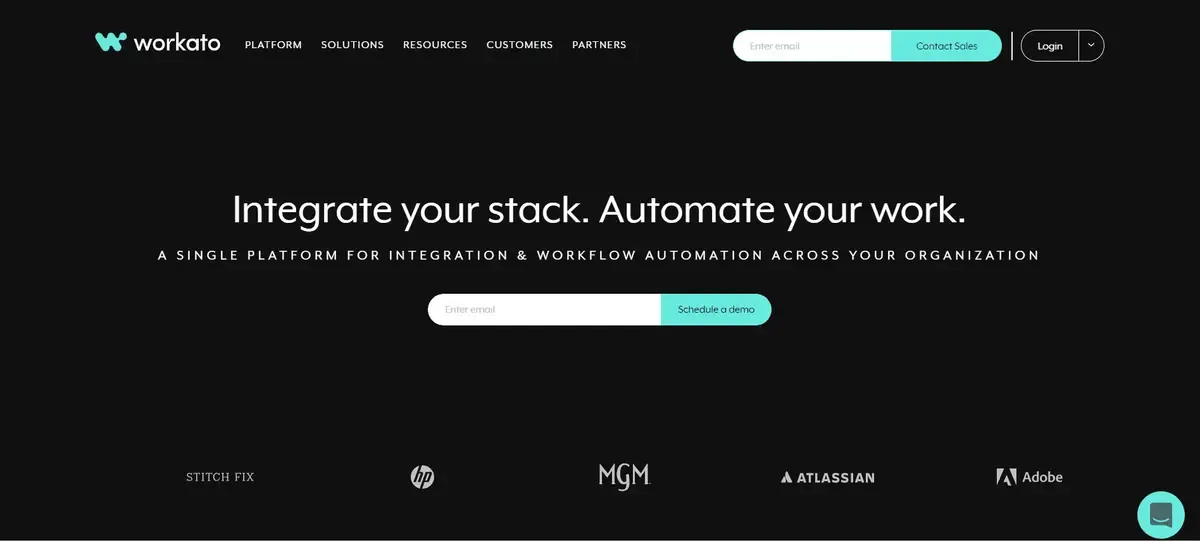
Workato is the industry’s leading enterprise automation platform. It enables IT and business teams to integrate apps and automate business workflows while maintaining security and governance.
The system is built on a cloud-native architecture that is optimized for scale and performance, resulting in a significant reduction in operational footprint and expenses. Teams can build integrations 5X faster with our low-code/no-code platform than with existing platforms.
Features of Workato:
- Multi-step, multi-app interactions
- Enables data syncs
- Enhanced transformations
- Error and exception management
- Bi-directional app integrations
- Enterprise-grade integrations
- Cloud platform
- Provide conditional data mapping
- Supports workflow logic
Pricing
For self-use
| Plan | Price/month |
|---|---|
| Community | $0 |
| Pro | $599 |
For business use
| Plan | Price/month |
|---|---|
| Business | $1499 |
| Business Plus | $2999 |
| Enterprise | Custom price |
Pros and Cons
Pros
- Massive template library
- Uses AI to improve automation process
- Powerful and easy to use workflow builder
Cons
- Extremely competitive pricing
- Not all integrations are properly tested
- A big learning curve
Zapier vs Workato
| Zapier | Workato | |
|---|---|---|
| Deployment | Only Cloud, SaaS, Web-based | - Cloud, SaaS, Web-based - Desktop: Mac, Windows, Linux, Chromebook |
| Support | - Email - FAQs - Knowledge base | - Email - FAQs - Knowledge base - Phone support - Chat |
| Training | - Webinars - Documentation - Videos | - In-person - Live online - Webinars - Documentation - Videos |
Integromat
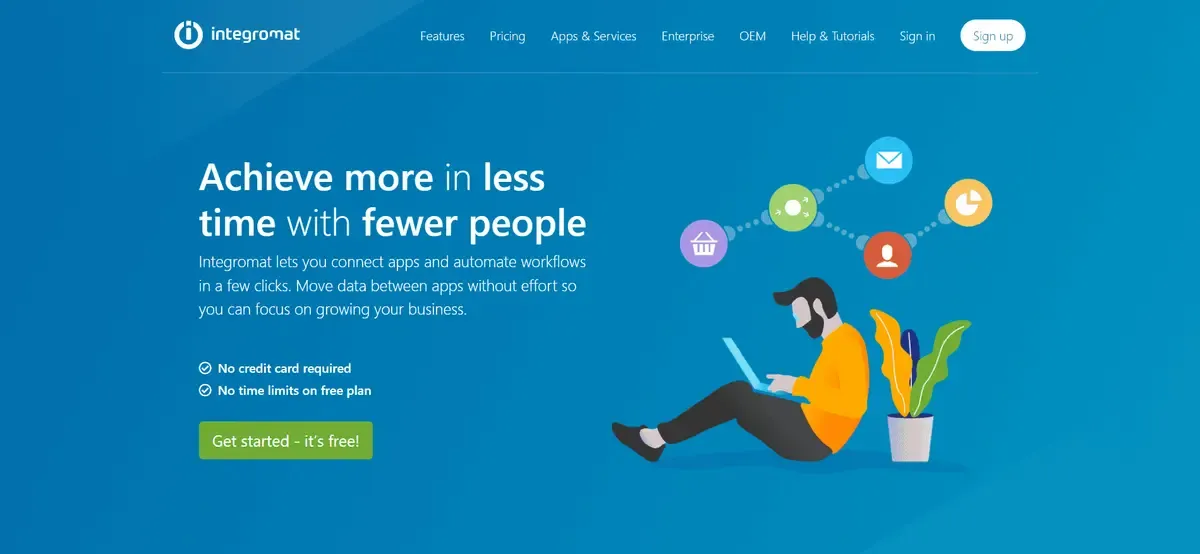
Because they claim to have the most powerful online automation system, Integromat is recognized as the internet’s glue. It allows you to automate processes that are currently done manually and can transport and transform data.
It offers an excellent editor with a simple and comprehensive interface for simpler automation and direct support for numerous apps and services.
Features of Integromat:
- Access Controls/Permissions
- Calendar management
- Collaboration tools
- Monitoring
- Mobile access
- Help desk management
- Graphical workflow editor
- Task scheduling
- Role-based permissions
- Real-time updates
- Multiple data sources
- Metadata management
- Email management
- Document management
Pricing
| Plan | Price/month |
|---|---|
| Free | $0 |
| Basic | $9 |
| Standard | $29 |
| Business | $99 |
| Platinum | $299 |
Pros and Cons
Pros
- Can integrate with any API
- Rich library of the most used apps
- Drag and drop builder makes the automation process easy
Cons
- Requires a long minimum interval on some apps
- Support service weak
Zapier vs Integromat
| Zapier | Integromat | |
|---|---|---|
| Deployment | Cloud, SaaS, Web-based | - Cloud, SaaS, Web-based - Mobile: Android, iPhone, iPad |
| Support | - Email - FAQs - Knowledge base | - Email - FAQs - Knowledge base - Chat |
| Training | - Webinars - Documentation - Videos | - Webinars - Documentation - Videos |
CloudHQ
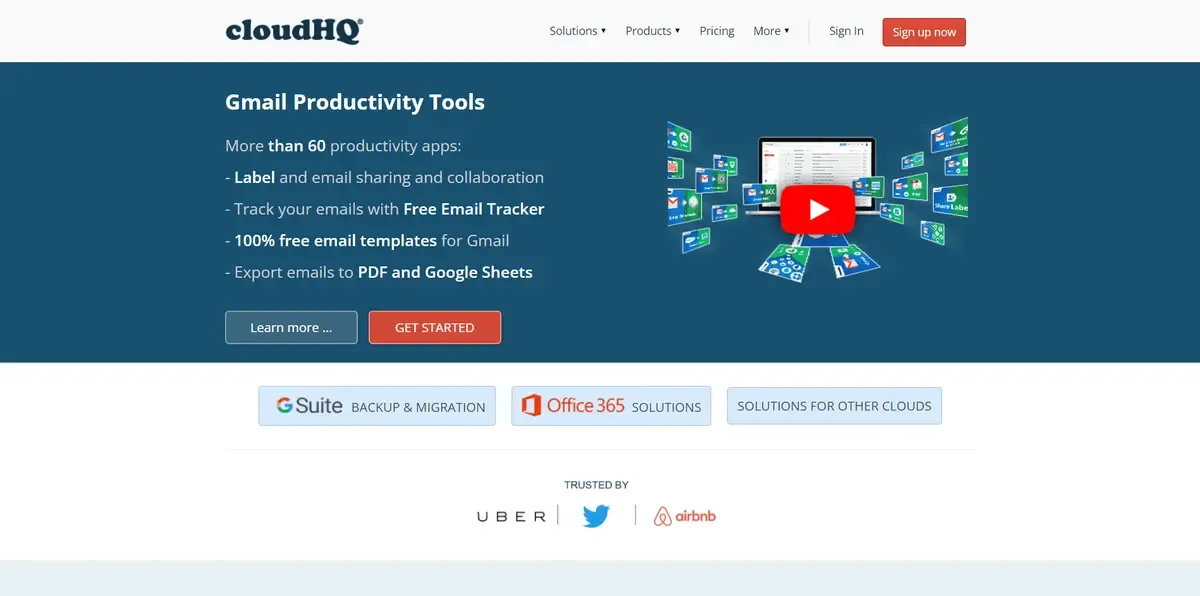
CloudHQ is a Gmail productivity application that allows you to share, label, collaborate, and track emails using a free email tracker. The top aspect is that it allows you to back up all your G-accounts in real-time.
Even major companies such as Uber and Twitter use CloudHQ. It’s the greatest platform for all your G-suite tasks, as well as a cloud solution.
Features of CloudHQ
- Backup Google G Suite
- Sync and migrate to Google G Suite
- Export emails to google sheets
- Import data from an email into the database of CRM
- Backup (archive) email messages
- Save emails to PDF
- Gmail label sharing
- Multi email forward
- Gmail emails templates are available
- Free email tracking
- Auto bcc for Gmail
- Meeting scheduled for Gmail
- Gmail auto follow up
- Gmail SMS and text alerts
- Send Email to SMS
- Rename Email subjects
- Screencast recording
Pricing
| Plan | Price/month |
|---|---|
| Free | $0 |
| Premium | $118 |
| Business | $300 |
| Enterprise | Contact for price |
Pros and Cons
Pros
- Free trial
- Two-factor authentication
- One way and two-way sync
Cons
- Expensive
- No mobile app
- No search or file previews
Zapier vs CloudHQ
| Zapier | Cloud HQ | |
|---|---|---|
| Task automation | Yes | Yes |
| Service integration | Yes | Yes |
| File Sync | No | Yes |
| Cloud migration | No | Yes |
| Triggers | Yes | No |
Conclusion
These are some of the best zapier alternatives you can use for your business. However, make sure you do proper research and analyze every tool closely before making a final decision.
Zapier indeed has the maximum number of integrations but still, the list above of Zapier competitors also have many advantages to offer. We wish you luck in finding a platform that suits all your requirements perfectly.
%MCEPASTEBIN%