
Running a WordPress blog requires you to spend a lot of time trying to update outdated sections. Some introductions need to be updated before they may be published again.
Using a good paraphrasing tool will help you save your time when editing. You can still control the final draft when your site has a set voice.
W3Techs reports WordPress powers 40.1% of websites worldwide as of 5 October 2026. So - which services are actually useful for bloggers right now?
1. ZeroGPT
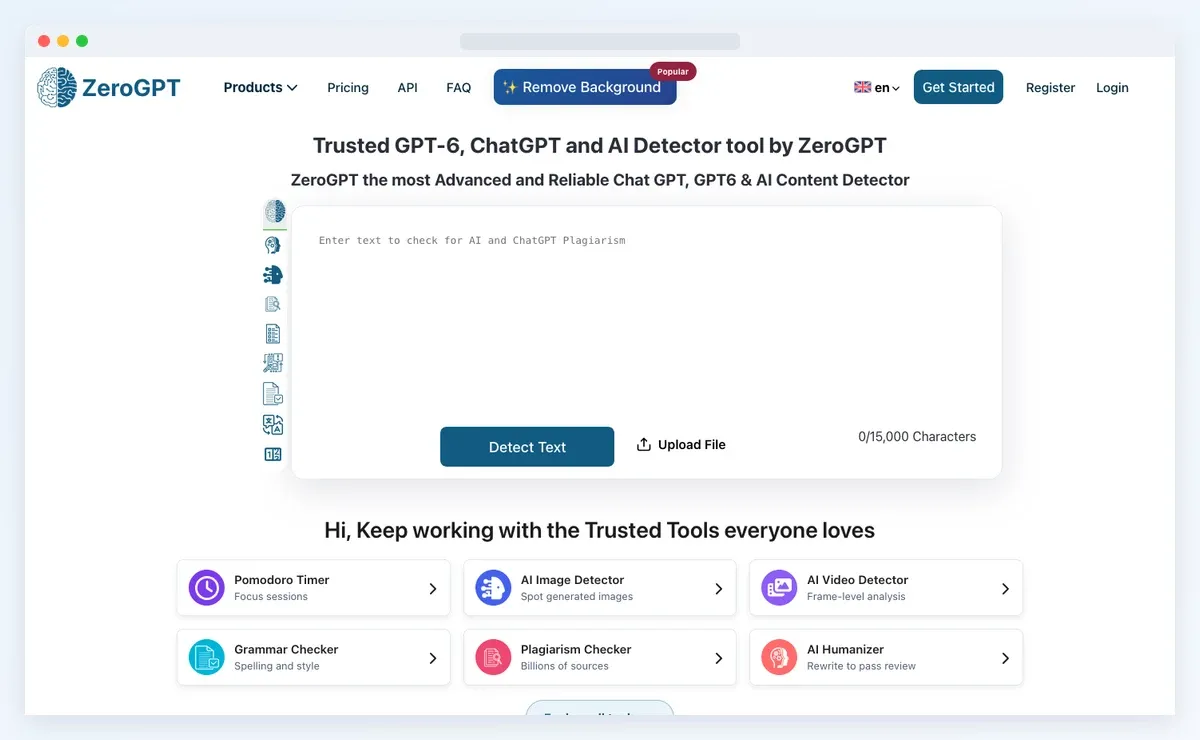
ZeroGPT is a handy starting point when you want quick rewriting. Its paraphraser works without account registration - which makes testing much easier.
You can paste a short section and get another version within seconds. ZeroGPT says its system keeps the original context during rewriting.
For a WordPress blogger, I would use ZeroGPT for smaller editing jobs.
- Rewrite an outdated introduction before you republish the article.
- Rework repeated descriptions across similar pages on your website.
- Shorten a lengthy explanation before placing it inside a sidebar.
ZeroGPT also includes grammar checking and summarizing within the same platform.
2. QuillBot
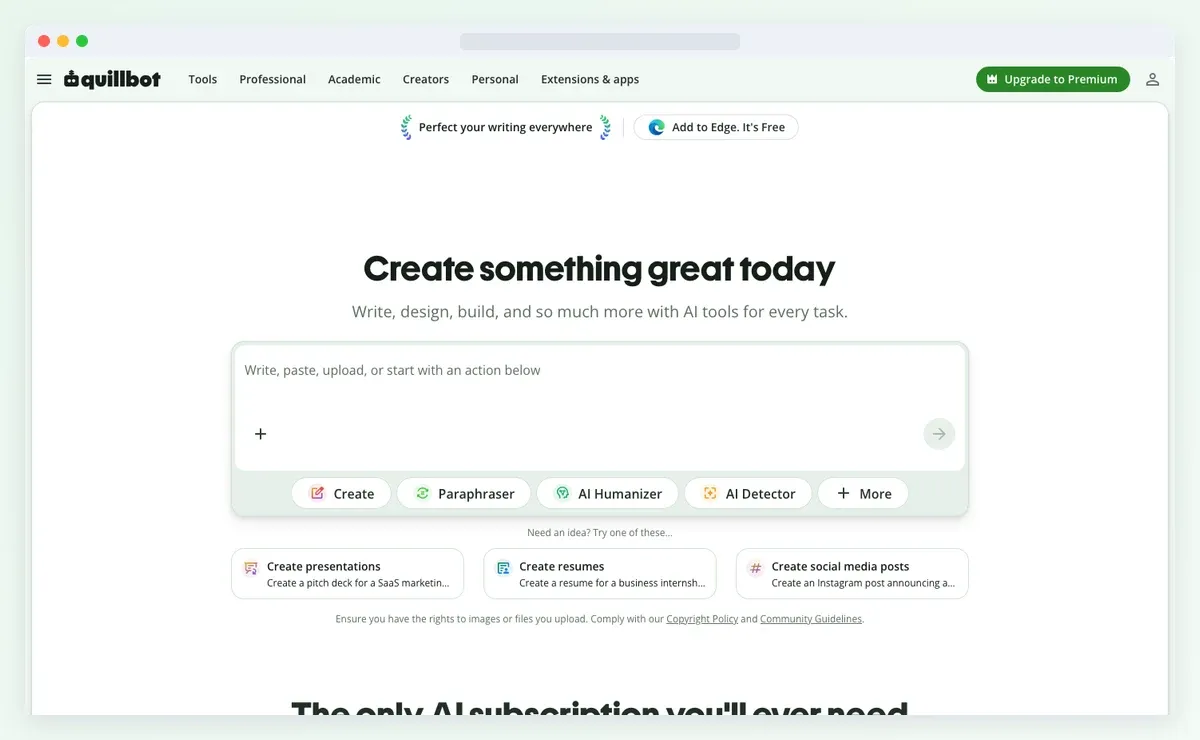
QuillBot gives you more control when one rewrite is not enough. Its free plan includes Standard and Fluency modes for basic rewriting.
Free users can paraphrase up to 125 terms at one time. Premium users get nine unique modes and access to Compare Modes.
Compare Modes helps when your first rewrite does not sound right. You can review several versions together and choose the better option.
For older WordPress posts - this works well during content refreshes. You can rewrite one section without changing the rest of your article.
3. Grammarly
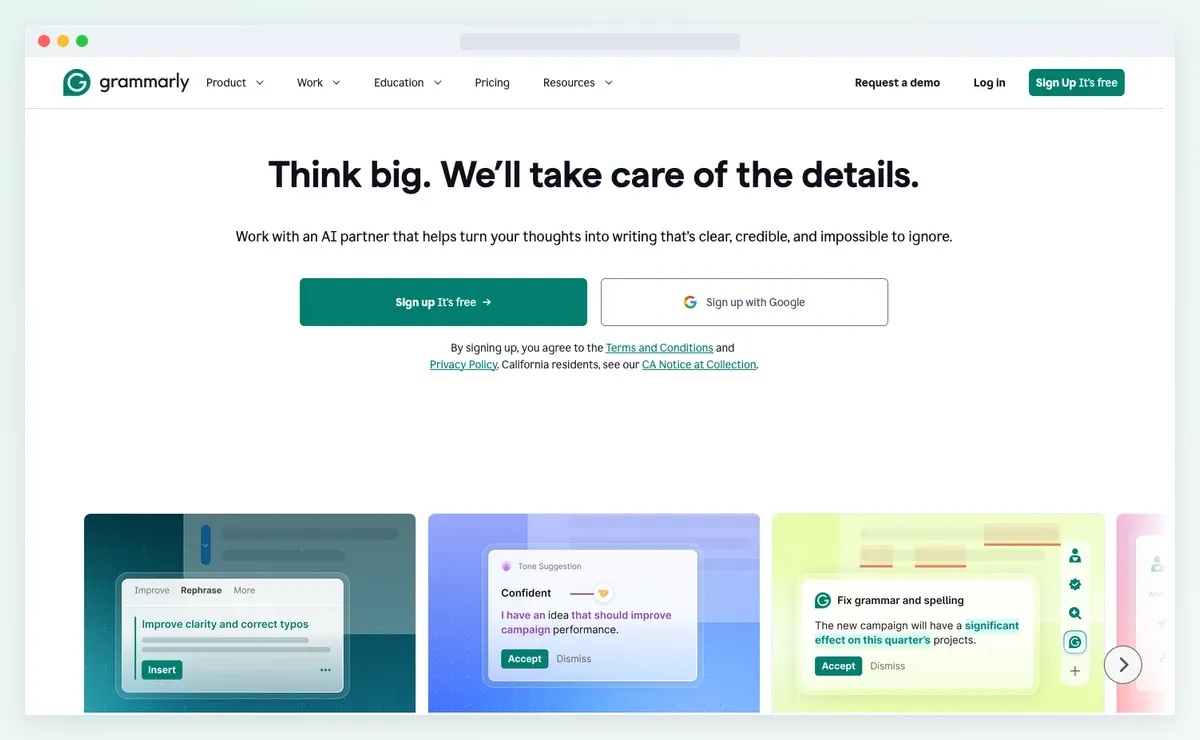
Grammarly makes sense when rewriting is part of your editing routine. Its Paraphraser agent currently offers six preset styles for document level rewriting.
You can also build a custom voice profile for your content. This feature can help when several people publish on one WordPress site.
Free accounts receive limited daily suggestions from the Paraphraser agent. Paid plans give wider access when you edit content every day.
I would choose Grammarly when grammar checking already happens inside your workflow. You can revise a paragraph and review language issues in one place.
4. Wordtune
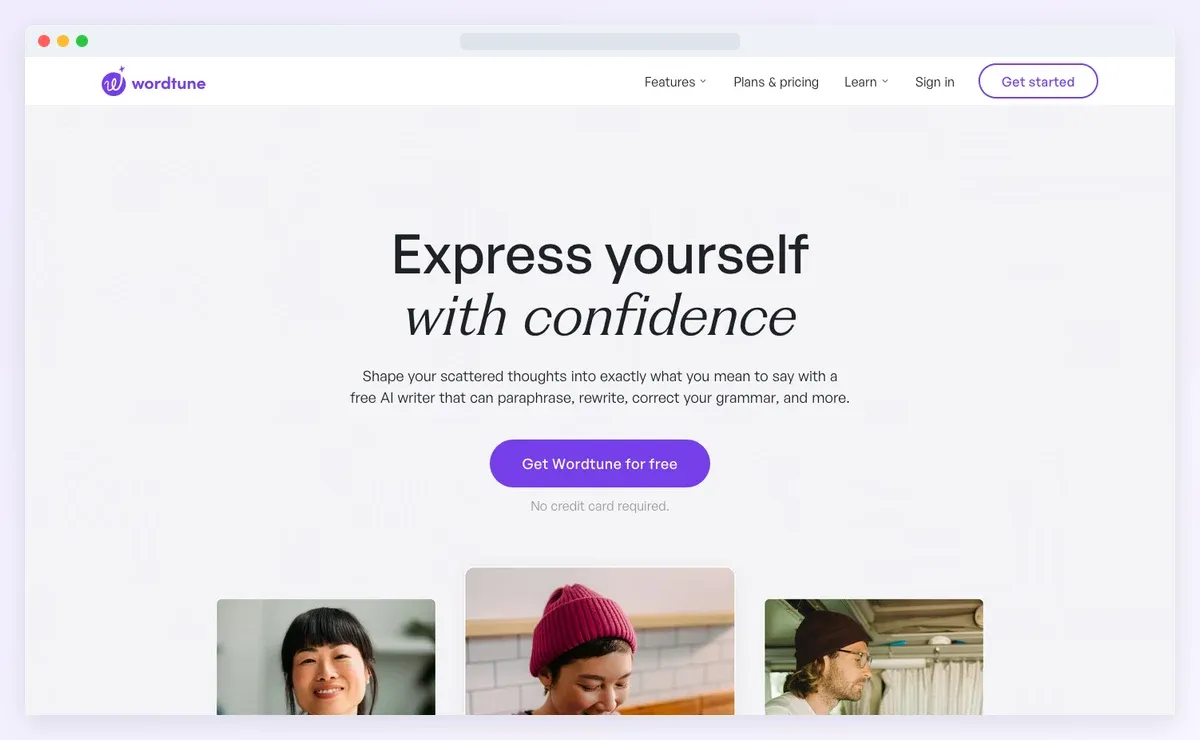
Wordtune works well when you prefer editing smaller sections yourself. Its Rewrite feature can handle full paragraphs instead of single sentences only.
Free users currently receive ten daily AI generations inside the editor. Smart Synonyms are available across every plan according to Wordtune.
You can also shorten or expand selected sections during editing. This helps when a paragraph needs a different length before publication.
Wordtune is more apt when you want more control over individual sections.
Which One Should You Pick?
There is no single best option for every blogger. The right choice depends on how you like to edit your content.
| Tool | Best For |
|---|---|
| ZeroGPT | Quick rewriting without creating an account first |
| QuillBot | Comparing different rewritten versions before choosing one |
| Grammarly | Rewriting content while checking grammar during editing |
| Wordtune | Editing smaller sections one at a time |
You should compare your original draft to the rewritten portion. Sometimes a little tweak might affect the meaning more than you expect.
Double check names and dates before posting anything. A speedier rewrite is nice but reliable information is considerably more crucial.
Use these tools as writing helpers, not as final editors. You always want to have the final say before your post goes live.
