
Synthesia
AI avatar videos from a script, no camera or crew required
A platform that turns a text script into a talking-avatar video in minutes, used heavily for corporate training, product explainers and localized marketing content at scale.
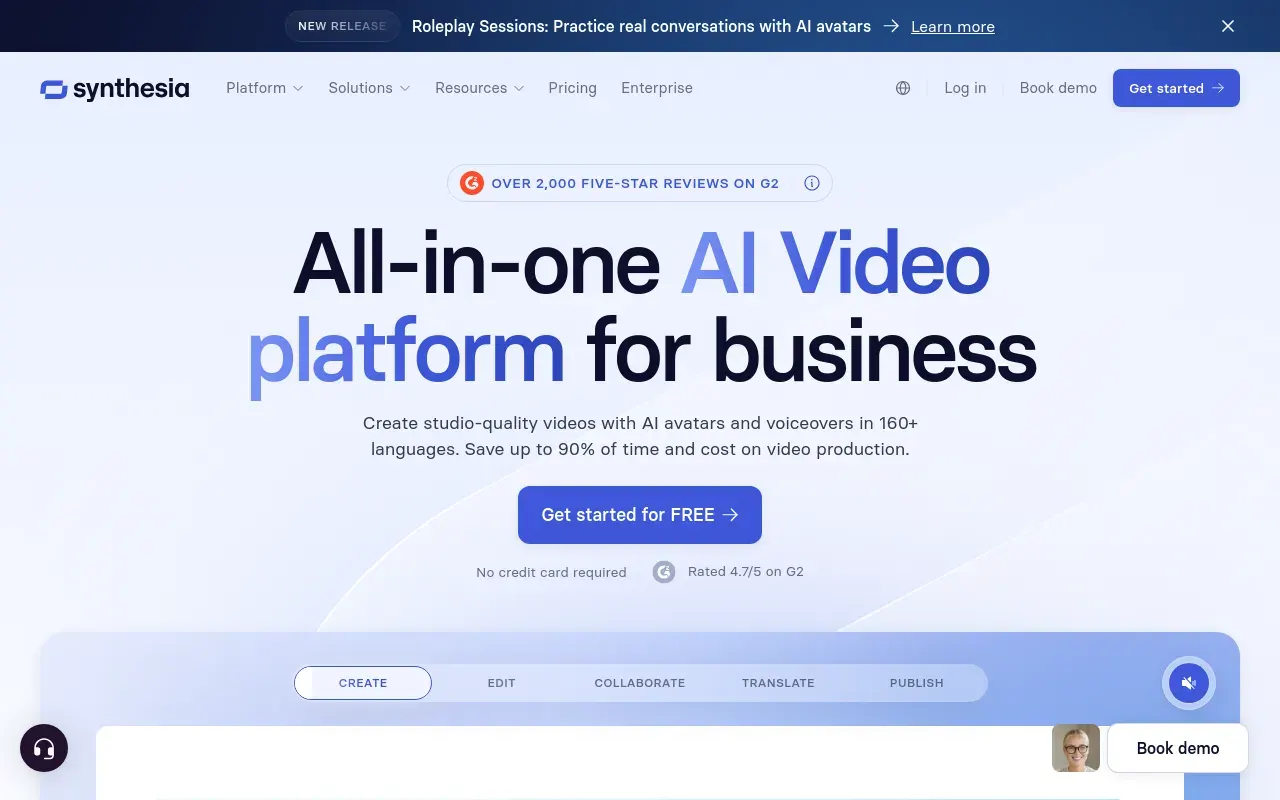
Picked for Scripted Video Production Without a Studio.
Synthesia turns a written script into a finished video with a talking presenter, which sounds like a gimmick until you consider how much corporate video is really just narrated slides or documentation with a face attached. That’s the market it dominates: onboarding, compliance training, product explainers and internal comms, where consistency and speed matter more than cinematic polish.
Its clearest advantage is scale — a training team can produce dozens of videos, or the same video in over a hundred languages, without booking a presenter, a studio or a translator for each one. Custom avatars extend that further, letting a real spokesperson or executive “appear” in videos they never actually filmed, which is a big unlock for large organizations with a recognizable internal voice.
The tradeoff is authenticity. Even the best Synthesia avatars still read as synthetic under close attention — the emotional range and physical nuance of a real performer aren’t there yet — so it’s a poor fit for anything that leans on genuine human warmth or high-stakes brand storytelling. It’s best understood as an efficiency tool for high-volume, lower-stakes video, not a replacement for real production.
Features
Stock and custom AI avatars
Choose from a large library of presenter avatars, or build a personal or corporate avatar trained on real footage of a specific person.
Script-to-video generation
Paste or write a script and Synthesia turns it into a full video with a presenter, matching lip sync and natural pacing automatically.
Multilingual translation
Translate an existing video's script into 100-plus languages and regenerate it with matching lip sync, avoiding a full reshoot per market.
Templates and screen recording
Prebuilt templates for training and explainer formats, plus a built-in screen recorder for combining narration with a screen-share.
SCORM export
Videos publish into an LMS as trackable course objects, which is the difference between training content and a video link.
Brand kits and shared workspaces
Fonts, colours and approved templates enforced across everyone producing video, rather than per-creator drift.
Use cases
- Producing employee onboarding and compliance training videos at scale
- Localizing a single explainer video into dozens of languages
- Turning existing documentation or slides into a narrated video
- Creating product demo videos without booking a presenter or studio
- Publishing training videos into an LMS as trackable SCORM packages
- Reissuing a training video after a policy change by editing the script
Compare Synthesia head to head
Side-by-side comparisons, on pricing, platforms and where each one wins.








Looking for something similar?
Other video tools worth comparing against Synthesia.