
Canva
Drag-and-drop design with built-in AI tools
A browser-based design platform for social posts, presentations and marketing assets, with an AI suite for text-to-design generation, image creation and one-click editing woven into the editor.
Picked for AI Tools for Solo Founders and Content Marketing Production Line.
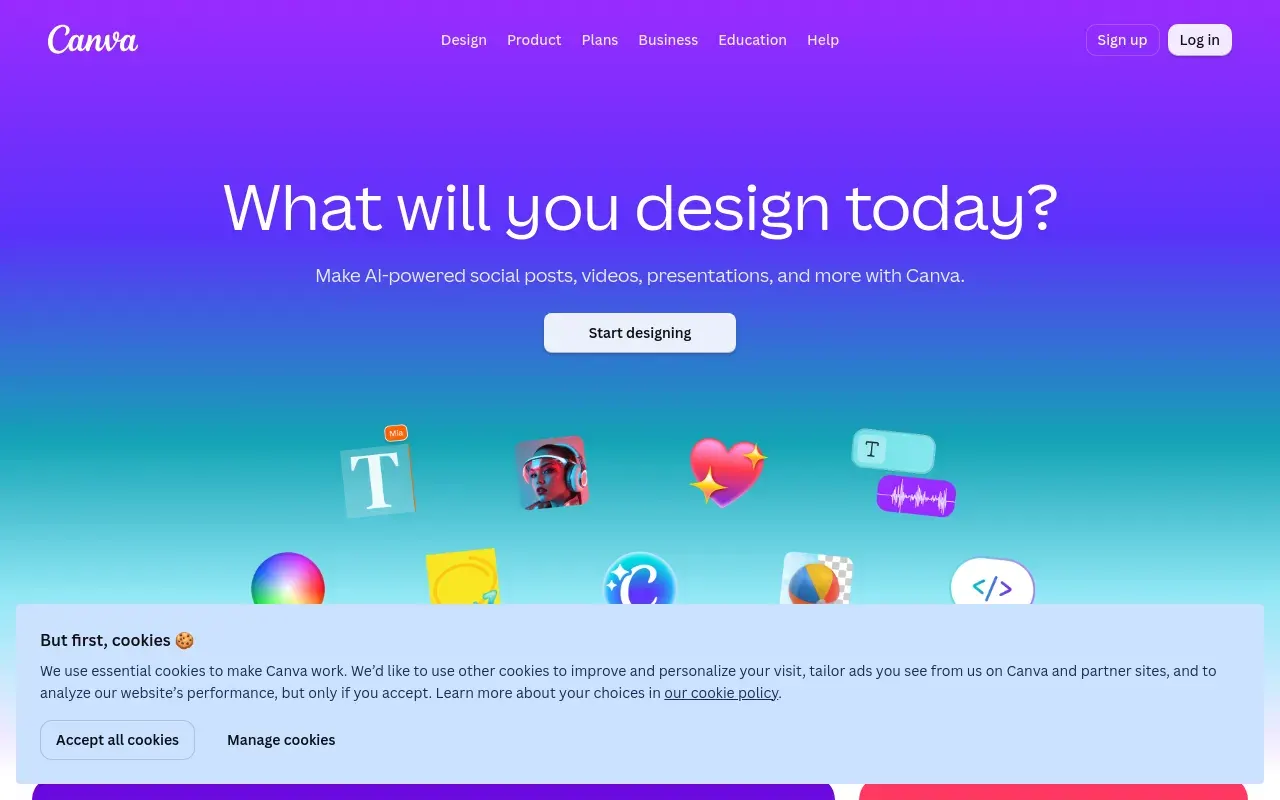
Canva made drag-and-drop design accessible to people who’d never open Photoshop, and its AI suite — branded Magic Studio — extends that same philosophy: describe what you want and get a set of layouts, generated copy or an AI image back, all inside the same browser-based editor. It covers the ground between a blank canvas and a finished social post, presentation or flyer faster than building from scratch.
It’s the obvious choice for small businesses, marketers, teachers and anyone who needs decent-looking visual output without a design background or a dedicated designer. The Brand Kit feature also makes it workable for small teams that need consistent colors, fonts and logos across everyone’s output without manually policing it.
Where it shows its limits is originality and cost creep. Templates make it fast, but the same templates make a lot of Canva output instantly recognizable as Canva output unless someone puts real customization into it. The AI tools are generous on paper but rate-limited underneath — teams that lean heavily on Magic Design or Magic Media will often need the separate AI Pass add-on on top of an already-paid Pro or Business plan, which pushes the real cost of “AI-powered Canva” higher than the base subscription suggests.
Features
Magic Design
Generates a set of design layouts from a prompt or uploaded image, ready to customize on the canvas.
Magic Write
An AI writing assistant embedded in the editor for drafting or rewriting on-design copy.
Magic Media
Generates images and short video clips from a text prompt directly inside a design.
Brand Kit
Locks in a team's logo, colors and fonts so every design stays on-brand without manual checking.
Magic Switch
Resize, reformat or translate a finished design into every other size and language it is needed in, from one source file.
Background Remover and Magic Eraser
Cut a subject out or delete an unwanted object without opening a separate photo editor or learning masking.
Use cases
- Producing social media graphics and marketing assets without a designer
- Quickly building presentations, resumes or simple documents from a template
- Keeping a small team's output visually consistent via a shared Brand Kit
- Resizing one design into every social format at once
- Removing a background or an unwanted object without opening a photo editor
- Turning a rough outline into a presentation deck the same afternoon
Compare Canva head to head
Side-by-side comparisons, on pricing, platforms and where each one wins.





Looking for something similar?
Other design tools worth comparing against Canva.