Adobe Firefly
Adobe's generative AI models, built into Creative Cloud
Adobe's generative AI models for images, vectors and video — trained on licensed content and built directly into Photoshop, Illustrator and Premiere for commercially safer output.
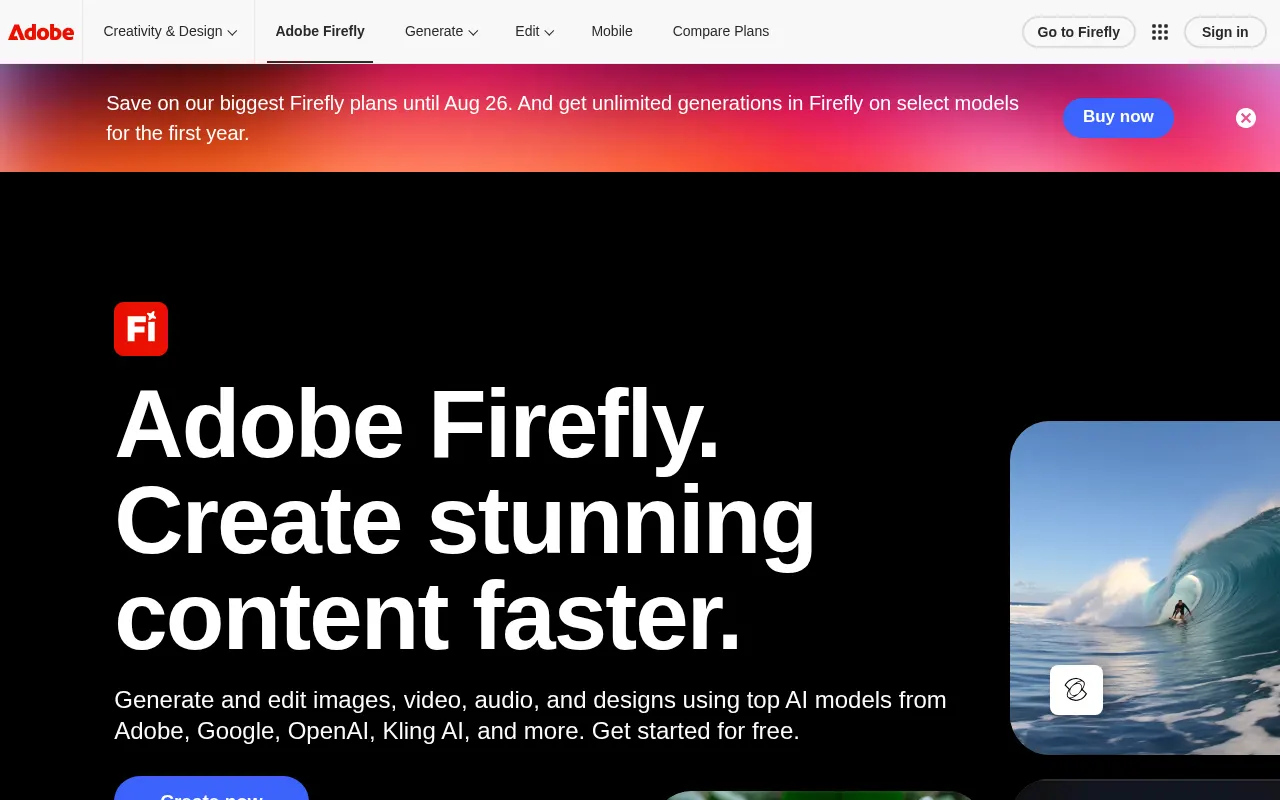
Adobe Firefly is the generative engine now woven through Creative Cloud rather than a standalone novelty — Generative Fill and Generative Expand in Photoshop run on Firefly models, and the same underlying tech powers a dedicated web app for text-to-image, text-to-vector and text-to-video work. For anyone already living in Adobe’s tools, that integration is the whole pitch: no exporting to a separate generator and reimporting the result.
It suits designers, marketers and agencies who need to move fast inside an existing Adobe workflow, especially where commercial safety matters. Because Firefly trains on Adobe Stock and licensed content, and Adobe backs enterprise use with IP indemnification, legal and brand teams tend to be more comfortable with it than with models trained on scraped web images.
Where it falls down is raw creative range — Firefly’s outputs are competent and safe rather than the most striking or stylistically adventurous, and dedicated tools like Midjourney or Ideogram still lead on aesthetic quality and prompt fidelity. The credit system also takes some getting used to, since standard edits are unlimited on paid plans but video and translation features drain credits quickly.
Treat Firefly as the default choice when the priority is speed inside Adobe’s apps and defensible commercial rights, and as a secondary option when the priority is the single best-looking image a prompt can produce.
Features
Generative Fill & Expand
Remove, replace or extend parts of an image inside Photoshop with a text prompt, blending new pixels into the original.
Text-to-image and text-to-vector
Generate raster images or fully editable vector art from a prompt, with style presets for photography, illustration and 3D.
Generative video
Turn a prompt or still frame into a short clip, or apply generative extend, translation and lip sync to existing footage.
Commercially safer training data
Firefly trains on Adobe Stock, licensed and public-domain content, and Adobe indemnifies enterprise customers against IP claims on outputs.
Partner models alongside Adobe's own
Google, OpenAI and other third-party image and video models are selectable inside the same editor, so a house style is not limited to one vendor's look.
Custom models
Train Firefly on your own approved assets so generations come back in the brand's established style rather than a generic one.
Use cases
- Extending a marketing photo to fit a new crop ratio without leaving Photoshop
- Producing on-brand social graphics without waiting on a designer
- Prototyping product shots before a real photoshoot
- Dubbing existing video into another language with generative lip sync
- Generating a dozen variations of an approved asset for creative testing
- Clearing artwork for commercial use where the training data matters to legal
Compare Adobe Firefly head to head
Side-by-side comparisons, on pricing, platforms and where each one wins.







Looking for something similar?
Other image tools worth comparing against Adobe Firefly.