Restaurant
Keep it simple with this beautiful one page website for vacation planners. The simple design gives lots of room for beautiful pictures that will get visitors excited for their next vacation.
- Pages
- 6
- Industry
- Restaurant
- Licence
- Quix Pro
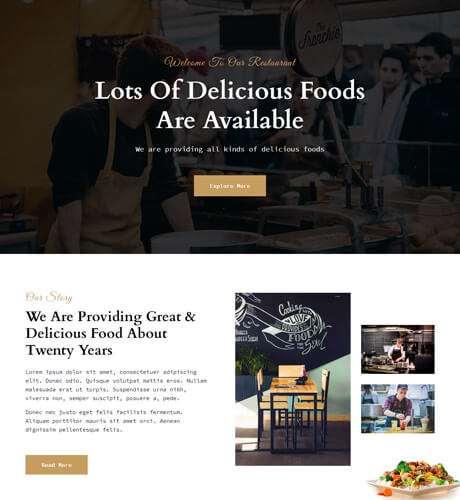
6 pages in this kit
Every page imports on its own, so you can take the whole set or just the ones you need. Hover a page to preview it as a visitor would see it.
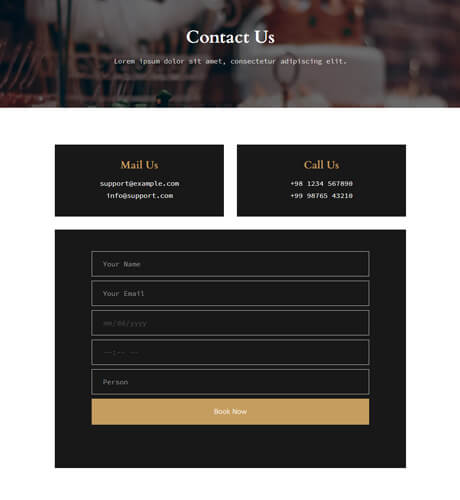
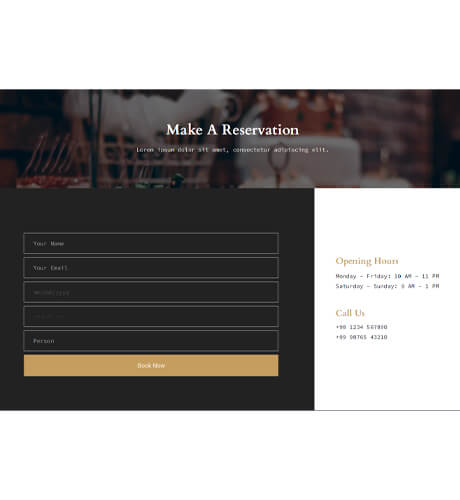
Reservation - Restaurant
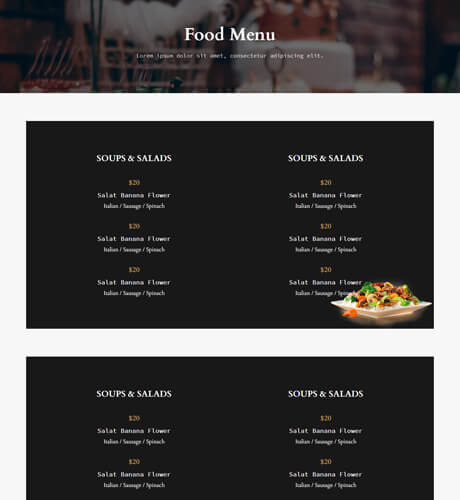
Food Menu - Restaurant
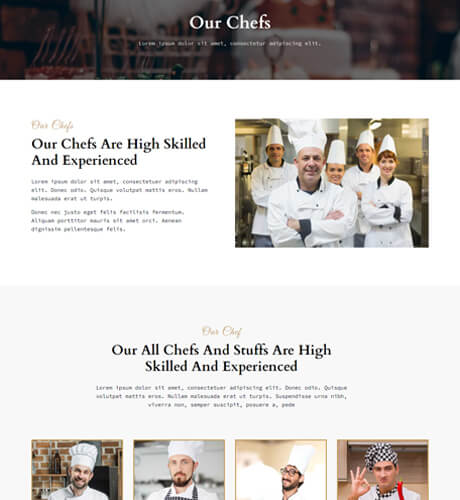
Our Chef - Restaurant
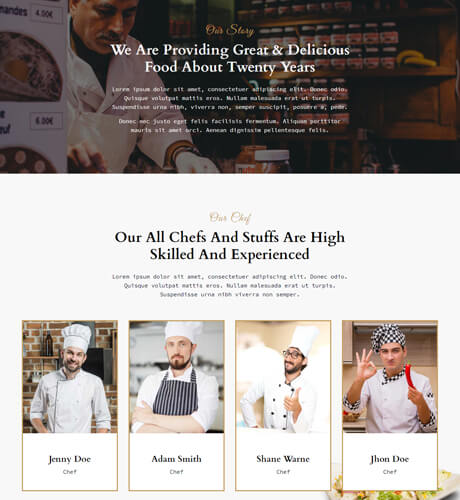
About Us - Restaurant
Home - Restaurant
Designed to be edited, not admired
A kit is only useful if it survives contact with real content. These are the properties every Restaurant page carries once it lands on your canvas.
Lightweight and fast
Lean markup and smart asset loading, so a designed page still scores green on Core Web Vitals.
Fully customisable
Every row, column and element is editable. Nothing in the kit is locked or special-cased.
Responsive design
Desktop, tablet and mobile are laid out per breakpoint rather than left to reflow on their own.
SEO friendly
Clean semantic output and per-page meta control from inside the builder.
One-click import
Pages land on the canvas from the library — no zip files, no pasting JSON between installs.
Motion and animation
Scroll-triggered GSAP entrances, cinematic image reveals and hover micro-interactions are built in.
From install to published in three steps
- 01
Install Quix
Download the zip from your ThemeXpert account and install it through Joomla’s Extension Manager. Under two minutes, no configuration.
- 02
Import the pages
Open the layout library inside the editor and import the Restaurant pages you want. They arrive on the canvas ready to edit.
- 03
Brand and publish
Swap the copy and imagery, set your palette and fonts once, then publish. The rest of the kit follows the same styling.
Everything in the kit is yours to change
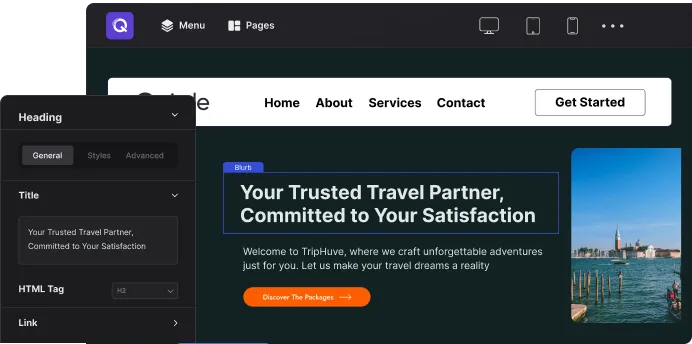
An imported page is ordinary Quix rows, columns and elements — so the builder’s full control surface applies to it, exactly as if you had built it by hand.
Photoshop-like layer control
Manage every element the way you manage layers in a design tool — reorder, hide, lock and rename with one click.
Font Book
Browse the full Google Fonts catalogue or upload a custom typeface, then assign it per heading, per body or per element.
Custom colour palettes
Define your brand colours once. Swap the palette and the whole kit follows, with no hunting for hex codes.
Backgrounds and dividers
Images, colours, gradients and video backgrounds, plus shape dividers between sections.
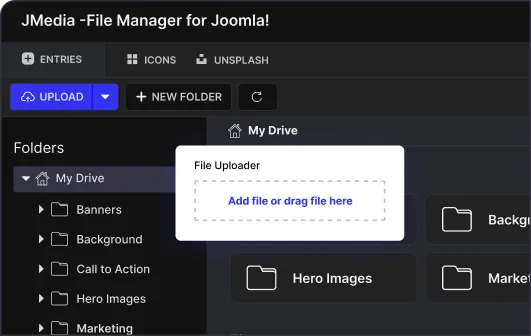
Drag-and-drop media manager
Manage media files and folders in one place, and drop them straight onto the canvas.
Save and reuse everything
Save any row or section to your library and reuse it on the next project instead of rebuilding it.
Before you import
Do I need Quix Pro to use Restaurant?
Yes — Restaurant is one of the pro kits, included with any Quix Pro plan along with every other kit, the block library and the header, footer and popup builders.
Can I use it on client sites?
Yes. Kits carry no per-site restriction beyond the licence you hold — the Agency plan covers unlimited sites, and the smaller plans cover the site count they state.
Does it work with my Joomla template?
Kits build the page body, so they sit inside whatever template you are running. They are designed against Joomla 6 and work with any template that leaves the component area to Quix.
Can I import a single page instead of the whole kit?
Yes. All 6 pages import individually, so you can take the home page from one kit and the pricing page from another.
What happens if I edit a page and change my mind?
Quix keeps full undo, redo and revision history per page, so you can step back or restore an earlier version without re-importing.
Using this kit
Import a page from the Quix editor and it arrives as ordinary rows, columns and elements — the same things you would have dragged in yourself. Swap the copy and imagery for your own, adjust the palette once, and the whole kit follows.
This kit is included with Quix Pro, alongside every other kit, the block library and the header, footer and popup builders.
Other kits



Loading preview…