If you are a startup like us, you would know how hard it is to deliver projects on time. Here, diligently tracking the time spent on each project, client, and task throughout the day is always crucial to ensuring efficiency and productivity.
Manually tracking time is simply a waste of time. Rather, using a robust time-tracking app can be a good solution. We’ve analyzed 20+ time tracking solutions and rounded up the 9 best time-tracking software so you can monitor your team’s progress and boost productivity.
Let’s see the list then.
Best Time Tracking Software: Quick Comparison
| Software | Best For | Type of Tracking | Features | Platform | Free Trial | Price |
|---|---|---|---|---|---|---|
| Beebole | Mid-sized enterprises | Project time tracking, planning, and time off management | Customizable time tracking, resource and capacity planning, project cost control, multidimensional reporting, native integrations, & multiple languages | Windows, Mac, Android, iOS | Yes | Free plan for up to 5 users; paid plans starting at $9 per user per month (billed annually) |
| Harvest | Freelancers, Small organizations | Time tracking, reporting, and invoicing | Expense Tracking Sheet, Utilization and Project Profitability, Integrations | Windows, Mac, Android, iOS, Chrome | Yes | Free Plan Available |
| Clockify | Freelancers, Small and midsize organizations | Time tracking | Detailed reports, Scheduling | Windows, Mac, Android, iOS, Chrome | Yes | Starting from $4.99 |
| RescueTime | Freelancers, Students, Small organizations | Automatic time tracking and time management | Focus sessions, Smart Goals, Backups | Windows, Mac, Android, iOS, Web Browsers | Yes | Free Plan Available |
| Apploye | Remote teams, Freelancers, Small to Large Organizations | Real-time Tracking with ScreenShots, Project tracking, and Invoicing | Time tracking with Screenshots, Apps & Urls tracking, Detailed Timesheet, Exporting data | Windows, macOS, Android, Linax, Chrome Extension | Yes | Starting from $2 |
| TimeCamp | Freelancers, Small and midsize organizations | Time tracking | Track profitability, Comments, and feedback | Windows, Mac, Android, iOS, Web Browsers | Yes | Free Plan Available |
| Time Doctor | Small and midsize organizations | Time tracking and employee monitoring | Project management & budgeting, Distraction alerts | Windows, Mac, Android, iOS, Web browsers | Yes | Starting from $7 |
| Toggl Track | Freelancers, small organizations | Time tracking and project planning | One-click timers, Background tracking | Windows, Mac, Android, iOS, Web Browsers | Yes | Free Plan Available |
| TimeSheets.com | Freelancers, Non-profit organizations | Time tracking | Detailed audit trails, Report exporting | Windows, Mac, Android, iOS, Chrome, Safari | Yes | Free Plan Available |
What is Time Tracking Software?
Time tracking software is an online tool that is used by managers to record the working hours of their employees, especially hourly employees. It can be a great hassle to calculate wages manually while considering other elements like lunch breaks, time off, extra working hours, non-billable hours, scheduling, etc.
Additionally, there can be errors in manual time tracking. Time tracking software won’t only promise you accuracy but also save you from time theft. Advanced time tracking software also provides visibility of screen time and computer work.
Time tracking software and apps can further be broken down into different types:
- Timekeeping software - allows you to manually enter your hours by filling a timesheet. It also comes with a timer to record times and then logs them into the timesheet.
- Timesheet software - This is also an alternative to paper timesheets. Separate sections can be made like billable hours, non-billable hours, extra working hours, etc. to record time and wage more accurately.
- Time recording software - This allows you to accurately record time spent doing various activities. All you have to do is start the time tracker when you start working and stop it once you finish.
- Time clock software - Time clock software is similar to the traditional method of biometric punching. The clock in and clock out feature records the attendance of each employee. It is also beneficial to track the punctuality of employees as they punch in and punch out are accurately recorded.
- Automatic time tracker - Fully automated time trackers use artificial intelligence to track the time of each employee. The moment an employee logs into the system/computer, it will automatically start recording the time and feed it into the timesheet.
What makes a great time tracking app?
Time management is the key to boosting productivity, personally and professionally. With a time tracking app, you can manage your time more accurately by understanding how much time you spend doing certain activities.
When it comes to office spaces, time tracking apps are beneficial for both employees and employers. Employees can know how much time they spend on each of their activities and make changes relevantly if required. This also allows employers to take ownership of their employees’ work, see how they perform and whenever they excel at work reward them with corporate gifts and awards.
Some more benefits of a time tracking app are
- Tracking productivity of employees
- Bill clients accurately for the work done
- Improved management of project/work schedule
- Tracks time across various devices at once
- Creating efficient workflows
- Fostering a trustworthy client relationship
- Generating real-time interactive and analytical reports
9 Best Time Tracking Software of 2026
Beebole
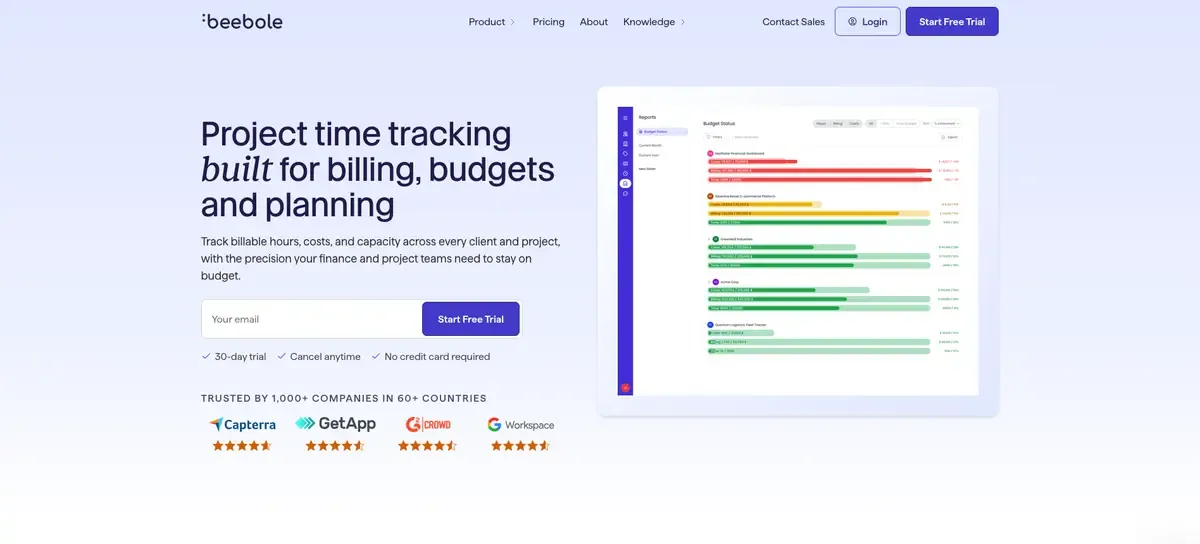
Beebole is time tracking and project financial management software used by companies in 60+ countries. Employees log hours with a timer or a timesheet grid, against clients, projects, and tasks, and every submission moves through a configurable multi-stage approval workflow (with quorum settings), so managers, project leads, or admins can sign off in sequence before a timesheet is final.Absence management is built in alongside time tracking: admins configure vacation, sick leave, and other absence types, set accrual and carry-forward rules, and track real-time balances, with public holiday calendars applied automatically by country.
On the planning side, Beebole handles project and task structure, budgets, and billing and cost rates, so teams can compare planned effort against actual hours and see project profitability as it happens in real time rather than after the month closes.Reports are fully customizable, filterable by person, project, task, tag, or date range, and can be saved as templates or scheduled to send automatically by email.
Reports are available in both table and chart views, and there are 11 chart types to choose from. Beebole also connects to tools teams already use, including Asana, Google Sheets, Excel, QuickBooks, and BambooHR, and supports single sign-on through Google, Microsoft, and enterprise identity providers. Beebole offers an open API for custom integrations as well.
Features
- Flexible project time tracking: Customizable project time tracking that encourages team adoption and more accurate time tracking data
- Resource planning: Gantt and Kanban views for tasks, with effort/occupancy tracking to allocate a percentage of each person’s time across tasks, plus task dependencies to sequence work
- Project cost control: Set billing and cost rates per project or task, define budgets and split them by person or sub-project, and track expenses (with configurable markup) against those budgets
- Customizable reporting: Configure the exact reports your organization needs
- International options: Available in 10 languages and multiple currencies
- Customer support: Live customer support starting at the paid tier, and a free forum for all other users
Pricing
| Plan | Pricing |
|---|---|
| Free | $0 (up to 5 users) |
| Essential | from $9/user/month (billed annually) |
| Advanced | rom $18/user/month(billed annually) |
Best for
Beebole is a good fit for mid-sized organizations that want time tracking, project financials, and reporting in one configurable platform.
Harvest
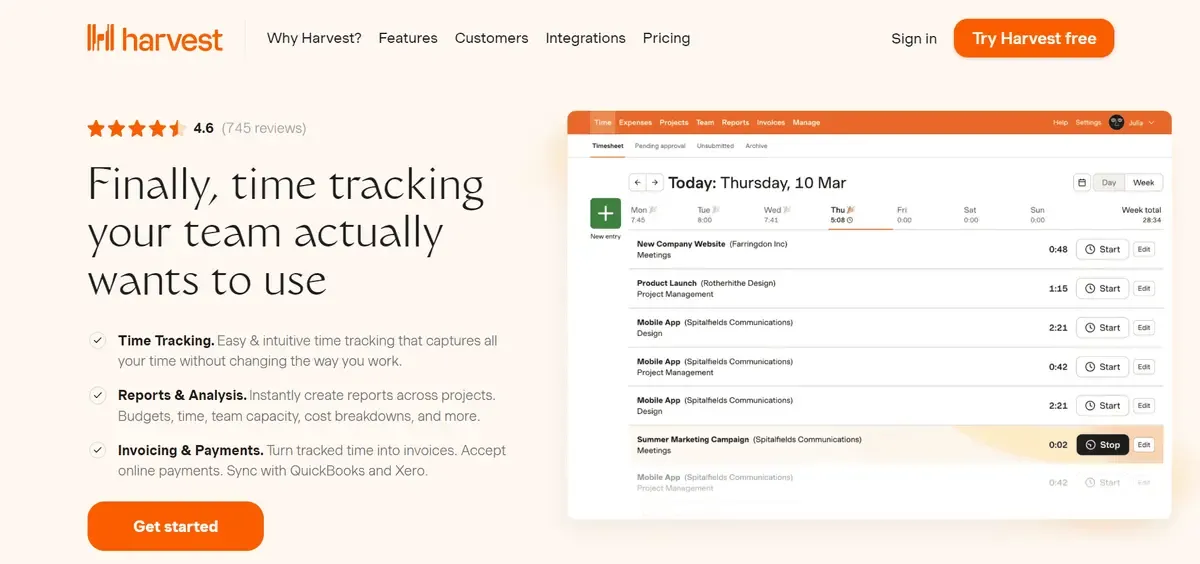
Best known for its intuitive and easy user interface, Harvest is one of the most used time tracking software by freelancers, and small and mid sizes organizations. Harvest widget and extension are compatible across all platforms like Mac, Windows, Mobile Apps, Google Chrome, etc. Another major advantage of Harvest is its integration feature with Google Calendar for easier referencing while filling timesheets.
Features
- Expense Tracking Sheet - Along with timesheets, Harvest also offers expense tracking sheets to record all expenses like billing, travel costs, food expenses, etc. You can also attach receipts to the sheet for convenience.
- Utilization and Project Profitability - This feature is the highlight of this software as it helps you track hours invested in a project in tandem with the goals achieved during those hours. You can then generate an in-depth analytical report and calculate the profitability of that particular project.
- Integrations - Some of the most useful integrations Harvest offers are FreshDesk, Asana, Basecamp, Jira, Zendesk, Trello, Google Calendar, etc.
Pricing
| Plan | Pricing/Month | Details |
|---|---|---|
| Free | $0 | 1 Seat 2 Projects |
| Pro | $12 | Unlimited Seats Unlimited Projects |
Best for
It is an excellent time tracking software for freelancers and small organizations due to its great features and affordable pricing. Additionally, it is very easy to use and will allow hassle-free time tracking. It has been rightly selected as the PCMag’s Editor’s Choice for freelancers and small businesses.
Clockify
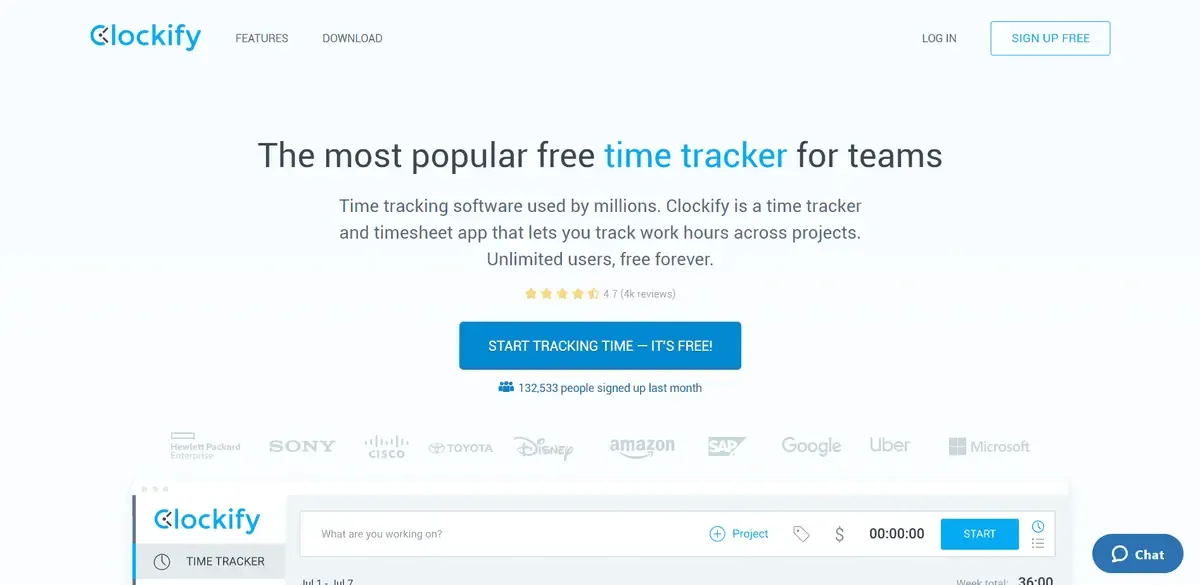
Clockify is a free time tracking software and also offers four paid versions for upgrades. The upgrade plans are also affordable and offer a great solution for time tracking through its interactive features like visual time tracking, tagging work locations, creating expense reports, etc.
As clockify is a cloud-based software it can be accessed from anywhere, allowing you to work even on the go. However, the free plan does not come with advanced features like scheduling, GPS tracking, labor cost & profit calculation, etc.
Features
- Detailed Reports - Clockify allows you to generate weekly analytical and detailed reports to see who is working on that and when was a particular task finished. Through these reports, you can easily review your employee’s time and productivity. You can also export the data from the sheet with one simple click.
- Scheduling - You can use the scheduling feature to plan projects keeping all the factors in mind like goals/objectives, funding, worksite, expenses, deadlines, etc. The scheduling suggestions on the basis of previous records allow you to visualize your team’s capacity. You can also add milestones in the schedule to keep the project on time and finish as planned.
- Holidays and Time Off - You can track each member’s time off requests and holidays through the timesheet. You can also add the time off policies in the sheet to track hours and wages accurately.
Pricing
| Plan | Pricing/Month (Billed Monthly) | Pricing/Month (Billed Annually) |
|---|---|---|
| Basic | $4.99 | $3.99 |
| Standard | $6.99 | $5.49 |
| Pro | $9.99 | $7.99 |
| Enterprise | $14.99 | $11.99 |
Best for
Clockify is best suited for freelancers, and small and mid-sized businesses as its offers a free version along with affordable upgrade plans. Free trials are also available for you to try the software before making a final decision.
RescueTime
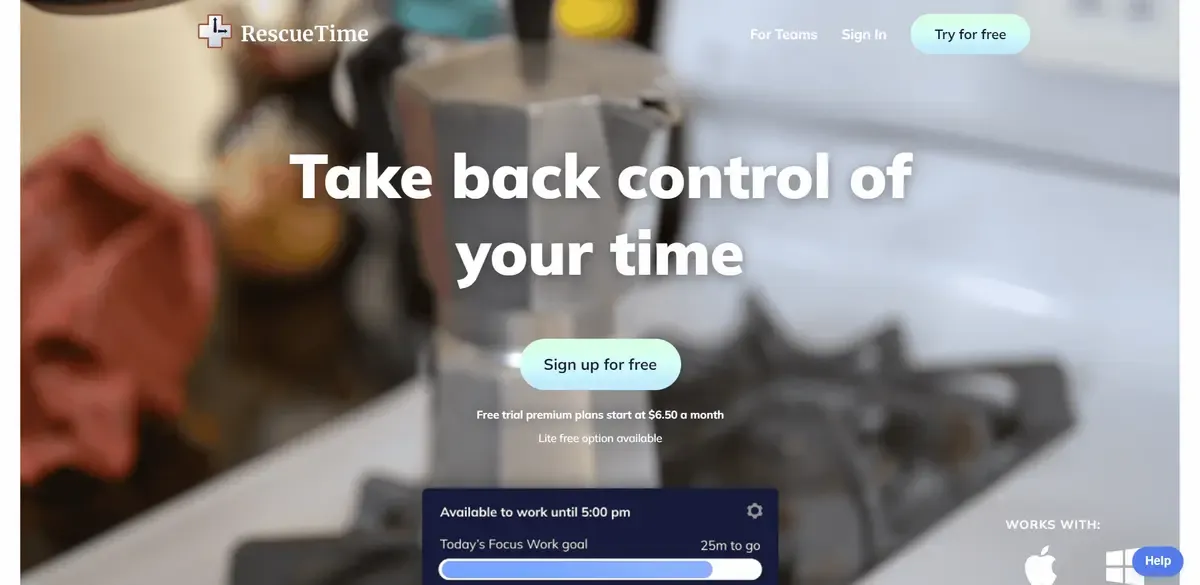
Rescue Time is a reliable time tracking software that will not allow you to track and log your working hours but also let your focus by helping you find a personal and unique working style. It is used by some of the top companies globally like The Guardian, Harvard Business Review, The New York Times, The Wall Street Journal, Wired, Fast Company, etc. However, the mobile app for Rescue Time is not as functional as the desktop app.
Features
- Focus Session - When you really need to focus and need to meet an urgent deadline, you can begin a focus session. Once you enable this, the software will block distractions and will allow you to do uninterrupted work. It will also guide you with an alert if you are trying to do multiple things at once.
- Smart Goals - This feature is a great way to allow you to focus and track your productivity at work. You can set specific goals you want to achieve and you will be sent regular updates till the goal has been achieved. Additionally, it will also record your activity time to discover you productive you are on specific days and hours.
- Backups - Losing your data and important documents due to some technical problems is the worst nightmare of any business or enterprise. Keeping this in mind, Rescue Time offers solid recovery plans. Taking offsite backup options are also available.
Pricing
| Plan | Pricing |
|---|---|
| Rescue Time Lite | $0 |
| Rescue Time Premium | $9 |
Best for
Rescue Time is best suited for freelancers and small-sized businesses due to its affordable pricing. It is also relevant for students who are struggling to manage their studies and work hours.
Apploye
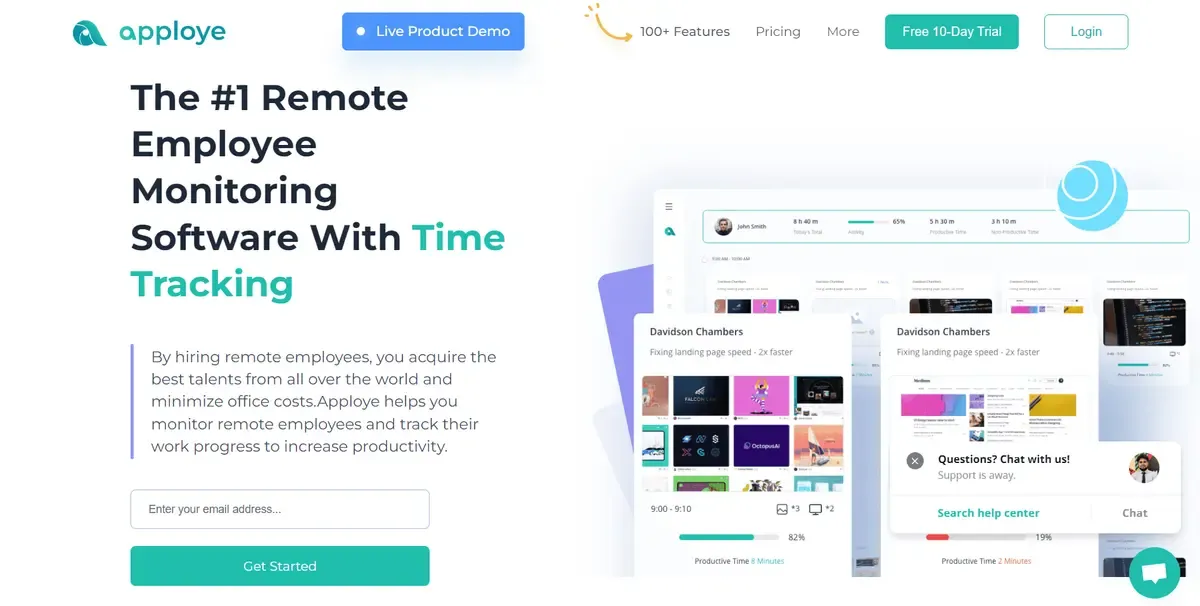
Apploye is a great time tracking & remote employee monitoring software with a user-friendly dashboard and easily accessible interface. Employers love to use this software because it gives remote tracking features where they can check websites, apps, and screenshots of employees. Managers of remote teams will be able to check detailed timesheets, track the location of mobile employees with GPS track and check invoices by analyzing working hours.
It helps to boost productivity and efficiency of the organization by 2X times. Employers and managers can see the ranking of employees according to working hours & activity percentage. This software operates offline and is synchronized with the timesheet anytime the user connects to the Internet.
Features
-
Remote Tracking Screenshot- Apploye provides a screenshot feature with multiple monitors. Here, the employer can set the needed number of screenshots (1/2/3) for each 10-minute interval. Both employers and workers can access screenshots. The employee may delete screenshots if required but must provide an explanation. The remote track also includes website and app tracking.
-
Detailed Timesheet- This software allows users to obtain a comprehensive timesheet of their working hours. Apploye provides timesheets on a daily, weekly, biweekly, and monthly basis. Even workers may add their own custom timesheets but it has to be approved by employers.
-
Exporting Data- Now exporting data is super easy with Apploye. This time tracking software provides not just timesheets but also allows users to export reports for other activities.
Pricing
| Plan | Pricing/Month (Billed Monthly) | Pricing/Month (Billed Annually) |
|---|---|---|
| Solo | $4 | $2 |
| Standard | $5 | $2.5 |
| Premium | $6 | $3 |
| Elite | $6 | $3.5 |
Best for
Apploye is best for all remote teams. Freelancers, small organizations, and large organizations use this software because of its intuitive features and user-friendly layout. Each and every customer loves the feature set of Apploye with such a little price tag. Apploye’s customers always receive top-notch customer service.
TimeCamp
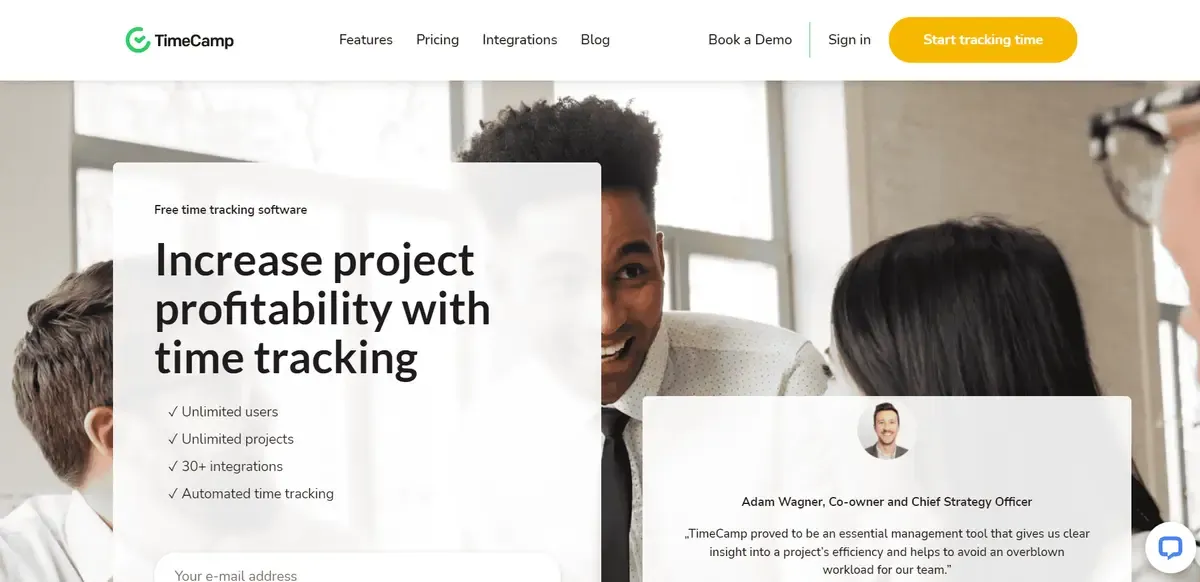
TimeCamp is a time tracking software that has been designed keeping in mind the user’s convenience through features like time entry notes, visual time tracking, analytical reports, etc. The tracking app is available for free but you can access additional advanced features through their upgrade plans. The free plan accommodates 5 users. A free trial of the upgrade versions is available to allow you to make an informed decision.
Features
- Track Profitability - TimeCamp allows you to track your time along with checking if the project is still within the budget With this feature budgeting, billing, and scheduling will become increasingly easy and flexible.
- Comments and Feedback - If you see some error or a wrong entry in the timesheet, you can simply leave a comment on the employee’s timesheet. The employee will be sent a notification and he/she can fix the error as soon as possible.
Pricing
| Plan | Pricing/Month (Billed Monthly) | Pricing/Month (Billed Annually) |
|---|---|---|
| Free | $0 | $0 |
| Basic | $7 | $6.3 |
| Pro | $10 | $9 |
| Enterprise | Contact Support | Contact Support |
Best for
It is appropriate for freelancers, small, and mid-sized enterprises, and businesses. However, its numerous integration options can be useful for large-sized enterprises also. Its largest customer base is small businesses, around 40%.
Time Doctor
Time Doctor is a highly efficient time tracking app as it not only tracks the time of each employee but collective hours spent completing a project or task. This helps send clients a detailed report and follow an accurate hourly payment schedule. It can also provide employees with reports and insights on their productivity.
The numerous integration options provided by Time Doctor are also extremely helpful. For effective team collaboration Time Doctor is undoubtedly the best solution you can count on.
Features
- Project Management & Budgeting - Time Doctor allows you to focus by alleging all the elements of your project in one spot. As an admin, you can take care of assignments, expenditures, funding, deadlines, working hours, and salary simultaneously from one place.
- Distraction Alerts - To help you stay focused on the tasks at hand, the app will send you an alert the moment you go off track. Its detects screen time on Facebook, YouTube, Instagram, non-work-related websites, etc.
Pricing
| Plan | Pricing/Month (Billed Monthly) | Pricing/Year/User |
|---|---|---|
| Basic | $7 | $70 |
| Standard | $10 | $100 |
| Premium | $20 | $200 |
Best for
It is best suited for mid and large-sized enterprises/businesses. The desktop application is a little tricky to use and can be difficult for a freelancer to operate it without support.
Toggl Track
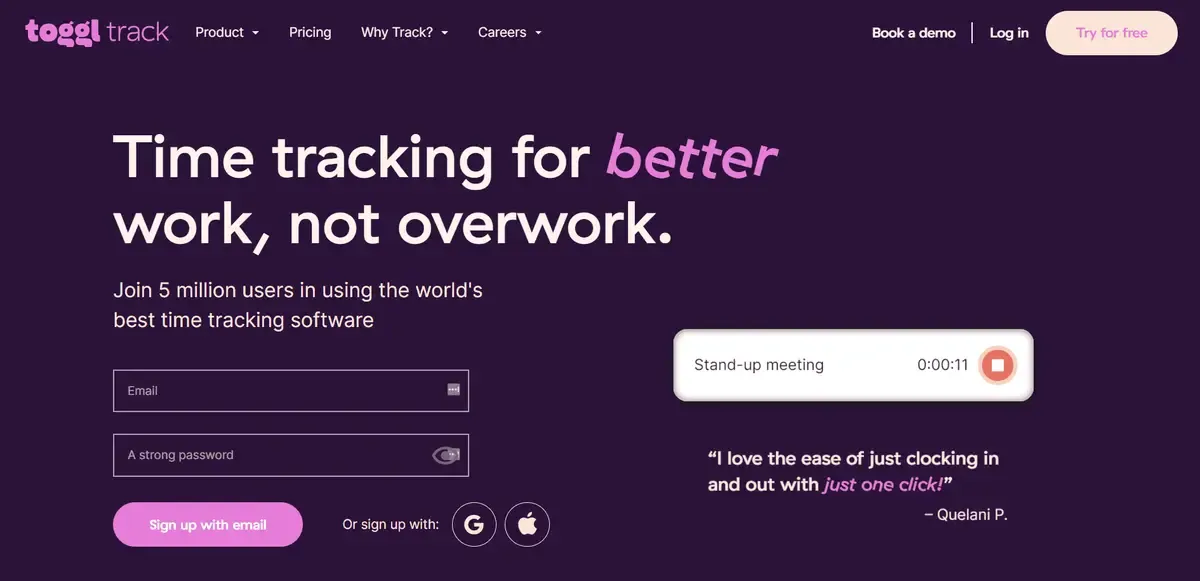
Toggle Track formerly known as Track has been awarded the Editors Choice Time Tracking Software for freelancers and small-sized businesses. As a freelancer, you can use this app to track your billable hours easily. Students can also use it to improve and manage their productive hours. The free plan can allow 5 users. For adding more users, upgrade versions can be used.
Features
- One Click Timers - With this feature you can track time across all the platforms simultaneously like browsers, mobile phones, and desktop apps. All the entries from the platform will sync automatically in the timesheet.
- Background Tracking - With background tracking all the applications and websites used while working will be tracked. The results will be automatically entered into the timesheets.
Pricing
| Plan | Pricing/Month (Billed Monthly) | Pricing/Month (Billed Annually) |
|---|---|---|
| Free | $0 | $0 |
| Starter | $10 | $9 |
| Premium | $20 | $18 |
| Enterprise | Contact Support | Contact Support |
Best for
It is best suited for freelancers and small-sized businesses. Free versions are available to help users make an informed choice.
Timesheets.com
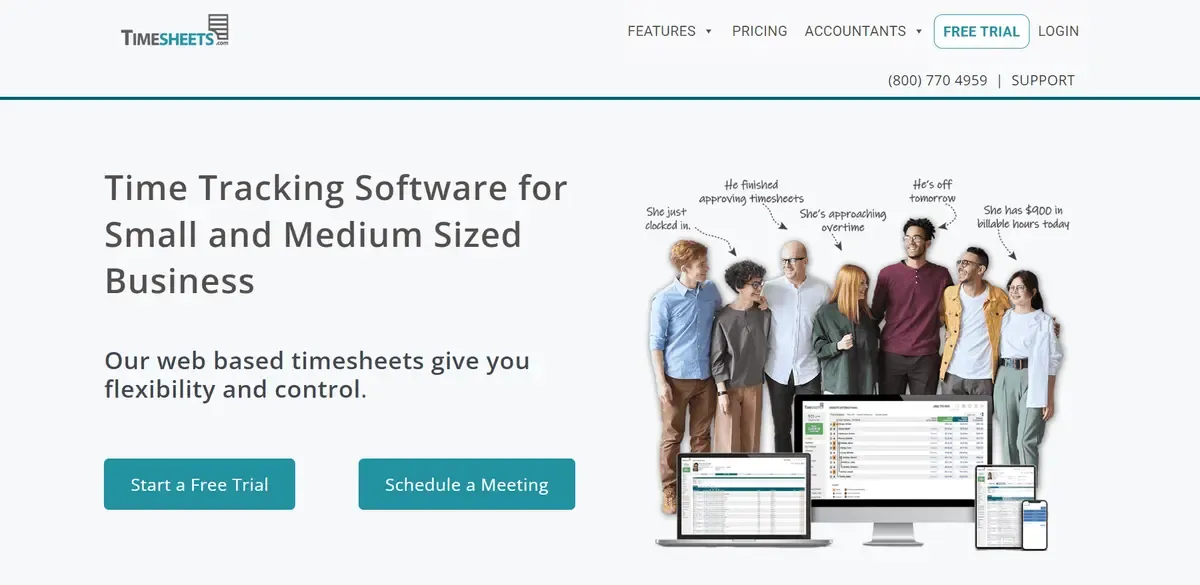
Timesheets.com is a cloud-based time tracking software that allows employee time tracking and management from anywhere. It also marks attendance to allow you to keep track of your employees productivity. It automatically detects calculation mistakes, and timesheet errors and sends alerts to fix them. With timesheets.com you can also restrict access of employees project to project basis.
Features
- Detailed Audit Trails - It can be difficult to keep track of all the expenses and the constant changes. However, with the detailed audit trails feature, you can track every change easily without having to do everything manually.
- Report Exporting - Timesheets.com does not only generate detailed and analytical reports but also allows you to export them in any other format you want like spreadsheets, pdf, text, etc.
Pricing
| Plan | Pricing |
|---|---|
| Freelancer | $0 |
| Standard | $4.50 |
| Nonprofit | $3.60 |
Best for
Timesheets.com is best suited for freelancers and non-profit organizations. No extra setup fees and base fees have to be paid. Nonprofit organizations can also avail some extra features and benefit from its great customer support team.
Conclusion
Now that you know about the benefits of a time tracking software, choose one from the list of the best time tracking software and get started. To learn more about them, you can visit their official websites and do some research.
A good time tracking software will not only streamline the workflows for you and your employees but also boost productivity. We advise you to begin using the software through a trial plan. This will allow you to make an informed and check if the functionalities of the software cater to the need of your organization or not. Happy time tracking!