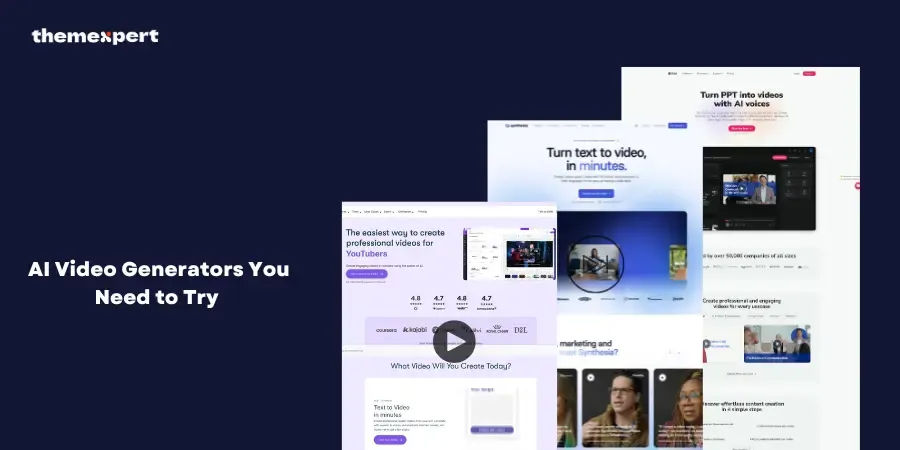
AI video generators are changing the way we create content. Whether you’re a marketer, content creator, or business owner, AI-powered tools can help you generate professional-looking videos quickly and effortlessly.
In this blog, we will explore the top 10 AI video generators to try in 2025, along with their features, pros, cons, and pricing details.
What Makes an AI Video Generator Stand Out?
With so many AI video generators available, it’s important to know what sets the best ones apart. Here are a few key factors to consider:
- Ease of Use: A good AI video generator should have a simple and intuitive interface that doesn’t require advanced editing skills.
- Customization Options: The best tools allow users to add text, animations, voiceovers, and branding elements.
- AI-Powered Automation: Smart AI features, like text-to-video conversion and automated scene transitions, make video creation easier.
- High-Quality Output: Videos should be generated in HD or 4K quality to ensure a professional appearance.
- Pricing & Accessibility: Affordability and flexible pricing plans make AI tools accessible to all types of users.
Quick Picks: The Best AI Video Generators
Here’s a quick comparison of the top 10 AI video generators based on platform, best use cases, and pricing.
| AI Video Generator | Best Suited For | Pricing |
|---|---|---|
| Synthesia | Business & Marketing | Start at $18/month |
| Pictory | Social Media & Short Videos | Start at $19/month |
| InVideo | Beginners & Quick Edits | Start at $28/month (Free plan available) |
| AI Studios | Realistic AI Avatars | Start at $24/month (Free plan available) |
| Imagine art | Advanced AI Video Editing | Start at $15/month |
| Elai | Personalized Video Content | Start at $23/month (Free plan available) |
| Veed | Online Video Editing & AI Features | Start at $19/month (Free plan available) |
| HeyGen | AI Avatars & Presentations | Start at $24/month (Free plan available) |
| Designs.ai | AI-powered Video Creation | Start at $29/month |
| Fliki | Text-to-Video & Voiceovers | Start at $21/month (Free plan available) |
1. Synthesia
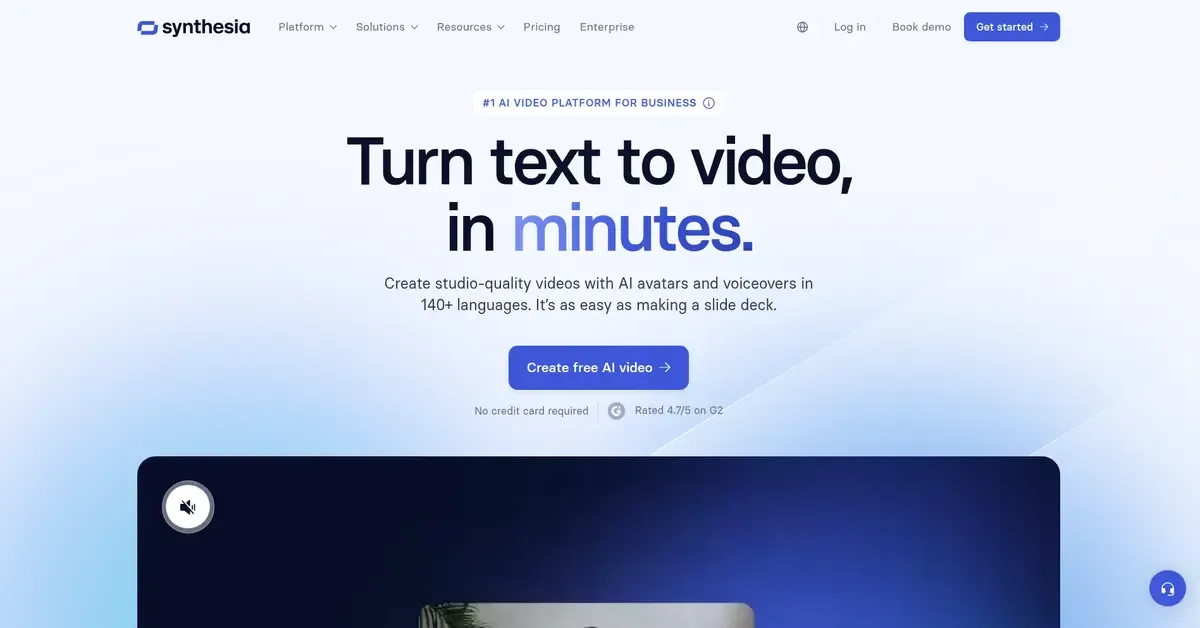
Synthesia is an AI-powered video creation tool that helps you make professional videos quickly. It’s perfect for businesses, marketers, or anyone who needs videos with AI avatars and voiceovers. You can create videos without the need for cameras or actors. Just type in your script, and the AI does the rest.
Features:
🟡 AI avatars that can speak multiple languages
🟡 Customizable voiceovers and subtitles
🟡 Wide range of templates for various industries
🟡 Easy text-to-video conversion
Pros & Cons:
| Pros | Cons |
|---|---|
| Easy to use | Limited customization for avatars |
| High-quality AI avatars | More expensive than some alternatives |
| Supports multiple languages | |
| Ideal for corporate videos |
Pricing: Start at $18/month
2. Pictory
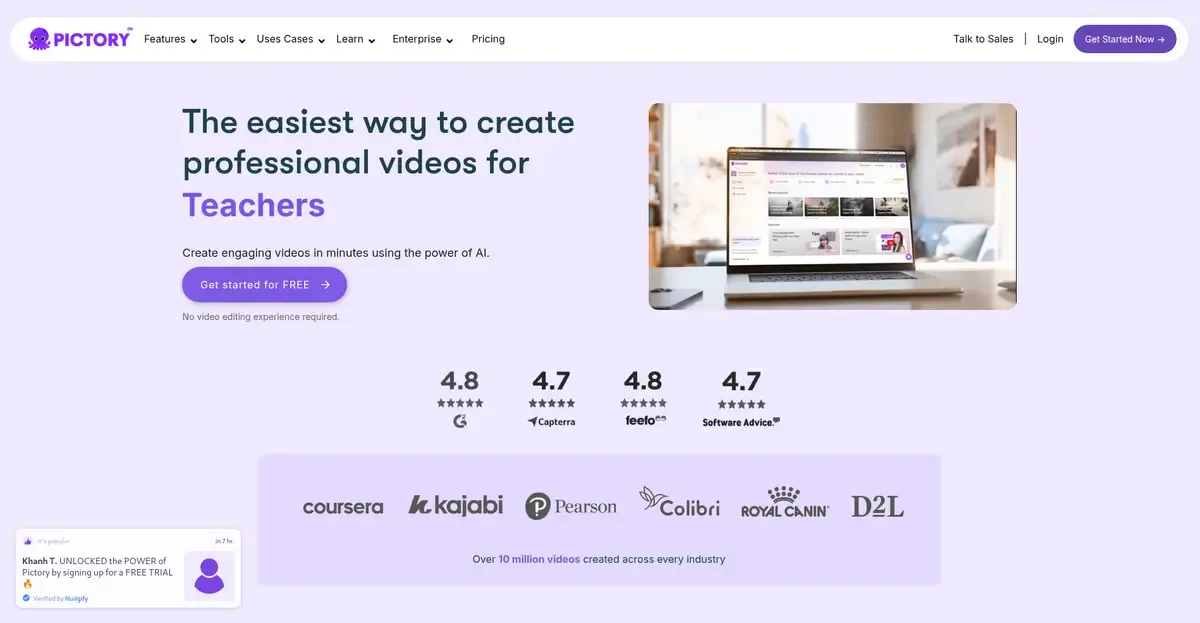
Pictory is an easy AI tool that turns your text into engaging videos. It’s perfect for content creators, marketers, or anyone who wants to turn blog posts or scripts into videos quickly. You don’t need any video editing skills, just input your text, and the AI does the rest.
Features:
🟡 Converts text into video automatically
🟡 Large stock media library
🟡 AI-powered voiceover generation
🟡 Automatic captioning and summarization
Pros & Cons:
| Pros | Cons |
|---|---|
| Easy to convert blog posts to videos | Limited manual editing options |
| Great for social media content | Watermark on free version |
| Auto-captions and subtitles | |
| No prior experience needed |
Pricing: Start at $19/month
3. InVideo
InVideo is an AI video generator that makes video creation simple for anyone. Whether you’re a beginner or an experienced creator, InVideo helps you make high-quality videos quickly. With thousands of templates, you can create videos for marketing, social media, and more without needing advanced skills.
Features:
🟡 Drag-and-drop video editor
🟡 AI-powered script assistant
🟡 Vast media library with stock images and clips
🟡 Supports voiceovers and text animations
Pros & Cons:
| Pros | Cons |
|---|---|
| User-friendly interface | Free plan has limited features |
| Tons of pre-made templates | Rendering speed can be slow |
| Ideal for beginners | |
| Good for marketing videos |
Pricing: Start at $28/month
4. AI Studios
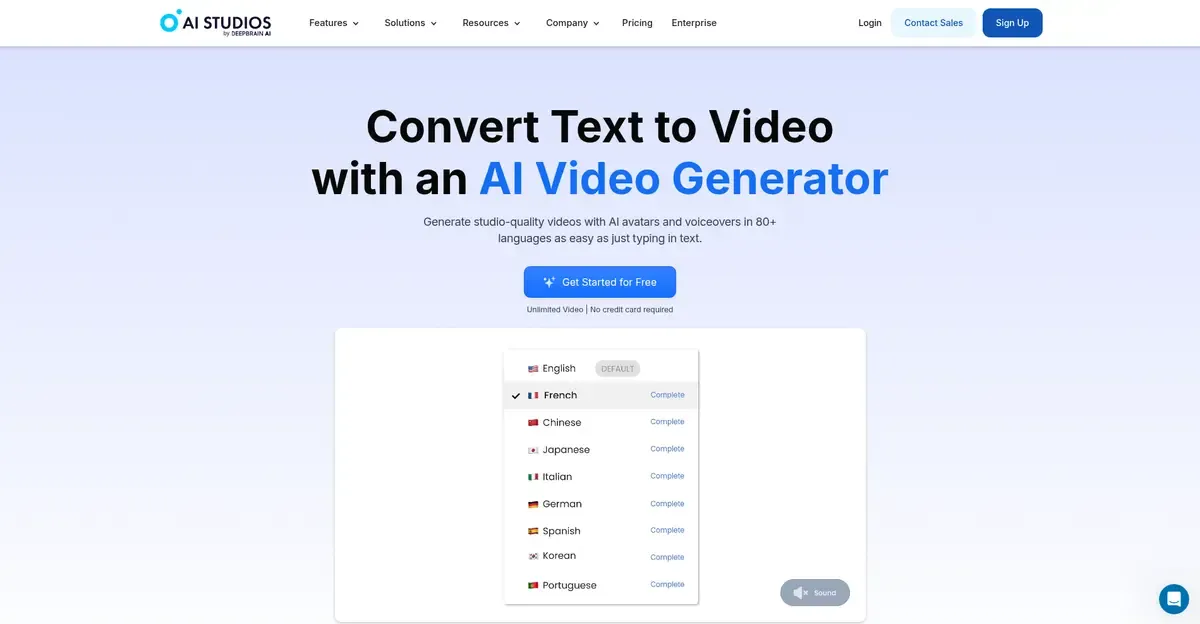
AI Studios is an AI video generator that helps you create high-quality videos with ease. It’s designed for marketers, businesses, and content creators who need professional videos fast. With AI Studios, you can create videos from scratch or use templates to make the process even easier.
Features:
🟡 AI-generated video creation
🟡 Customizable video templates
🟡 Text-to-speech voiceovers
🟡 Easy drag-and-drop editor
Pros & Cons:
| Pros | Cons |
|---|---|
| Simple and easy to use | Limited advanced features |
| Great for creating videos quickly | Requires internet connection |
| No video editing skills required | |
| Customizable templates for different industries |
Pricing: Start at $19/month
5. Imagine
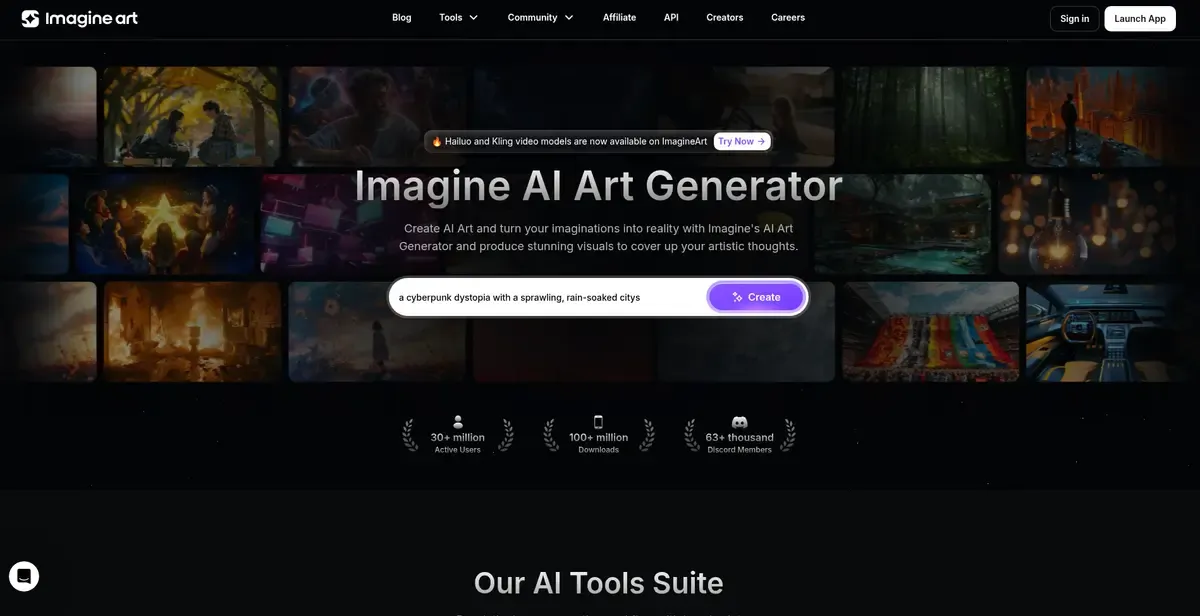
Imagine is an AI video generator that turns your ideas into creative videos. It’s perfect for artists, marketers, and creators who want to produce unique and engaging videos quickly. With Imagine, you can create stunning videos using AI without needing any prior experience in video editing.
Features:
🟡 AI-driven video creation
🟡 Customizable video styles and templates
🟡 Text-to-video conversion
🟡 Supports multiple formats and platforms
Pros & Cons:
| Pros | Cons |
|---|---|
| Easy to use with no editing skills needed | Quick video production |
| Great for creative and unique videos | Some templates may require premium plans |
| Wide variety of customizable templates | |
| Quick video production |
Pricing:Start at $15/month
6. Elai
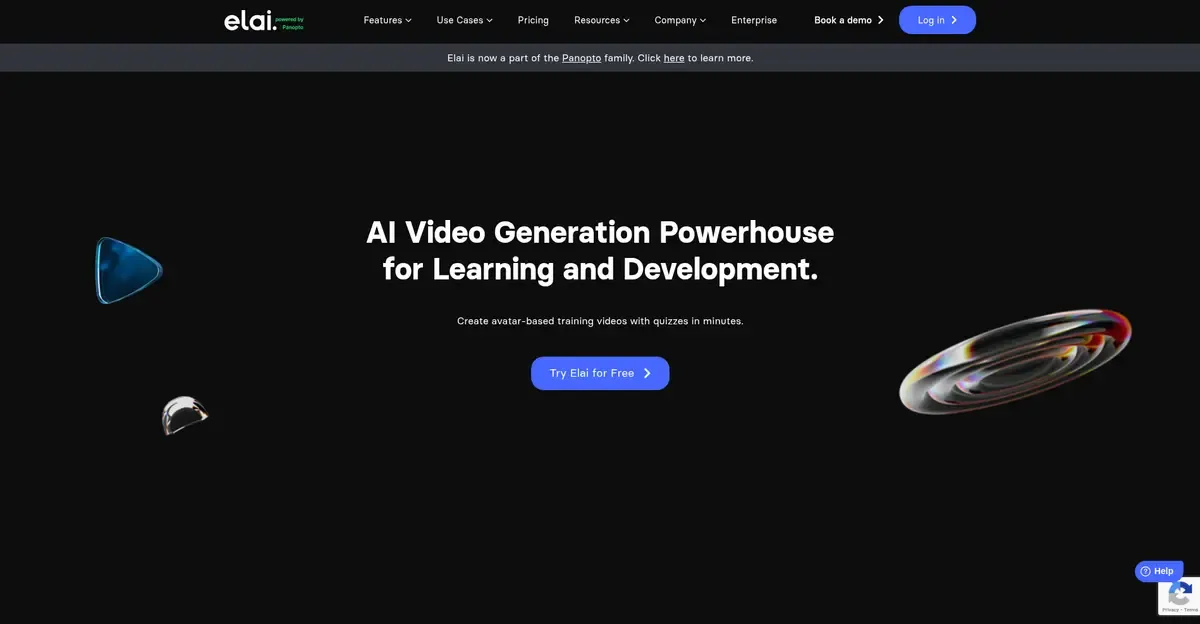
Elai is an AI video generator that helps you create personalized videos quickly. It’s great for businesses, marketers, and content creators who want to make custom videos with AI avatars and voiceovers. You can create videos in multiple languages, making it easy to reach a global audience.
Features:
🟡 AI-generated avatars
🟡 Personalized video creation
🟡 Multi-language support
🟡 Customizable templates
Pros & Cons:
| Pros | Cons |
|---|---|
| Easy to use, no editing skills required | Limited features in the free version |
| Great for personalized content | Can be expensive for some users |
| Supports multiple languages | |
| Customizable templates for different industries |
Pricing: Start at $23/month
7. Veed
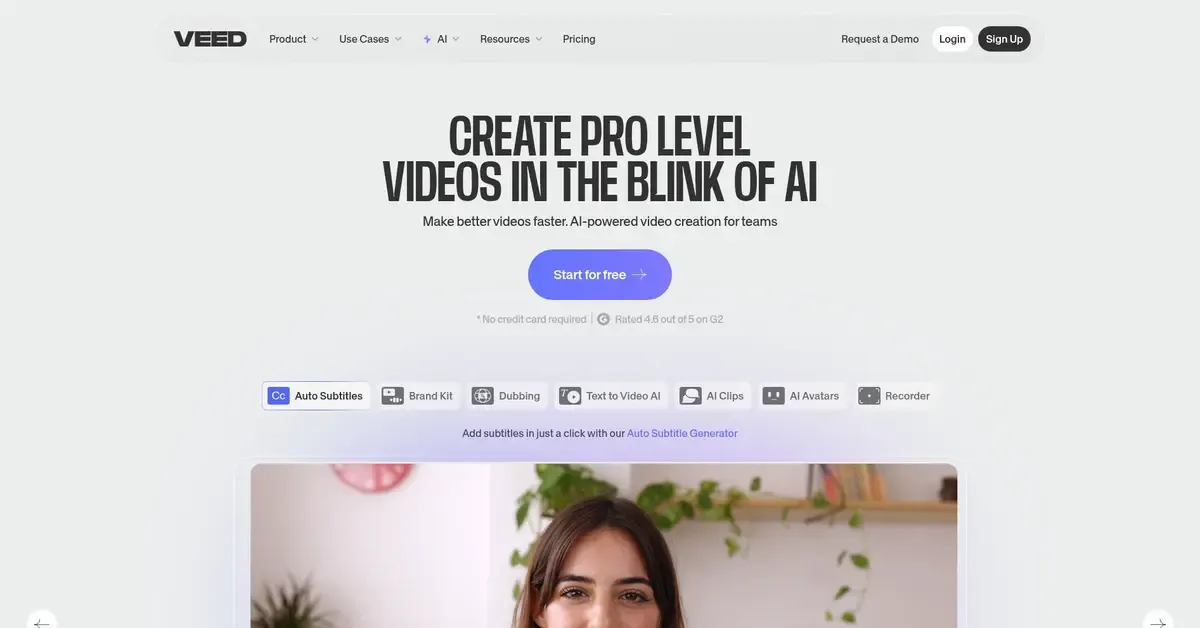
Veed is an AI video generator and editor designed for quick and easy video creation. It’s great for beginners and professionals who need to make videos fast. With its user-friendly interface, you can create videos, add captions, effects, and even voiceovers, all with AI-powered tools.
Features:
🟡 AI-powered video editor
🟡 Text-to-video conversion
🟡 Auto captions and subtitles
🟡 Supports video effects and voiceovers
Pros & Cons:
| Pros | Cons |
|---|---|
| Very easy to use, no editing experience needed | Can be slow for longer videos |
| Fast video creation with AI tools | Free version has limited features |
| Great for adding captions automatically | |
| Includes a range of video effects |
Pricing: Start at $19/month
8. HeyGen
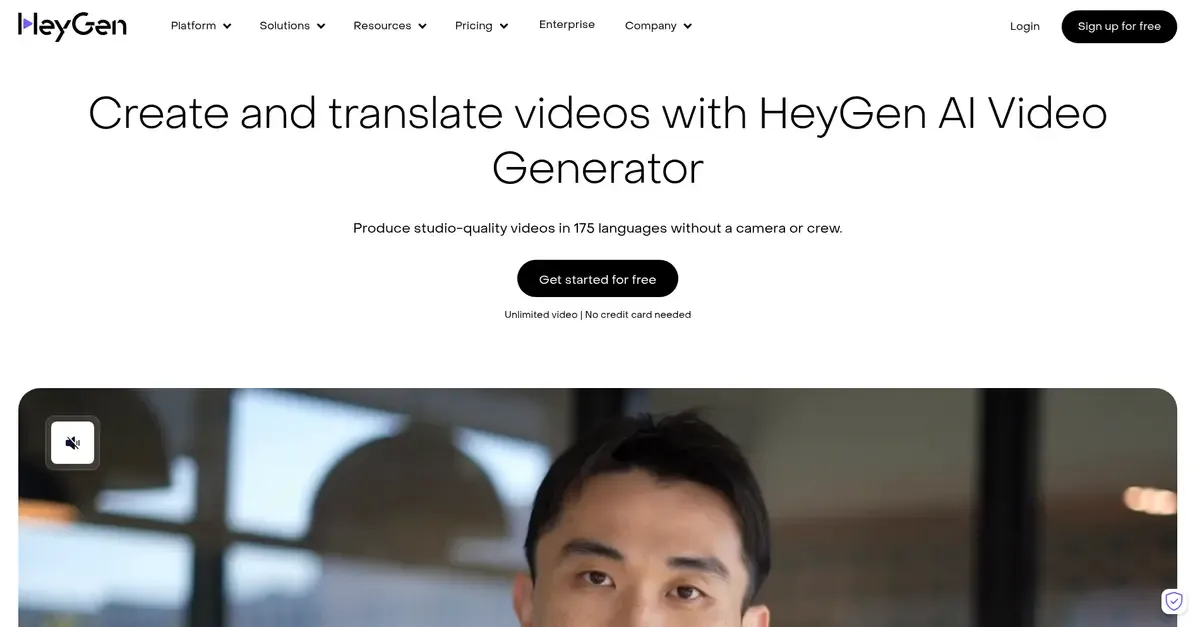
HeyGen is an AI video generator that creates videos with realistic AI avatars. It’s perfect for creating professional-looking videos for presentations, marketing, or content creation. With HeyGen, you can easily create videos in different languages using customizable avatars and voiceovers.
Features:
🟡 AI-generated avatars
🟡 Text-to-speech voiceovers
🟡 Multi-language support
🟡 Customizable video templates
Pros & Cons:
| Pros | Cons |
|---|---|
| Easy to use with no video editing skills required | Limited free features |
| Realistic AI avatars | Limited editing flexibility |
| Great for creating presentations and marketing videos | |
| Supports multiple languages |
Pricing: Start at $24/month
9. Designs.ai
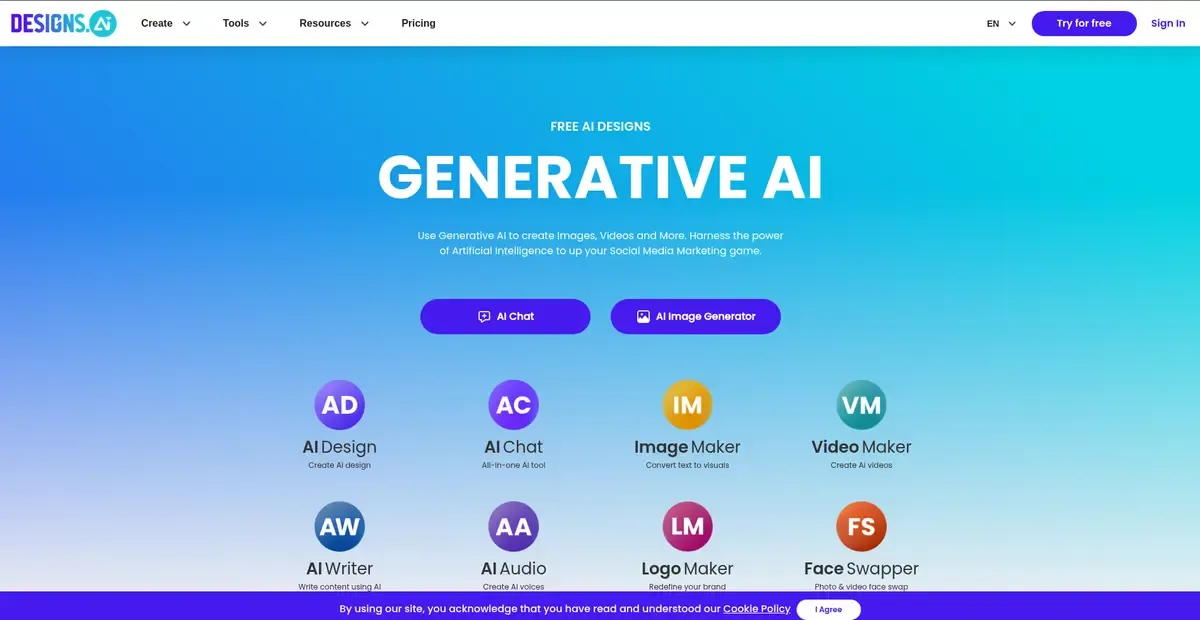
Designs.ai is an AI-powered tool that helps you create videos quickly and easily. It’s perfect for businesses, marketers, and creators who want to make engaging videos without the hassle of traditional video editing. With its simple interface and powerful AI tools, Designs.ai allows you to generate professional videos in just a few clicks.
Features:
🟡 AI-generated video creation
🟡 Customizable templates
🟡 Voiceovers and text-to-speech
🟡 Multi-format support
Pros & Cons:
| Pros | Cons |
|---|---|
| Easy to use, no editing experience needed | Limited features in the free version |
| Fast video creation process | Limited control over video customization for advanced users |
| Customizable templates for various industries | |
| Includes voiceovers and text-to-speech features |
Pricing: Start at $29/month
10. Fliki
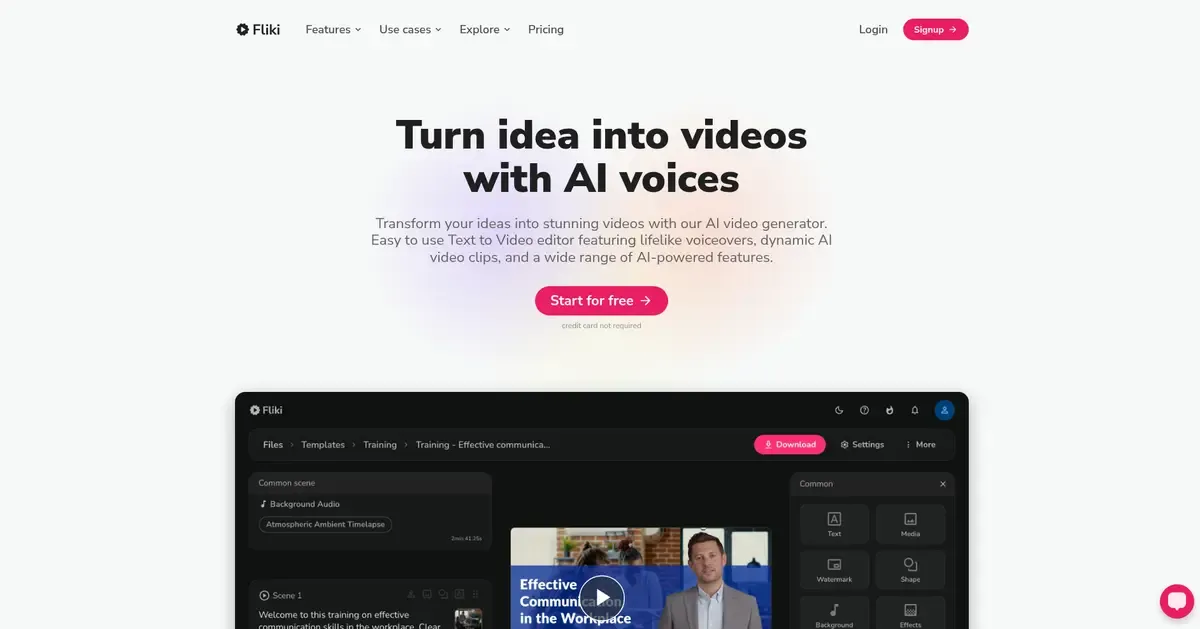
Fliki is an AI video generator that converts text into engaging videos. It’s perfect for creating videos from articles, blog posts, or any text content. With its easy-to-use platform, Fliki makes it simple to add voiceovers, images, and animations to your videos.
Features:
🟡 Text-to-video conversion
🟡 AI-powered voiceovers
🟡 Supports multiple languages
🟡 Customizable video templates
Pros & Cons:
| Pros | Cons |
|---|---|
| Quick and easy text-to-video creation | imited features in the free version |
| Supports voiceovers in multiple languages | Some templates and features are only available in the paid plan |
| Great for creating educational and informative videos | |
| Simple interface, no editing skills needed |
Pricing: Start at $21/month
AI Video Generators: Making Video Creation Easy
Today, videos are more important than ever. Everyone needs high-quality videos for marketing, social media, and education. This is where AI video generators help. These smart tools turn text, images, and scripts into great videos in just a few clicks. But with so many options, which one is the best?
A good AI video generator should be easy to use, have a big library of stock footage, and offer background music options. It should also support different video sizes for social media. If you make educational or training videos, having a tool that helps with video scripts is very useful. The right AI video generator makes video creation simple and fun.
Key Features of a Good AI Video Generator
| Feature | Description |
|---|---|
| Video Quality | High-definition video output for professional results |
| Easy to Use | Simple interface for beginners and experts |
| Stock Footage | Large library of images and video clips |
| Background Music | Various music tracks to enhance videos |
| Multiple Video Sizes | Supports different formats for social media |
A great AI video generator saves time, boosts creativity, and makes video creation effortless. Choose the one that fits your needs and start creating amazing videos today!