
Uizard
AI UI/UX design and wireframe prototyping tool
An AI-powered product design and UI prototyping tool that turns hand-drawn wireframes and screenshots into editable, clickable digital mockups.
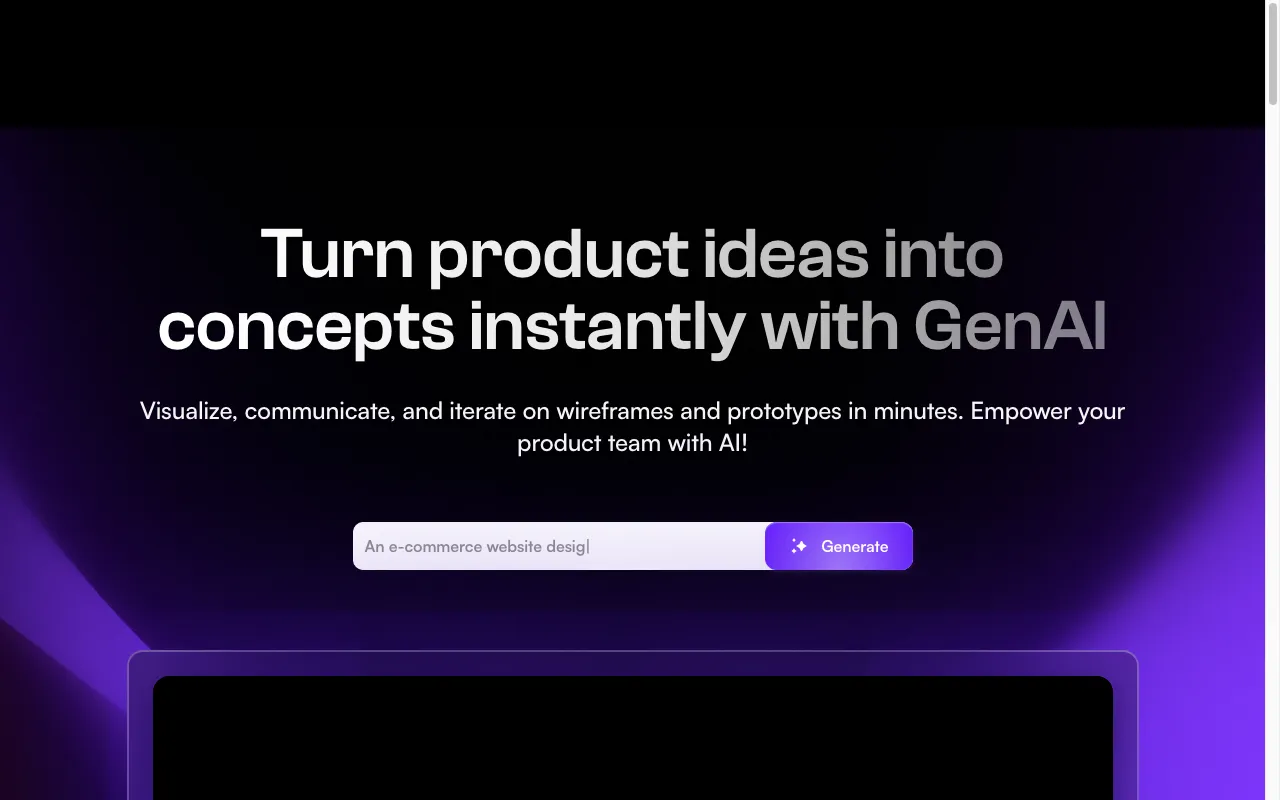
Uizard is built for product managers, non-designer founders, and consultants who need to transform app ideas into clickable digital prototypes without spending weeks learning complex vector design software. Its Autodesigner engine interprets natural language prompts and generates cohesive multi-screen user journeys complete with navigation bars, forms, and cards.
One of its most practical capabilities is the Wireframe Scanner. You can sketch interface ideas on a whiteboard during a morning brainstorm, snap a photo on your phone, and Uizard instantly digitizes the boxes, text labels, and buttons into editable UI components.
The limitation is that Uizard is optimized for rapid prototyping and validation rather than full production design system engineering. When an application moves into final design token architecture and developer handoff, teams usually export concepts into Figma or frontend codebases.
Features
Autodesigner 2.0
Generates multi-screen mobile and web UI layouts from plain English text prompts.
Wireframe Scanner
Converts hand-drawn sketches on paper or whiteboards into editable digital components.
Screenshot to UI
Uploads existing app screenshots and converts them into customizable component structures.
Interactive Prototyping
Link screen buttons to transitions to create clickable walkthroughs for stakeholder demos.
Use cases
- Rapidly visualizing product concepts during hackathons and founder pitches
- Transforming whiteboard meeting sketches into digital Figma-like components
- Creating interactive app prototypes for client validation without a design team
- Generating color palettes and typography systems automatically from inspiration URLs
Compare Uizard head to head
Side-by-side comparisons, on pricing, platforms and where each one wins.















Looking for something similar?
Other design tools worth comparing against Uizard.