
Julius AI
Chat with spreadsheets and data files in plain English
An AI data analyst that takes a spreadsheet, CSV or PDF upload and answers questions about it in natural language, generating charts, tables and statistical summaries on request.
Picked for Literature Review & Evidence Kit.
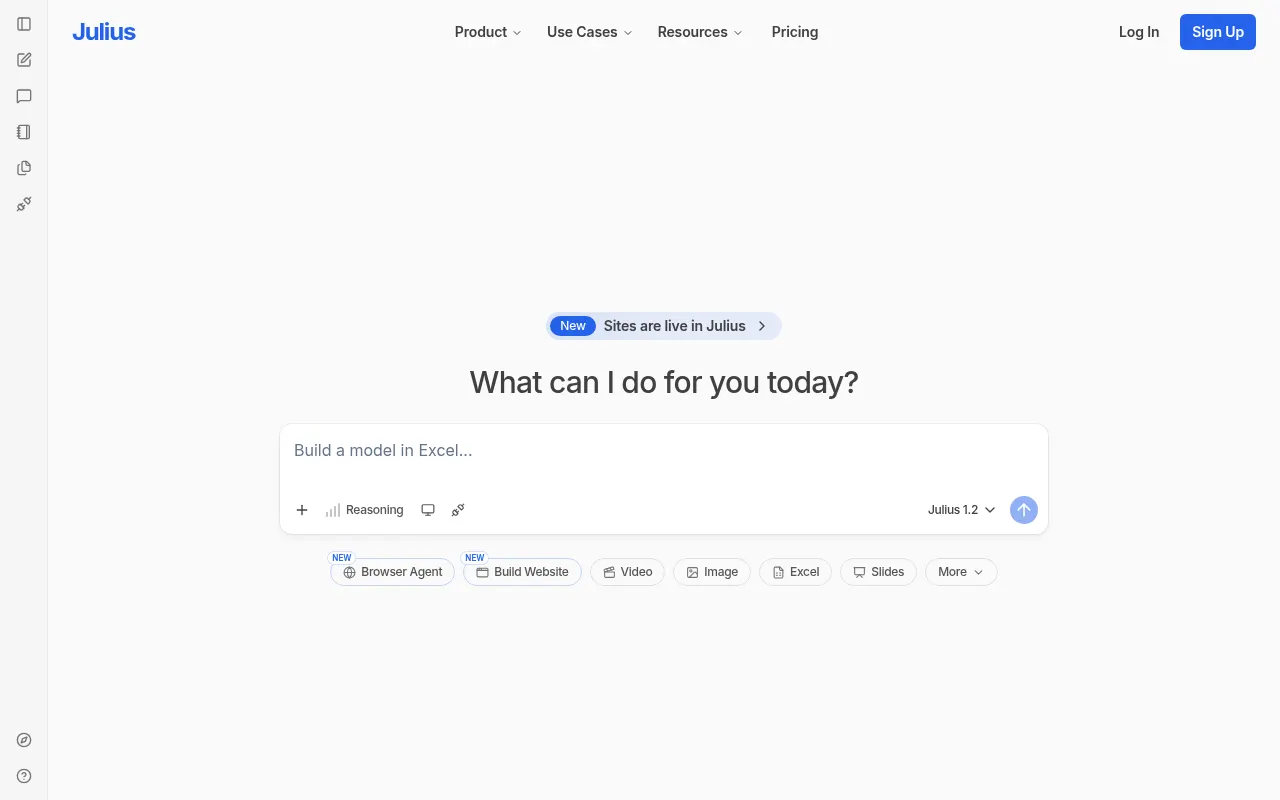
Julius AI’s premise is that most people who need to analyze a spreadsheet don’t want to write formulas — they want to ask a question and get an answer. Upload a file, describe what to find, and it writes and runs the underlying analysis itself, returning a chart, table or summary rather than a formula to copy.
It suits people who hit data occasionally rather than constantly — a marketer looking at a campaign export, a student working through a dataset for a class, anyone who’d otherwise open a spreadsheet and stall on where to start. The range of accepted formats, including PDFs and images, makes it more flexible than a tool built strictly around CSVs.
The obvious risk with any LLM doing analysis is a confidently wrong answer — a misread column header or a miscounted group can produce a clean-looking chart built on a mistake, and there’s no substitute for checking the underlying numbers on anything that matters. It’s also built for exploration and one-off questions, not for the kind of governed, repeatable reporting a real BI tool is meant to handle.
Features
Natural-language analysis
Ask questions about an uploaded dataset in plain English, without writing formulas or code.
Multi-format uploads
Accepts spreadsheets, CSVs, Google Sheets, PDFs and images as data sources for a single conversation.
Auto-generated visualizations
Produces charts and tables from a plain-English request rather than a chart-configuration menu.
Models Lab
Run the same prompt through different underlying AI models to compare how each interprets the data.
Real Python and R underneath
Analyses run as executed code, not as a language model describing statistics, and the code is there to check.
Conversational data cleaning
Reshape, deduplicate and fix types by describing the change, which is where most of the time in a real analysis goes.
Use cases
- Exploring a messy spreadsheet without writing pivot tables or formulas
- Turning a CSV export into a chart for a deck in one prompt
- Getting a quick statistical summary of a dataset before deeper analysis elsewhere
- Cleaning and reshaping a messy export by describing the change in words
- Running a regression or forecast without writing the code for it
- Answering a question about a dataset before deciding whether it deserves a real analysis
Compare Julius AI head to head
Side-by-side comparisons, on pricing, platforms and where each one wins.






Looking for something similar?
Other data & analytics tools worth comparing against Julius AI.