
Hex
Collaborative notebooks for SQL, Python and data apps
A collaborative data notebook mixing SQL, Python and Markdown, connected to a warehouse and publishable as an interactive report or app for non-technical stakeholders.
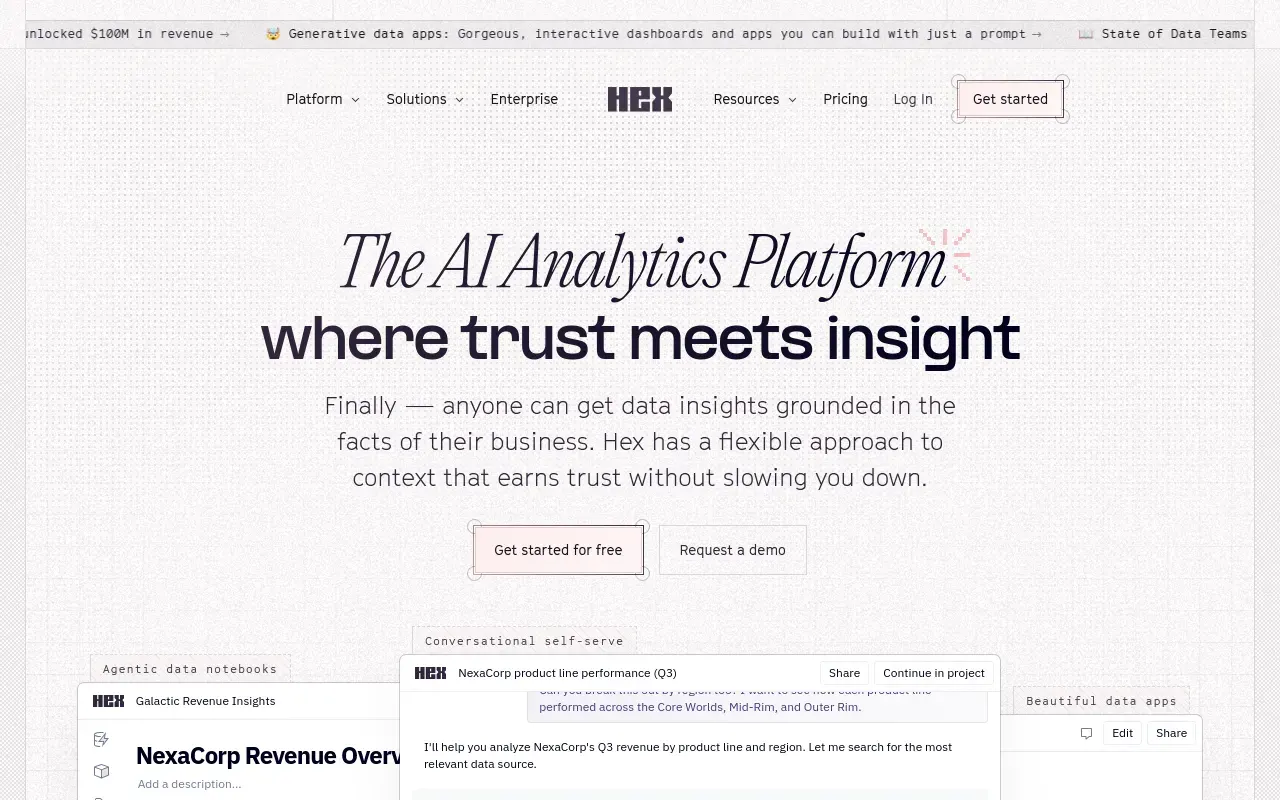
Hex sits between a data notebook and an internal-tools builder. The core document mixes SQL, Python and plain text the way a Jupyter notebook does, but it’s built for more than one person to be in it at the same time, and what comes out the other end can be published as an app rather than staying a file on someone’s laptop.
It suits data teams who currently pass notebooks around by exporting screenshots or copy-pasting query results into a doc — Hex’s collaboration model and published apps replace both of those steps. Connecting directly to a warehouse and letting a stakeholder click through a live report, rather than a static export, is the clearest value-add over a plain Jupyter or SQL client setup.
The compute-plus-seat pricing structure means the bill isn’t fixed the way a flat SaaS subscription is — a team running heavier queries pays more, which is fair but harder to budget for up front. And because the whole point is SQL and Python working together, it’s not a tool for someone who wants natural-language analysis with no code involved at all — for that, a tool like Julius AI is a better fit.
Features
Mixed-cell notebooks
SQL, Python and Markdown cells in one document, connected directly to a warehouse or database.
Real-time collaboration
Multiple people editing the same notebook at once, closer to a shared document than a solo analysis file.
Published apps
A notebook becomes an interactive report or data app that stakeholders can use without touching code.
Magic AI
Writes SQL from a natural-language description, and explains or suggests fixes for existing Python.
Warehouse connections
Connects to Snowflake, BigQuery, Databricks and Postgres directly, so an analysis reads live data instead of a stale extract.
Scheduled runs and alerts
A notebook can run on a schedule and notify when a number moves, which turns a one-off analysis into monitoring.
Use cases
- Building a shared analysis with SQL and Python in the same notebook as a teammate
- Publishing a recurring report as an interactive app for non-technical stakeholders
- Prototyping a small internal data app without standing up a separate front end
- Scheduling an analysis to refresh and alert when a metric moves
- Reviewing a teammate's analysis like a code change before it ships
- Answering an ad-hoc question from the business without building a dashboard for it
Compare Hex head to head
Side-by-side comparisons, on pricing, platforms and where each one wins.



Looking for something similar?
Other data & analytics tools worth comparing against Hex.